
A creature with a story to tell
AI Pokémon Generator
Create your original creature
History
Build an original Pokémon-inspired creature from one meaningful picture or a written idea. Start with a pet, a household object or your own sketch, then give it a memorable silhouette and an elemental mood. The youdot workflow creates a still image you can refine for a character sheet or story scene.
Create your creatureHow to make a creature from a photo
1. Choose one readable subject
Use a sharp single-subject picture with enough space around the ears, limbs or distinctive outline. A rabbit’s long ears and soft muzzle are stronger design cues than a crowded room. Avoid tiny subjects and screenshots with distracting labels.
2. Pick the right input mode
Choose Image to Image and add one source picture. Use Text to Image when you want to invent from words instead; that mode needs no upload. Keep the chosen mode aligned with the material you actually have.
3. Give the design one clear direction
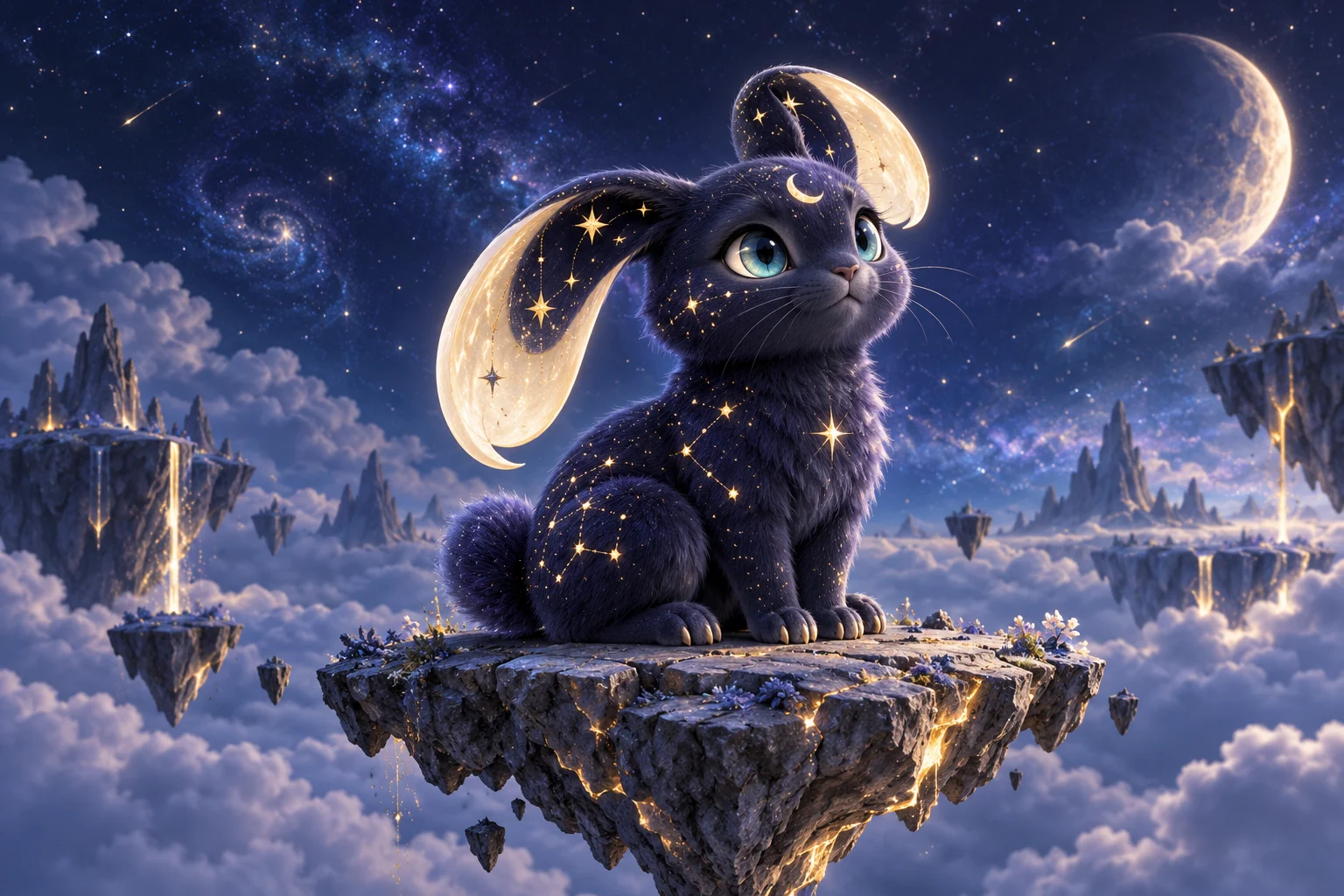
Keep two or three recognizable details and choose an element, mood or habitat. For a celestial rabbit, ask for crescent ears, a compact body and sparse star markings. Avoid combining many competing powers, costumes and backgrounds in one request.
4. Review before you build the story
Check the complete outline, limbs, eyes and markings after the task finishes. Save the version with the clearest identity. When refining, change one detail at a time so you can see whether the adjustment helped.
Choose a useful reference image
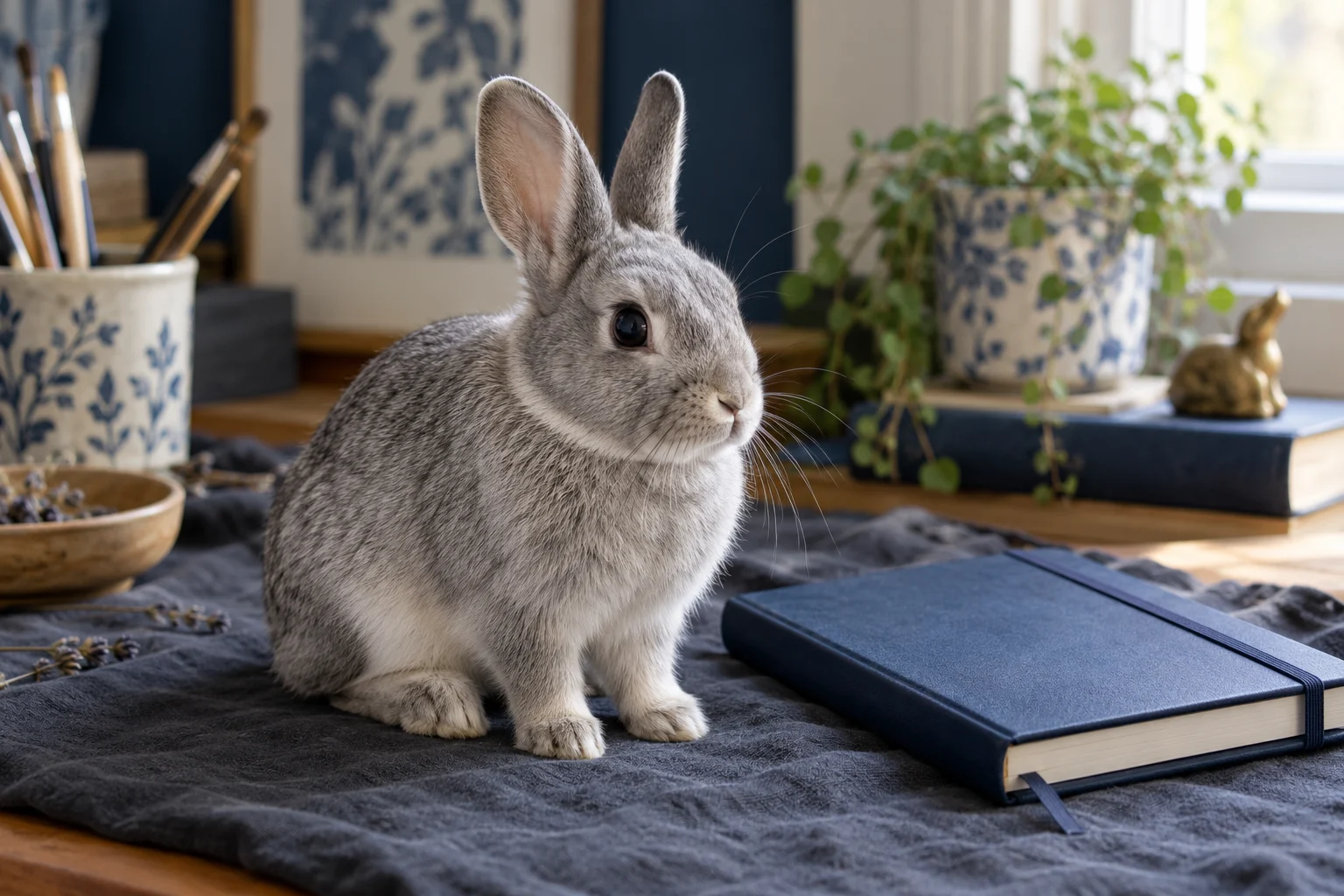
The photograph supplies visual clues rather than a guaranteed pose or background. Note the ear shape, fur pattern and expression you want to carry forward. Describe those details in the prompt instead of expecting every pixel to survive a fantasy transformation.
Check silhouette before small details
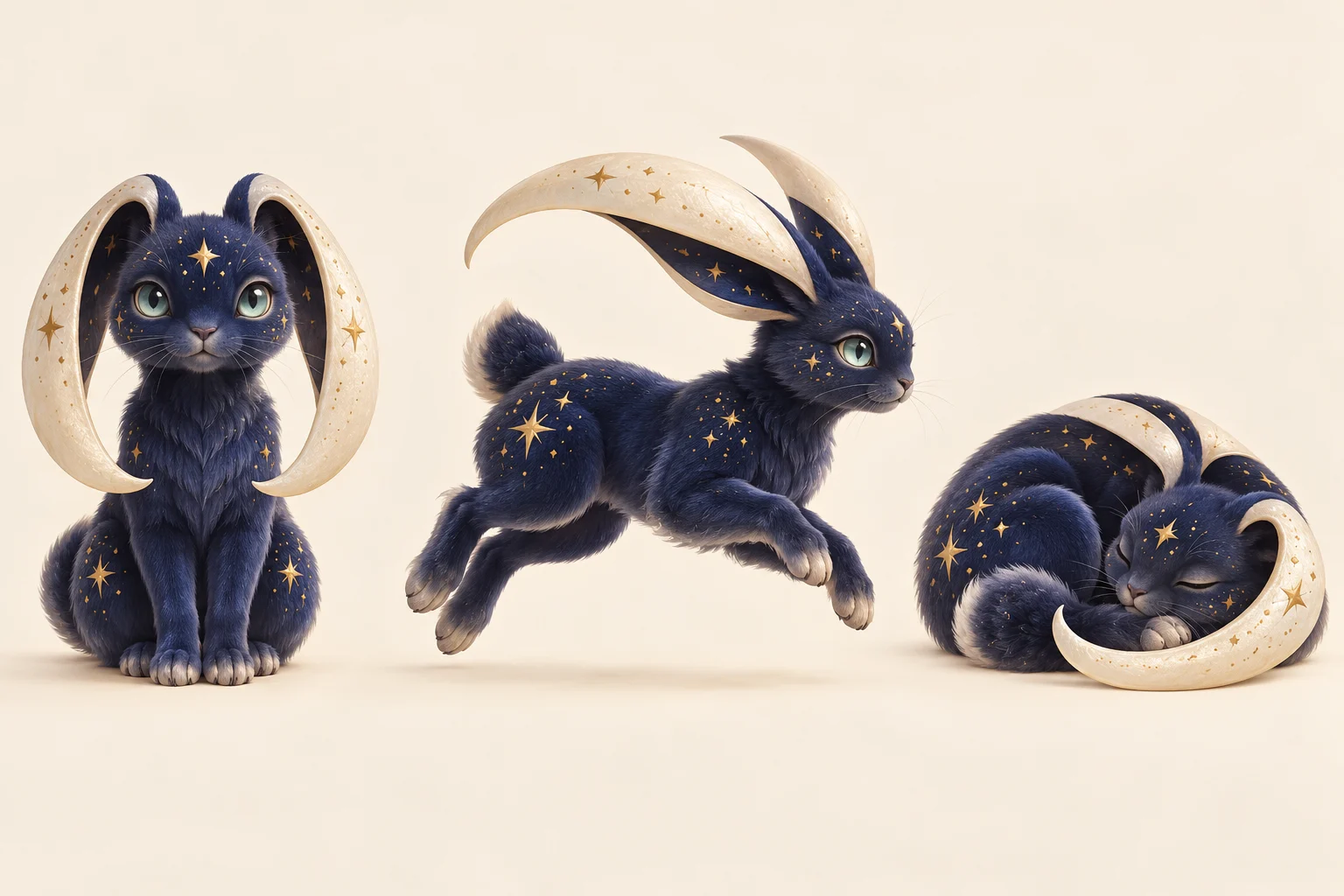
A character should remain readable when the image is small. Start with the outline, then inspect paws, the number of limbs, eye placement and the relationship between large and small features. A beautiful background cannot fix an unclear creature design.
Try this direction: “Keep the long crescent ears and indigo coat; simplify the gold markings, show the full body and leave space around the paws.” Treat a pose sheet as a composition request, not a guarantee of identical character geometry in every view.
Give your creature a setting
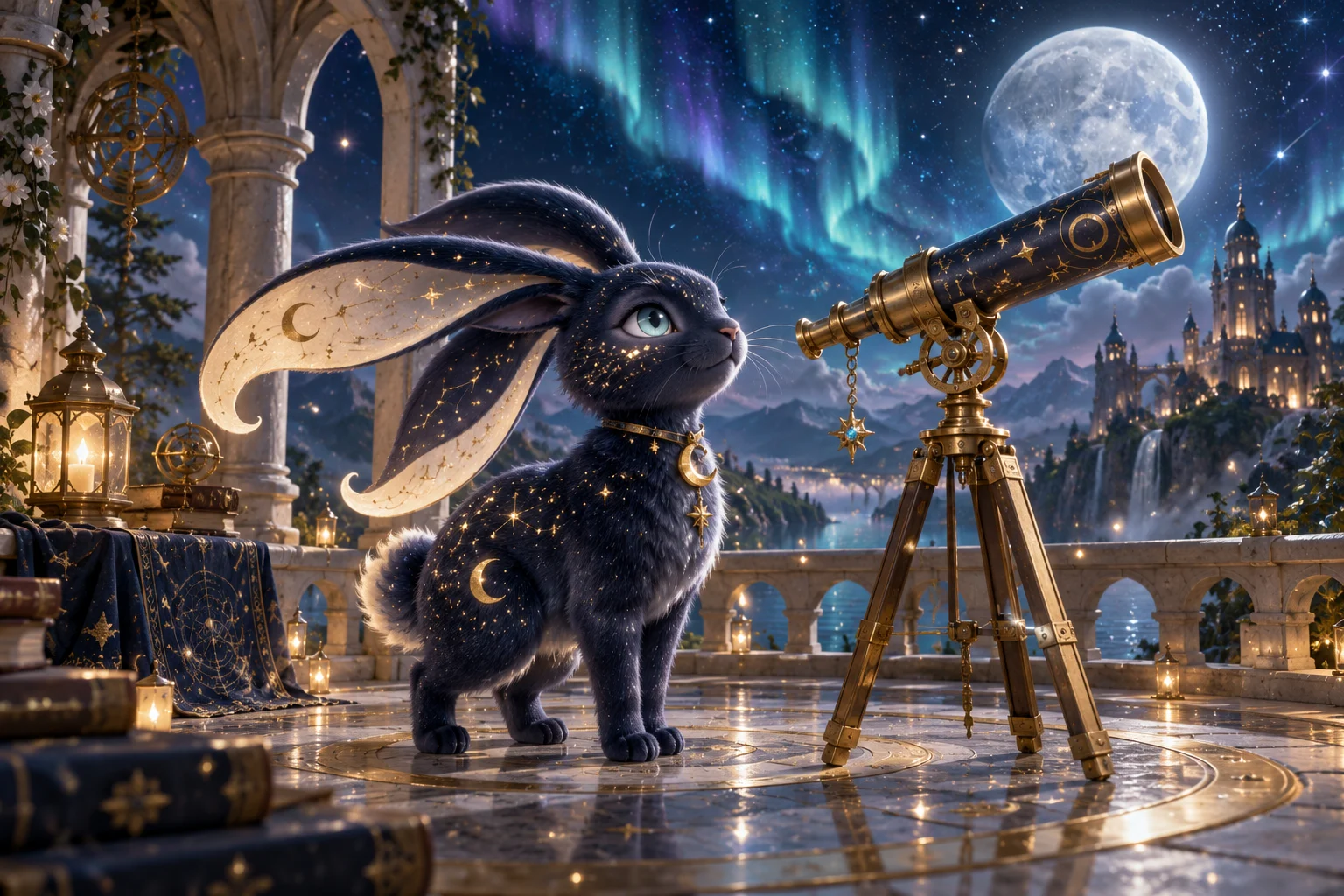
A character introduction
Use a simple standing pose and one environmental clue. A telescope, pond or stone path can suggest a role without overwhelming the creature.
A storyboard starting point
Compose a still image around one action or discovery. Keep the character large enough to inspect before considering a separate video workflow.
A personal collection
Explore several original creatures with different shapes and habitats. Give each one its own visual rule instead of only changing the color of the same design.
Continue your visual story
Explore image creation
Use the broader image workspace for another character idea or a different illustration direction.
Arrange a character board
Bring selected still images into a layout to compare views, moods or design alternatives.
Plan a separate motion project
Explore the video workspace when you are ready to develop a still character concept into a motion idea.
AI Pokémon generator questions
What is an AI Pokémon generator?
It is a creative image tool for Pokémon-inspired original creature ideas. On youdot, you can start with one picture in Image to Image or write a description in Text to Image. The page makes artwork, not playable game characters, game files or official trading cards.
What should I upload?
For Image to Image, choose one clear photo of a pet, object, person or sketch. Keep the main subject visible and use an image you are allowed to edit. For Text to Image, upload nothing: describe the creature, its strongest visual trait and a setting.
Can I try it for free?
The currently selected image model can use eligible free credits, but availability depends on your account balance and current site offers. Sign in to check your credits. A free model eligibility flag is not an unlimited generation allowance.
How many credits does a picture cost?
The checked youdot image catalog offers the selected image-editing model from 2 credits at its base setting. Resolution and future pricing updates can change the quote. Review the amount beside Generate before submitting; your current balance and the displayed quote govern the request.
How long does a creature image take?
Completion time varies with the selected model, output settings and queue. Follow the task status in History after submitting. This guide does not promise a fixed number of seconds; inspect the completed image before starting another attempt.
Can the same character appear in another scene?
Reuse a clear finished character image in Image to Image and describe one new setting. Keep its ear shape, markings, proportions and colors explicit. Compare the result with your reference; a new generation may change details.
Does this include animation or a background cutout?
This page produces still images. A scene does not become animated here, and an ivory background does not mean the file has transparency. Use a suitable separate tool for those next steps.
Is youdot an official Pokémon product?
No. This independent creative tool is for original Pokémon-inspired creature concepts. It has no affiliation with the franchise. Choose an original design and review the rights relevant to how you plan to use your artwork.
youdot.app · Updated
What's new on this page
- — Added an image generator, visual examples and guidance for this creative task. Added editable example prompts and separate drafts for text and reference modes, with an action to restore the example.