
A portrait for visual storytelling
Pumpkin Head Photoshoot
Create Pumpkin Photoshoot
History
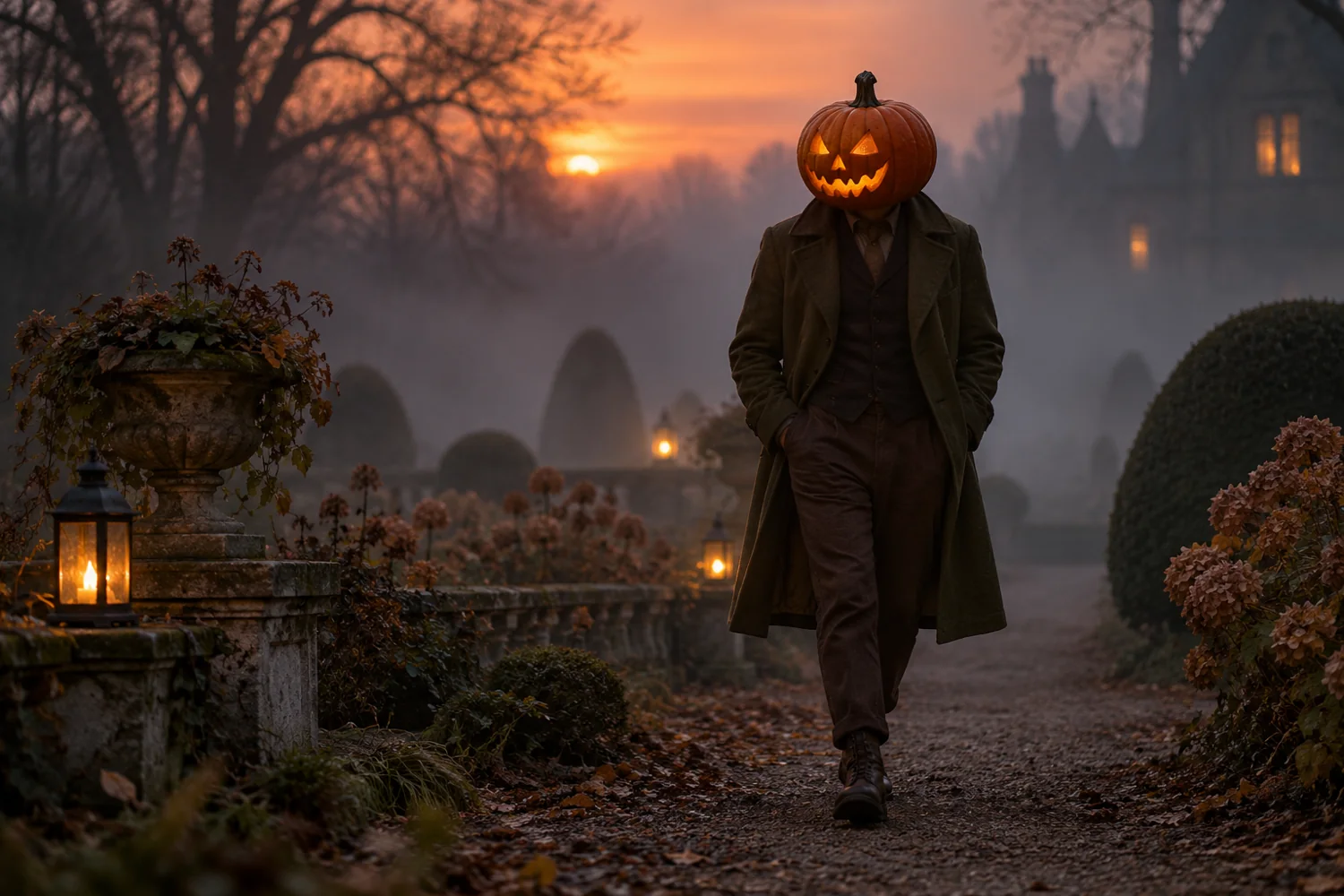
Start with a still portrait that can also serve as a visual brief for a later motion project. Preserve pose and clothing while changing the head and lighting. Upload one clear portrait. Choose a warm autumn or spooky Halloween direction in the prompt, then review the new head, clothing continuity, and background before saving.
Create Pumpkin PhotoshootHow to use Pumpkin Head Photoshoot
Plan the image for storyboards, video cover images, and seasonal scenes. Start with a suitable reference and use the live generator above.
1. Pick a clear portrait
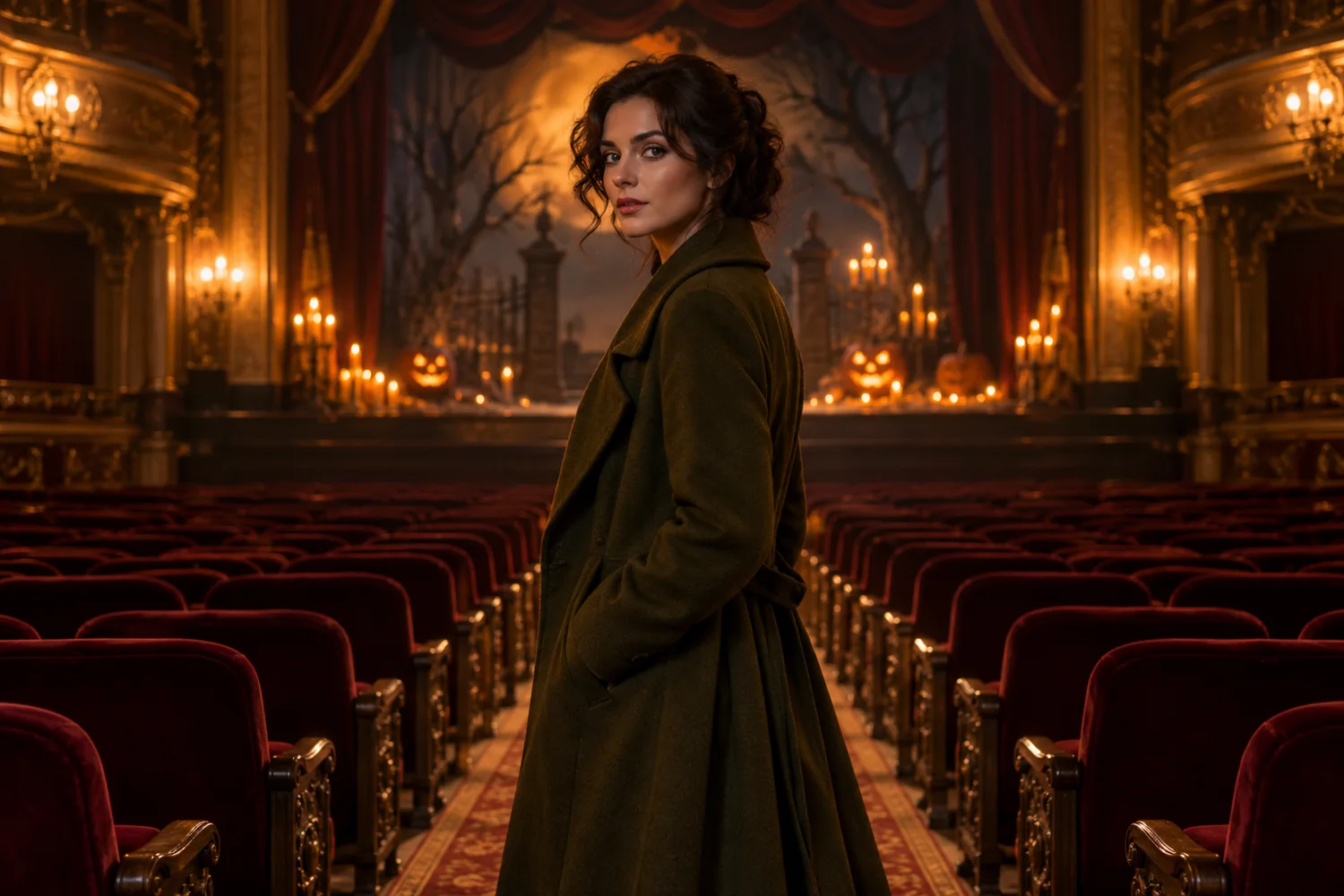
Select a portrait with a strong pose and a visible coat. A theater aisle or another simple setting gives the seasonal still a cinematic starting frame.
2. Describe the mood
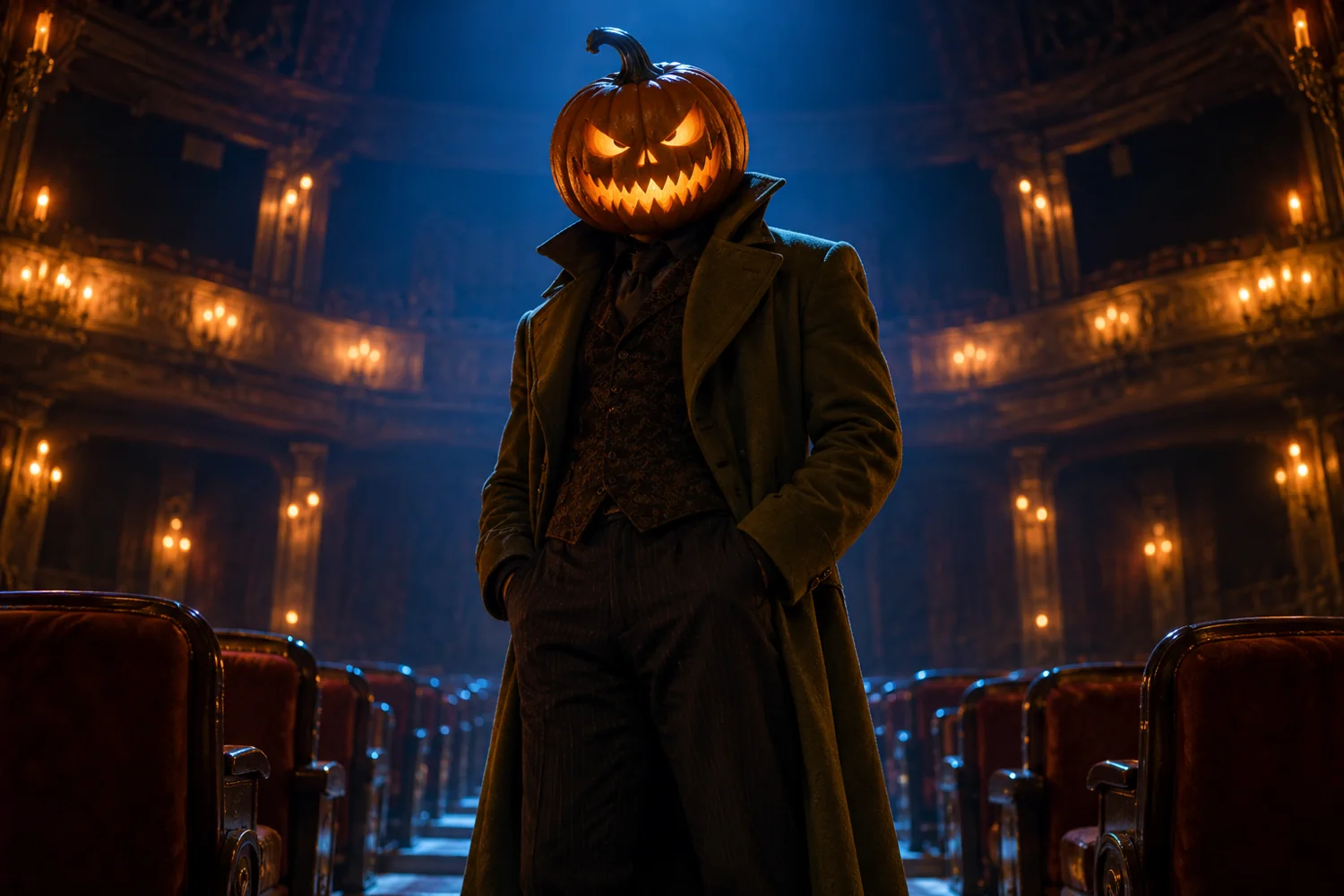
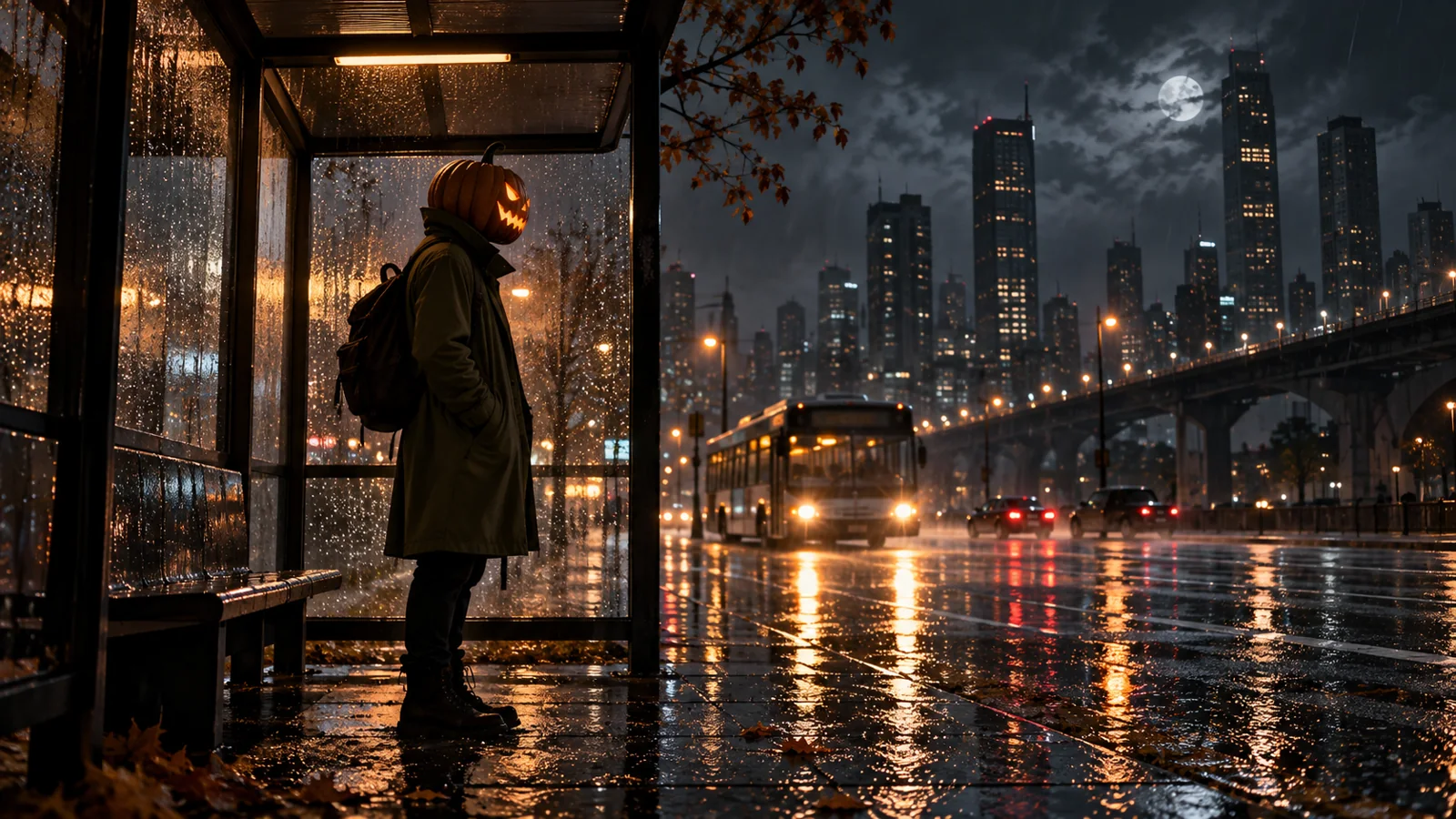
Specify whether the pumpkin is lit by warm stage lamps or cool city light. Describe one location so the resulting still has a coherent mood.
3. Inspect the result
Check how the carved head meets the collar and whether the olive coat remains legible. Revise the lighting or framing before adding extra scenery.
Portrait directions to explore
Ideas for youdot.app
A portrait for visual storytelling This workflow suits storyboards, video cover images, and seasonal scenes. Keep the main subject visible and use one image direction per generation.
Pumpkin Head Photoshoot FAQ
Do I need to upload a photo?
One uploaded portrait anchors the character and pose. A clear coat and face are enough to begin a pumpkin-head still image.
Can I choose a scary or cozy result?
Use stage lighting for theatrical warmth or a rainy night location for a darker frame. The available generation controls follow the selected model.
How do I see the price and progress?
Review the live quote before sending the request. History then shows the task status and the finished stills you can compare as visual briefs.
Related image tools
Continue with another image direction on this site.
youdot.app · Updated
What's new on this page
- — Added an image generator, visual examples and guidance for this creative task. Added editable example prompts and separate drafts for text and reference modes, with an action to restore the example.