
Prepare, direct, compare
Toc Toc AI Dance Generator: A Photo Preparation and Comparison Guide
Explore a clear Toc Toc dance
History
Loading history…
Your questions, answered
What is Toc Toc AI Dance Generator?
It creates an original short solo dance guided by a photo and a movement description. The knocking gestures, hops and steps are interpreted from your brief, with the completed motion available to review in History.
How do I start?
Choose reference-based video mode, upload a full-body adult photo and describe a short knock-and-step pattern. Check the available format, model and quote, then generate. Text to Video creates a written performer without a reference upload.
Can I try it for free?
Check your current account credits and the selected model’s access conditions. When the available balance covers the quoted job, you can generate without buying more credits.
What do I upload?
Use one adult standing with both feet flat and hands visible. Keep the whole head and shoes in frame, with spare space around the arms and beside the body. Avoid a source already cropped tightly around an action pose.
How much does it cost?
Read the live credit quote for the selected model and settings before submitting your solo dance video. Preparing inputs or editing a description does not start a generation.
When is the result ready?
Follow the submitted job’s estimate and progress. The model, settings and queue affect waiting; History keeps the completed clip available for review and download.
Start with a still pose that leaves room for a lively step. The Toc Toc AI Dance Generator on youdot.app explores a short solo routine from one full-body adult photo. Describe alternating knocking hands, a small bounce and sideways travel, then keep the camera calm enough to show them. A clear source and a focused movement brief make it easier to compare the whole performance rather than one attractive frame.
Generate a Toc Toc dance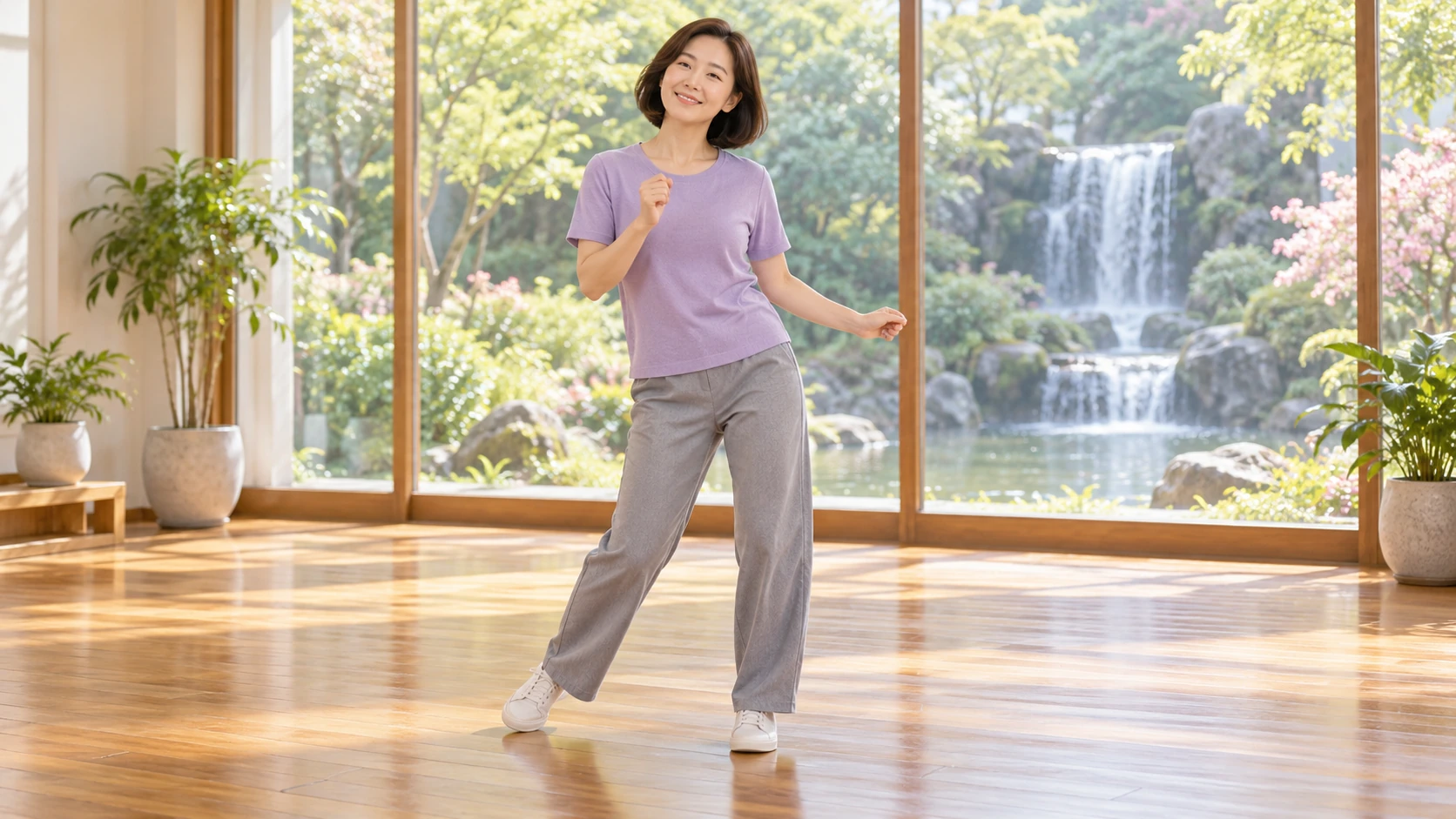
How to prepare a photo and compare outputs
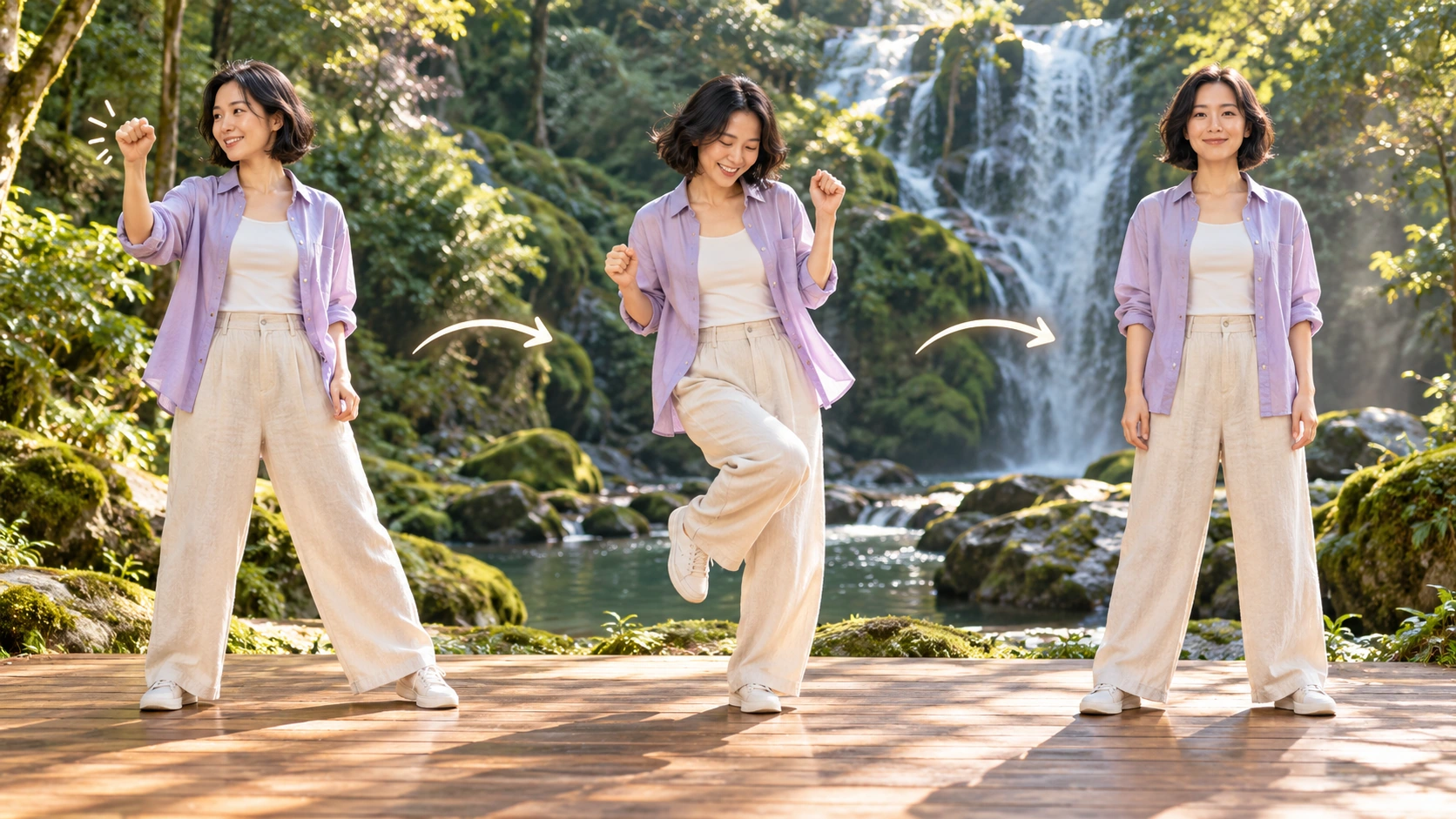
Prepare the full-body photo
Choose one adult photo where the whole body is visible, including feet. Use even lighting, a plain background and a steady camera angle. Avoid cropped limbs, heavy shadows and loose clothing that hides posture. Save a clean copy at the largest size you have, then upload it as the reference for the dance.
Set direction and model controls
Write an editable prompt that describes the knocking hand gestures, one-leg hops and sideways steps you want interpreted. Keep it short and concrete. Adjust the available model controls to suit the photo and intended mood. Remember the output is prompt-guided interpretation, not exact choreography transfer from a supplied motion video.
Review the quote, job and history
Read the displayed live credit quote before starting. Log in to your account, launch the generation job and wait for it to finish. Open History to compare this result with earlier attempts. Change one variable at a time, such as prompt wording or a model setting, so the comparison stays controlled.
What the output actually contains
Original Toc Toc inspired movement
The dance draws on alternating knocking hand gestures, bouncy one-leg hops and sideways steps. It is an original interpretation guided by your prompt, not a copy of a supplied motion-reference video. Expect variation between runs, and judge each clip by whether the gestures read clearly rather than by frame matching.
Single performer, steady full-body framing
Direct one performer in a steady full-body view so the hops and sideways steps have room to remain visible. Review the head, hands and feet throughout the finished clip, then note any camera drift or changes in appearance before revising the prompt.
Editable prompt and model controls
The generator gives you an editable prompt and model controls. Use them to steer energy, gesture emphasis and movement style, then regenerate. A live credit quote shows the cost before you commit. For controlled comparison, record which prompt and settings produced each result so later attempts stay measurable.
Practical scenarios for this workflow
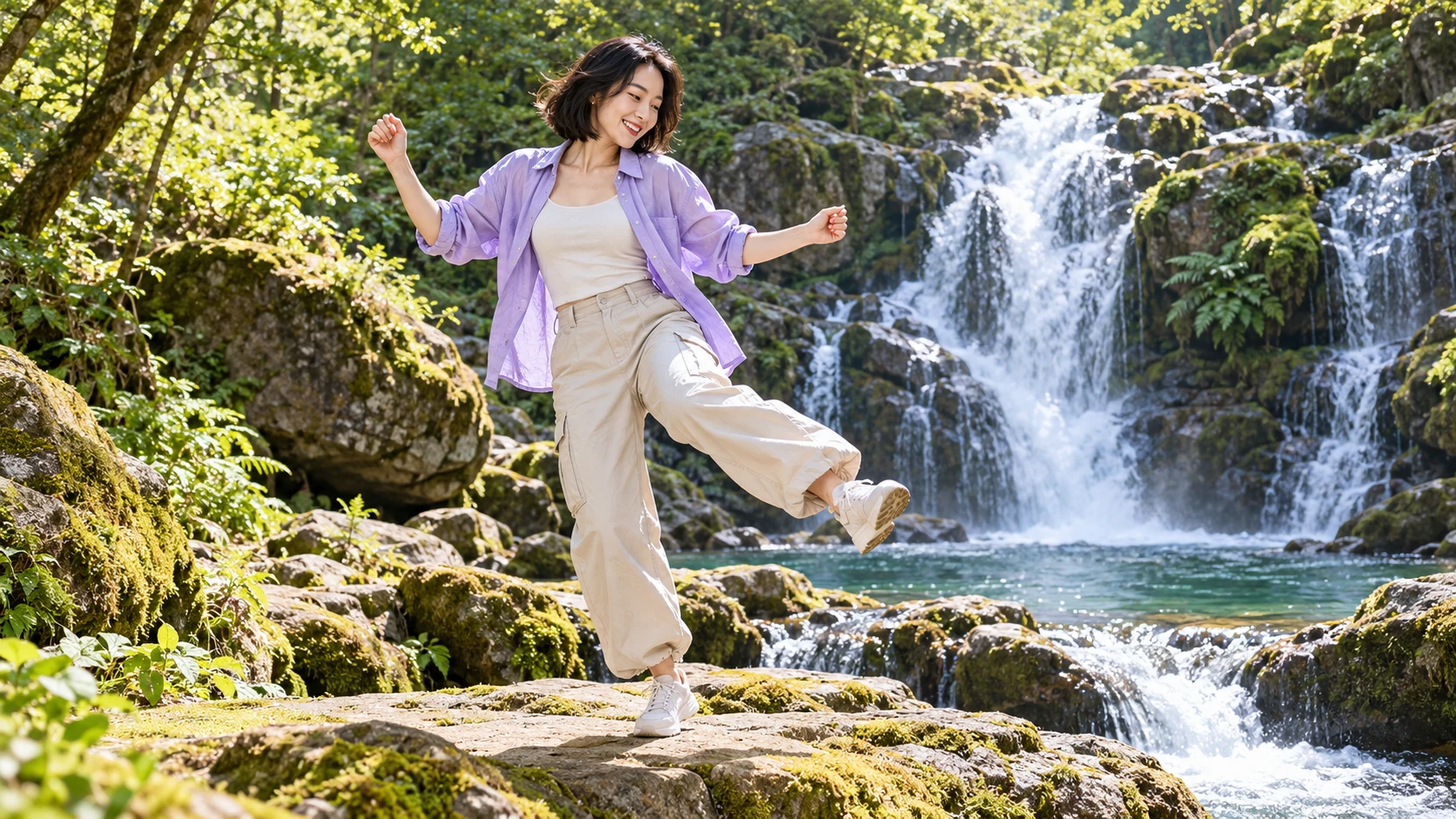
A clean baseline from one portrait
Upload a plain-background adult full-body shot. Generate one clip with a minimal prompt. Keep this as your baseline, then vary wording in later runs and compare each result against the baseline rather than against outside footage.
Testing gesture emphasis
Start from the same photo and alternate between prompts that stress knocking hands and prompts that stress sideways steps. Review both in History side by side to see which gesture reads more clearly at full-body distance and with the available lighting.
A small internal demo set
Build a small comparison from consenting adult colleagues using one clear photo each. Keep the framing similar, vary one movement instruction and use History to revisit the complete clips. Compare the readability of the hands and footwork before choosing a direction for the finished post.
Photo and review checklist
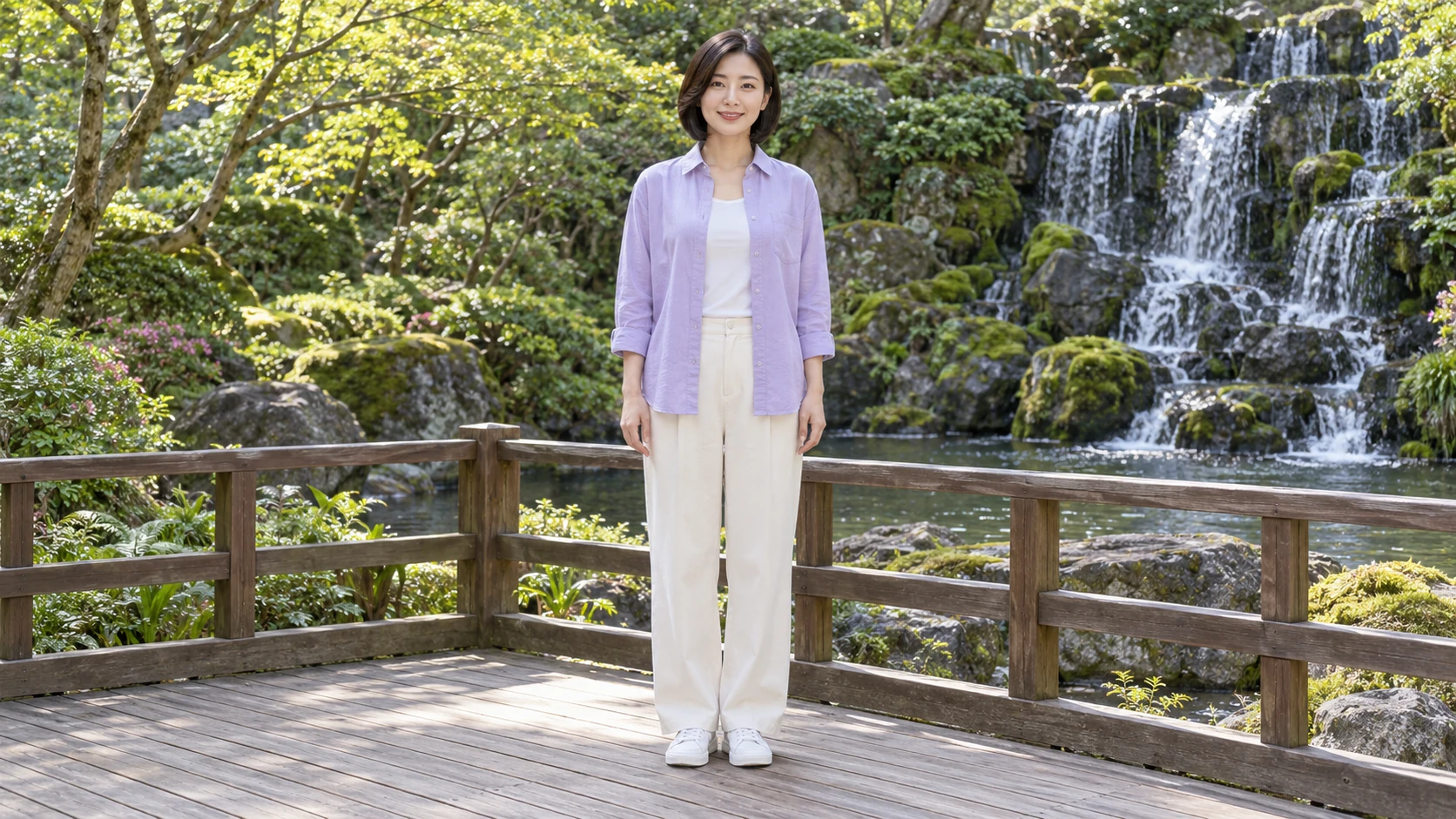
- Crop nothing from the feet to the top of the head, and keep the camera level.
- Change one prompt phrase or model setting per run so comparisons stay meaningful.
- Read the live credit quote before each job and note it beside the result in History.
Keep a neutral starting photo and a clear ending
A neutral source makes the movement easier to direct. The waterfall-deck preparation photo keeps both feet flat and the hands relaxed at the sides, so the body starts from an understandable position. The movement study then separates a knock, a light bounce and a return. Write that short sequence before adding mood words. If you want the performer to travel sideways, say how restrained the travel should be and leave enough floor around the source. A flowing top can add character, but clothing should not hide every change of weight or cover the hands that carry the central gesture.
Give the routine a place to settle. A final balanced pose helps the clip feel complete and gives you a useful frame for a post. Watch the transition into that pose: the feet should land coherently and the hands should finish without passing through the body. If the last moment feels abrupt, request a short held ending while keeping the rest of the brief unchanged. Compare the completed clips at their normal viewing size before zooming into details. History is useful for checking whether a smaller bounce or calmer side step actually improved the movement, rather than simply making one still frame look more polished.
Toc Toc AI Dance Generator FAQ
What kind of dance does this generate?
It produces an original short dance inspired by Toc Toc, with alternating knocking hand gestures, bouncy one-leg hops and sideways steps. The result is a prompt-guided interpretation rather than an exact copy of a supplied reference performance.
Which photo works best as input?
One clear full-body adult photo works best. The whole body should be visible, lighting even and the background simple. Avoid tight crops, motion blur and hidden feet, because the hops and sideways steps need a readable stance.
Can I control the style with a prompt?
Yes. The prompt is editable, so you can describe gesture emphasis, energy and movement character. Model controls add further direction. Keep descriptions concrete, and change one element per run when you want a controlled comparison.
Does it transfer exact choreography?
No. There is no supplied motion-reference video and no original song. The generator interprets your prompt and photo into new movement. Expect differences in timing and transitions, and review each clip on its own merits.
How do credits and accounts work?
Check your available credits without signing up and the live quote for the selected model and settings. If the balance covers that job, you can generate without buying more credits. Completed clips remain in History for review and comparison.
Prepare a photo and start a comparison
Upload one clear full-body adult photo, read the live credit quote, then generate and review the result in History.
Generate a Toc Toc danceContinue with a related creative guide
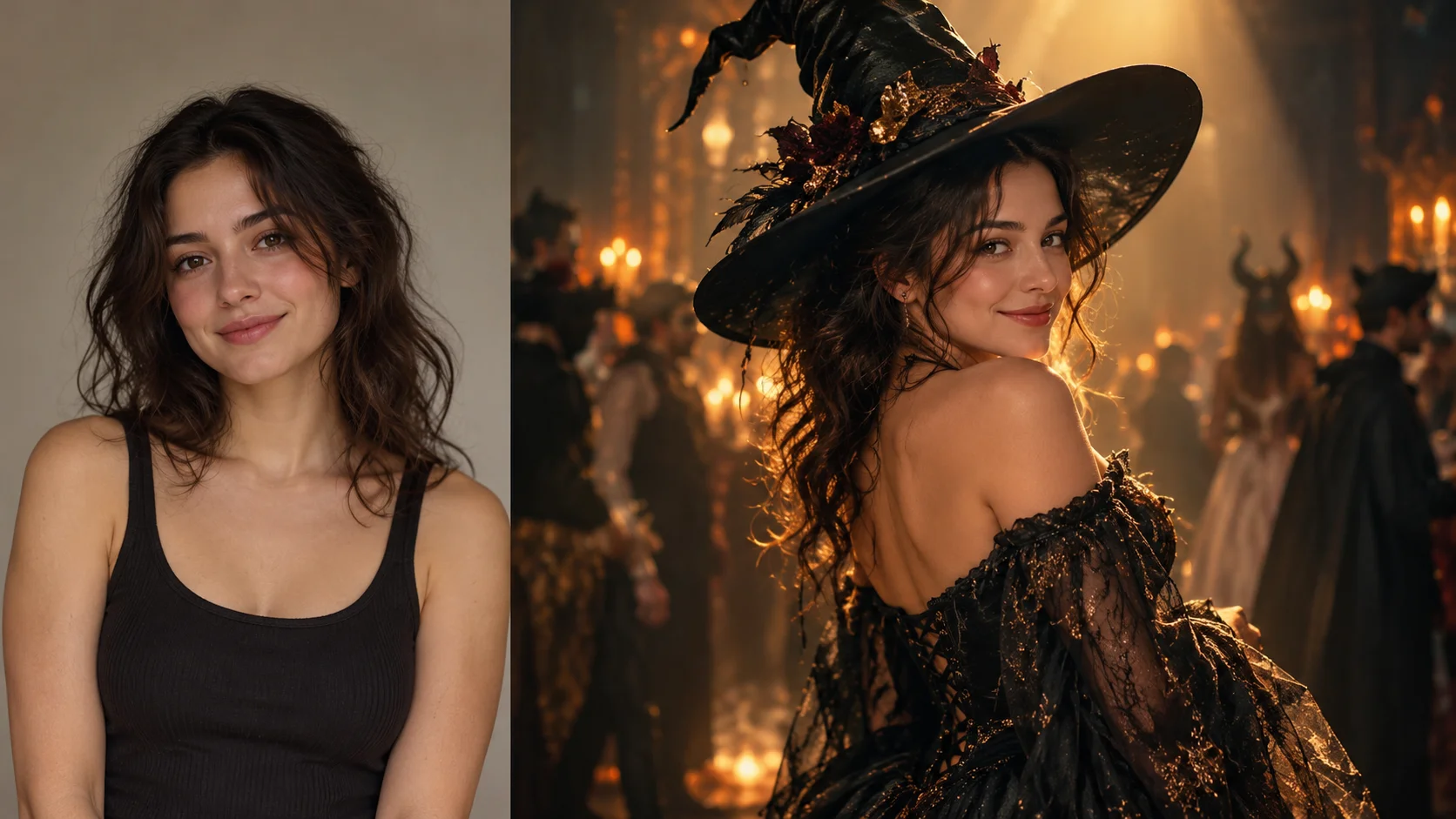
Explore a wardrobe-led reveal
Plan a costume's silhouette and the small movement that shows it clearly.
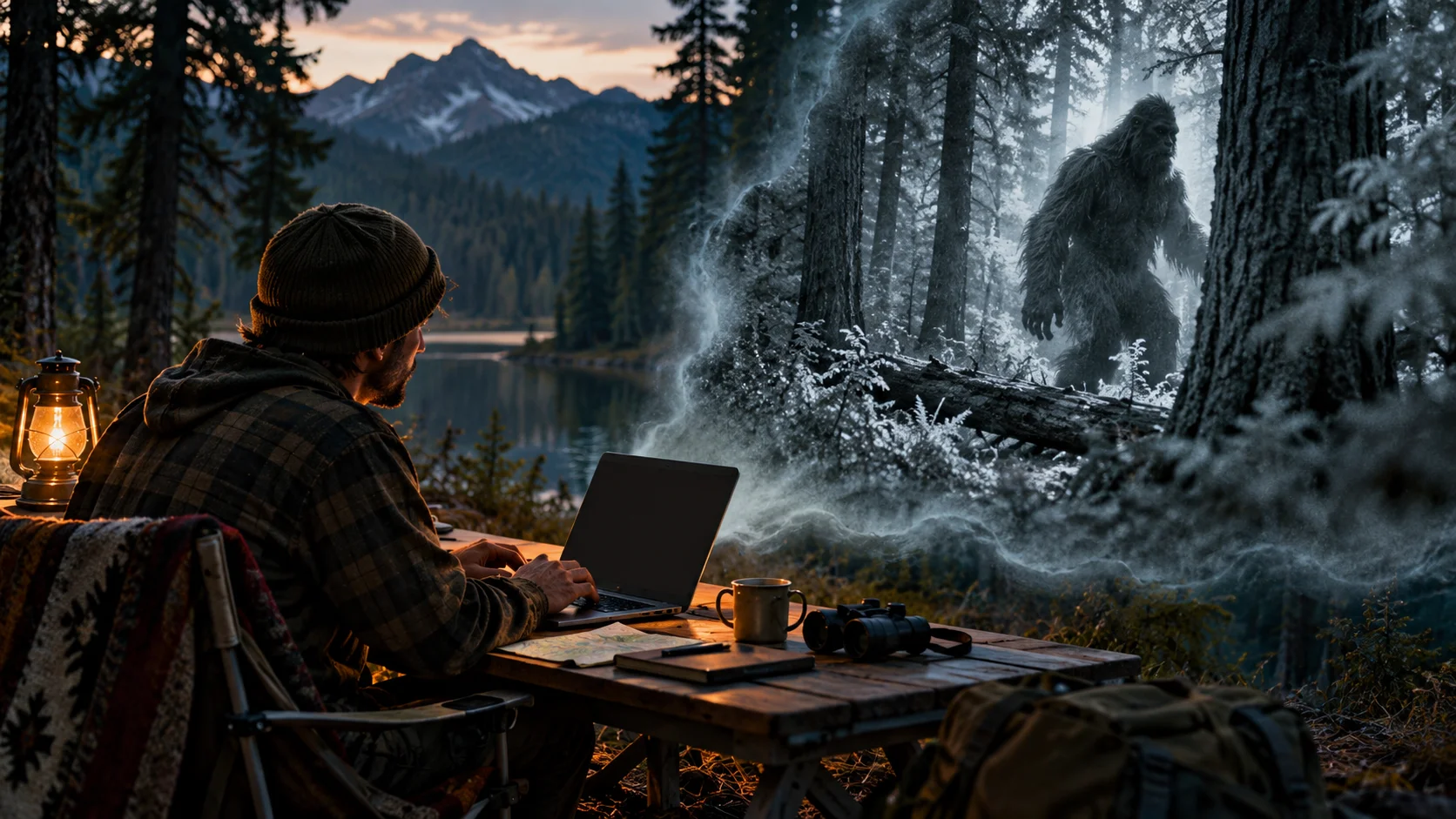
Give a woodland character one action
Choose a camera view and a simple gesture for a short fictional scene.
Open the video workspace
Compare available models and settings for another short visual idea.
youdot.app · Updated
What's new on this page
- — Added editable example prompts and separate drafts for text and reference modes, with an action to restore the example.
- — Page content published. Updated page copy and content. Updated page images or videos. Updated page generator or navigation settings.