
Migos AI: Plan an Original Duo Scene With Sound and Timing
Plan a Migos AI-inspired duo scene with a beat sheet, separate visual and audio briefs, and three review passes before sharing the finished clip.
What's new on this page
- — Page published.
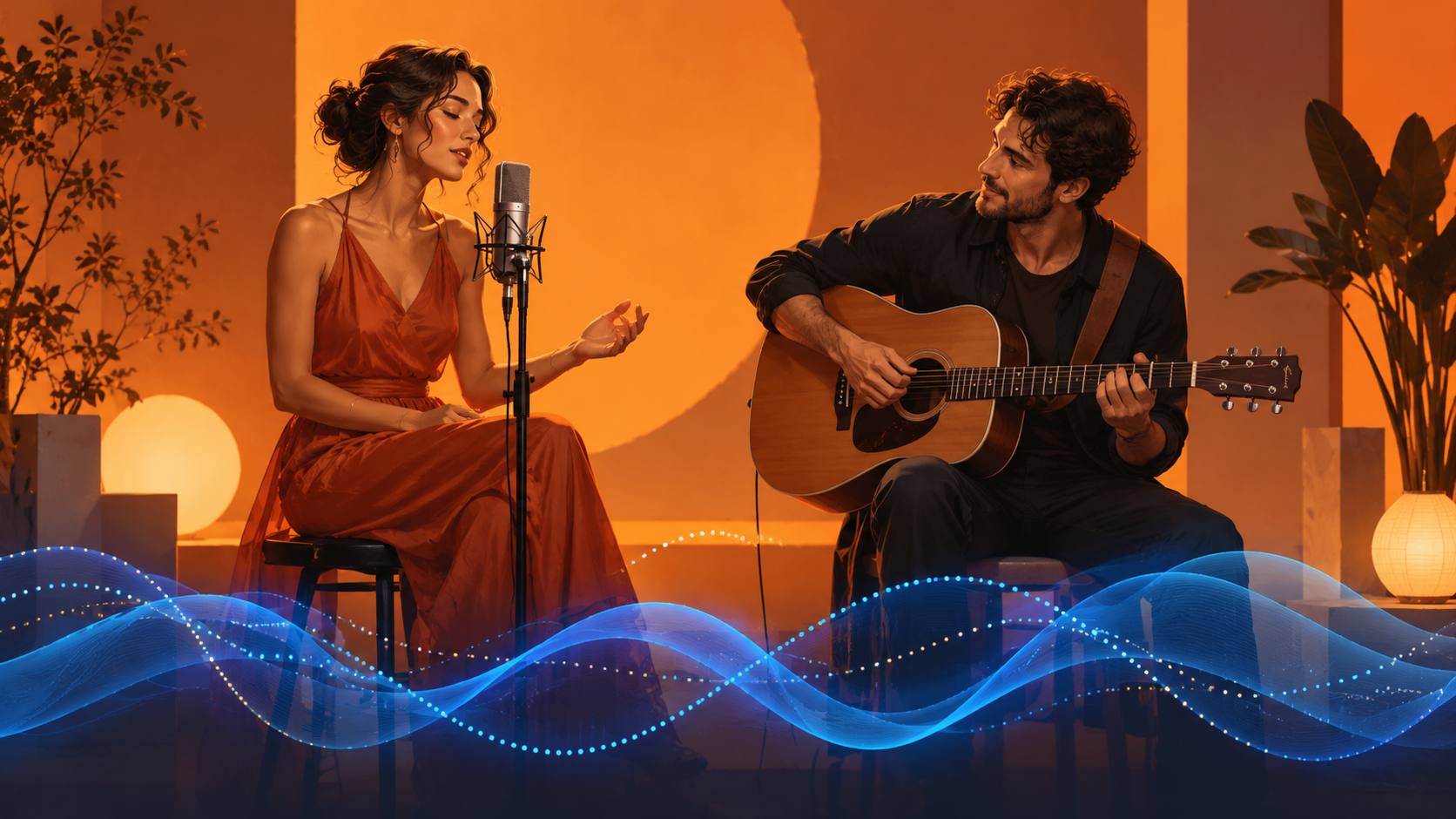
Watch the illustrated guide
Original illustrated explanation with synthesized English narration and English captions. No generation test or original performance footage.
English transcript
Write down the visible action, the intended sound, and how the two should relate. A moving mouth alone does not prove synchronized speech. Begin with both performers facing forward. Let the left character initiate a small action, the right character respond, and both settle into a clean ending. Watch without sound. Listen without watching. Then play both together and note whether the change of attention matches the intended sound cue. Audio depends on the selected model and controls. Use authorized sound. This illustrated beat sheet is not a performance recreation or generation test.
Migos AI is a search label associated with AI versions of the Hotel Lobby duo format. For a creator, the useful next question is how to make two performers feel connected through timing, gesture, and sound. A scene with two people beside a microphone can look convincing as a still and still fail as a performance.
This guide presents an original sound-and-action planning exercise. It is not a tested recreation of the song, and it does not establish a dedicated Migos AI template on youdot.
Separate the visual action from the soundtrack
COLORS identifies the reference performance as Quavo and Takeoff's “Hotel Lobby.” For an original duo scene, you can study the idea of alternating attention without copying lyrics or treating a generation tool as a music licence.
The youdot video page provides video creation controls. Audio depends on the selected model and the options actually offered. A model name, a prompt mentioning music, or a visually moving mouth does not prove that the export contains sound or synchronized speech.
Write three separate notes: what viewers see, what they hear, and how those two tracks should relate. This exposes contradictions before you spend credits.
A short beat sheet for an original duet
The following is an illustrative editorial plan, not a measured timing capability of any model:
| Beat | Visible action | Sound intention |
|---|---|---|
| Opening | Both performers face the camera | Establish a simple original rhythm |
| First turn | Left performer makes a restrained gesture | One voice or percussive accent takes focus |
| Response | Right performer acknowledges the cue | A distinct reply or complementary accent |
| Ending | Both settle into the initial pose | End cleanly instead of cutting through a word |
Choose a duration supported by your generator, then fit the plan to that duration. Timestamped prompts can communicate intention; they should not be described as guarantees of exact timing.
Our analysis is that each beat should give one performer the main action. When both subjects make unrelated large movements at once, reviewing the clip becomes harder: you cannot easily distinguish a planned interaction from accidental animation.
Describe restrained movement
An illustrative visual brief could be:
Two original fictional performers stand in a plain orange studio with one suspended microphone. Fixed medium-wide framing. The left performer gives a small rhythmic hand gesture; the right performer answers with a subtle nod. Keep their positions and outfits consistent. End with both facing forward.
That brief intentionally leaves exact singing and lip synchronization out of the visual request. If a selected mode supports generated dialogue, describe the short original line separately and inspect the exported audio. If it does not, plan a separate editing step using authorized material.
Review the clip in three passes
First, watch without sound. Can you identify who initiates the interaction? Does the reply feel connected? Do both characters remain in the shot?
Second, listen without watching. Is the sound intelligible? Does it end cleanly? Are there unwanted words, clicks, or abrupt transitions?
Third, play both together. Look for the moment where attention changes. If the voice changes before the visual cue, note the offset rather than describing the whole video as bad. That record helps you decide whether to change the generation brief or adjust the edit.
This review method is a proposed workflow. No generated outputs were used to establish a pass rate or a timing accuracy figure.
Plan the delivery version
Before submitting, check the available settings, the estimate, and the current plans. Choose the framing for the intended destination. Avoid composing two distant figures and expecting a tight vertical crop to preserve both automatically.
For your final review, compare the clip against the beat sheet rather than against a vague goal of “going viral.” A small, readable exchange with a clean ending is a concrete production target. Audience response and platform distribution remain outcomes to observe after publishing.