
Build Motion and Product Video Briefs with Kling
Kling for Storytelling, Ads, and Social Clips
For a Kling product concept, specify the product shape, material, key detail and setting. Keep logos and claims accurate, allow room for your own typography, and review the result before using it in an advertisement.
Verified prompt
Create a premium ultra-cinematic fashion film with flawless realism and seamless visual consistency. Duration: 15s Aspect Ratio: 16:9 Frame Rate: 24fps Lens: 85mm prime with extremely subtle handheld breathing motion. Use the attached storyboard image as the exact visual reference for the main character. Maintain identical face, hairstyle, hair length, hair texture, hair volume, skin tone, facial proportions, body proportions, and outfit throughout the entire video. Absolute character consistency. Never redesign the character. Style: Japanese airy film aesthetic blended with luxurious Indonesian nightlife. Kodak Portra 400 cinematic color science, fine film grain, soft bloom, warm neon glow, documentary-style realism. Color Palette: Deep crimson red, warm golden lights, black marble, champagne gold, luxury interiors, vibrant neon lighting, elegant city night, natural skin tones. Lighting: Soft cinematic lighting with a warm rim light. Environment: Foreground: Softly blurred chandeliers, cocktail glasses, luxury decorations, colorful neon bokeh. Midground: Premium rooftop lounge, luxury nightclub, elegant elevator lobby, stylish dance floor. Background: Jakarta skyline, skyscrapers, luxury cars, sparkling city lights. Atmosphere: Glamorous, fashionable, energetic, modern Indonesia. Main Character: • Exceptionally beautiful 20-year-old Indonesian woman • Tall and elegant • Fair glowing skin • Long black hair with soft natural waves • Natural glamorous makeup • Elegant fitted red cocktail dress • Black high heels • Small black clutch bag • Silver earrings • Minimal necklace • Maintain the identical hairstyle throughout the video SHOT 1 (0–2s) Luxury apartment. She adjusts her wavy hair, applies lip gloss, smiles confidently in the mirror under warm ambient lighting. SHOT 2 (2–4s) She sprays perfume, picks up her black clutch, and walks gracefully toward the door as the camera follows behind. SHOT 3 (4–6s) Luxury elevator opens. She walks through the elegant lobby. A luxury sedan waits outside. The valet opens the door. She enters as Jakarta's city lights glow. SHOT 4 (6–8s) She arrives at a premium rooftop lounge. Warm neon lighting. Guests socialize while the handheld camera follows beside her. SHOT 5 (8–10s) She meets close friends. They toast with colorful mocktails and laugh naturally in a classy atmosphere. SHOT 6 (10–12s) She casually dances with relaxed movements. Her long wavy hair flows naturally beneath elegant moving lights. SHOT 7 (12–14s) She steps onto the rooftop terrace. A gentle breeze moves her hair. She admires the Jakarta skyline before smiling warmly at the camera. SHOT 8 (14–15s) The camera slowly pulls back. She waves goodbye as the skyline sparkles. Natural fade to black. Audio: Luxury lounge ambience, soft crowd chatter, footsteps, elevator doors, mocktail glasses clinking, gentle background dance music, night breeze. No narration. No dialogue. Negative Prompt: No body deformation, facial distortion, plastic skin, excessive beauty filters, CGI appearance, hairstyle changes, outfit changes, character redesign, character inconsistency, hard cuts, white flash transitions, watermark, logo, or subtitles. Ultra-realistic documentary-style cinematography with perfect character consistency.
Create a premium ultra-cinematic fashion film with flawless realism and seamless visual consistency. Duration: 15s Aspect Ratio: 16:9 Frame Rate: 24fps Lens: 85mm prime with extremely subtle handheld breathing motion. Use the attached storyboard image as the exact visual reference for the main character. Maintain identical face, hairstyle, hair length, hair texture, hair volume, skin tone, facial proportions, body proportions, and outfit throughout the entire video. Absolute character consistency. Never redesign the character. Style: Japanese airy film aesthetic blended with luxurious Indonesian nightlife. Kodak Portra 400 cinematic color science, fine film grain, soft bloom, warm neon glow, documentary-style realism. Color Palette: Deep crimson red, warm golden lights, black marble, champagne gold, luxury interiors, vibrant neon lighting, elegant city night, natural skin tones. Lighting: Soft cinematic lighting with a warm rim light. Environment: Foreground: Softly blurred chandeliers, cocktail glasses, luxury decorations, colorful neon bokeh. Midground: Premium rooftop lounge, luxury nightclub, elegant elevator lobby, stylish dance floor. Background: Jakarta skyline, skyscrapers, luxury cars, sparkling city lights. Atmosphere: Glamorous, fashionable, energetic, modern Indonesia. Main Character: • Exceptionally beautiful 20-year-old Indonesian woman • Tall and elegant • Fair glowing skin • Long black hair with soft natural waves • Natural glamorous makeup • Elegant fitted red cocktail dress • Black high heels • Small black clutch bag • Silver earrings • Minimal necklace • Maintain the identical hairstyle throughout the video SHOT 1 (0–2s) Luxury apartment. She adjusts her wavy hair, applies lip gloss, smiles confidently in the mirror under warm ambient lighting. SHOT 2 (2–4s) She sprays perfume, picks up her black clutch, and walks gracefully toward the door as the camera follows behind. SHOT 3 (4–6s) Luxury elevator opens. She walks through the elegant lobby. A luxury sedan waits outside. The valet opens the door. She enters as Jakarta's city lights glow. SHOT 4 (6–8s) She arrives at a premium rooftop lounge. Warm neon lighting. Guests socialize while the handheld camera follows beside her. SHOT 5 (8–10s) She meets close friends. They toast with colorful mocktails and laugh naturally in a classy atmosphere. SHOT 6 (10–12s) She casually dances with relaxed movements. Her long wavy hair flows naturally beneath elegant moving lights. SHOT 7 (12–14s) She steps onto the rooftop terrace. A gentle breeze moves her hair. She admires the Jakarta skyline before smiling warmly at the camera. SHOT 8 (14–15s) The camera slowly pulls back. She waves goodbye as the skyline sparkles. Natural fade to black. Audio: Luxury lounge ambience, soft crowd chatter, footsteps, elevator doors, mocktail glasses clinking, gentle background dance music, night breeze. No narration. No dialogue. Negative Prompt: No body deformation, facial distortion, plastic skin, excessive beauty filters, CGI appearance, hairstyle changes, outfit changes, character redesign, character inconsistency, hard cuts, white flash transitions, watermark, logo, or subtitles. Ultra-realistic documentary-style cinematography with perfect character consistency.
Verified prompt
A poised woman in a surreal bioluminescent ocean couture gown of flowing deep-sea waves, glowing jellyfish tendrils, iridescent pearls, and living coral strides down a luxury catwalk in a dramatic, cinematic style with underwater light rays and sparkling mist.
A poised woman in a surreal bioluminescent ocean couture gown of flowing deep-sea waves, glowing jellyfish tendrils, iridescent pearls, and living coral strides down a luxury catwalk in a dramatic, cinematic style with underwater light rays and sparkling mist.
Verified prompt
OPERATION: Officer responds first to a small roadside brush fire before firefighters arrive, secures the area, and assists with evacuation of nearby pedestrians. RESPONDING OFFICER: Male, late 30s. Standard patrol uniform. Chest-mounted body camera. Calm under pressure. Clear verbal commands. RECORDING WINDOW: 7:10 PM. Warm evening. Streetlights beginning to illuminate. SCENE LOCATION: Roadside walking trail beside suburban homes. Dry grass. Small trees. Parked vehicles. Fire hydrant nearby. BODYCAM CHARACTERISTICS: Ultra-wide chest-mounted bodycam. Faster walking and occasional short jog. Noticeable breathing. Frequent head turns scanning surroundings. Hands visible directing pedestrians. No cinematic framing. INCIDENT FLOW (≈30 Seconds) Arrival (0–5s) Officer arrives to find a small patch of dry grass burning with light smoke drifting across the sidewalk. Safety Response (5–12s) Officer quickly guides pedestrians away from the smoke, blocks access using patrol vehicle lights, and radios fire department updates. Activity (12–20s) Officer checks nearby bushes for fire spread while a resident uses a garden hose to slow the flames from a safe distance. Fire Department Arrival (20–27s) Fire engine arrives. Firefighters immediately deploy a hose line and extinguish the remaining flames within seconds. Departure (27–30s) Officer confirms the area is secure, thanks nearby residents for staying clear, and returns to patrol duties. SOUND PROFILE: Radio dispatch, crackling fire, footsteps, distant traffic, sirens approaching, firefighters communicating, hose spraying water. AUTHENTICITY PROTOCOL: Realistic emergency response. No explosions. No exaggerated heroics. Continuous chest-mounted bodycam perspective with natural movement and authentic scene progression.
OPERATION: Officer responds first to a small roadside brush fire before firefighters arrive, secures the area, and assists with evacuation of nearby pedestrians. RESPONDING OFFICER: Male, late 30s. Standard patrol uniform. Chest-mounted body camera. Calm under pressure. Clear verbal commands. RECORDING WINDOW: 7:10 PM. Warm evening. Streetlights beginning to illuminate. SCENE LOCATION: Roadside walking trail beside suburban homes. Dry grass. Small trees. Parked vehicles. Fire hydrant nearby. BODYCAM CHARACTERISTICS: Ultra-wide chest-mounted bodycam. Faster walking and occasional short jog. Noticeable breathing. Frequent head turns scanning surroundings. Hands visible directing pedestrians. No cinematic framing. INCIDENT FLOW (≈30 Seconds) Arrival (0–5s) Officer arrives to find a small patch of dry grass burning with light smoke drifting across the sidewalk. Safety Response (5–12s) Officer quickly guides pedestrians away from the smoke, blocks access using patrol vehicle lights, and radios fire department updates. Activity (12–20s) Officer checks nearby bushes for fire spread while a resident uses a garden hose to slow the flames from a safe distance. Fire Department Arrival (20–27s) Fire engine arrives. Firefighters immediately deploy a hose line and extinguish the remaining flames within seconds. Departure (27–30s) Officer confirms the area is secure, thanks nearby residents for staying clear, and returns to patrol duties. SOUND PROFILE: Radio dispatch, crackling fire, footsteps, distant traffic, sirens approaching, firefighters communicating, hose spraying water. AUTHENTICITY PROTOCOL: Realistic emergency response. No explosions. No exaggerated heroics. Continuous chest-mounted bodycam perspective with natural movement and authentic scene progression.
Verified prompt
Style: Ultra-realistic, cinematic winter documentary, 4K HDR, natural lighting, shallow depth of field, smooth camera movement, soft colour grading, peaceful atmosphere. Maintain the same woman throughout every scene (mid-20s, natural appearance, long dark brown hair tied in a loose ponytail, cream knitted sweater, dark leggings, wool socks, no makeup-heavy look). Scene 1 (0–3s) Aerial drone shot of a small wooden cabin hidden deep inside a snow-covered pine forest. Heavy snow falls gently while warm golden lights glow from the windows. Thin smoke rises from the chimney as the camera slowly descends toward the cabin. Scene 2 (3–6s) Inside the cabin, the same woman sits beside a crackling stone fireplace wrapped in a soft wool blanket, reading a book. Steam rises naturally from a ceramic mug of hot chocolate on a rustic wooden table. Firelight flickers across the room, creating a warm contrast with the cold blue light outside. Scene 3 (6–10s) She opens the wooden front door and steps onto the snowy porch. Snowflakes land softly on her sweater and hair. She smiles, takes a slow deep breath, and looks across the silent forest while the camera gently circles around her. Scene 4 (10–13s) Close-up cinematic shots: boots leaving fresh footprints in untouched snow, her gloved hand brushing snow from pine branches, snowflakes settling on the warm cabin window, and smoke drifting into the crisp winter air. Scene 5 (13–15s) Wide cinematic pullback from the cabin at dusk. Snow continues falling as the glowing cabin becomes smaller among the vast white forest. The scene ends with a calm, peaceful atmosphere and the feeling of complete solitude. Camera Slow drone movements Smooth gimbal tracking Gentle push-ins Macro close-ups No fast cuts or shaky movement Audio Gentle wind Soft snowfall ambience Fireplace crackling Distant birds Quiet piano or acoustic instrumental Colour Grade Warm amber tones indoors, cool blue-white winter tones outdoors, creating a cosy contrast.
Style: Ultra-realistic, cinematic winter documentary, 4K HDR, natural lighting, shallow depth of field, smooth camera movement, soft colour grading, peaceful atmosphere. Maintain the same woman throughout every scene (mid-20s, natural appearance, long dark brown hair tied in a loose ponytail, cream knitted sweater, dark leggings, wool socks, no makeup-heavy look). Scene 1 (0–3s) Aerial drone shot of a small wooden cabin hidden deep inside a snow-covered pine forest. Heavy snow falls gently while warm golden lights glow from the windows. Thin smoke rises from the chimney as the camera slowly descends toward the cabin. Scene 2 (3–6s) Inside the cabin, the same woman sits beside a crackling stone fireplace wrapped in a soft wool blanket, reading a book. Steam rises naturally from a ceramic mug of hot chocolate on a rustic wooden table. Firelight flickers across the room, creating a warm contrast with the cold blue light outside. Scene 3 (6–10s) She opens the wooden front door and steps onto the snowy porch. Snowflakes land softly on her sweater and hair. She smiles, takes a slow deep breath, and looks across the silent forest while the camera gently circles around her. Scene 4 (10–13s) Close-up cinematic shots: boots leaving fresh footprints in untouched snow, her gloved hand brushing snow from pine branches, snowflakes settling on the warm cabin window, and smoke drifting into the crisp winter air. Scene 5 (13–15s) Wide cinematic pullback from the cabin at dusk. Snow continues falling as the glowing cabin becomes smaller among the vast white forest. The scene ends with a calm, peaceful atmosphere and the feeling of complete solitude. Camera Slow drone movements Smooth gimbal tracking Gentle push-ins Macro close-ups No fast cuts or shaky movement Audio Gentle wind Soft snowfall ambience Fireplace crackling Distant birds Quiet piano or acoustic instrumental Colour Grade Warm amber tones indoors, cool blue-white winter tones outdoors, creating a cosy contrast.
Verified prompt
Verified prompt
@ Image_1 is the master character reference. Match her identity, facial structure, body proportions, hairstyle, wardrobe, accessories, revolver, colors, textures, silhouette, and overall presence exactly in every frame. No identity drift, no wardrobe changes, no hairstyle changes, no prop changes, no AI morphing, no flickering, and no inconsistencies. GLOBAL STYLE • Cinematic modern Western • Low golden-hour sunlight from camera-left • Warm amber highlights with cool teal shadows • Fine cinematic film grain • Soft halation around the sun • Long dramatic shadows • Open prairie, dusty dirt road, distant blue mountains • Rising dust illuminated by backlight • Premium Hollywood production quality CHARACTERS • The Stranger (FOCAL): Match @ Image1 exactly. • Lead Bandit: Dusty tan duster, wide-brim brown hat, red bandana covering lower face. • Three background riders: Bandana-masked silhouettes on horseback, partially obscured by dust. SEQUENCE SHOT 1 (0–3s) — HOOK Full side-tracking shot as a stagecoach races across the prairie at full gallop. Four bandits pursue on horseback while firing pistols into the air. Dust explodes behind the coach, glowing in the golden backlight. The camera tracks with the coach before whip-panning down to pounding hooves. SFX: Hoof thunder, gunshots, wooden carriage rattle, tense orchestral strings. Lead Bandit shouts: "Stop the coach!" SHOT 2 (3–6s) — RISING Low-angle tracking shot alongside the speeding coach. The Lead Bandit pushes his horse alongside, leaps onto the moving roof, struggles for balance, crawls toward the carriage door, and grips the rail naturally with realistic weight and momentum. SFX: Boot scraping wood, heavy breathing, rushing wind. SHOT 3 (6–9s) — GREED Close-up of the Lead Bandit's eyes above the bandana, followed by an extreme close-up of his gloved hand wrapping around the brass door handle. He grins confidently before yanking the handle open while riders continue racing behind. SFX: Metal latch click, quiet chuckle. SHOT 4 (9–12s) — THE REVEAL Over-the-shoulder view from behind the Lead Bandit into the dim stagecoach interior. Music stops instantly, leaving only wind and the carriage creaking. Sitting calmly inside is the Stranger, matching @ Image1 perfectly. Hat low, hands relaxed, completely motionless. She slowly lifts her eyes toward him. A sharp beam of golden sunlight cuts across her face and cow-print corset while the rest of the cabin remains in teal shadow. The Lead Bandit's confident grin disappears instantly as his eyes widen and his breathing catches. SFX: Wind, leather creak, carriage springs. SHOT 5 (12–15s) — THE BUTTON Extreme close-up of the Stranger's hand already resting on the ivory-grip engraved revolver. Focus locks on the revolver before snapping into an extreme close-up of her cold eyes beneath the hat brim. She slowly tightens her grip with all five fingers, tilts her head slightly as if silently saying, "Well, hello." Hard cut to black. SFX: Leather creak, one deep cinematic chord, single spur chime. Centered title appears: "THE LAST STAGECOACH" TECHNICAL REQUIREMENTS • 15-second duration • 16:9 landscape • Ultra-realistic live action • Hollywood Western film quality • Stable cinematic camera movement • Realistic horse animation and physics • Natural body mechanics • Accurate fabric simulation • Consistent lighting throughout • Perfect facial consistency using @ Image1 • Straight geometry and natural proportions • No AI artifacts • No flickering • No morphing • No duplicated objects • No clipping • No physics errors • No subtitles • No watermark • No logos
@ Image_1 is the master character reference. Match her identity, facial structure, body proportions, hairstyle, wardrobe, accessories, revolver, colors, textures, silhouette, and overall presence exactly in every frame. No identity drift, no wardrobe changes, no hairstyle changes, no prop changes, no AI morphing, no flickering, and no inconsistencies. GLOBAL STYLE • Cinematic modern Western • Low golden-hour sunlight from camera-left • Warm amber highlights with cool teal shadows • Fine cinematic film grain • Soft halation around the sun • Long dramatic shadows • Open prairie, dusty dirt road, distant blue mountains • Rising dust illuminated by backlight • Premium Hollywood production quality CHARACTERS • The Stranger (FOCAL): Match @ Image1 exactly. • Lead Bandit: Dusty tan duster, wide-brim brown hat, red bandana covering lower face. • Three background riders: Bandana-masked silhouettes on horseback, partially obscured by dust. SEQUENCE SHOT 1 (0–3s) — HOOK Full side-tracking shot as a stagecoach races across the prairie at full gallop. Four bandits pursue on horseback while firing pistols into the air. Dust explodes behind the coach, glowing in the golden backlight. The camera tracks with the coach before whip-panning down to pounding hooves. SFX: Hoof thunder, gunshots, wooden carriage rattle, tense orchestral strings. Lead Bandit shouts: "Stop the coach!" SHOT 2 (3–6s) — RISING Low-angle tracking shot alongside the speeding coach. The Lead Bandit pushes his horse alongside, leaps onto the moving roof, struggles for balance, crawls toward the carriage door, and grips the rail naturally with realistic weight and momentum. SFX: Boot scraping wood, heavy breathing, rushing wind. SHOT 3 (6–9s) — GREED Close-up of the Lead Bandit's eyes above the bandana, followed by an extreme close-up of his gloved hand wrapping around the brass door handle. He grins confidently before yanking the handle open while riders continue racing behind. SFX: Metal latch click, quiet chuckle. SHOT 4 (9–12s) — THE REVEAL Over-the-shoulder view from behind the Lead Bandit into the dim stagecoach interior. Music stops instantly, leaving only wind and the carriage creaking. Sitting calmly inside is the Stranger, matching @ Image1 perfectly. Hat low, hands relaxed, completely motionless. She slowly lifts her eyes toward him. A sharp beam of golden sunlight cuts across her face and cow-print corset while the rest of the cabin remains in teal shadow. The Lead Bandit's confident grin disappears instantly as his eyes widen and his breathing catches. SFX: Wind, leather creak, carriage springs. SHOT 5 (12–15s) — THE BUTTON Extreme close-up of the Stranger's hand already resting on the ivory-grip engraved revolver. Focus locks on the revolver before snapping into an extreme close-up of her cold eyes beneath the hat brim. She slowly tightens her grip with all five fingers, tilts her head slightly as if silently saying, "Well, hello." Hard cut to black. SFX: Leather creak, one deep cinematic chord, single spur chime. Centered title appears: "THE LAST STAGECOACH" TECHNICAL REQUIREMENTS • 15-second duration • 16:9 landscape • Ultra-realistic live action • Hollywood Western film quality • Stable cinematic camera movement • Realistic horse animation and physics • Natural body mechanics • Accurate fabric simulation • Consistent lighting throughout • Perfect facial consistency using @ Image1 • Straight geometry and natural proportions • No AI artifacts • No flickering • No morphing • No duplicated objects • No clipping • No physics errors • No subtitles • No watermark • No logos
Verified prompt
Style: Ultra-realistic cinematic fashion reel, luxury editorial, premium Instagram creator aesthetic, smooth camera movement, natural lighting, 4K, highly detailed fabrics, realistic clothing physics. Scene Overview A stylish male model showcases five iconic fashion eras from the 1920s to the 1960s. The video takes place in the same modern studio with soft daylight and a clean architectural background. The same model appears throughout the video while only the clothing changes between decades. Every outfit change happens naturally during camera movement, creating a smooth and satisfying visual flow. The only on-screen text is the decade name. Music is a modern electronic fashion track that builds continuously without vocals. Character Use the reference image as the model. Young adult male. Confident but relaxed. Friendly expression. Natural walking pace. The same model appears in every scene. Environment Minimalist fashion studio. Large windows. Warm daylight. Neutral beige walls. Polished concrete floor. Luxury editorial atmosphere. Keep the background consistent throughout the video. 0:00–0:03 — 1920s The video opens with the model standing confidently in the center of the studio. The camera slowly moves closer. He adjusts his cufflinks before looking toward the camera. Outfit Charcoal pinstripe three-piece suit White dress shirt Dark tie Waistcoat Pocket watch chain Oxford shoes Grey newsboy cap On-screen text: 1920s As the camera quickly pans to the right, the clothing smoothly changes into the next decade. 0:03–0:06 — 1930s The camera finishes the movement. The model now wears a cream double-breasted suit with wide lapels, pleated trousers, spectator shoes, and a fedora. He places one hand in his pocket and takes a confident step forward. On-screen text: 1930s The camera gently circles around him, and during the movement the outfit changes into the next style. 0:06–0:09 — 1940s The camera completes the circle. The model now wears an olive green utility jacket with tailored trousers, brown leather boots, and a classic wristwatch. He buttons the jacket while walking slowly toward the camera. On-screen text: 1940s A warm light sweep crosses the frame, leading naturally into the next outfit. 0:09–0:12 — 1950s The model now wears a fitted white T-shirt, dark blue cuffed jeans, a brown leather belt, leather boots, and classic sunglasses. He casually adjusts the sunglasses before taking two relaxed steps forward. On-screen text: 1950s The camera briefly moves closer, then pulls back, allowing the clothing to change smoothly. 0:12–0:15 — 1960s The model now wears a black turtleneck, camel overcoat, slim trousers, Chelsea boots, and a simple wristwatch. He walks confidently toward the camera with both hands in his coat pockets. On-screen text: 1960s During the final second, the camera begins a slow clockwise circle around him. His coat moves naturally as he lightly adjusts the collar. The music continues to build instead of ending. 0:15–0:18 — 1970s The video begins exactly where Part 1 ended. The camera continues its slow clockwise movement around the model before settling into a smooth front-facing angle. The music hits the next beat naturally. Outfit Brown suede jacket Patterned open-collar shirt Flared trousers Brown leather belt Platform shoes Gold wristwatch Aviator sunglasses The model adjusts his sunglasses before removing them with a confident smile. On-screen text: 1970s As the camera moves slightly closer, the outfit changes naturally into the next decade. 0:18–0:21 — 1980s The camera continues tracking forward. The model now wears a charcoal oversized business suit with a patterned tie, pleated trousers, polished loafers, and a classic dress watch. He straightens his tie while walking confidently toward the camera. On-screen text: 1980s The camera briefly passes beside him, creating a smooth transition into the next outfit. 0:21–0:24 — 1990s The camera emerges on the opposite side. The model now wears an oversized light-wash denim jacket over a graphic T-shirt, relaxed jeans, chunky white sneakers, and a simple silver chain. He smiles naturally while walking across the frame with both hands in his jacket pockets. On-screen text: 1990s The camera follows his movement before quickly swinging to reveal the next decade. 0:24–0:27 — 2000s The camera settles into a smooth tracking shot. The model now wears a black leather jacket over a fitted white T-shirt, slim dark jeans, white high-top sneakers, and aviator sunglasses. He casually removes the jacket from one shoulder while continuing to walk. The movement of the jacket naturally fills part of the frame as the clothing changes into the final look. On-screen text: 2000s 0:27–0:30 — 2020s The jacket clears the frame. The camera slowly pushes toward the model. He now wears a modern quiet luxury outfit. Outfit Beige overshirt Premium white T-shirt Relaxed tailored trousers White minimalist sneakers Luxury stainless steel watch Simple silver ring The model walks toward the camera before stopping naturally. He smiles confidently while looking directly into the lens. On-screen text: 2020s The decade text gently fades into: 100 YEARS OF MEN'S FASHION Then below it: 1920 → 2020 The music reaches its final peak before fading smoothly. The camera holds on the model for a brief moment before fading to black. Camera Style Smooth cinematic movement Gentle dolly shots Slow orbit around the model Occasional push-in Natural handheld feel Soft depth of field Luxury fashion commercial look Visual Style Premium editorial photography Warm natural colors Soft contrast Highly detailed fabrics Clean tailoring Realistic lighting Crisp facial details Natural movement Elegant pacing
Style: Ultra-realistic cinematic fashion reel, luxury editorial, premium Instagram creator aesthetic, smooth camera movement, natural lighting, 4K, highly detailed fabrics, realistic clothing physics. Scene Overview A stylish male model showcases five iconic fashion eras from the 1920s to the 1960s. The video takes place in the same modern studio with soft daylight and a clean architectural background. The same model appears throughout the video while only the clothing changes between decades. Every outfit change happens naturally during camera movement, creating a smooth and satisfying visual flow. The only on-screen text is the decade name. Music is a modern electronic fashion track that builds continuously without vocals. Character Use the reference image as the model. Young adult male. Confident but relaxed. Friendly expression. Natural walking pace. The same model appears in every scene. Environment Minimalist fashion studio. Large windows. Warm daylight. Neutral beige walls. Polished concrete floor. Luxury editorial atmosphere. Keep the background consistent throughout the video. 0:00–0:03 — 1920s The video opens with the model standing confidently in the center of the studio. The camera slowly moves closer. He adjusts his cufflinks before looking toward the camera. Outfit Charcoal pinstripe three-piece suit White dress shirt Dark tie Waistcoat Pocket watch chain Oxford shoes Grey newsboy cap On-screen text: 1920s As the camera quickly pans to the right, the clothing smoothly changes into the next decade. 0:03–0:06 — 1930s The camera finishes the movement. The model now wears a cream double-breasted suit with wide lapels, pleated trousers, spectator shoes, and a fedora. He places one hand in his pocket and takes a confident step forward. On-screen text: 1930s The camera gently circles around him, and during the movement the outfit changes into the next style. 0:06–0:09 — 1940s The camera completes the circle. The model now wears an olive green utility jacket with tailored trousers, brown leather boots, and a classic wristwatch. He buttons the jacket while walking slowly toward the camera. On-screen text: 1940s A warm light sweep crosses the frame, leading naturally into the next outfit. 0:09–0:12 — 1950s The model now wears a fitted white T-shirt, dark blue cuffed jeans, a brown leather belt, leather boots, and classic sunglasses. He casually adjusts the sunglasses before taking two relaxed steps forward. On-screen text: 1950s The camera briefly moves closer, then pulls back, allowing the clothing to change smoothly. 0:12–0:15 — 1960s The model now wears a black turtleneck, camel overcoat, slim trousers, Chelsea boots, and a simple wristwatch. He walks confidently toward the camera with both hands in his coat pockets. On-screen text: 1960s During the final second, the camera begins a slow clockwise circle around him. His coat moves naturally as he lightly adjusts the collar. The music continues to build instead of ending. 0:15–0:18 — 1970s The video begins exactly where Part 1 ended. The camera continues its slow clockwise movement around the model before settling into a smooth front-facing angle. The music hits the next beat naturally. Outfit Brown suede jacket Patterned open-collar shirt Flared trousers Brown leather belt Platform shoes Gold wristwatch Aviator sunglasses The model adjusts his sunglasses before removing them with a confident smile. On-screen text: 1970s As the camera moves slightly closer, the outfit changes naturally into the next decade. 0:18–0:21 — 1980s The camera continues tracking forward. The model now wears a charcoal oversized business suit with a patterned tie, pleated trousers, polished loafers, and a classic dress watch. He straightens his tie while walking confidently toward the camera. On-screen text: 1980s The camera briefly passes beside him, creating a smooth transition into the next outfit. 0:21–0:24 — 1990s The camera emerges on the opposite side. The model now wears an oversized light-wash denim jacket over a graphic T-shirt, relaxed jeans, chunky white sneakers, and a simple silver chain. He smiles naturally while walking across the frame with both hands in his jacket pockets. On-screen text: 1990s The camera follows his movement before quickly swinging to reveal the next decade. 0:24–0:27 — 2000s The camera settles into a smooth tracking shot. The model now wears a black leather jacket over a fitted white T-shirt, slim dark jeans, white high-top sneakers, and aviator sunglasses. He casually removes the jacket from one shoulder while continuing to walk. The movement of the jacket naturally fills part of the frame as the clothing changes into the final look. On-screen text: 2000s 0:27–0:30 — 2020s The jacket clears the frame. The camera slowly pushes toward the model. He now wears a modern quiet luxury outfit. Outfit Beige overshirt Premium white T-shirt Relaxed tailored trousers White minimalist sneakers Luxury stainless steel watch Simple silver ring The model walks toward the camera before stopping naturally. He smiles confidently while looking directly into the lens. On-screen text: 2020s The decade text gently fades into: 100 YEARS OF MEN'S FASHION Then below it: 1920 → 2020 The music reaches its final peak before fading smoothly. The camera holds on the model for a brief moment before fading to black. Camera Style Smooth cinematic movement Gentle dolly shots Slow orbit around the model Occasional push-in Natural handheld feel Soft depth of field Luxury fashion commercial look Visual Style Premium editorial photography Warm natural colors Soft contrast Highly detailed fabrics Clean tailoring Realistic lighting Crisp facial details Natural movement Elegant pacing
Verified prompt
“A cinematic 15-second video following a tiny needle-felted wool chibi figurine — dark tousled hair, natural skin tone with no blush, brown eyes, light blue “TechieSA” hoodie, blue pants, blue sneakers — through a cozy morning coffee routine. The entire world around him is miniature scale, photorealistic needle-felted wool texture throughout. [0:00–0:02] Open on a tight close-up of a tiny silver espresso machine sitting on a miniature wooden kitchen counter. Soft morning sunlight streams in from a small window to the left, casting a warm golden glow. Thin wisps of steam curl upward in the still air. [0:02–0:05] The chibi shuffles into frame from the left, rubbing both stubby fists into his big brown eyes sleepily. He stops in front of the machine, looks up at it, and presses the small button with one chubby finger. The machine hums to life. [0:05–0:08] Extreme close-up cut to the tiny espresso cup below the spout. Dark rich espresso drips in slowly, filling the cup. Shallow depth of field, blurred warm background. Deeply satisfying and slow. [0:08–0:10] Cut to front-facing medium shot. Chibi lifts the tiny cup carefully with both chubby hands, brings it to his lips, takes a slow sip. His big brown eyes close gently — that first morning sip moment. Soft smile. [0:10–0:13] Wide shot: chibi carries the cup across a small wooden desk. With his free hand he opens a glowing blue laptop — the screen lights up blue, casting a soft cool glow across his face and hoodie. He sets the cup down beside it and settles into a tiny chair. [0:13–0:15] Camera slowly pulls back to reveal the full cozy miniature desk setup — laptop glowing blue, tiny espresso cup steaming, chibi beginning to type with stubby little fingers. Slow fade out with warm morning atmosphere. Background soft lo-fi piano music, light and fresh.”
“A cinematic 15-second video following a tiny needle-felted wool chibi figurine — dark tousled hair, natural skin tone with no blush, brown eyes, light blue “TechieSA” hoodie, blue pants, blue sneakers — through a cozy morning coffee routine. The entire world around him is miniature scale, photorealistic needle-felted wool texture throughout. [0:00–0:02] Open on a tight close-up of a tiny silver espresso machine sitting on a miniature wooden kitchen counter. Soft morning sunlight streams in from a small window to the left, casting a warm golden glow. Thin wisps of steam curl upward in the still air. [0:02–0:05] The chibi shuffles into frame from the left, rubbing both stubby fists into his big brown eyes sleepily. He stops in front of the machine, looks up at it, and presses the small button with one chubby finger. The machine hums to life. [0:05–0:08] Extreme close-up cut to the tiny espresso cup below the spout. Dark rich espresso drips in slowly, filling the cup. Shallow depth of field, blurred warm background. Deeply satisfying and slow. [0:08–0:10] Cut to front-facing medium shot. Chibi lifts the tiny cup carefully with both chubby hands, brings it to his lips, takes a slow sip. His big brown eyes close gently — that first morning sip moment. Soft smile. [0:10–0:13] Wide shot: chibi carries the cup across a small wooden desk. With his free hand he opens a glowing blue laptop — the screen lights up blue, casting a soft cool glow across his face and hoodie. He sets the cup down beside it and settles into a tiny chair. [0:13–0:15] Camera slowly pulls back to reveal the full cozy miniature desk setup — laptop glowing blue, tiny espresso cup steaming, chibi beginning to type with stubby little fingers. Slow fade out with warm morning atmosphere. Background soft lo-fi piano music, light and fresh.”
Verified prompt
Verified prompt
FPV shot: The camera races along an endless white sand beach at sunrise, weaving between crashing waves and wind-blown dunes. Every step of the wind sends thousands of golden sand particles into the air while sea foam bursts across the shoreline. The camera accelerates through the swirling cloud of sand illuminated by the low morning sun. The particles synchronize into "SUMMER" before exploding across the beach in a spectacular golden wave. Epic natural particles, premium travel advertisement, IMAX cinematography.
FPV shot: The camera races along an endless white sand beach at sunrise, weaving between crashing waves and wind-blown dunes. Every step of the wind sends thousands of golden sand particles into the air while sea foam bursts across the shoreline. The camera accelerates through the swirling cloud of sand illuminated by the low morning sun. The particles synchronize into "SUMMER" before exploding across the beach in a spectacular golden wave. Epic natural particles, premium travel advertisement, IMAX cinematography.
Verified prompt
Verified prompt
Cinematic high-action fight scene in an intense, atmospheric environment (abandoned industrial warehouse / dark alley / stormy night street — choose one). Hyper-realistic physics, dynamic camera work, professional Hollywood action movie style like John Wick or Raid. Main character muscular man in tactical black outfit / agile female warrior in leather jacket, detailed face, consistent appearance throughout]. He/she engages in an epic one-vs-multiple brutal hand-to-hand fight against several skilled opponents (assassins in dark clothing). Choreography: fast punches, kicks, dodges, grapples, throws, flips, environmental interactions (breaking objects, using surroundings as weapons). Smooth, realistic motion with impact, sweat, fabric movement, and heavy physics. Include slow-motion moments on key hits for dramatic effect. Camera: Dynamic tracking shots, orbiting camera, low-angle heroic shots, quick cuts between perspectives, close-ups on impacts and faces, wide establishing shots. Smooth transitions, cinematic lighting with dramatic shadows, volumetric fog, sparks, debris flying. Style: Ultra-realistic, 8K detail, film grain, anamorphic lens, high contrast, intense color grading (cool blues and warm highlights), professional color correction. 60fps feel where possible, perfect temporal consistency, no artifacts. Duration: 8-15 seconds. Single coherent sequence or storyboarded multi-shot flow. High motion coherence, realistic gravity and momentum
Cinematic high-action fight scene in an intense, atmospheric environment (abandoned industrial warehouse / dark alley / stormy night street — choose one). Hyper-realistic physics, dynamic camera work, professional Hollywood action movie style like John Wick or Raid. Main character muscular man in tactical black outfit / agile female warrior in leather jacket, detailed face, consistent appearance throughout]. He/she engages in an epic one-vs-multiple brutal hand-to-hand fight against several skilled opponents (assassins in dark clothing). Choreography: fast punches, kicks, dodges, grapples, throws, flips, environmental interactions (breaking objects, using surroundings as weapons). Smooth, realistic motion with impact, sweat, fabric movement, and heavy physics. Include slow-motion moments on key hits for dramatic effect. Camera: Dynamic tracking shots, orbiting camera, low-angle heroic shots, quick cuts between perspectives, close-ups on impacts and faces, wide establishing shots. Smooth transitions, cinematic lighting with dramatic shadows, volumetric fog, sparks, debris flying. Style: Ultra-realistic, 8K detail, film grain, anamorphic lens, high contrast, intense color grading (cool blues and warm highlights), professional color correction. 60fps feel where possible, perfect temporal consistency, no artifacts. Duration: 8-15 seconds. Single coherent sequence or storyboarded multi-shot flow. High motion coherence, realistic gravity and momentum
Explore Video Workflows
Explore the Kling workflow and compare it with the related video pages. The generator is the source of truth for current model access and settings. Use the prompt library to study published results and the model that created them.
Kling: Turn Ideas Into Cinematic Video
Describe speech, ambient sound and music as separate directions in your Kling video brief. Audio output depends on the selected model and the options shown in the generator; check the finished clip rather than assuming sound is included.
For your Kling video brief, describe how the subject should move from its starting pose. If the selected model supports an image or ending frame, use it to explain composition and continuity. Do not assume every reference type is accepted.
Explore Kling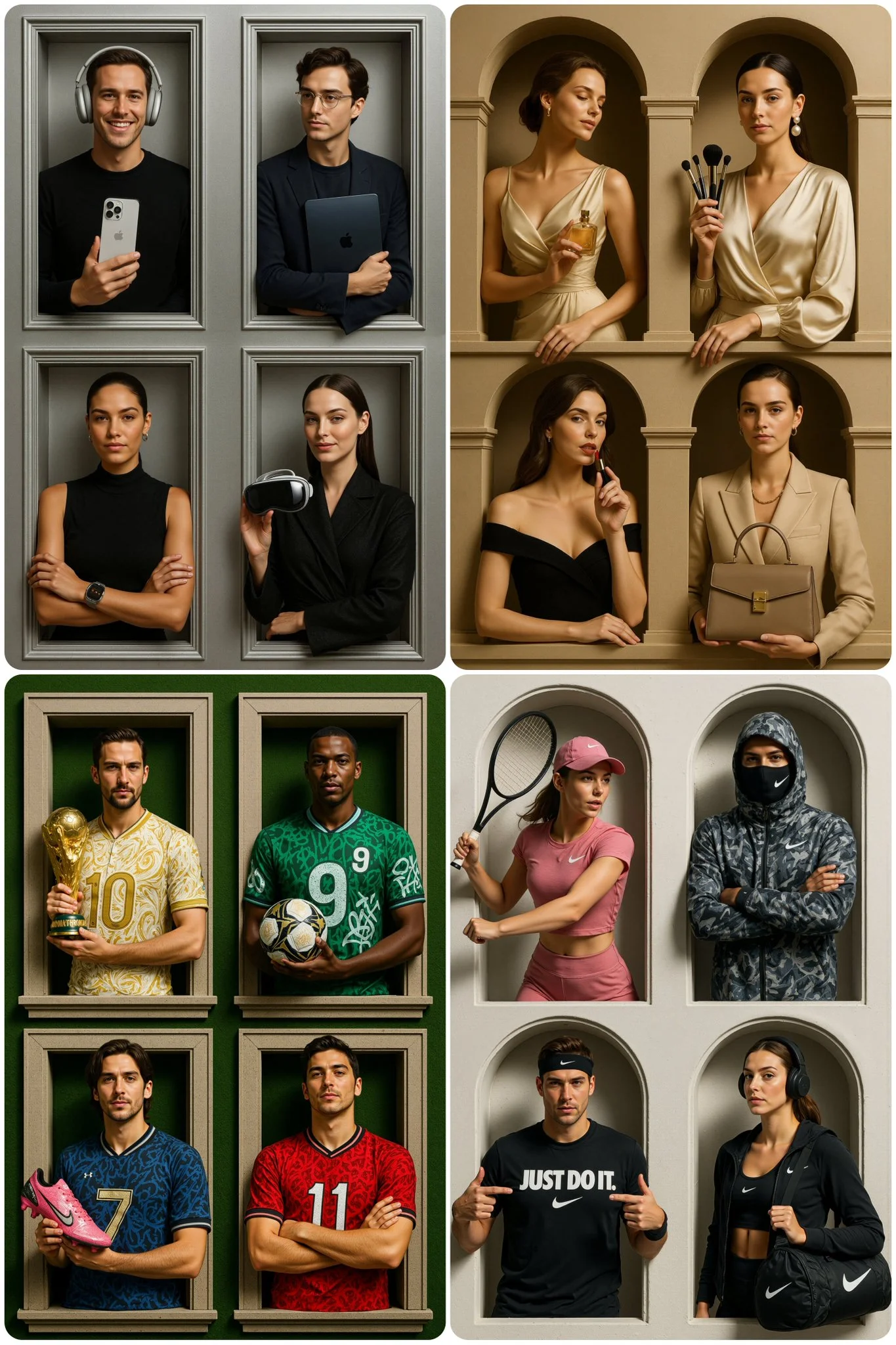
From a Brief to a Reviewed Video: The Kling Workflow
Allow time to inspect each video result and refine your brief. Processing time varies by model, request and service load. Change one direction at a time so that you can judge which edit improves the result.

Enter prompt or upload image
For your Kling video brief, describe how the subject should move from its starting pose. If the selected model supports an image or ending frame, use it to explain composition and continuity. Do not assume every reference type is accepted.
Review Availability, Settings and Credits
Allow time to inspect each video result and refine your brief. Processing time varies by model, request and service load. Change one direction at a time so that you can judge which edit improves the result.
Review and Download Completed Results
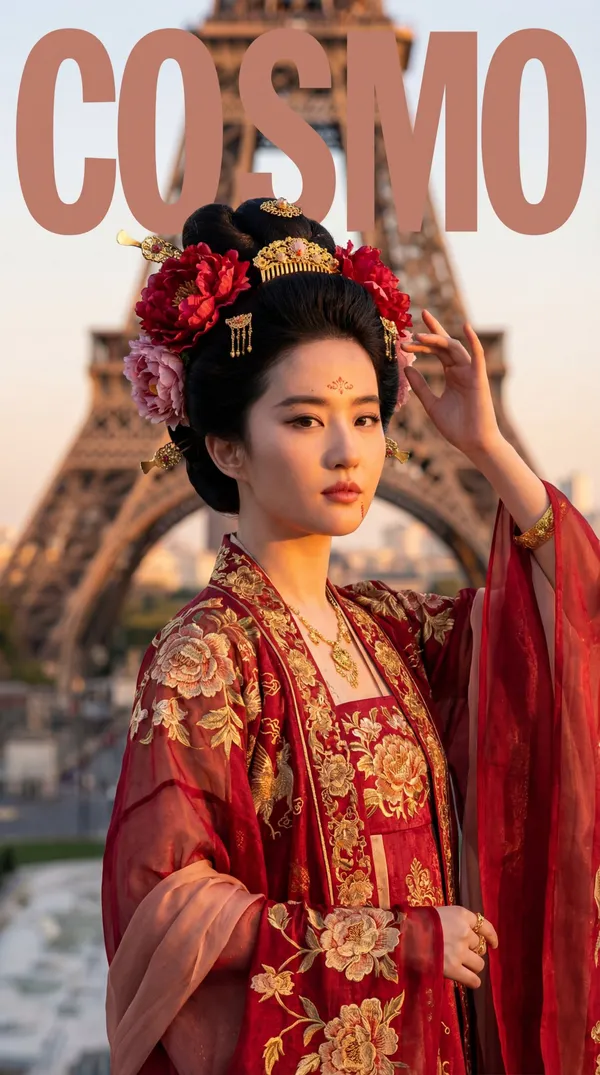
When a request completes, inspect the video in History and download the result you want to keep. Review the composition and any unintended details before sharing it with your team or publishing it.
Explore Related Video Workflows
Explore the Kling workflow and compare it with the related video pages. The generator is the source of truth for current model access and settings. Use the prompt library to study published results and the model that created them.
Build Your Kling Video Brief
For a Kling product concept, specify the product shape, material, key detail and setting. Keep logos and claims accurate, allow room for your own typography, and review the result before using it in an advertisement.
Plan One Clear Action per Shot
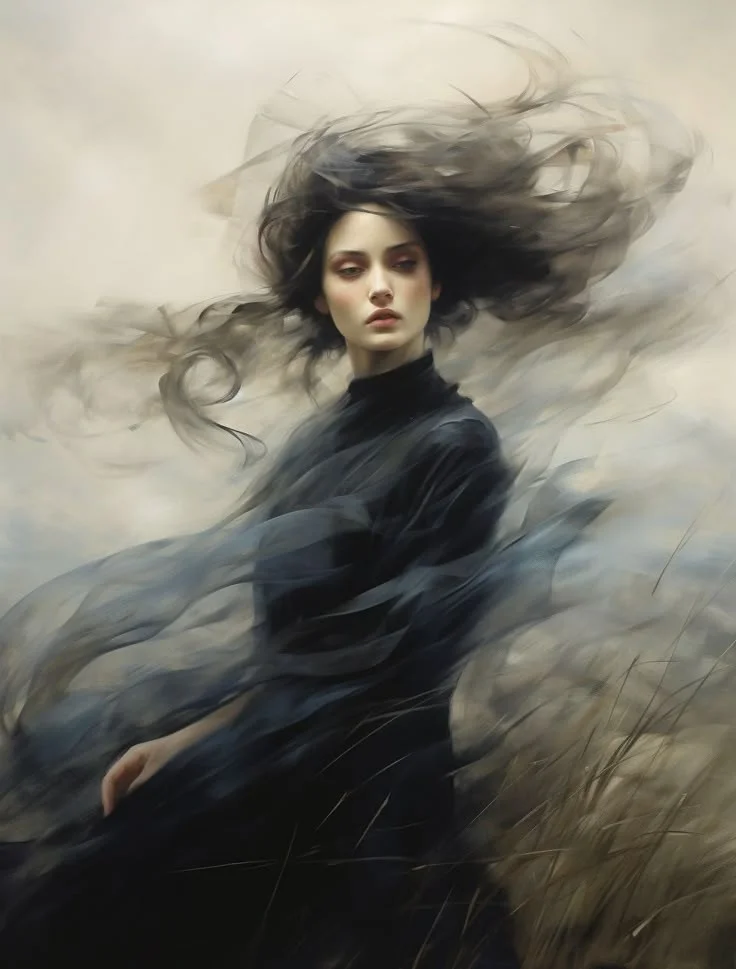
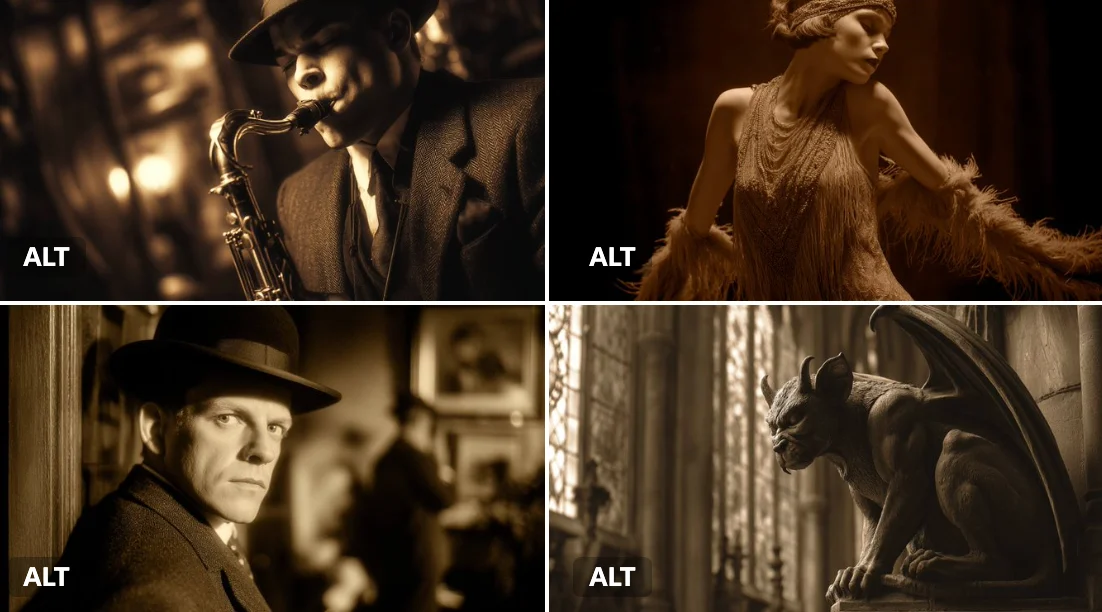
Break a Kling story concept into short, clearly described shots. Give each shot one action and a camera direction. Review continuity between results before assembling them into a sequence.
- For a Kling product concept, specify the product shape, material, key detail and setting. Keep logos and claims accurate, allow room for your own typography, and review the result before using it in an advertisement.
- Break a Kling story concept into short, clearly described shots. Give each shot one action and a camera direction. Review continuity between results before assembling them into a sequence.
- Break a Kling story concept into short, clearly described shots. Give each shot one action and a camera direction. Review continuity between results before assembling them into a sequence.
- Break a Kling story concept into short, clearly described shots. Give each shot one action and a camera direction. Review continuity between results before assembling them into a sequence.

Plan Sound and Visuals for Your Kling Video
Describe speech, ambient sound and music as separate directions in your Kling video brief. Audio output depends on the selected model and the options shown in the generator; check the finished clip rather than assuming sound is included.
- Describe speech, ambient sound and music as separate directions in your Kling video brief. Audio output depends on the selected model and the options shown in the generator; check the finished clip rather than assuming sound is included.
- Describe speech, ambient sound and music as separate directions in your Kling video brief. Audio output depends on the selected model and the options shown in the generator; check the finished clip rather than assuming sound is included.
- Describe speech, ambient sound and music as separate directions in your Kling video brief. Audio output depends on the selected model and the options shown in the generator; check the finished clip rather than assuming sound is included.
- For a Kling product concept, specify the product shape, material, key detail and setting. Keep logos and claims accurate, allow room for your own typography, and review the result before using it in an advertisement.
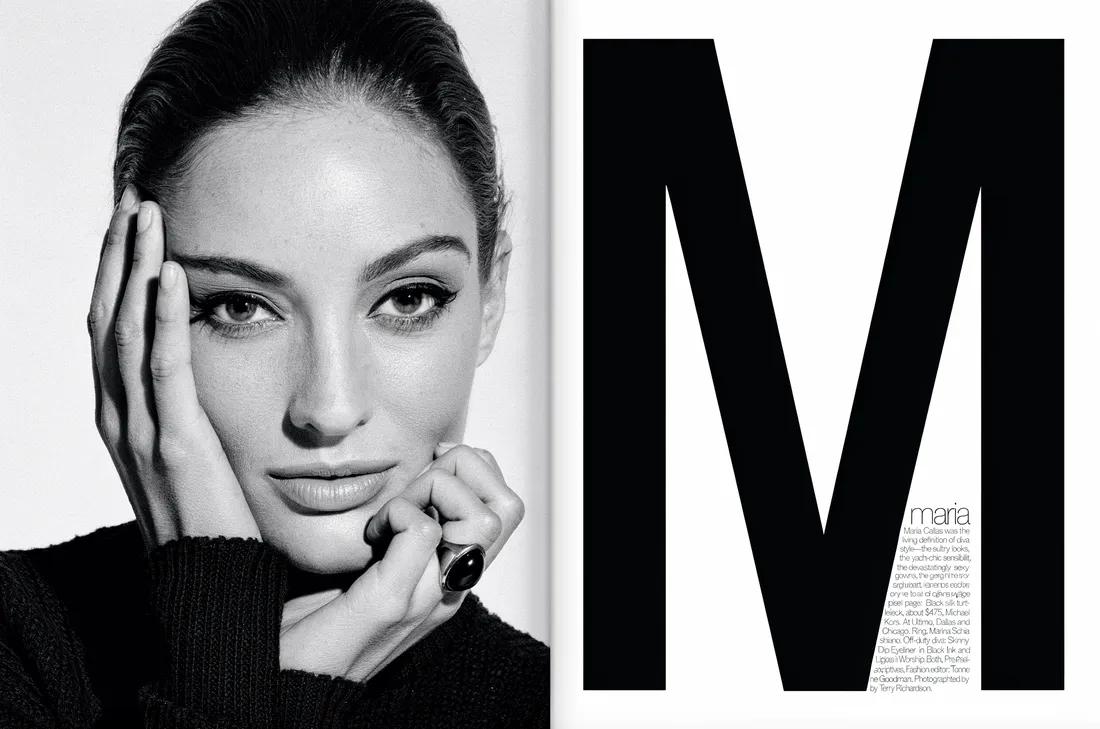
Explore Your Next Kling Video Idea
For your Kling video brief, describe how the subject should move from its starting pose. If the selected model supports an image or ending frame, use it to explain composition and continuity. Do not assume every reference type is accepted.
- For your Kling video brief, describe how the subject should move from its starting pose. If the selected model supports an image or ending frame, use it to explain composition and continuity. Do not assume every reference type is accepted.
- List the details that matter in your Kling video brief: identity, shape, colors, clothing and background. Use supported references where appropriate and compare every result; exact consistency is not guaranteed.
- Choose only the resolution and aspect ratio shown for the selected model. Check framing, fine details and any text in the completed video. A larger output size does not guarantee a more accurate result.
- Develop your Kling video brief around the result you need. Keep the main direction specific, check supported settings in the generator, and review the completed work before using it in your project.
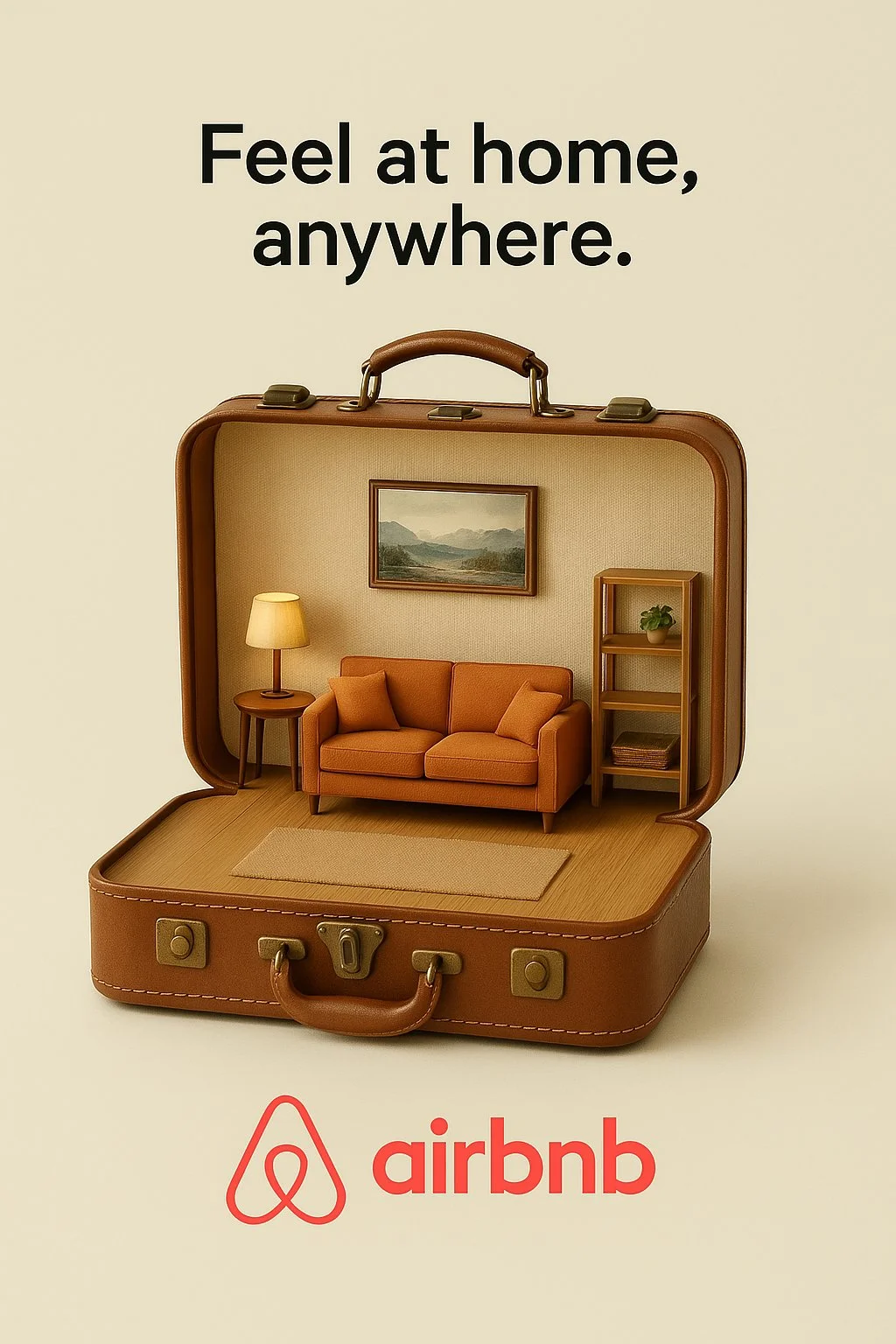
Describe Camera Movement and Timing
For a Kling product concept, specify the product shape, material, key detail and setting. Keep logos and claims accurate, allow room for your own typography, and review the result before using it in an advertisement.
- Develop your Kling video brief around the result you need. Keep the main direction specific, check supported settings in the generator, and review the completed work before using it in your project.
- Break a Kling story concept into short, clearly described shots. Give each shot one action and a camera direction. Review continuity between results before assembling them into a sequence.
- For a Kling product concept, specify the product shape, material, key detail and setting. Keep logos and claims accurate, allow room for your own typography, and review the result before using it in an advertisement.
- For a Kling product concept, specify the product shape, material, key detail and setting. Keep logos and claims accurate, allow room for your own typography, and review the result before using it in an advertisement.
A Clearer Creative Brief for Kling
Allow time to inspect each video result and refine your brief. Processing time varies by model, request and service load. Change one direction at a time so that you can judge which edit improves the result.

Cinematic Storytelling
Break a Kling story concept into short, clearly described shots. Give each shot one action and a camera direction. Review continuity between results before assembling them into a sequence.
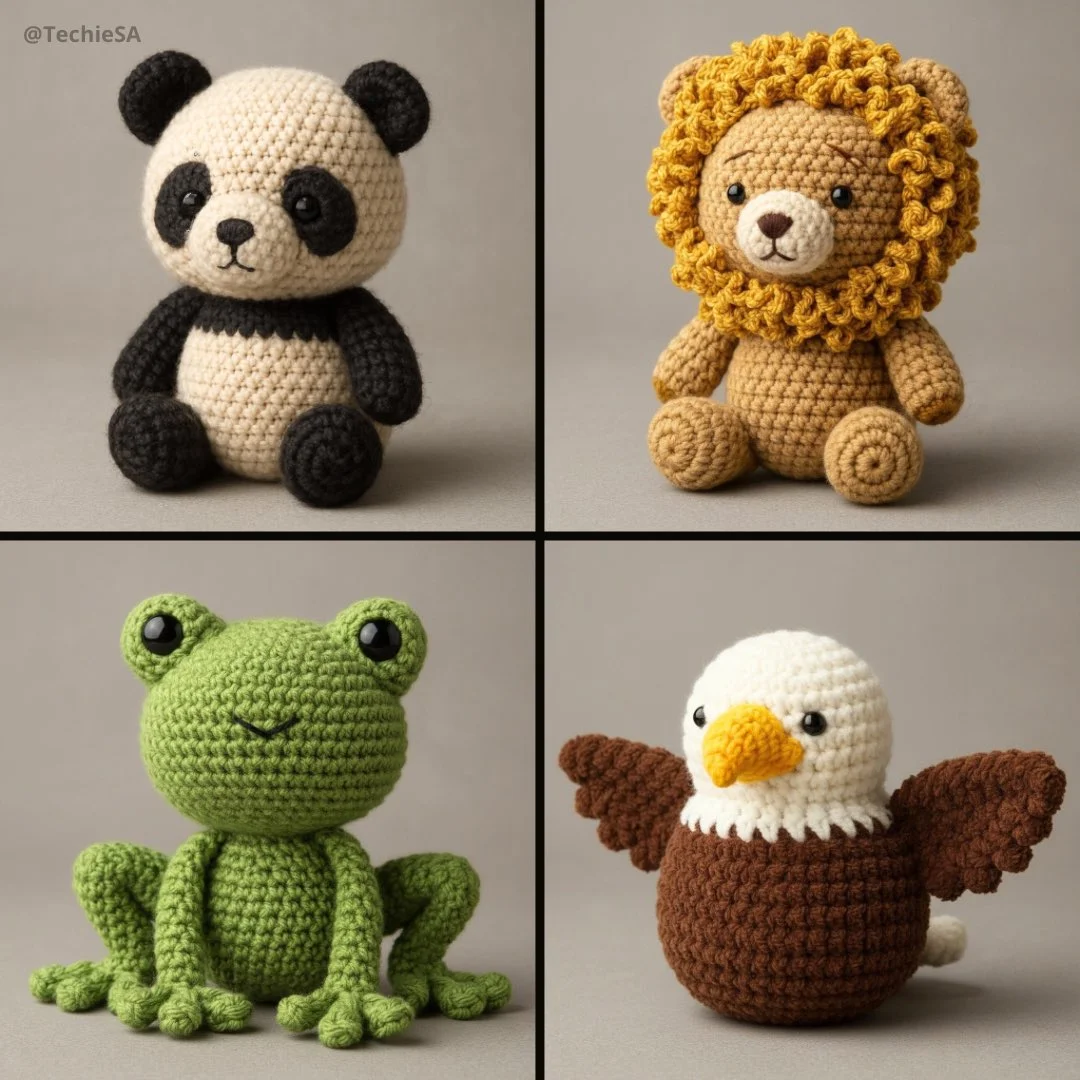
Social Media & Marketing
For a Kling product concept, specify the product shape, material, key detail and setting. Keep logos and claims accurate, allow room for your own typography, and review the result before using it in an advertisement.
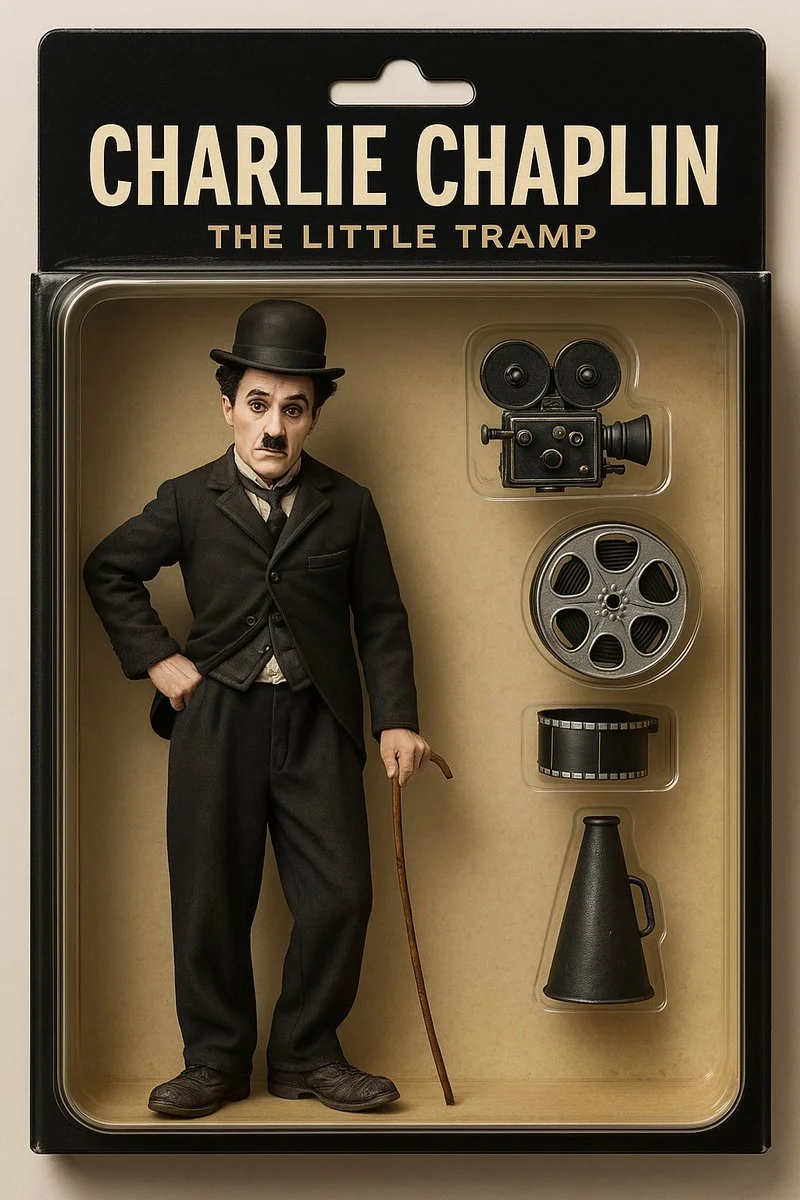
Product Showcases
For a Kling product concept, specify the product shape, material, key detail and setting. Keep logos and claims accurate, allow room for your own typography, and review the result before using it in an advertisement.
Efficient Production Workflow
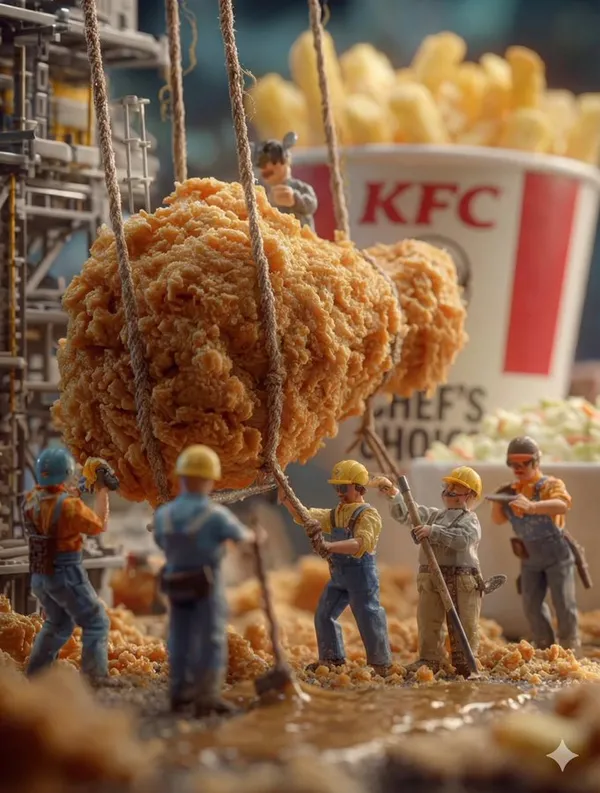
For a Kling product concept, specify the product shape, material, key detail and setting. Keep logos and claims accurate, allow room for your own typography, and review the result before using it in an advertisement.
Creative Notes for Your Kling Video Brief
Give the main subject one clear action. For a Kling concept, a precise brief is easier to assess than a list of competing effects.
Kling Video Workflow: Questions & Answers
For a Kling product concept, specify the product shape, material, key detail and setting. Keep logos and claims accurate, allow room for your own typography, and review the result before using it in an advertisement.
This youdot page explains the Kling video workflow. It helps you write a focused brief and review the available inputs. Current access is shown in the generator; a model name on a guide does not mean it currently accepts requests.
Write your Kling video brief around one visible action. Add the setting, shot size, camera movement and lighting. Keep dialogue and sound cues separate from the visual instructions so the intended scene is easy to understand.
Use only the input modes and controls offered by the selected model. Describe the intended video clearly and add supported references when useful. This page does not promise separate motion-brush, audio-upload, restoration or editing tools.
For your Kling video brief, describe how the subject should move from its starting pose. If the selected model supports an image or ending frame, use it to explain composition and continuity. Do not assume every reference type is accepted.
For a Kling product concept, specify the product shape, material, key detail and setting. Keep logos and claims accurate, allow room for your own typography, and review the result before using it in an advertisement.
You can request a refund within 10 days of purchase if you have unused credits from that purchase and provide a clear reason, subject to our Refund Policy. If eligible, an unused purchase can be fully refunded; a partly used purchase is refunded in proportion to its remaining unused credits. Fully used purchases and free or promotional credits are not refundable.
Credit validity depends on the pack, subscription or promotion that issued them. Review the purchase terms and expiration dates in Settings > Credits. A renewal or new purchase does not extend older credits. Use credits before their stated expiration; do not assume unused subscription credits roll over indefinitely.
Credits charged for a task that is confirmed as failed due to a system error are returned automatically. A task that is still processing has not yet been confirmed as failed. Check its status and your credit history before submitting again. If a confirmed failure still shows an unresolved charge, email support@youdot.app with the task ID.
AI results can vary, so a completed result that differs from your expectations is not automatically treated as a technical failure. Eligible completed image tasks can be submitted for credit refund review using the refund option where available; approval is required. For a video or another issue, contact support@youdot.app with the task ID and details. A credit refund returns credits, not money to your payment method.
Email support@youdot.app. For billing, include your account email and order ID; for generation, include the task ID, issue description and relevant screenshots. If you purchased as a guest, keep the original browser data and payment receipt so we can help locate the purchase.
Explore Your Next Kling Video Idea
Choose only the resolution and aspect ratio shown for the selected model. Check framing, fine details and any text in the completed video. A larger output size does not guarantee a more accurate result.
youdot.app · Updated
What's new on this page
- — Added editable example prompts and separate drafts for text and reference modes, with an action to restore the example.
- — Updated page copy and content.
- — Page content published.