
Veo Availability:Supported Video Models
Choose a Supported Text or Image Video Model
Veo is unavailable on youdot. Use an enabled Kling or Seedance model on the AI Video page for text-to-video or image-to-video. These examples are general creative inspiration, not Veo demonstrations.
Verified prompt
A cheerful 8-year-old child sprints joyfully across a sunlit grassy park, arms pumping, hair bouncing, feet kicking up small dust puffs. Medium-wide tracking shot moving smoothly alongside the child at running speed, cinematic framing. Warm golden afternoon light, soft shadows, shallow depth of field background of trees and distant playground. Natural ambient sound of footsteps, laughter, birds, and rustling leaves. Lively, energetic, realistic live-action style.
A cheerful 8-year-old child sprints joyfully across a sunlit grassy park, arms pumping, hair bouncing, feet kicking up small dust puffs. Medium-wide tracking shot moving smoothly alongside the child at running speed, cinematic framing. Warm golden afternoon light, soft shadows, shallow depth of field background of trees and distant playground. Natural ambient sound of footsteps, laughter, birds, and rustling leaves. Lively, energetic, realistic live-action style.
Verified prompt
00:00–00:03 — Wide cinematic shot of an abandoned amusement park at dusk. Dark storm clouds roll in fast. A teenage boy in a red jacket walks alone. 00:03–00:06 — Strong wind hits. A loose metal sign swings violently and crashes behind him. He starts running. 00:06–00:09 — He reaches the old carousel and climbs onto a faded wooden horse as heavy rain begins. 00:09–00:12 — Lightning flashes, illuminating the entire park in stark white. The carousel slowly starts turning from the wind. 00:12–00:15 — Rain hammers the metal roof. He holds on tightly as the carousel spins faster. 00:15–00:18 — Another lightning strike reveals a girl in a yellow raincoat standing at the entrance, watching him. 00:18–00:21 — She steps inside the spinning carousel as the storm intensifies. 00:21–00:24 — The boy looks at her. Both stay silent while rain pours and the ride turns. 00:24–00:27 — Camera slowly pushes in to a medium two-shot. Another lightning flash freezes the moment. 00:27–00:30 — Final close-up of their faces as rain streaks down. Atmosphere: eerie, melancholic, charged with quiet tension.
00:00–00:03 — Wide cinematic shot of an abandoned amusement park at dusk. Dark storm clouds roll in fast. A teenage boy in a red jacket walks alone. 00:03–00:06 — Strong wind hits. A loose metal sign swings violently and crashes behind him. He starts running. 00:06–00:09 — He reaches the old carousel and climbs onto a faded wooden horse as heavy rain begins. 00:09–00:12 — Lightning flashes, illuminating the entire park in stark white. The carousel slowly starts turning from the wind. 00:12–00:15 — Rain hammers the metal roof. He holds on tightly as the carousel spins faster. 00:15–00:18 — Another lightning strike reveals a girl in a yellow raincoat standing at the entrance, watching him. 00:18–00:21 — She steps inside the spinning carousel as the storm intensifies. 00:21–00:24 — The boy looks at her. Both stay silent while rain pours and the ride turns. 00:24–00:27 — Camera slowly pushes in to a medium two-shot. Another lightning flash freezes the moment. 00:27–00:30 — Final close-up of their faces as rain streaks down. Atmosphere: eerie, melancholic, charged with quiet tension.
Verified prompt
Verified prompt
Image1 komutan ve lider olan bir uzaylıdır. Image2 ise asker uzaylıdır.
Image1 komutan ve lider olan bir uzaylıdır. Image2 ise asker uzaylıdır.
Verified prompt
15 seconds, 16:9 cinematic, single continuous handheld tracking shot following the dancer, smooth flowing camera movement matching her motion, no hard cuts. Global setup: Artistic golden hour dance film. Warm low angle sunlight, soft lens flare drifting across frame, fine dust particles visible catching the light. Setting: an open field or rooftop at golden hour, tall grass swaying gently, wide open sky with warm amber tones. Subject: a young dancer in flowing lightweight clothing (loose dress or wide leg pants), expressive contemporary dance movement, fluid and graceful. Ambient sound: soft ambient instrumental music with a gentle building rhythm, wind through grass, fabric movement. [0:00–0:03] She stands still, arms relaxed, sunlight haloing around her silhouette, then begins a slow extending arm movement as the camera starts a gentle orbit. [0:03–0:06] She spins slowly, fabric flowing outward with the motion, hair catching the golden light, camera tracking smoothly alongside the turn. [0:06–0:09] She drops into a low fluid movement, reaching toward the ground then rising again in one continuous motion, dust and light particles visible around her. [0:09–0:12] She extends into a graceful leap or reach upward, silhouette framed against the golden sky, camera tilting up to follow the motion. [0:12–0:15] She settles into a final still pose, chest rising with breath, warm light flaring softly across the lens. Slow fade to white-gold light. Style: warm painterly golden hour color grade, soft natural film grain, expressive fluid movement, artistic and atmospheric rather than technical. Constraints: consistent appearance and outfit throughout, physically plausible dance movement, no distorted anatomy or limbs, no text overlays, camera motion stays smooth and continuous throughout.
15 seconds, 16:9 cinematic, single continuous handheld tracking shot following the dancer, smooth flowing camera movement matching her motion, no hard cuts. Global setup: Artistic golden hour dance film. Warm low angle sunlight, soft lens flare drifting across frame, fine dust particles visible catching the light. Setting: an open field or rooftop at golden hour, tall grass swaying gently, wide open sky with warm amber tones. Subject: a young dancer in flowing lightweight clothing (loose dress or wide leg pants), expressive contemporary dance movement, fluid and graceful. Ambient sound: soft ambient instrumental music with a gentle building rhythm, wind through grass, fabric movement. [0:00–0:03] She stands still, arms relaxed, sunlight haloing around her silhouette, then begins a slow extending arm movement as the camera starts a gentle orbit. [0:03–0:06] She spins slowly, fabric flowing outward with the motion, hair catching the golden light, camera tracking smoothly alongside the turn. [0:06–0:09] She drops into a low fluid movement, reaching toward the ground then rising again in one continuous motion, dust and light particles visible around her. [0:09–0:12] She extends into a graceful leap or reach upward, silhouette framed against the golden sky, camera tilting up to follow the motion. [0:12–0:15] She settles into a final still pose, chest rising with breath, warm light flaring softly across the lens. Slow fade to white-gold light. Style: warm painterly golden hour color grade, soft natural film grain, expressive fluid movement, artistic and atmospheric rather than technical. Constraints: consistent appearance and outfit throughout, physically plausible dance movement, no distorted anatomy or limbs, no text overlays, camera motion stays smooth and continuous throughout.
Verified prompt
Verified prompt
A 15-second photorealistic Korean beauty commercial for a premium cushion foundation. Use @image1 as the exact reference for the model, product, and visual style. A young Korean woman sits in a bright minimalist room with soft daylight. She looks at her reflection in the mirror, notices uneven skin, then opens a pearl-beige cushion compact. Show elegant macro shots of the cushion, puff, and smooth foundation texture. She gently taps the cushion onto her cheek and face. The skin becomes naturally fresh, luminous, and smooth while keeping realistic pores and texture. Show close-up beauty shots with soft Korean TV commercial cinematography. She walks outside under warm sunlight, looking confident and radiant. End with a premium product hero shot of the cushion compact with soft background blur. Audio: soft Korean beauty commercial music, subtle product sounds, gentle female Korean voice.
A 15-second photorealistic Korean beauty commercial for a premium cushion foundation. Use @image1 as the exact reference for the model, product, and visual style. A young Korean woman sits in a bright minimalist room with soft daylight. She looks at her reflection in the mirror, notices uneven skin, then opens a pearl-beige cushion compact. Show elegant macro shots of the cushion, puff, and smooth foundation texture. She gently taps the cushion onto her cheek and face. The skin becomes naturally fresh, luminous, and smooth while keeping realistic pores and texture. Show close-up beauty shots with soft Korean TV commercial cinematography. She walks outside under warm sunlight, looking confident and radiant. End with a premium product hero shot of the cushion compact with soft background blur. Audio: soft Korean beauty commercial music, subtle product sounds, gentle female Korean voice.
Verified prompt
10-second cinematic POV video. Nighttime in a quiet forest. A flashlight beam slowly sweeps across the ground until it discovers an old wooden treasure chest covered in moss. The camera carefully walks closer with subtle handheld movement, creating suspense. A human hand reaches down, unlocks the chest, and slowly lifts the lid. Instead of treasure, a tiny fluffy baby penguin wearing miniature black sunglasses is sitting inside on glowing ice crystals. The penguin looks directly into the camera, smiles, and slowly raises one flipper to give a clear 👍 thumbs-up gesture. The camera pushes in for a close-up of the adorable expression. Audio: Quiet forest ambience with distant crickets and soft suspenseful music during the approach. The instant the chest opens, the music changes to a cheerful, uplifting tune. A natural adult male voice enthusiastically says, "Wow, wonderful!" perfectly synchronized with the penguin's thumbs-up. The penguin immediately responds with a cute chirping sound. Ultra-realistic, cinematic lighting, highly detailed feathers, expressive eyes, realistic physics, natural animation, smooth handheld camera movement, shallow depth of field, photorealistic, no subtitles, no text, no watermark.
10-second cinematic POV video. Nighttime in a quiet forest. A flashlight beam slowly sweeps across the ground until it discovers an old wooden treasure chest covered in moss. The camera carefully walks closer with subtle handheld movement, creating suspense. A human hand reaches down, unlocks the chest, and slowly lifts the lid. Instead of treasure, a tiny fluffy baby penguin wearing miniature black sunglasses is sitting inside on glowing ice crystals. The penguin looks directly into the camera, smiles, and slowly raises one flipper to give a clear 👍 thumbs-up gesture. The camera pushes in for a close-up of the adorable expression. Audio: Quiet forest ambience with distant crickets and soft suspenseful music during the approach. The instant the chest opens, the music changes to a cheerful, uplifting tune. A natural adult male voice enthusiastically says, "Wow, wonderful!" perfectly synchronized with the penguin's thumbs-up. The penguin immediately responds with a cute chirping sound. Ultra-realistic, cinematic lighting, highly detailed feathers, expressive eyes, realistic physics, natural animation, smooth handheld camera movement, shallow depth of field, photorealistic, no subtitles, no text, no watermark.
Verified prompt
FORMAT: 16:9 cinematic storyboard presentation, 1920×1080, ultra-detailed high-resolution STYLE: Hyper-realistic YouTube livestream horror, premium storyboard infographic, cinematic found-footage realism, dark documentary aesthetic PROJECT: PARIS CATACOMBS LIVESTREAM TITLE: “LIVE EXPLORING PARIS CATACOMBS (NOT CLICKBAIT)” DURATION: 15 Seconds LAYOUT: 5 large cinematic storyboard frames in top row Technical breakdown panels in bottom row Black premium background Thin white borders Red YouTube LIVE accents Minimal professional production-board layout ──────────────────── FRAME 01 (0:00–0:03) STREAM STARTS Wide handheld selfie shot. Streamer walking through narrow Paris catacombs tunnel. Walls built from skulls and bones. Headlamp and flashlight are only light sources. YOUTUBE UI OVERLAY: LIVE ● Viewers: 18,492 Chat visible on right side CHAT: “bro this is illegal” “turn back” “no way this is real” CAMERA: Handheld selfie cam Slight shake VISUAL: Wet stone walls Skulls Dark tunnel depth ──────────────────── FRAME 02 (0:03–0:06) DEEPER INSIDE Rear-facing camera. Tunnel becomes tighter and more claustrophobic. Streamer scans walls using flashlight. DIALOGUE: “Guys… I don’t think tourists come here.” CAMERA: Sony A7S III low-light look Shaky tracking shot VISUAL: Bones everywhere Moisture on walls Water puddles ──────────────────── FRAME 03 (0:06–0:09) CHAT NOTICES SOMETHING Streamer pans camera. Nothing visible to him. Chat suddenly floods rapidly. CHAT: “WAIT” “WHO IS THAT” “BRO BEHIND YOU” “RUN” CAMERA: Fast pan Digital compression artifacts VISUAL: Bitrate drop Glitch tearing Audio waveform distortion ──────────────────── FRAME 04 (0:09–0:12) ENTITY APPEARS Camera slowly turns toward deep tunnel. Far away: Tall pale humanoid figure. Standing completely motionless. No visible face. Unnaturally long limbs. CAMERA: Slow digital zoom Compression noise VISUAL: Flashlight flicker Deep darkness Entity silhouette ──────────────────── FRAME 05 (0:12–0:15) STREAM ENDS Entity suddenly much closer. Impossible movement. Streamer screams. Camera drops sideways. Final frame: Entity crouching near fallen camera. YOUTUBE UI: SIGNAL LOST STREAM ENDED VISUAL: Static noise Broken stream frame Corrupted pixels ──────────────────── KEY VISUALS: - Catacomb skull walls - YouTube live UI - Chat overlay - Flashlight beam - Compression artifacts - Pale humanoid entity - Moist tunnel reflections - Broken stream signal CAMERA STYLE REFERENCE: - IRL YouTube livestream - GoPro + Sony low-light footage - Found footage horror - Handheld realism - Sensor noise - Rolling shutter artifacts LIGHTING: - Headlamp beam - Flashlight spill - Cold blue shadows - Black void darkness - Moisture reflections - Flickering light COLOR PALETTE: Deep Black Bone White Wet Stone Gray Cold Blue Emergency Red AUDIO REFERENCE: - Dripping water - Heavy breathing - Footsteps - Chat notification pings - Digital glitch distortion - Sudden silence IMPORTANT NOTES: - Must feel REAL, not cinematic-polished - Zero supernatural glow - Entity should be subtle and terrifying - Horror comes from realism - Authentic livestream imperfections required TONE & ENERGY: Claustrophobic Unsettling Viral horror Psychological dread Realistic panic OUTPUT: Premium horror livestream storyboard Feels like a real viral YouTube stream gone horribly wrong
FORMAT: 16:9 cinematic storyboard presentation, 1920×1080, ultra-detailed high-resolution STYLE: Hyper-realistic YouTube livestream horror, premium storyboard infographic, cinematic found-footage realism, dark documentary aesthetic PROJECT: PARIS CATACOMBS LIVESTREAM TITLE: “LIVE EXPLORING PARIS CATACOMBS (NOT CLICKBAIT)” DURATION: 15 Seconds LAYOUT: 5 large cinematic storyboard frames in top row Technical breakdown panels in bottom row Black premium background Thin white borders Red YouTube LIVE accents Minimal professional production-board layout ──────────────────── FRAME 01 (0:00–0:03) STREAM STARTS Wide handheld selfie shot. Streamer walking through narrow Paris catacombs tunnel. Walls built from skulls and bones. Headlamp and flashlight are only light sources. YOUTUBE UI OVERLAY: LIVE ● Viewers: 18,492 Chat visible on right side CHAT: “bro this is illegal” “turn back” “no way this is real” CAMERA: Handheld selfie cam Slight shake VISUAL: Wet stone walls Skulls Dark tunnel depth ──────────────────── FRAME 02 (0:03–0:06) DEEPER INSIDE Rear-facing camera. Tunnel becomes tighter and more claustrophobic. Streamer scans walls using flashlight. DIALOGUE: “Guys… I don’t think tourists come here.” CAMERA: Sony A7S III low-light look Shaky tracking shot VISUAL: Bones everywhere Moisture on walls Water puddles ──────────────────── FRAME 03 (0:06–0:09) CHAT NOTICES SOMETHING Streamer pans camera. Nothing visible to him. Chat suddenly floods rapidly. CHAT: “WAIT” “WHO IS THAT” “BRO BEHIND YOU” “RUN” CAMERA: Fast pan Digital compression artifacts VISUAL: Bitrate drop Glitch tearing Audio waveform distortion ──────────────────── FRAME 04 (0:09–0:12) ENTITY APPEARS Camera slowly turns toward deep tunnel. Far away: Tall pale humanoid figure. Standing completely motionless. No visible face. Unnaturally long limbs. CAMERA: Slow digital zoom Compression noise VISUAL: Flashlight flicker Deep darkness Entity silhouette ──────────────────── FRAME 05 (0:12–0:15) STREAM ENDS Entity suddenly much closer. Impossible movement. Streamer screams. Camera drops sideways. Final frame: Entity crouching near fallen camera. YOUTUBE UI: SIGNAL LOST STREAM ENDED VISUAL: Static noise Broken stream frame Corrupted pixels ──────────────────── KEY VISUALS: - Catacomb skull walls - YouTube live UI - Chat overlay - Flashlight beam - Compression artifacts - Pale humanoid entity - Moist tunnel reflections - Broken stream signal CAMERA STYLE REFERENCE: - IRL YouTube livestream - GoPro + Sony low-light footage - Found footage horror - Handheld realism - Sensor noise - Rolling shutter artifacts LIGHTING: - Headlamp beam - Flashlight spill - Cold blue shadows - Black void darkness - Moisture reflections - Flickering light COLOR PALETTE: Deep Black Bone White Wet Stone Gray Cold Blue Emergency Red AUDIO REFERENCE: - Dripping water - Heavy breathing - Footsteps - Chat notification pings - Digital glitch distortion - Sudden silence IMPORTANT NOTES: - Must feel REAL, not cinematic-polished - Zero supernatural glow - Entity should be subtle and terrifying - Horror comes from realism - Authentic livestream imperfections required TONE & ENERGY: Claustrophobic Unsettling Viral horror Psychological dread Realistic panic OUTPUT: Premium horror livestream storyboard Feels like a real viral YouTube stream gone horribly wrong
Verified prompt
Main subject: Young Korean couple, both early-to-mid 20s, fresh-faced and naturally attractive. Woman: long dark hair in a loose low bun with strands falling out, wearing an oversized soft beige hoodie and black bike shorts, glowing skin. Man: short textured black hair, wearing a white sleeveless tank and grey sweatpants, gentle and playful vibe. Keep their looks, outfits, and loving chemistry perfectly consistent across shots. Location: Charming Seoul suburban residential area at golden sunrise. Winding alleyways between colorful low-rise apartments, rooftop gardens with flowers, small balconies with drying clothes, steam from breakfast drifting out windows, birds on power lines, warm sunlight painting everything in soft orange and pink hues. Visual Style: Bright, heartwarming lifestyle realism with a dreamy morning glow. Soft bokeh in backgrounds, gentle lens flares from rising sun, vibrant yet natural colors, cozy and aspirational feel that makes viewers smile and feel warm inside. Focus on tender couple connection, small joyful gestures, and the beauty of simple shared moments. Camera Style: Mid-2010s smartphone video aesthetic (like an old iPhone 6 or Galaxy S5 recording). Casual vertical or slightly tilted handheld footage from one of them holding the phone. Light digital stabilization with occasional jitters, smooth but imperfect panning, auto white-balance shifts, subtle lens flare from morning sun, minor compression artifacts, natural color grading with slightly boosted warmth, occasional finger in frame or thumb occlusion at edges. No professional moves, feels like personal couple vlog footage. 00:00–00:02 Close-up of them waking up together on a small bed by the window. She sleepily smiles and pulls him in for a morning kiss on the forehead. Golden sunrise light pours in. 00:02–00:04 In their tiny kitchen, he makes coffee while she hugs him from behind, resting her chin on his shoulder. They sway together laughing as the coffee brews. 00:04–00:06 Stepping out to their small balcony. They feed leftover rice to birds on the railing. She points excitedly at a bird; he wraps his arms around her from behind. 00:06–00:08 Walking hand-in-hand down the sunny alley. They stop to take a quick selfie together, making silly faces then a sweet kiss on the cheek. 00:08–00:10 Sitting on a low wall sharing one pair of wired earphones, listening to music. She rests her head on his shoulder, both gently nodding to the beat with peaceful smiles. 00:10–00:12 Playful moment — he pretends to run away with her coffee cup; she chases him a few steps, both laughing brightly in the morning light. 00:12–00:15 Back at their door. They turn to the camera together, wave cutely, blow a kiss, and say “Have a good day!” in Korean with big smiles. Screen fades warmly as they step inside. Audio: Gentle natural morning ambience (soft birds, distant city wake-up sounds, light wind) mixed with faint, cheerful lo-fi beat playing from their shared earphones. Subtle fabric rustles, footsteps, happy laughter, and warm couple whispers. Cozy and uplifting without overpowering. Goal: Create an irresistibly heartwarming, relatable “couple goals” morning routine that feels genuine and aspirational — perfect for evoking smiles, relationship envy, and high shareability. Designed to go viral as feel-good everyday romance content.
Main subject: Young Korean couple, both early-to-mid 20s, fresh-faced and naturally attractive. Woman: long dark hair in a loose low bun with strands falling out, wearing an oversized soft beige hoodie and black bike shorts, glowing skin. Man: short textured black hair, wearing a white sleeveless tank and grey sweatpants, gentle and playful vibe. Keep their looks, outfits, and loving chemistry perfectly consistent across shots. Location: Charming Seoul suburban residential area at golden sunrise. Winding alleyways between colorful low-rise apartments, rooftop gardens with flowers, small balconies with drying clothes, steam from breakfast drifting out windows, birds on power lines, warm sunlight painting everything in soft orange and pink hues. Visual Style: Bright, heartwarming lifestyle realism with a dreamy morning glow. Soft bokeh in backgrounds, gentle lens flares from rising sun, vibrant yet natural colors, cozy and aspirational feel that makes viewers smile and feel warm inside. Focus on tender couple connection, small joyful gestures, and the beauty of simple shared moments. Camera Style: Mid-2010s smartphone video aesthetic (like an old iPhone 6 or Galaxy S5 recording). Casual vertical or slightly tilted handheld footage from one of them holding the phone. Light digital stabilization with occasional jitters, smooth but imperfect panning, auto white-balance shifts, subtle lens flare from morning sun, minor compression artifacts, natural color grading with slightly boosted warmth, occasional finger in frame or thumb occlusion at edges. No professional moves, feels like personal couple vlog footage. 00:00–00:02 Close-up of them waking up together on a small bed by the window. She sleepily smiles and pulls him in for a morning kiss on the forehead. Golden sunrise light pours in. 00:02–00:04 In their tiny kitchen, he makes coffee while she hugs him from behind, resting her chin on his shoulder. They sway together laughing as the coffee brews. 00:04–00:06 Stepping out to their small balcony. They feed leftover rice to birds on the railing. She points excitedly at a bird; he wraps his arms around her from behind. 00:06–00:08 Walking hand-in-hand down the sunny alley. They stop to take a quick selfie together, making silly faces then a sweet kiss on the cheek. 00:08–00:10 Sitting on a low wall sharing one pair of wired earphones, listening to music. She rests her head on his shoulder, both gently nodding to the beat with peaceful smiles. 00:10–00:12 Playful moment — he pretends to run away with her coffee cup; she chases him a few steps, both laughing brightly in the morning light. 00:12–00:15 Back at their door. They turn to the camera together, wave cutely, blow a kiss, and say “Have a good day!” in Korean with big smiles. Screen fades warmly as they step inside. Audio: Gentle natural morning ambience (soft birds, distant city wake-up sounds, light wind) mixed with faint, cheerful lo-fi beat playing from their shared earphones. Subtle fabric rustles, footsteps, happy laughter, and warm couple whispers. Cozy and uplifting without overpowering. Goal: Create an irresistibly heartwarming, relatable “couple goals” morning routine that feels genuine and aspirational — perfect for evoking smiles, relationship envy, and high shareability. Designed to go viral as feel-good everyday romance content.
Verified prompt
Transfer the single female performer's exact motion in @Video1 to our original adult AI influencer shown in @Image1 and @Image2. These images depict ONE identical woman: @Image1 is the face identity anchor and @Image2 establishes her appearance and body proportions, not the background or wardrobe. Apply her recognizable facial geometry, natural green eyes, full lips, freckles and long chestnut brown hair consistently throughout the video. Preserve the source video's indoor setting, original outfit (black graphic T-shirt and light-colored bottoms), composition, camera, timing, gestures and dance motion. Match the source illumination and natural motion blur. Keep the original video audio if supported. Output the exact 8-second source segment; no introduction, no additional people or cuts, no studio background. Photorealistic natural skin detail with temporally consistent identity.
Transfer the single female performer's exact motion in @Video1 to our original adult AI influencer shown in @Image1 and @Image2. These images depict ONE identical woman: @Image1 is the face identity anchor and @Image2 establishes her appearance and body proportions, not the background or wardrobe. Apply her recognizable facial geometry, natural green eyes, full lips, freckles and long chestnut brown hair consistently throughout the video. Preserve the source video's indoor setting, original outfit (black graphic T-shirt and light-colored bottoms), composition, camera, timing, gestures and dance motion. Match the source illumination and natural motion blur. Keep the original video audio if supported. Output the exact 8-second source segment; no introduction, no additional people or cuts, no studio background. Photorealistic natural skin detail with temporally consistent identity.
Verified prompt
Morning Routine in a Tiny Apartment (10–15 sec) Scene 1 (0–3 sec) – Wake Up Prompt: Ultra-realistic handheld selfie vlog, waking up in a cozy tiny apartment, messy bed, soft morning sunlight, natural camera shake, smiling at the camera, 9:16, cinematic. Dialogue: "Morning! Time to start the day." Scene 2 (3–7 sec) – Coffee Prompt: Selfie vlog in a compact kitchen, making coffee, pouring into a mug, warm morning light, realistic steam, handheld smartphone camera. Dialogue: "First things first... coffee." Scene 3 (7–11 sec) – Work Prompt: Working on a laptop at a small desk, sipping coffee, cozy apartment, natural lighting, realistic handheld vlog. Dialogue: "Now it's time to get some work done." Scene 4 (11–15 sec) – Grocery Run Prompt: Walking outside with a reusable shopping bag, neighborhood grocery store, smiling at the camera, realistic vlog style. Dialogue: "Quick grocery run, then back home!"
Morning Routine in a Tiny Apartment (10–15 sec) Scene 1 (0–3 sec) – Wake Up Prompt: Ultra-realistic handheld selfie vlog, waking up in a cozy tiny apartment, messy bed, soft morning sunlight, natural camera shake, smiling at the camera, 9:16, cinematic. Dialogue: "Morning! Time to start the day." Scene 2 (3–7 sec) – Coffee Prompt: Selfie vlog in a compact kitchen, making coffee, pouring into a mug, warm morning light, realistic steam, handheld smartphone camera. Dialogue: "First things first... coffee." Scene 3 (7–11 sec) – Work Prompt: Working on a laptop at a small desk, sipping coffee, cozy apartment, natural lighting, realistic handheld vlog. Dialogue: "Now it's time to get some work done." Scene 4 (11–15 sec) – Grocery Run Prompt: Walking outside with a reusable shopping bag, neighborhood grocery store, smiling at the camera, realistic vlog style. Dialogue: "Quick grocery run, then back home!"
Explore Video Workflows
Explore available video workflows and compare it with the related video pages. The generator is the source of truth for current model access and settings. Use the prompt library to study published results and the model that created them.
Plan a Scene with Available Video Models
Choose only the resolution and aspect ratio shown for the selected model. Check framing, fine details and any text in the completed video. A larger output size does not guarantee a more accurate result.
Describe speech, ambient sound and music as separate directions in your video brief. Audio output depends on the selected model and the options shown in the generator; check the finished clip rather than assuming sound is included.
Choose available video models
Explore Veo Video Ideas with youdot
For your video brief, describe how the subject should move from its starting pose. If the selected model supports an image or ending frame, use it to explain composition and continuity. Do not assume every reference type is accepted.

Text to Video Mode
Write your video brief around one visible action. Add the setting, shot size, camera movement and lighting. Keep dialogue and sound cues separate from the visual instructions so the intended scene is easy to understand.
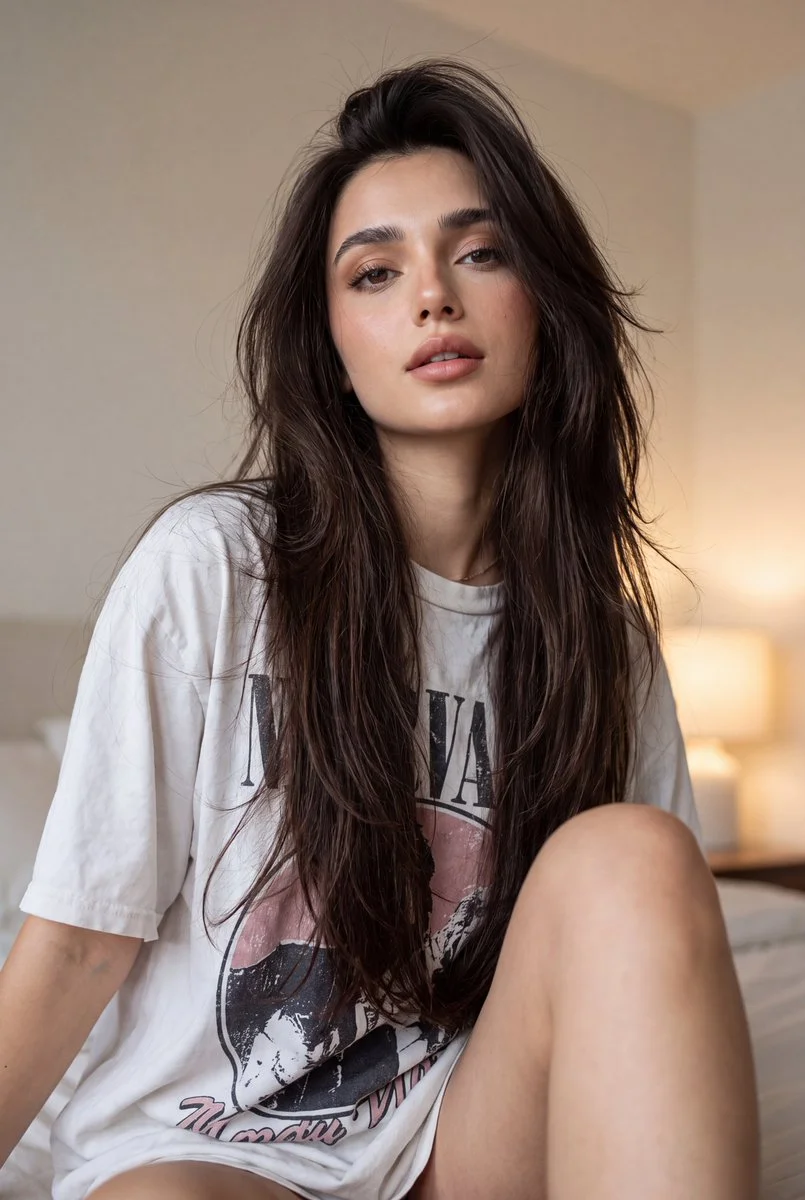
Image to Video Mode
For your video brief, describe how the subject should move from its starting pose. If the selected model supports an image or ending frame, use it to explain composition and continuity. Do not assume every reference type is accepted.
Review and Download Completed Results
When a request completes, inspect the video in History and download the result you want to keep. Review the composition and any unintended details before sharing it with your team or publishing it.
Explore Related Video Workflows
Explore available video workflows and compare it with the related video pages. The generator is the source of truth for current model access and settings. Use the prompt library to study published results and the model that created them.
Choose an enabled model on the AI Video page. Review its supported settings and credit quote before generating a clip from text or an image.
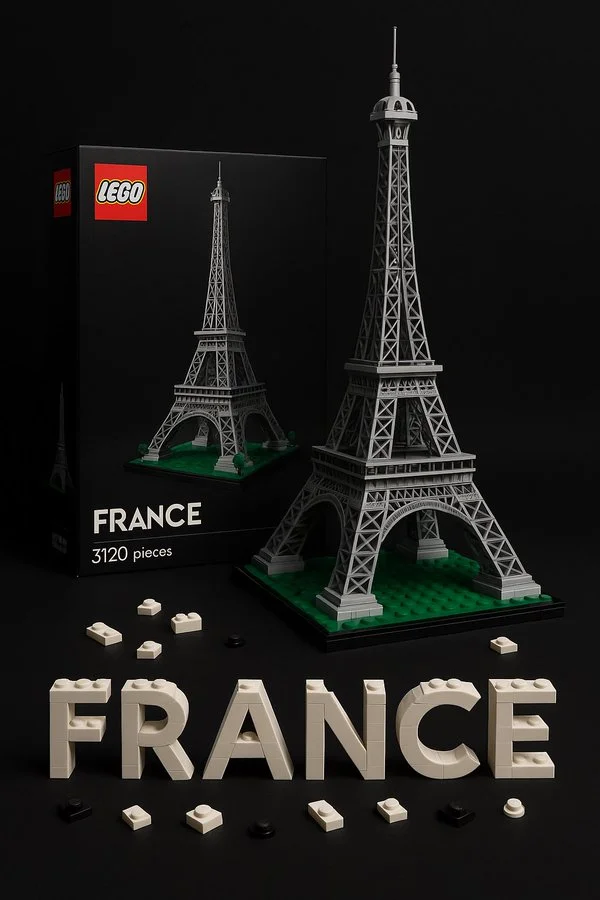
For a video product concept, specify the product shape, material, key detail and setting. Keep logos and claims accurate, allow room for your own typography, and review the result before using it in an advertisement.
Choose a Supported Output Size
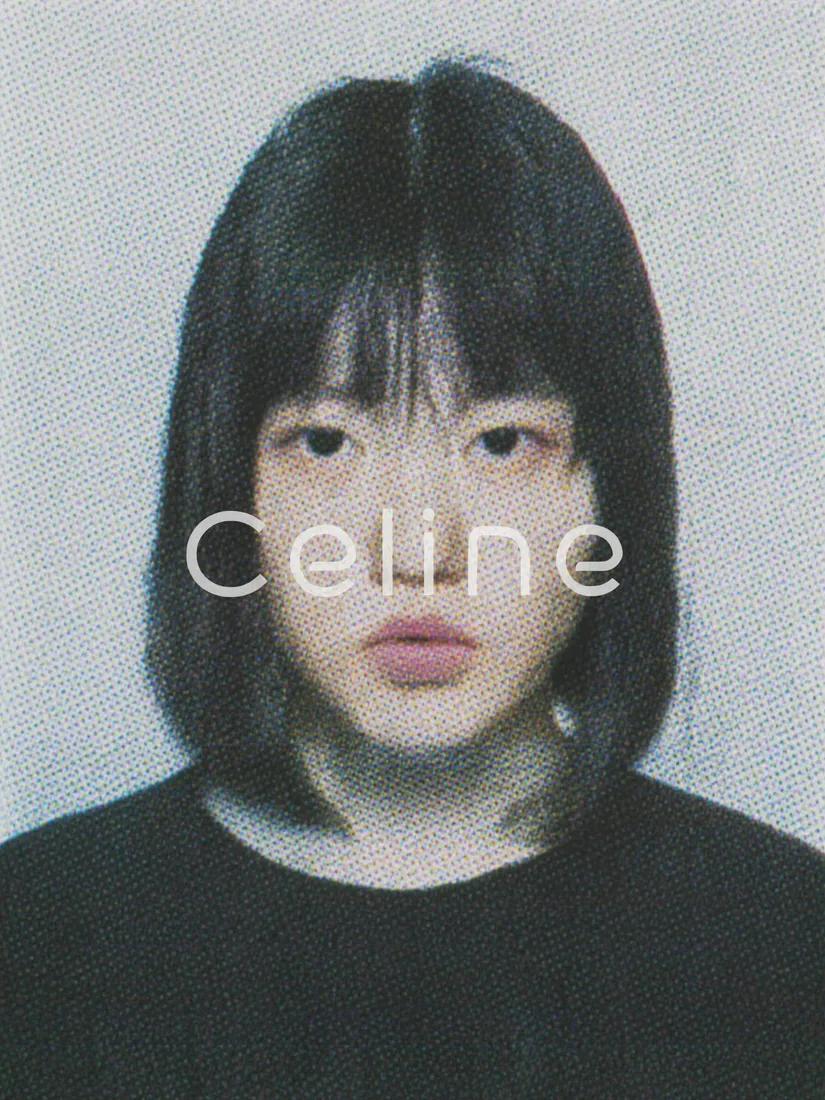
Choose only the resolution and aspect ratio shown for the selected model. Check framing, fine details and any text in the completed video. A larger output size does not guarantee a more accurate result.
Write your video brief around one visible action. Add the setting, shot size, camera movement and lighting. Keep dialogue and sound cues separate from the visual instructions so the intended scene is easy to understand.
Develop your video brief around the result you need. Keep the main direction specific, check supported settings in the generator, and review the completed work before using it in your project.
Develop your video brief around the result you need. Keep the main direction specific, check supported settings in the generator, and review the completed work before using it in your project.
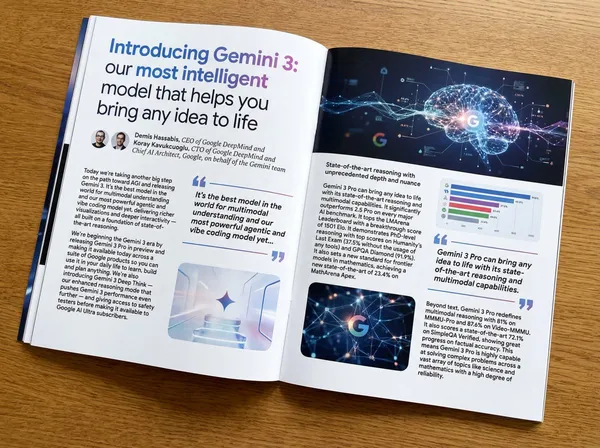
Choose an enabled model on the AI Video page. Review its supported settings and credit quote before generating a clip from text or an image.
Describe speech, ambient sound and music as separate directions in your video brief. Audio output depends on the selected model and the options shown in the generator; check the finished clip rather than assuming sound is included.
Write your video brief around one visible action. Add the setting, shot size, camera movement and lighting. Keep dialogue and sound cues separate from the visual instructions so the intended scene is easy to understand.
Describe speech, ambient sound and music as separate directions in your video brief. Audio output depends on the selected model and the options shown in the generator; check the finished clip rather than assuming sound is included.
Describe speech, ambient sound and music as separate directions in your video brief. Audio output depends on the selected model and the options shown in the generator; check the finished clip rather than assuming sound is included.

Use References to Explain the Intended Result
For your video brief, describe how the subject should move from its starting pose. If the selected model supports an image or ending frame, use it to explain composition and continuity. Do not assume every reference type is accepted.
For your video brief, describe how the subject should move from its starting pose. If the selected model supports an image or ending frame, use it to explain composition and continuity. Do not assume every reference type is accepted.
Write your video brief around one visible action. Add the setting, shot size, camera movement and lighting. Keep dialogue and sound cues separate from the visual instructions so the intended scene is easy to understand.
Develop your video brief around the result you need. Keep the main direction specific, check supported settings in the generator, and review the completed work before using it in your project.
Review and Download Completed Results
Choose only the resolution and aspect ratio shown for the selected model. Check framing, fine details and any text in the completed video. A larger output size does not guarantee a more accurate result.
For a video product concept, specify the product shape, material, key detail and setting. Keep logos and claims accurate, allow room for your own typography, and review the result before using it in an advertisement.
Choose only the resolution and aspect ratio shown for the selected model. Check framing, fine details and any text in the completed video. A larger output size does not guarantee a more accurate result.
Allow time to inspect each video result and refine your brief. Processing time varies by model, request and service load. Change one direction at a time so that you can judge which edit improves the result.
A Clearer Creative Brief for Veo
For a video product concept, specify the product shape, material, key detail and setting. Keep logos and claims accurate, allow room for your own typography, and review the result before using it in an advertisement.
Plan One Clear Action per Shot
List the details that matter in your video brief: identity, shape, colors, clothing and background. Use supported references where appropriate and compare every result; exact consistency is not guaranteed.

Flexible Production Modes
For a video product concept, specify the product shape, material, key detail and setting. Keep logos and claims accurate, allow room for your own typography, and review the result before using it in an advertisement.

Write Precise Editing and Style Directions
For a video product concept, specify the product shape, material, key detail and setting. Keep logos and claims accurate, allow room for your own typography, and review the result before using it in an advertisement.
Explore Variations with a Focused Brief
Explore available video workflows and compare it with the related video pages. The generator is the source of truth for current model access and settings. Use the prompt library to study published results and the model that created them.
Choose an enabled model on the AI Video page. Review its supported settings and credit quote before generating a clip from text or an image.
Give the main subject one clear action. For a video concept, a precise brief is easier to assess than a list of competing effects.
Veo Video Workflow: Questions & Answers
For a video product concept, specify the product shape, material, key detail and setting. Keep logos and claims accurate, allow room for your own typography, and review the result before using it in an advertisement.
This youdot page explains the video workflow. It helps you write a focused brief and review the available inputs. Current access is shown in the generator; a model name on a guide does not mean it currently accepts requests.
Write your video brief around one visible action. Add the setting, shot size, camera movement and lighting. Keep dialogue and sound cues separate from the visual instructions so the intended scene is easy to understand.
Develop your video brief around the result you need. Keep the main direction specific, check supported settings in the generator, and review the completed work before using it in your project.
Choose only the resolution and aspect ratio shown for the selected model. Check framing, fine details and any text in the completed video. A larger output size does not guarantee a more accurate result.
Describe speech, ambient sound and music as separate directions in your video brief. Audio output depends on the selected model and the options shown in the generator; check the finished clip rather than assuming sound is included.
List the details that matter in your video brief: identity, shape, colors, clothing and background. Use supported references where appropriate and compare every result; exact consistency is not guaranteed.
You can request a refund within 10 days of purchase if you have unused credits from that purchase and provide a clear reason, subject to our Refund Policy. If eligible, an unused purchase can be fully refunded; a partly used purchase is refunded in proportion to its remaining unused credits. Fully used purchases and free or promotional credits are not refundable.
Credit validity depends on the pack, subscription or promotion that issued them. Review the purchase terms and expiration dates in Settings > Credits. A renewal or new purchase does not extend older credits. Use credits before their stated expiration; do not assume unused subscription credits roll over indefinitely.
Credits charged for a task that is confirmed as failed due to a system error are returned automatically. A task that is still processing has not yet been confirmed as failed. Check its status and your credit history before submitting again. If a confirmed failure still shows an unresolved charge, email support@youdot.app with the task ID.
AI results can vary, so a completed result that differs from your expectations is not automatically treated as a technical failure. Eligible completed image tasks can be submitted for credit refund review using the refund option where available; approval is required. For a video or another issue, contact support@youdot.app with the task ID and details. A credit refund returns credits, not money to your payment method.
Email support@youdot.app. For billing, include your account email and order ID; for generation, include the task ID, issue description and relevant screenshots. If you purchased as a guest, keep the original browser data and payment receipt so we can help locate the purchase.
Explore Your Next Veo Video Idea
Choose only the resolution and aspect ratio shown for the selected model. Check framing, fine details and any text in the completed video. A larger output size does not guarantee a more accurate result.
youdot.app · Updated
What's new on this page
- — Added editable example prompts and separate drafts for text and reference modes, with an action to restore the example.
- — Updated page copy and content.
- — Page content published.