
Veo Availability:Supported Video Models
Choose a Supported Text or Image Video Model
Veo is unavailable on youdot. Use an enabled Kling or Seedance model on the AI Video page for text-to-video or image-to-video. These examples are general creative inspiration, not Veo demonstrations.
Verified prompt
A young hunter wearing futuristic armor, glowing emerald visor and twin energy blades, rendered in ultra-premium Japanese anime rendering, Solo Leveling-inspired visual style, high-contrast cel shading, dramatic anime lighting, glowing VFX - 0–4s: enters a colossal dungeon beneath a ruined city where giant crystal beasts emerge from the darkness; - 4–10s: sprints across collapsing platforms, cutting through monsters while crystal explosions illuminate the cavern, camera performing rapid anime-style orbit shots around every attack; - 10–15s: reaches the dungeon boss, a mountain-sized crystal dragon, and pierces its core with a blinding energy strike, ending with the dragon shattering into millions of glowing fragments while the hunter stands at the center of the collapse Epic dungeon raid anime, massive boss battle, premium sakuga spectacle.
A young hunter wearing futuristic armor, glowing emerald visor and twin energy blades, rendered in ultra-premium Japanese anime rendering, Solo Leveling-inspired visual style, high-contrast cel shading, dramatic anime lighting, glowing VFX - 0–4s: enters a colossal dungeon beneath a ruined city where giant crystal beasts emerge from the darkness; - 4–10s: sprints across collapsing platforms, cutting through monsters while crystal explosions illuminate the cavern, camera performing rapid anime-style orbit shots around every attack; - 10–15s: reaches the dungeon boss, a mountain-sized crystal dragon, and pierces its core with a blinding energy strike, ending with the dragon shattering into millions of glowing fragments while the hunter stands at the center of the collapse Epic dungeon raid anime, massive boss battle, premium sakuga spectacle.
Verified prompt
MISSION TYPE: Emergency volunteer rescue operation responding to a stranded hiker after heavy snowfall. RESCUER: Male, 32. Bright orange alpine rescue jacket. Helmet-mounted action camera. Ice axe secured to backpack. Calm but physically exhausted. DEPLOYMENT WINDOW: 5:20 PM. Snowstorm fading into blue hour. Visibility constantly changing. TERRAIN: Steep mountain ridge. Deep snow. Frozen pine forest. Narrow hiking trail. Fresh avalanche debris nearby. CAMERA SYSTEM: Helmet-mounted action camera. Natural head movement. Lens occasionally covered by snowflakes. Heavy breathing during climbs. Condensation forming on the lens edges. No digital stabilization. MISSION LOG: Deployment Team begins climbing toward GPS coordinates. Search Footprints partially disappear beneath fresh snowfall. Discovery Rescuer spots the missing hiker waving weakly. Recovery Emergency blanket applied while radioing base. Extraction Rescue team slowly escorts the hiker downhill. FIELD AUDIO: Wind gusts. Crunching snow. Radio communication. Heavy breathing. Distant helicopter. REALISM PROTOCOL: Physical exhaustion should be visible. Walking speed naturally varies. No heroic speeches. Mission should resemble authentic rescue training footage.
MISSION TYPE: Emergency volunteer rescue operation responding to a stranded hiker after heavy snowfall. RESCUER: Male, 32. Bright orange alpine rescue jacket. Helmet-mounted action camera. Ice axe secured to backpack. Calm but physically exhausted. DEPLOYMENT WINDOW: 5:20 PM. Snowstorm fading into blue hour. Visibility constantly changing. TERRAIN: Steep mountain ridge. Deep snow. Frozen pine forest. Narrow hiking trail. Fresh avalanche debris nearby. CAMERA SYSTEM: Helmet-mounted action camera. Natural head movement. Lens occasionally covered by snowflakes. Heavy breathing during climbs. Condensation forming on the lens edges. No digital stabilization. MISSION LOG: Deployment Team begins climbing toward GPS coordinates. Search Footprints partially disappear beneath fresh snowfall. Discovery Rescuer spots the missing hiker waving weakly. Recovery Emergency blanket applied while radioing base. Extraction Rescue team slowly escorts the hiker downhill. FIELD AUDIO: Wind gusts. Crunching snow. Radio communication. Heavy breathing. Distant helicopter. REALISM PROTOCOL: Physical exhaustion should be visible. Walking speed naturally varies. No heroic speeches. Mission should resemble authentic rescue training footage.
Verified prompt
Verified prompt
First-person FPV drone shot diving into a frozen arctic canyon during a violent aurora storm. The drone rockets over cracked ice sheets, slips through glowing blue glacier tunnels, and banks between towering ice spires as green and violet aurora light ripples across every surface. The flight accelerates toward a colossal frozen waterfall suspended in midair. At the final moment, the waterfall shatters upward into millions of luminous ice fragments, revealing a hidden alien ocean beneath the glacier. The drone plunges through the floating ice debris and bursts underwater into a glowing bioluminescent abyss filled with giant drifting light forms. Seamless one-take, extreme FPV speed, realistic inertia, aggressive banking, cinematic motion blur, high-end VFX finale, volumetric mist, refractive ice, surreal scale, ultra-photorealistic, blockbuster ending, no cuts.
First-person FPV drone shot diving into a frozen arctic canyon during a violent aurora storm. The drone rockets over cracked ice sheets, slips through glowing blue glacier tunnels, and banks between towering ice spires as green and violet aurora light ripples across every surface. The flight accelerates toward a colossal frozen waterfall suspended in midair. At the final moment, the waterfall shatters upward into millions of luminous ice fragments, revealing a hidden alien ocean beneath the glacier. The drone plunges through the floating ice debris and bursts underwater into a glowing bioluminescent abyss filled with giant drifting light forms. Seamless one-take, extreme FPV speed, realistic inertia, aggressive banking, cinematic motion blur, high-end VFX finale, volumetric mist, refractive ice, surreal scale, ultra-photorealistic, blockbuster ending, no cuts.
Verified prompt
Fast handheld shot weaving through a crowded popular café in Downtown Cairo at night (9 PM), 1960. The camera moves between tables, capturing men smoking shisha, playing backgammon, and drinking tea. Sudden fast 360-degree rotation to a small stage where a traditional Egyptian band is playing oud, tabla, and violin. Crash Zoom to the tabla player's hands drumming at lightning speed. Quick Whip Pan to a dancer in traditional costume moving hypnotically. Rapid Focus Pull to the oud player's fingers strumming the strings. The dim yellow gas lamps create dramatic shadows. The camera then does a fast Dolly Zoom backward to reveal the entire café smoke-filled, energetic, alive with music and laughter. Cinematic, handheld, fast rotation, night, 1960s Cairo, 24fps, 4K, film grain, motion blur, smoky atmosphere.
Fast handheld shot weaving through a crowded popular café in Downtown Cairo at night (9 PM), 1960. The camera moves between tables, capturing men smoking shisha, playing backgammon, and drinking tea. Sudden fast 360-degree rotation to a small stage where a traditional Egyptian band is playing oud, tabla, and violin. Crash Zoom to the tabla player's hands drumming at lightning speed. Quick Whip Pan to a dancer in traditional costume moving hypnotically. Rapid Focus Pull to the oud player's fingers strumming the strings. The dim yellow gas lamps create dramatic shadows. The camera then does a fast Dolly Zoom backward to reveal the entire café smoke-filled, energetic, alive with music and laughter. Cinematic, handheld, fast rotation, night, 1960s Cairo, 24fps, 4K, film grain, motion blur, smoky atmosphere.
Verified prompt
Verified prompt
Create a 15 second cinematic outdoor food film in a 16:9 frame, set in a quiet autumn woodland cooking camp during warm late afternoon light. Show only the cook’s natural adult hands and forearms, never the face. Keep every hand anatomically correct with five fingers, realistic skin texture, short clean nails, and consistent sleeves and wristwatch throughout. 0 to 2 seconds. Begin with a tight macro shot of a thick fresh beef patty landing on a richly grained live edge wooden board. A real wood fire burns softly in the background with drifting blue smoke and circular forest bokeh. The camera is almost locked, with a tiny human handheld settling motion. Natural sunlight comes from camera left and warm firelight adds a subtle orange rim. 2 to 5 seconds. Cut on hand movement to close details of coarse salt, cracked pepper, dried herbs, and finely chopped garlic falling onto the meat. The cook presses a deep center pocket, fills it generously with shredded mozzarella, folds the beef around the cheese, and seals it into one thick burger. Show true meat compression, moisture, fingerprints, loose herb fragments, and small crumbs on the board. Use shallow depth of field and physically believable contact between fingers and food. 5 to 9 seconds. Place the stuffed burger onto a black cast iron grate above glowing hardwood coals. Capture loud natural sizzle, tiny grease sparks, curling smoke, and one brief controlled flame flare. Use a low three quarter food level angle, then a precise match cut to metal tongs flipping the burger. Reveal an irregular dark brown crust with visible grill marks, rendered with realistic heat shimmer and no exaggerated fire. 9 to 12 seconds. Cut to a toasted rustic bun on the same board. Add thick slices of fresh mozzarella, then place the cooked burger onto the lower bun. Keep ingredient positions, hand direction, board grain, clothing, fire, and sunlight continuous. Make the camera perform a gentle five percent push closer while steam rises naturally. 12 to 15 seconds. Finish with a centered hero close up as both hands slowly pull the burger into two halves. A heavy ribbon of molten mozzarella stretches between the charred beef layers, trembling and thinning under gravity before partially breaking. Steam, glistening juices, toasted bread texture, ash, smoke, and fire bokeh must feel completely photographic. Hold the final cheese stretch for the last half second. Visual treatment. Premium food cinematography, realistic 4K detail, 30 frames per second, natural motion blur, 50 millimeter macro lens character, shallow depth of field, warm but restrained color grade, rich reds and browns, soft forest greens, preserved highlight detail, mild sensor grain, subtle focus breathing, practical imperfections, no artificial smoothness. Compose all key actions in the central safe area while using the wide frame to reveal fire, foliage, smoke, and rustic tools at the edges. Audio. Energetic instrumental music around 152 beats per minute with dry hand percussion, muted bass, and light acoustic plucks. Synchronize cuts to the beat while preserving detailed location sound, knife contact, seasoning taps, meat landing, charcoal crackle, grease sizzle, flame whoosh, bun movement, and sticky cheese pull. No lyrics, no dialogue, no text, no logos, no watermark, no interface graphics, no duplicated objects, no changing wardrobe, no warped tools, no rubbery food, and no extra fingers.
Create a 15 second cinematic outdoor food film in a 16:9 frame, set in a quiet autumn woodland cooking camp during warm late afternoon light. Show only the cook’s natural adult hands and forearms, never the face. Keep every hand anatomically correct with five fingers, realistic skin texture, short clean nails, and consistent sleeves and wristwatch throughout. 0 to 2 seconds. Begin with a tight macro shot of a thick fresh beef patty landing on a richly grained live edge wooden board. A real wood fire burns softly in the background with drifting blue smoke and circular forest bokeh. The camera is almost locked, with a tiny human handheld settling motion. Natural sunlight comes from camera left and warm firelight adds a subtle orange rim. 2 to 5 seconds. Cut on hand movement to close details of coarse salt, cracked pepper, dried herbs, and finely chopped garlic falling onto the meat. The cook presses a deep center pocket, fills it generously with shredded mozzarella, folds the beef around the cheese, and seals it into one thick burger. Show true meat compression, moisture, fingerprints, loose herb fragments, and small crumbs on the board. Use shallow depth of field and physically believable contact between fingers and food. 5 to 9 seconds. Place the stuffed burger onto a black cast iron grate above glowing hardwood coals. Capture loud natural sizzle, tiny grease sparks, curling smoke, and one brief controlled flame flare. Use a low three quarter food level angle, then a precise match cut to metal tongs flipping the burger. Reveal an irregular dark brown crust with visible grill marks, rendered with realistic heat shimmer and no exaggerated fire. 9 to 12 seconds. Cut to a toasted rustic bun on the same board. Add thick slices of fresh mozzarella, then place the cooked burger onto the lower bun. Keep ingredient positions, hand direction, board grain, clothing, fire, and sunlight continuous. Make the camera perform a gentle five percent push closer while steam rises naturally. 12 to 15 seconds. Finish with a centered hero close up as both hands slowly pull the burger into two halves. A heavy ribbon of molten mozzarella stretches between the charred beef layers, trembling and thinning under gravity before partially breaking. Steam, glistening juices, toasted bread texture, ash, smoke, and fire bokeh must feel completely photographic. Hold the final cheese stretch for the last half second. Visual treatment. Premium food cinematography, realistic 4K detail, 30 frames per second, natural motion blur, 50 millimeter macro lens character, shallow depth of field, warm but restrained color grade, rich reds and browns, soft forest greens, preserved highlight detail, mild sensor grain, subtle focus breathing, practical imperfections, no artificial smoothness. Compose all key actions in the central safe area while using the wide frame to reveal fire, foliage, smoke, and rustic tools at the edges. Audio. Energetic instrumental music around 152 beats per minute with dry hand percussion, muted bass, and light acoustic plucks. Synchronize cuts to the beat while preserving detailed location sound, knife contact, seasoning taps, meat landing, charcoal crackle, grease sizzle, flame whoosh, bun movement, and sticky cheese pull. No lyrics, no dialogue, no text, no logos, no watermark, no interface graphics, no duplicated objects, no changing wardrobe, no warped tools, no rubbery food, and no extra fingers.
Verified prompt
Create a cinematic anime-style cooking video showing the outdoor preparation of authentic beef pho at a peaceful riverside campsite. Begin with slicing marbled beef, preparing ginger, onions, whole spices, fresh Thai basil, bean sprouts, and lime, then simmer beef bones, aromatics, and spices in a cast-iron pot over a crackling campfire to create a rich broth. Finally, place rice noodles in a ceramic bowl, top with thin beef slices, pour steaming broth to gently cook the meat, and finish with herbs, chili, red onion, and lime. Capture warm golden lighting, cozy camping vibes, detailed food close-ups, smooth transitions, and beautiful anime-inspired visuals.
Create a cinematic anime-style cooking video showing the outdoor preparation of authentic beef pho at a peaceful riverside campsite. Begin with slicing marbled beef, preparing ginger, onions, whole spices, fresh Thai basil, bean sprouts, and lime, then simmer beef bones, aromatics, and spices in a cast-iron pot over a crackling campfire to create a rich broth. Finally, place rice noodles in a ceramic bowl, top with thin beef slices, pour steaming broth to gently cook the meat, and finish with herbs, chili, red onion, and lime. Capture warm golden lighting, cozy camping vibes, detailed food close-ups, smooth transitions, and beautiful anime-inspired visuals.
Verified prompt
**CAMERA:** DV 16mm handheld camcorder POV. CHASE holds the camera or props it on the floor/bag. Natural hand shake, soft focus, imperfect framing, occasional clumsy zooms. Camcorder never visible. **LOOK:** Soft vintage tape quality, slight blur, tape noise, bloomed gym lights, flickering auto-exposure, muted contrast. **STYLE:** Calm post-workout gym vlog. Relaxed, slightly tired, natural pacing, genuine smiles and quiet reflections. **CHARACTER:** CHASE — Korean woman in her 20s. Long black hair loosely tied, light post-workout sweat, slim athletic build. Modest long-sleeve athletic top, loose joggers/leggings, socks, towel around neck. **SETTING:** Quiet evening gym corner with stretching mat, mirror, gym bag, protein shake, soft lighting. **SCENES:** 1. Sits on mat, exhales. "Okay, cool-down time." 2. Hamstring stretch, laughs. "That was a lot today." 3. Shoulder stretch. "Legs are gonna be sore tomorrow." 4. Close-up grabbing protein shake. 5. Drinks. "That's actually really good." 6. Arms overhead. "I'd give today an eight out of ten." 7. Resting on knee. "Feels good to be done." 8. Waves with bag and shake. "Alright, I'm heading out—see you guys."
**CAMERA:** DV 16mm handheld camcorder POV. CHASE holds the camera or props it on the floor/bag. Natural hand shake, soft focus, imperfect framing, occasional clumsy zooms. Camcorder never visible. **LOOK:** Soft vintage tape quality, slight blur, tape noise, bloomed gym lights, flickering auto-exposure, muted contrast. **STYLE:** Calm post-workout gym vlog. Relaxed, slightly tired, natural pacing, genuine smiles and quiet reflections. **CHARACTER:** CHASE — Korean woman in her 20s. Long black hair loosely tied, light post-workout sweat, slim athletic build. Modest long-sleeve athletic top, loose joggers/leggings, socks, towel around neck. **SETTING:** Quiet evening gym corner with stretching mat, mirror, gym bag, protein shake, soft lighting. **SCENES:** 1. Sits on mat, exhales. "Okay, cool-down time." 2. Hamstring stretch, laughs. "That was a lot today." 3. Shoulder stretch. "Legs are gonna be sore tomorrow." 4. Close-up grabbing protein shake. 5. Drinks. "That's actually really good." 6. Arms overhead. "I'd give today an eight out of ten." 7. Resting on knee. "Feels good to be done." 8. Waves with bag and shake. "Alright, I'm heading out—see you guys."
Verified prompt
Create a premium commercial storyboard sheet for a luxury toothpaste advertisement in a clean A4 portrait layout. White background with elegant purple branding, minimal editorial design, premium typography, and creative agency presentation style. Top Header: • Title: FEISIDELIN POLISH • Subtitle: Bright White Teeth, Confident Smile! • Right info panel showing Duration (20s), Style (POV Hand, Photorealistic, Premium Commercial), Audience (18–40), Audio (Upbeat Pop), and Why This Style Works. Main Layout: • 8 storyboard frames arranged in a 4×2 grid. • Each frame has a purple number tab, timecode, realistic product photo, white handwritten notes, curved arrows, sparkle doodles, and a small voice-over caption. • Show: holding the toothpaste, front beauty shot, opening the cap, squeezing purple toothpaste onto a toothbrush, macro texture shot, product in a luxury bathroom, daily routine hero shot, and final recommendation shot. Bottom Section: • Detail Close-ups: Label, Cap, Texture, Ingredients. • Scale Reference with product dimensions. • Footer: Total Duration 20s • Format 9:16 • Style: POV Hand Premium Commercial. Style: Ultra-realistic, luxury product photography, premium bathroom lighting, shallow depth of field, clean grid layout, Apple-style presentation, Behance-quality storyboard, 8K, highly detailed, professional advertising pitch board, purple and white color palette.
Create a premium commercial storyboard sheet for a luxury toothpaste advertisement in a clean A4 portrait layout. White background with elegant purple branding, minimal editorial design, premium typography, and creative agency presentation style. Top Header: • Title: FEISIDELIN POLISH • Subtitle: Bright White Teeth, Confident Smile! • Right info panel showing Duration (20s), Style (POV Hand, Photorealistic, Premium Commercial), Audience (18–40), Audio (Upbeat Pop), and Why This Style Works. Main Layout: • 8 storyboard frames arranged in a 4×2 grid. • Each frame has a purple number tab, timecode, realistic product photo, white handwritten notes, curved arrows, sparkle doodles, and a small voice-over caption. • Show: holding the toothpaste, front beauty shot, opening the cap, squeezing purple toothpaste onto a toothbrush, macro texture shot, product in a luxury bathroom, daily routine hero shot, and final recommendation shot. Bottom Section: • Detail Close-ups: Label, Cap, Texture, Ingredients. • Scale Reference with product dimensions. • Footer: Total Duration 20s • Format 9:16 • Style: POV Hand Premium Commercial. Style: Ultra-realistic, luxury product photography, premium bathroom lighting, shallow depth of field, clean grid layout, Apple-style presentation, Behance-quality storyboard, 8K, highly detailed, professional advertising pitch board, purple and white color palette.
Verified prompt
[STYLE + CAMERA + ATMOSPHERE] Ultra-photorealistic cinematic 15-second action sequence from a grounded ancient adventure film. Nighttime inside a massive sandstone temple complex during a sandstorm. Torch-lit pillars, hieroglyph-covered walls, golden artifacts, and blowing sand. Tense realistic atmosphere with hyper-realistic practical destruction. Camera is handheld-dynamic with motivated moves. [IMAGE REFERENCES] No reference images provided. Generate a fully consistent lead character: a fierce female Egyptian thief in her early 30s, focused expression. She wears dark linen wrappings, leather straps, and gold accents. Maintain exact same appearance and clothing throughout the clip. [TIMELINE SECOND BY SECOND] 0-3s: [Dynamic handheld tracking shot from side-rear] The woman sprints between massive temple pillars as a giant stone statue topples from above. The enormous statue crashes down, sending stone fragments, dust, and artifacts flying in all directions. The camera tracks her urgently as the statue impacts. 3-7s: [Slow continuous orbiting camera moving around the frozen destruction] At the moment the statue hits the ground and shatters, everything freezes in perfect realistic physics. The massive statue pieces, flying stones, and swirling sand clouds hang motionless in the air with accurate weight and trajectories. The camera performs a smooth, continuous orbit around the frozen destruction, moving between large suspended stone sections and passing close to flying artifacts while the woman remains visible. 7-15s: [Dynamic tracking shot as time resumes] At the 7-second mark time snaps back to forward motion with a slight realistic temporal residue. Some outer debris shows a very subtle reverse lag before continuing. The woman has used the frozen moment to sprint and slide under a fallen beam. When motion resumes, several large stone pieces miss her. She stays low and keeps running between pillars as debris finally crashes down. The camera tracks with her through the sand and dust. [STYLE & QUALITY BOOSTERS] Photorealistic 8K, hyper-realistic rigid body destruction with correct material properties (sandstone, gold, linen), perfect frozen mid-air physics, seamless transition from freeze to resume, natural sand and dust interaction, heavy cinematic motion blur on fast debris, stable character performance, movie-level practical destruction VFX quality.
[STYLE + CAMERA + ATMOSPHERE] Ultra-photorealistic cinematic 15-second action sequence from a grounded ancient adventure film. Nighttime inside a massive sandstone temple complex during a sandstorm. Torch-lit pillars, hieroglyph-covered walls, golden artifacts, and blowing sand. Tense realistic atmosphere with hyper-realistic practical destruction. Camera is handheld-dynamic with motivated moves. [IMAGE REFERENCES] No reference images provided. Generate a fully consistent lead character: a fierce female Egyptian thief in her early 30s, focused expression. She wears dark linen wrappings, leather straps, and gold accents. Maintain exact same appearance and clothing throughout the clip. [TIMELINE SECOND BY SECOND] 0-3s: [Dynamic handheld tracking shot from side-rear] The woman sprints between massive temple pillars as a giant stone statue topples from above. The enormous statue crashes down, sending stone fragments, dust, and artifacts flying in all directions. The camera tracks her urgently as the statue impacts. 3-7s: [Slow continuous orbiting camera moving around the frozen destruction] At the moment the statue hits the ground and shatters, everything freezes in perfect realistic physics. The massive statue pieces, flying stones, and swirling sand clouds hang motionless in the air with accurate weight and trajectories. The camera performs a smooth, continuous orbit around the frozen destruction, moving between large suspended stone sections and passing close to flying artifacts while the woman remains visible. 7-15s: [Dynamic tracking shot as time resumes] At the 7-second mark time snaps back to forward motion with a slight realistic temporal residue. Some outer debris shows a very subtle reverse lag before continuing. The woman has used the frozen moment to sprint and slide under a fallen beam. When motion resumes, several large stone pieces miss her. She stays low and keeps running between pillars as debris finally crashes down. The camera tracks with her through the sand and dust. [STYLE & QUALITY BOOSTERS] Photorealistic 8K, hyper-realistic rigid body destruction with correct material properties (sandstone, gold, linen), perfect frozen mid-air physics, seamless transition from freeze to resume, natural sand and dust interaction, heavy cinematic motion blur on fast debris, stable character performance, movie-level practical destruction VFX quality.
Verified prompt
Create a trendy, ultra-realistic Instagram fashion reel featuring a stylish Gen Z female influencer showing **10 ways to style the same oversized pastel yellow button-up shirt**. No dialogue, only upbeat viral pop music with clean animated text labels for each look. Vertical 9:16. > > Open with the influencer holding the shirt on a hanger in a bright, minimalist apartment. She smiles at the camera and tosses the shirt forward as the text **"1 Shirt 🤍 10 Ways to Style"** appears. > > Fast-paced fashion montage with smooth whip pans, spin transitions, jump cuts, and snap transitions. > > Show these looks: > > 1. Casual Chic – open over a white crop top with wide-leg jeans. > 2. Front Knot – tied at the waist with denim. > 3. Off Shoulder – relaxed styling with sunglasses. > 4. Tucked In – tucked into tailored white trousers with a belt. > 5. Open with Denim Shorts – casual summer look with an iced coffee. > 6. Belted Chic – fully buttoned with a slim belt and black tailored trousers. > 7. Layered Dress – worn open over a fitted white midi dress. > 8. French Tuck – half-buttoned with rolled sleeves and relaxed jeans. > 9. Effortless Layers – draped over the shoulders with white linen trousers and a black tank. > 10. Monochrome Minimal – buttoned with cream wide-leg trousers for a clean luxury look. > > Throughout the video, show the influencer confidently walking, posing, spinning, adjusting the collar and sleeves, fixing sunglasses, holding a coffee, checking herself in a mirror, and smiling naturally. Mix full-body shots, medium shots, close-ups of fabric, accessories, and outfit details. > > Bright natural daylight, warm minimalist interiors, luxury Pinterest aesthetic, cinematic handheld camera movement, shallow depth of field, realistic fabric physics, premium editorial fashion photography, smooth transitions, ultra-realistic 4K HDR. > > End with a quick collage of all 10 looks surrounding the final outfit and the text: **"10 Looks. 1 Shirt. 🤍 Which one's your favorite?"**
Create a trendy, ultra-realistic Instagram fashion reel featuring a stylish Gen Z female influencer showing **10 ways to style the same oversized pastel yellow button-up shirt**. No dialogue, only upbeat viral pop music with clean animated text labels for each look. Vertical 9:16. > > Open with the influencer holding the shirt on a hanger in a bright, minimalist apartment. She smiles at the camera and tosses the shirt forward as the text **"1 Shirt 🤍 10 Ways to Style"** appears. > > Fast-paced fashion montage with smooth whip pans, spin transitions, jump cuts, and snap transitions. > > Show these looks: > > 1. Casual Chic – open over a white crop top with wide-leg jeans. > 2. Front Knot – tied at the waist with denim. > 3. Off Shoulder – relaxed styling with sunglasses. > 4. Tucked In – tucked into tailored white trousers with a belt. > 5. Open with Denim Shorts – casual summer look with an iced coffee. > 6. Belted Chic – fully buttoned with a slim belt and black tailored trousers. > 7. Layered Dress – worn open over a fitted white midi dress. > 8. French Tuck – half-buttoned with rolled sleeves and relaxed jeans. > 9. Effortless Layers – draped over the shoulders with white linen trousers and a black tank. > 10. Monochrome Minimal – buttoned with cream wide-leg trousers for a clean luxury look. > > Throughout the video, show the influencer confidently walking, posing, spinning, adjusting the collar and sleeves, fixing sunglasses, holding a coffee, checking herself in a mirror, and smiling naturally. Mix full-body shots, medium shots, close-ups of fabric, accessories, and outfit details. > > Bright natural daylight, warm minimalist interiors, luxury Pinterest aesthetic, cinematic handheld camera movement, shallow depth of field, realistic fabric physics, premium editorial fashion photography, smooth transitions, ultra-realistic 4K HDR. > > End with a quick collage of all 10 looks surrounding the final outfit and the text: **"10 Looks. 1 Shirt. 🤍 Which one's your favorite?"**
Explore Video Workflows
Explore available video workflows and compare it with the related video pages. The generator is the source of truth for current model access and settings. Use the prompt library to study published results and the model that created them.
Plan a Scene with Available Video Models
Choose only the resolution and aspect ratio shown for the selected model. Check framing, fine details and any text in the completed video. A larger output size does not guarantee a more accurate result.
Describe speech, ambient sound and music as separate directions in your video brief. Audio output depends on the selected model and the options shown in the generator; check the finished clip rather than assuming sound is included.
Choose available video models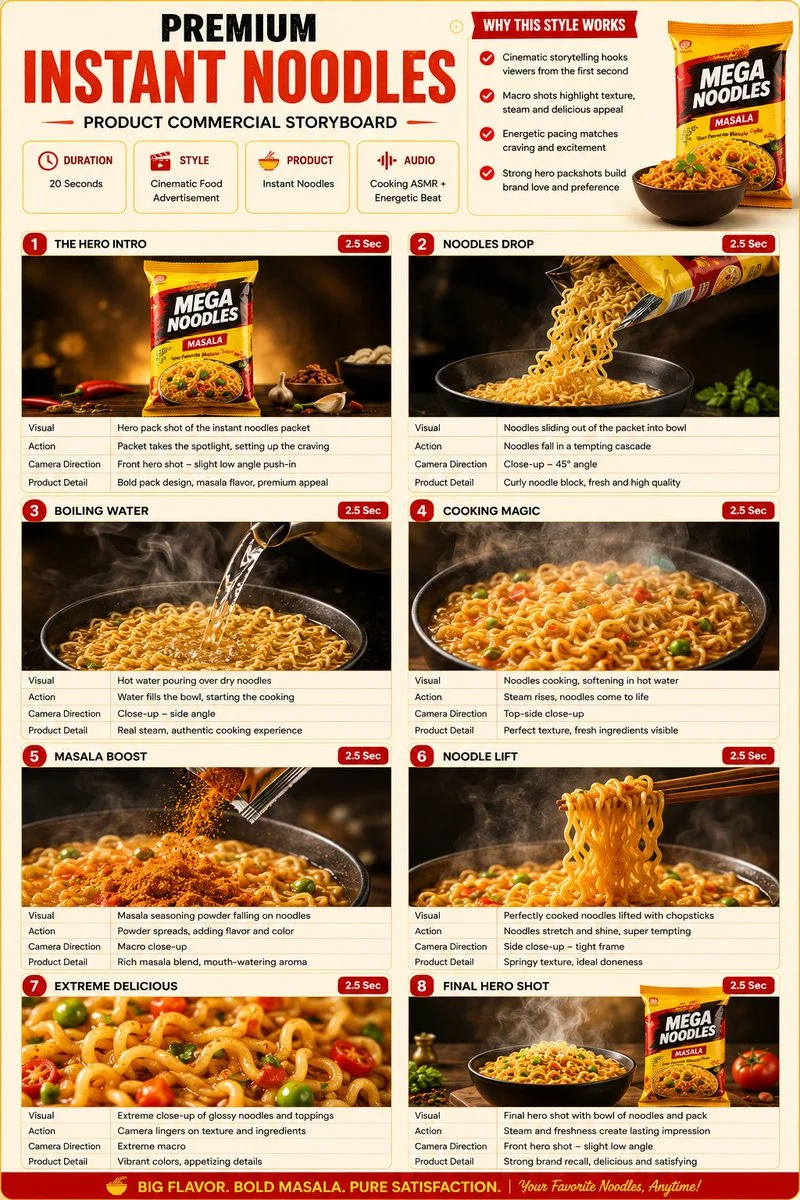
Explore Veo Video Ideas with youdot
For your video brief, describe how the subject should move from its starting pose. If the selected model supports an image or ending frame, use it to explain composition and continuity. Do not assume every reference type is accepted.
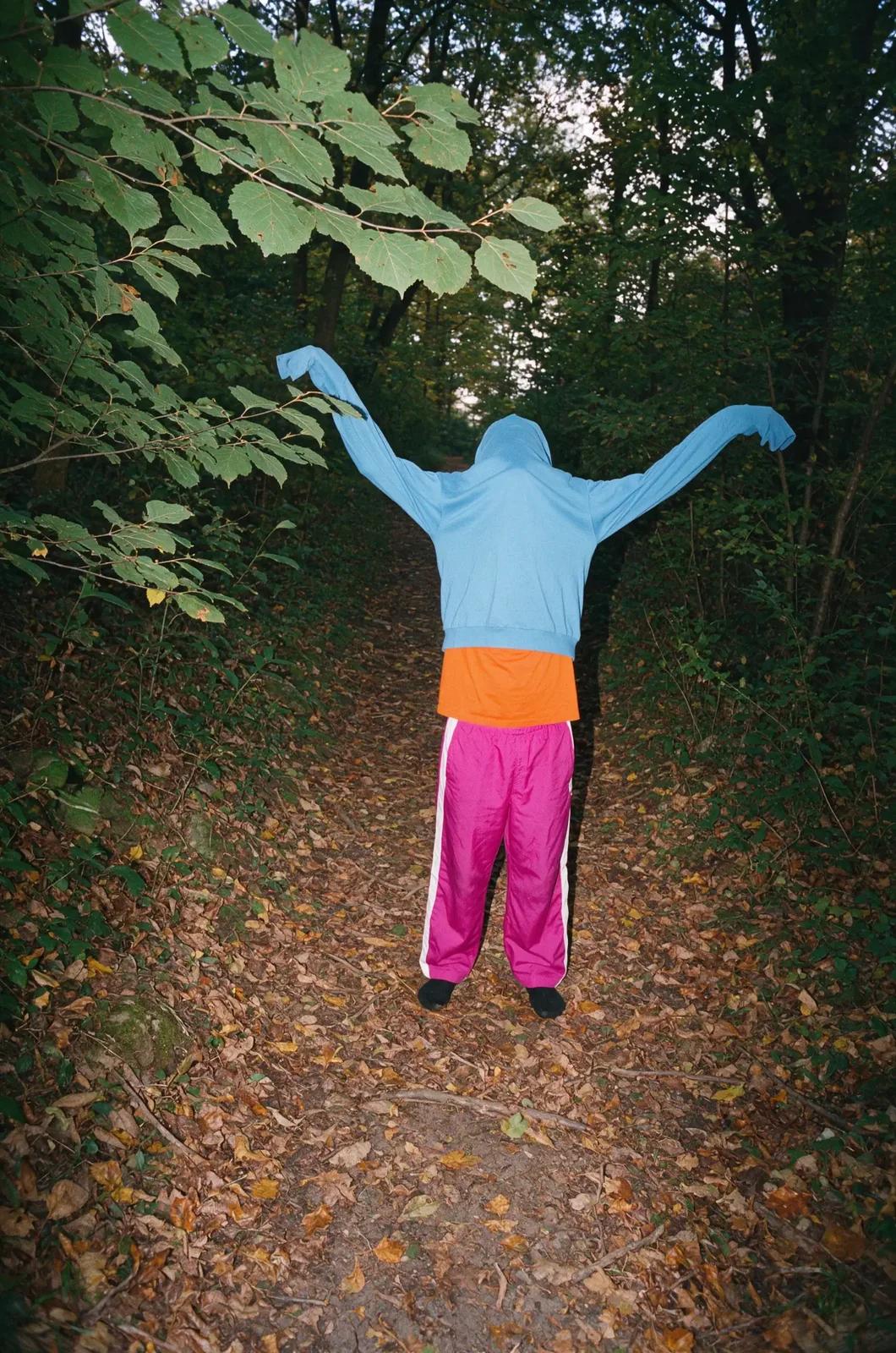
Text to Video Mode
Write your video brief around one visible action. Add the setting, shot size, camera movement and lighting. Keep dialogue and sound cues separate from the visual instructions so the intended scene is easy to understand.
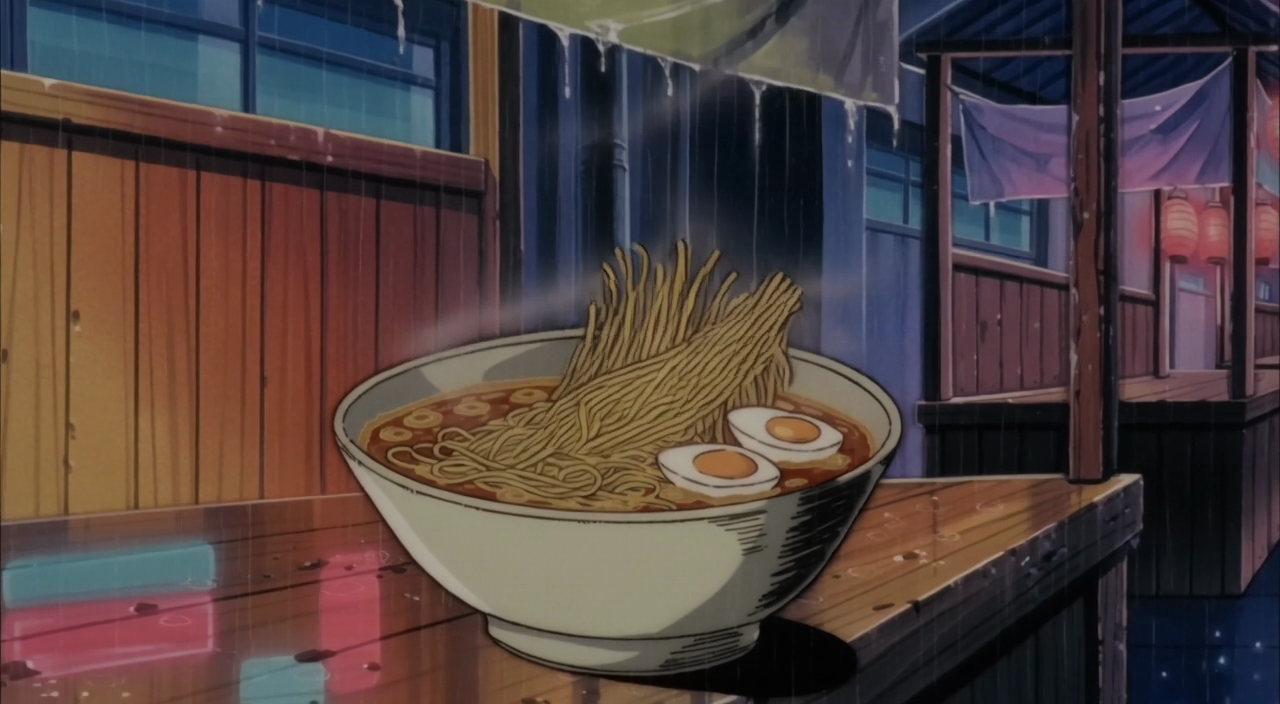
Image to Video Mode
For your video brief, describe how the subject should move from its starting pose. If the selected model supports an image or ending frame, use it to explain composition and continuity. Do not assume every reference type is accepted.
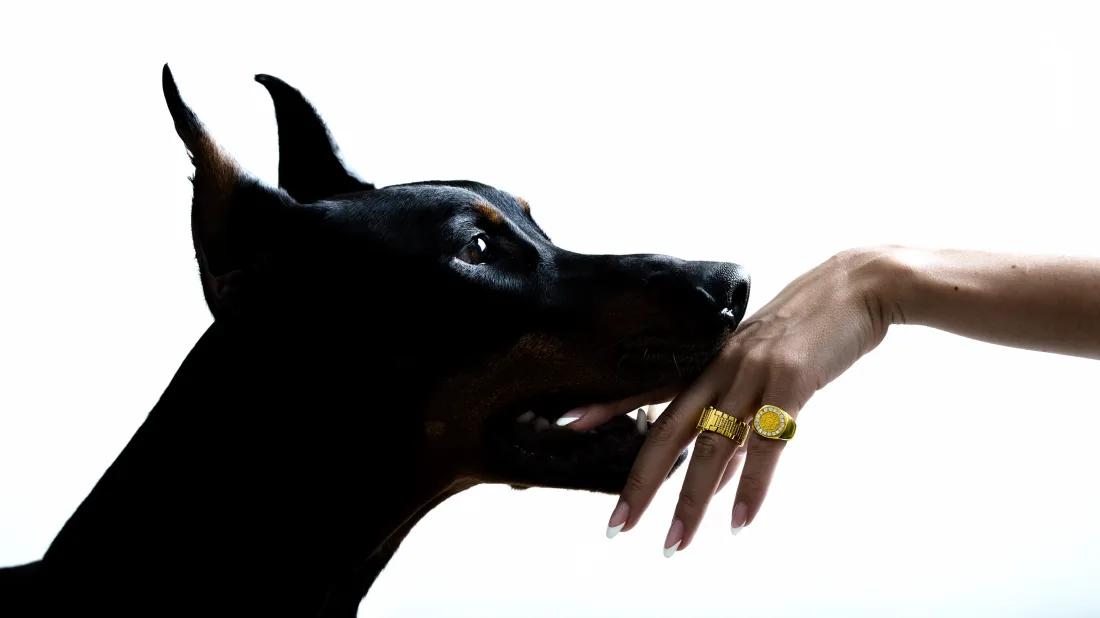
Review and Download Completed Results
When a request completes, inspect the video in History and download the result you want to keep. Review the composition and any unintended details before sharing it with your team or publishing it.
Explore Related Video Workflows
Explore available video workflows and compare it with the related video pages. The generator is the source of truth for current model access and settings. Use the prompt library to study published results and the model that created them.
Choose an enabled model on the AI Video page. Review its supported settings and credit quote before generating a clip from text or an image.
For a video product concept, specify the product shape, material, key detail and setting. Keep logos and claims accurate, allow room for your own typography, and review the result before using it in an advertisement.
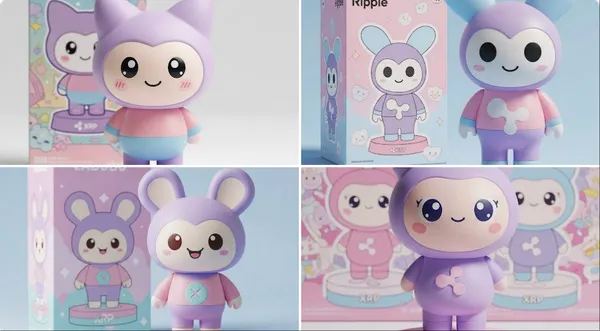
Choose a Supported Output Size
Choose only the resolution and aspect ratio shown for the selected model. Check framing, fine details and any text in the completed video. A larger output size does not guarantee a more accurate result.
Write your video brief around one visible action. Add the setting, shot size, camera movement and lighting. Keep dialogue and sound cues separate from the visual instructions so the intended scene is easy to understand.
Develop your video brief around the result you need. Keep the main direction specific, check supported settings in the generator, and review the completed work before using it in your project.
Develop your video brief around the result you need. Keep the main direction specific, check supported settings in the generator, and review the completed work before using it in your project.
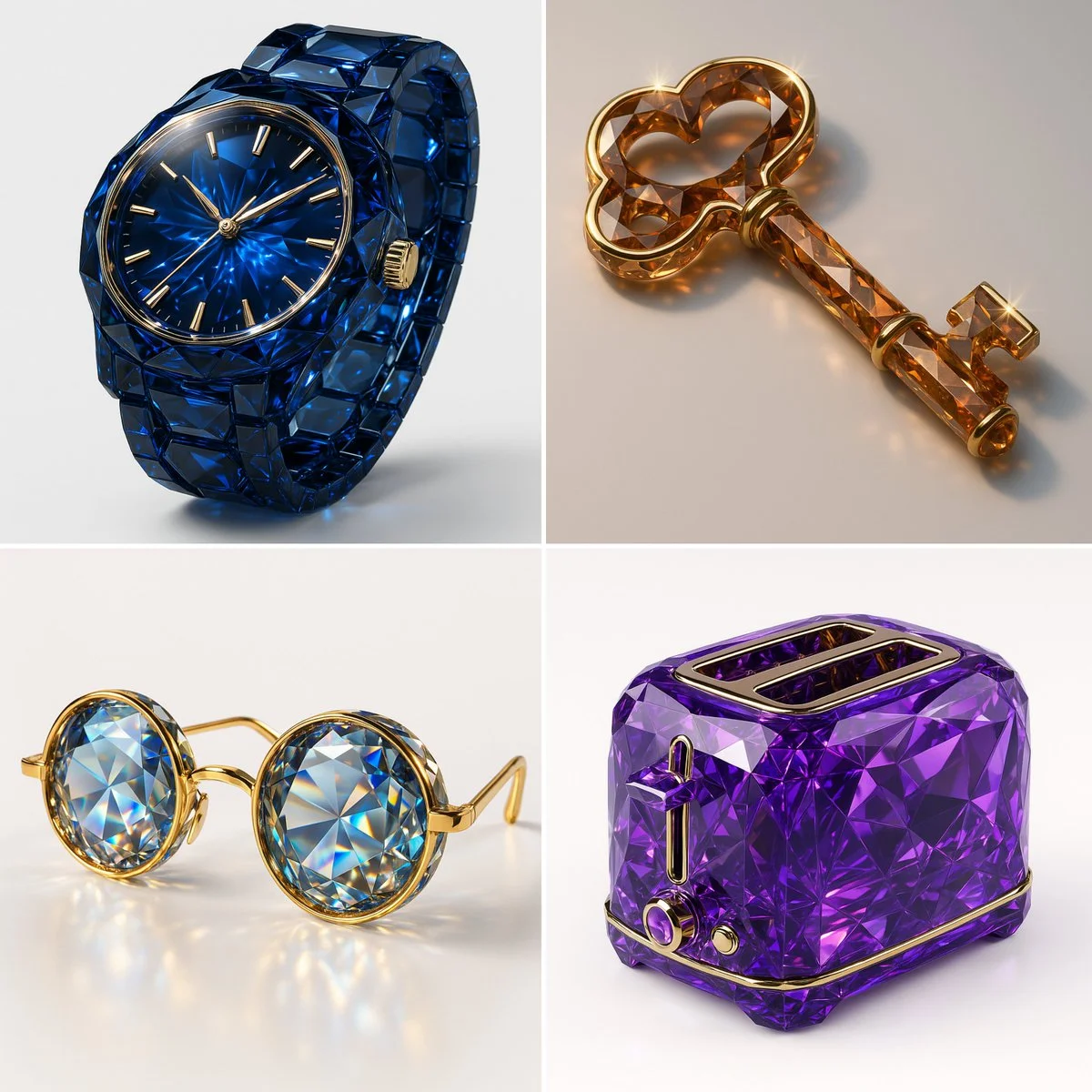
Choose an enabled model on the AI Video page. Review its supported settings and credit quote before generating a clip from text or an image.
Describe speech, ambient sound and music as separate directions in your video brief. Audio output depends on the selected model and the options shown in the generator; check the finished clip rather than assuming sound is included.
Write your video brief around one visible action. Add the setting, shot size, camera movement and lighting. Keep dialogue and sound cues separate from the visual instructions so the intended scene is easy to understand.
Describe speech, ambient sound and music as separate directions in your video brief. Audio output depends on the selected model and the options shown in the generator; check the finished clip rather than assuming sound is included.
Describe speech, ambient sound and music as separate directions in your video brief. Audio output depends on the selected model and the options shown in the generator; check the finished clip rather than assuming sound is included.
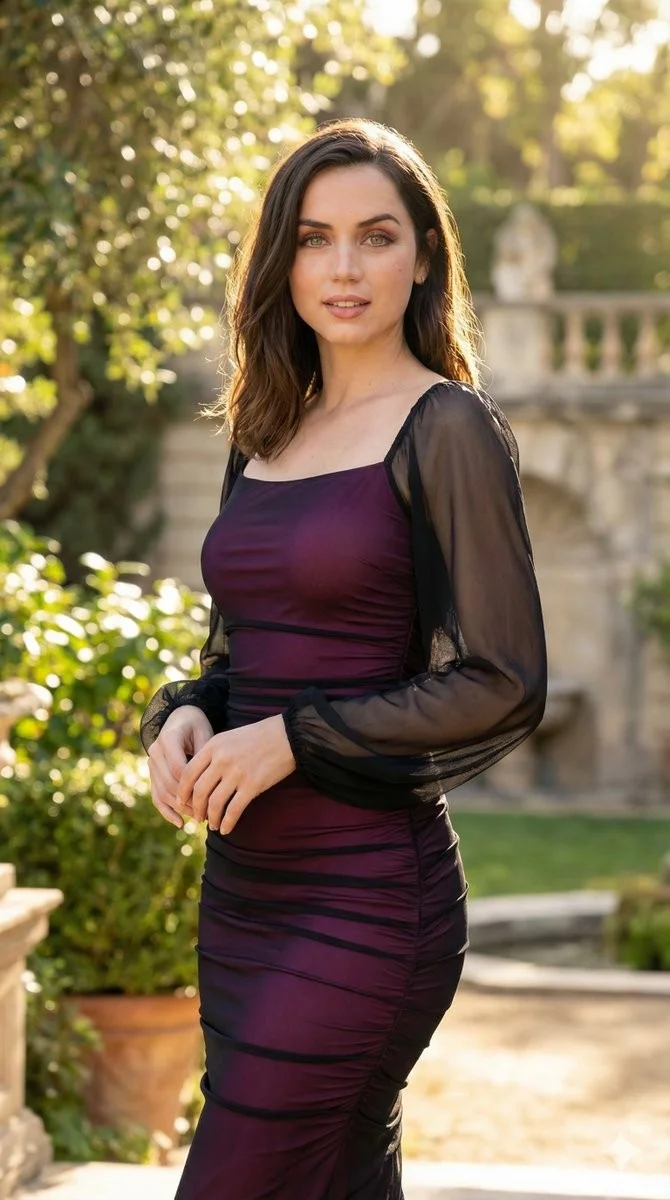
Use References to Explain the Intended Result
For your video brief, describe how the subject should move from its starting pose. If the selected model supports an image or ending frame, use it to explain composition and continuity. Do not assume every reference type is accepted.
For your video brief, describe how the subject should move from its starting pose. If the selected model supports an image or ending frame, use it to explain composition and continuity. Do not assume every reference type is accepted.
Write your video brief around one visible action. Add the setting, shot size, camera movement and lighting. Keep dialogue and sound cues separate from the visual instructions so the intended scene is easy to understand.
Develop your video brief around the result you need. Keep the main direction specific, check supported settings in the generator, and review the completed work before using it in your project.
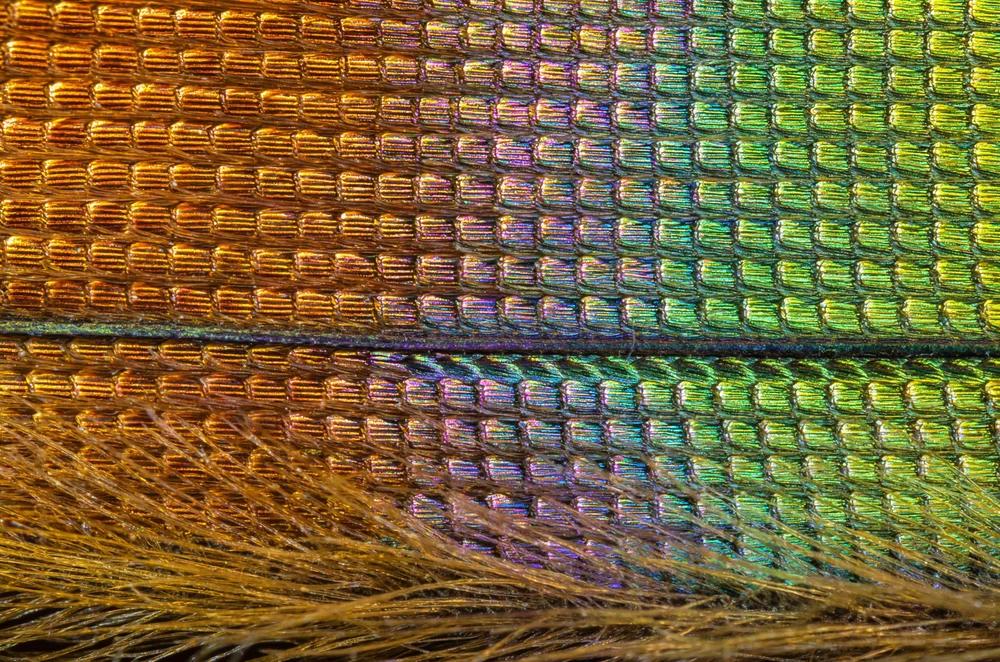
Review and Download Completed Results
Choose only the resolution and aspect ratio shown for the selected model. Check framing, fine details and any text in the completed video. A larger output size does not guarantee a more accurate result.
For a video product concept, specify the product shape, material, key detail and setting. Keep logos and claims accurate, allow room for your own typography, and review the result before using it in an advertisement.
Choose only the resolution and aspect ratio shown for the selected model. Check framing, fine details and any text in the completed video. A larger output size does not guarantee a more accurate result.
Allow time to inspect each video result and refine your brief. Processing time varies by model, request and service load. Change one direction at a time so that you can judge which edit improves the result.
A Clearer Creative Brief for Veo
For a video product concept, specify the product shape, material, key detail and setting. Keep logos and claims accurate, allow room for your own typography, and review the result before using it in an advertisement.
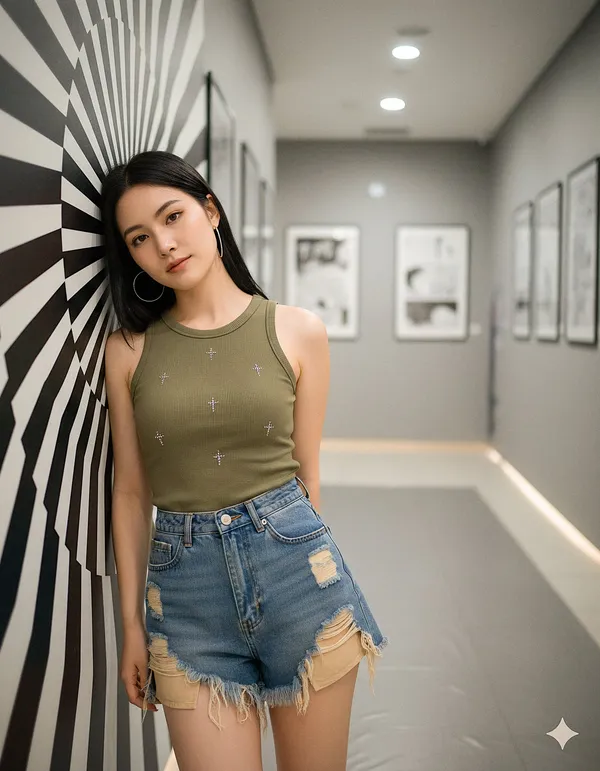
Plan One Clear Action per Shot
List the details that matter in your video brief: identity, shape, colors, clothing and background. Use supported references where appropriate and compare every result; exact consistency is not guaranteed.
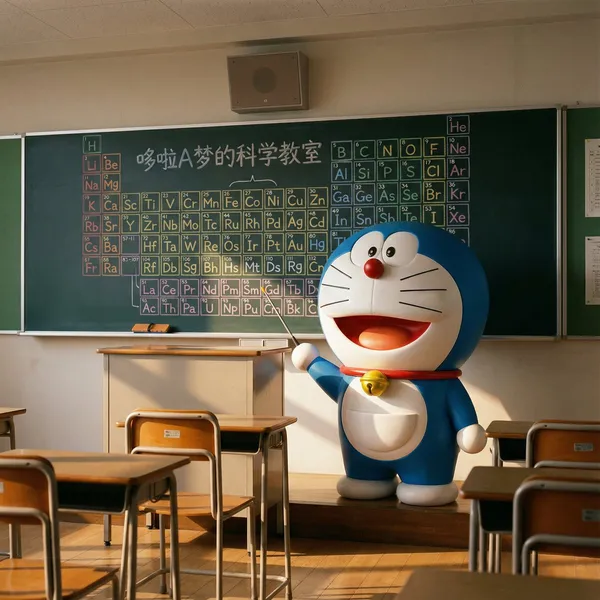
Flexible Production Modes
For a video product concept, specify the product shape, material, key detail and setting. Keep logos and claims accurate, allow room for your own typography, and review the result before using it in an advertisement.
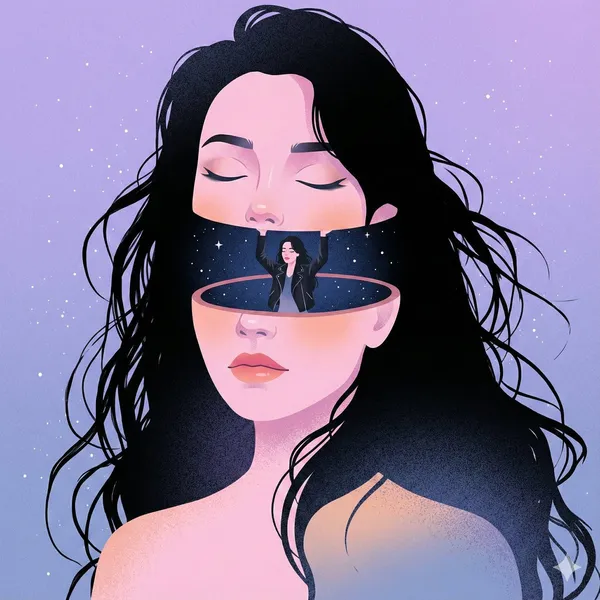
Write Precise Editing and Style Directions
For a video product concept, specify the product shape, material, key detail and setting. Keep logos and claims accurate, allow room for your own typography, and review the result before using it in an advertisement.
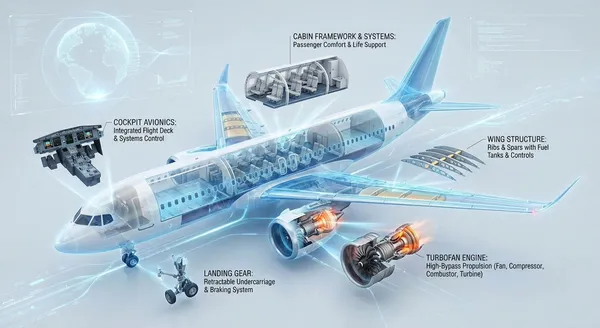
Explore Variations with a Focused Brief
Explore available video workflows and compare it with the related video pages. The generator is the source of truth for current model access and settings. Use the prompt library to study published results and the model that created them.
Choose an enabled model on the AI Video page. Review its supported settings and credit quote before generating a clip from text or an image.
Give the main subject one clear action. For a video concept, a precise brief is easier to assess than a list of competing effects.
Veo Video Workflow: Questions & Answers
For a video product concept, specify the product shape, material, key detail and setting. Keep logos and claims accurate, allow room for your own typography, and review the result before using it in an advertisement.
This youdot page explains the video workflow. It helps you write a focused brief and review the available inputs. Current access is shown in the generator; a model name on a guide does not mean it currently accepts requests.
Write your video brief around one visible action. Add the setting, shot size, camera movement and lighting. Keep dialogue and sound cues separate from the visual instructions so the intended scene is easy to understand.
Develop your video brief around the result you need. Keep the main direction specific, check supported settings in the generator, and review the completed work before using it in your project.
Choose only the resolution and aspect ratio shown for the selected model. Check framing, fine details and any text in the completed video. A larger output size does not guarantee a more accurate result.
Describe speech, ambient sound and music as separate directions in your video brief. Audio output depends on the selected model and the options shown in the generator; check the finished clip rather than assuming sound is included.
List the details that matter in your video brief: identity, shape, colors, clothing and background. Use supported references where appropriate and compare every result; exact consistency is not guaranteed.
You can request a refund within 10 days of purchase if you have unused credits from that purchase and provide a clear reason, subject to our Refund Policy. If eligible, an unused purchase can be fully refunded; a partly used purchase is refunded in proportion to its remaining unused credits. Fully used purchases and free or promotional credits are not refundable.
Credit validity depends on the pack, subscription or promotion that issued them. Review the purchase terms and expiration dates in Settings > Credits. A renewal or new purchase does not extend older credits. Use credits before their stated expiration; do not assume unused subscription credits roll over indefinitely.
Credits charged for a task that is confirmed as failed due to a system error are returned automatically. A task that is still processing has not yet been confirmed as failed. Check its status and your credit history before submitting again. If a confirmed failure still shows an unresolved charge, email support@youdot.app with the task ID.
AI results can vary, so a completed result that differs from your expectations is not automatically treated as a technical failure. Eligible completed image tasks can be submitted for credit refund review using the refund option where available; approval is required. For a video or another issue, contact support@youdot.app with the task ID and details. A credit refund returns credits, not money to your payment method.
Email support@youdot.app. For billing, include your account email and order ID; for generation, include the task ID, issue description and relevant screenshots. If you purchased as a guest, keep the original browser data and payment receipt so we can help locate the purchase.
Explore Your Next Veo Video Idea
Choose only the resolution and aspect ratio shown for the selected model. Check framing, fine details and any text in the completed video. A larger output size does not guarantee a more accurate result.
youdot.app · Updated
What's new on this page
- — Added editable example prompts and separate drafts for text and reference modes, with an action to restore the example.
- — Updated page copy and content.
- — Page content published.