
Explore Illustration and Visual Concepts with Grok
Explore Grok Image Ideas with youdot
Choose only the resolution and aspect ratio shown for the selected model. Check framing, fine details and any text in the completed image. A larger output size does not guarantee a more accurate result.
Verified prompt
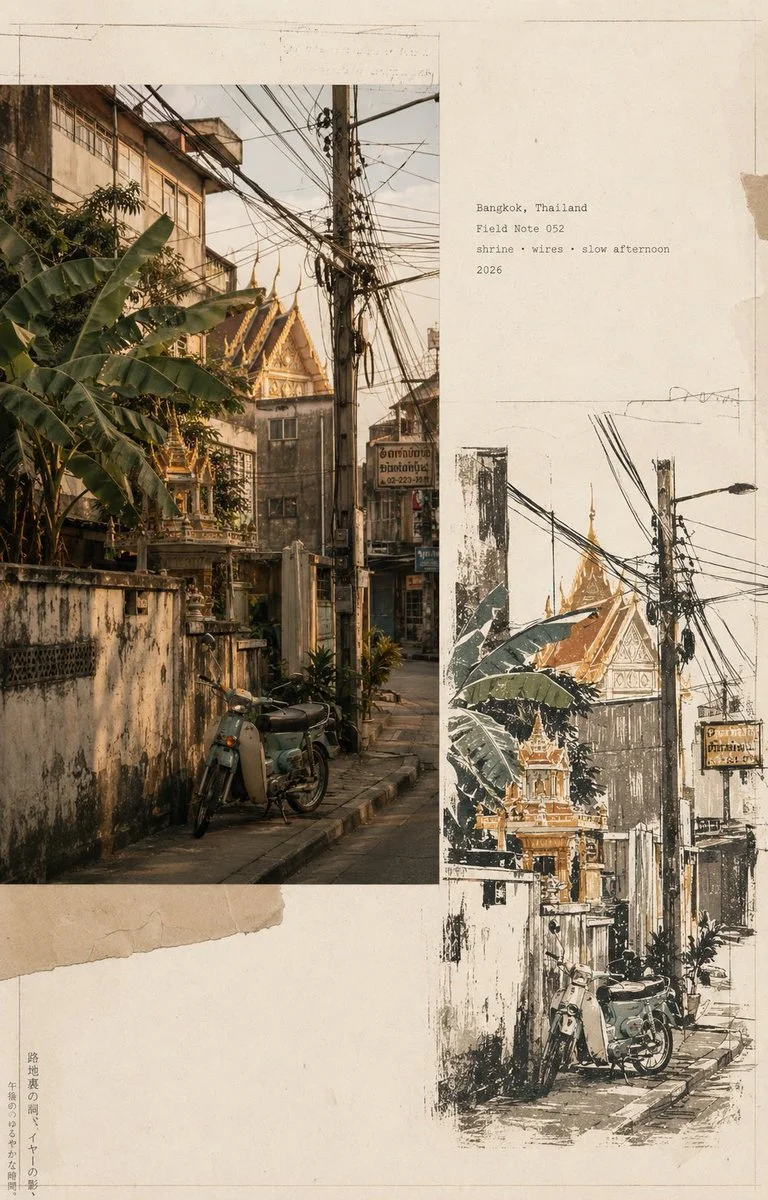
Design a vertical vintage travel-journal page about a Bangkok side street. Combine a warm documentary-style street photograph with a hand-drawn interpretation of the same scene, layered asymmetrically on aged cream paper. Show closely packed buildings, tropical greenery, tangled overhead wires and a small shrine or traditional roof detail. Include torn-paper edges, a thin photographic border, subtle pencil marks and a few restrained typewriter-style field notes. Use muted sage, ochre, terracotta and charcoal tones, soft analog grain and natural afternoon light. Leave quiet negative space to make the page feel like a carefully assembled travel archive.
Design a vertical vintage travel-journal page about a Bangkok side street. Combine a warm documentary-style street photograph with a hand-drawn interpretation of the same scene, layered asymmetrically on aged cream paper. Show closely packed buildings, tropical greenery, tangled overhead wires and a small shrine or traditional roof detail. Include torn-paper edges, a thin photographic border, subtle pencil marks and a few restrained typewriter-style field notes. Use muted sage, ochre, terracotta and charcoal tones, soft analog grain and natural afternoon light. Leave quiet negative space to make the page feel like a carefully assembled travel archive.
Verified prompt
Verified prompt
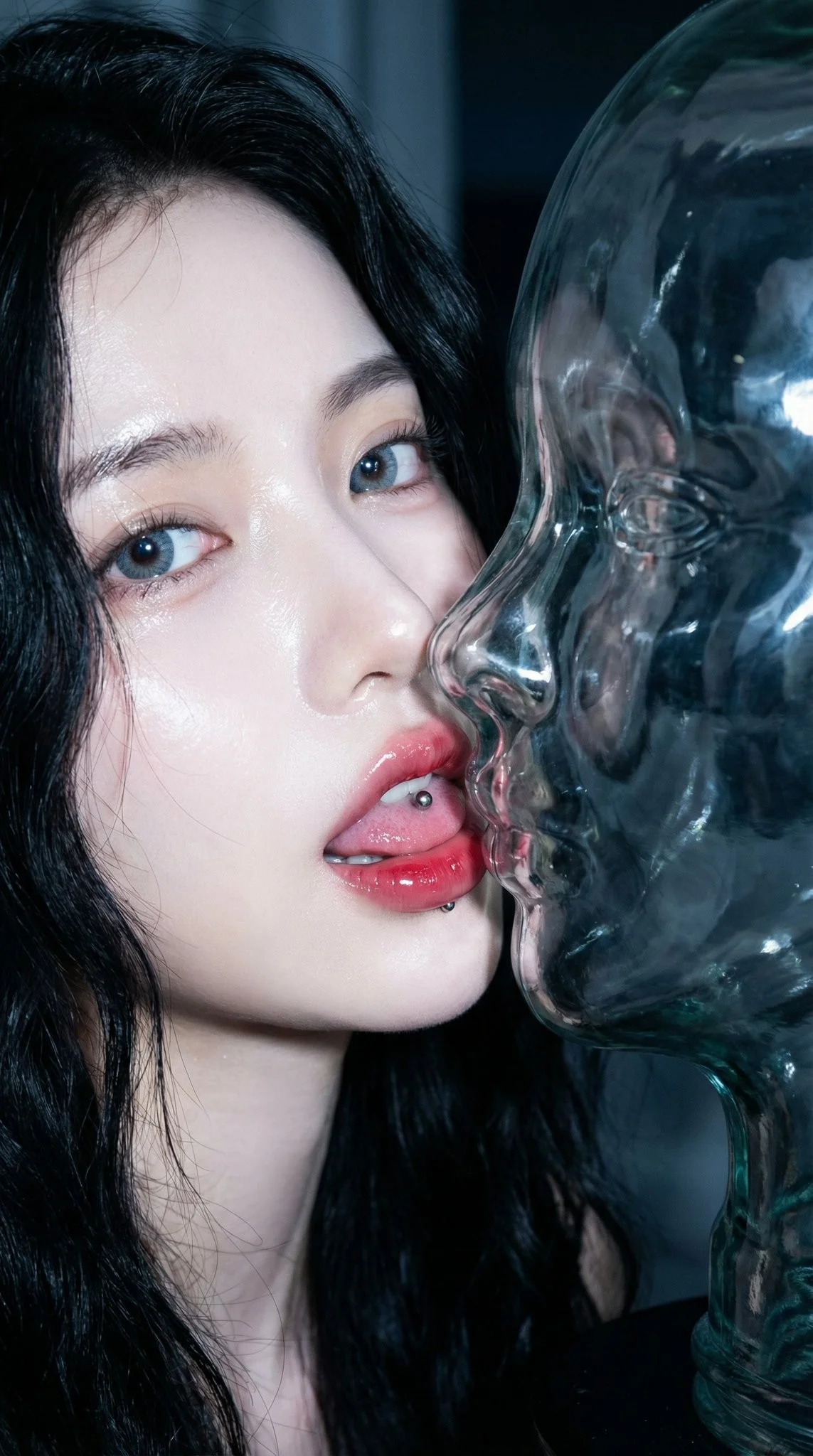
Extreme macro CCD sensor style, strong close-up flash. Intimate lip-to-lip close-up. Young and beautiful Chinese C-pop idol with the same transparent glass bust. Night, dark environment. Transparent glass sculpture female bust (head, neck, upper chest). Facial structure 100% identical to the real person. Crystal clear glass with flash enhanced strong caustic pattern. Subject bathed in bright, cool-white flash light creating strong highlights on the face and skin. Candid flash photography, high-energy, paparazzi aesthetic.
Extreme macro CCD sensor style, strong close-up flash. Intimate lip-to-lip close-up. Young and beautiful Chinese C-pop idol with the same transparent glass bust. Night, dark environment. Transparent glass sculpture female bust (head, neck, upper chest). Facial structure 100% identical to the real person. Crystal clear glass with flash enhanced strong caustic pattern. Subject bathed in bright, cool-white flash light creating strong highlights on the face and skin. Candid flash photography, high-energy, paparazzi aesthetic.
Verified prompt
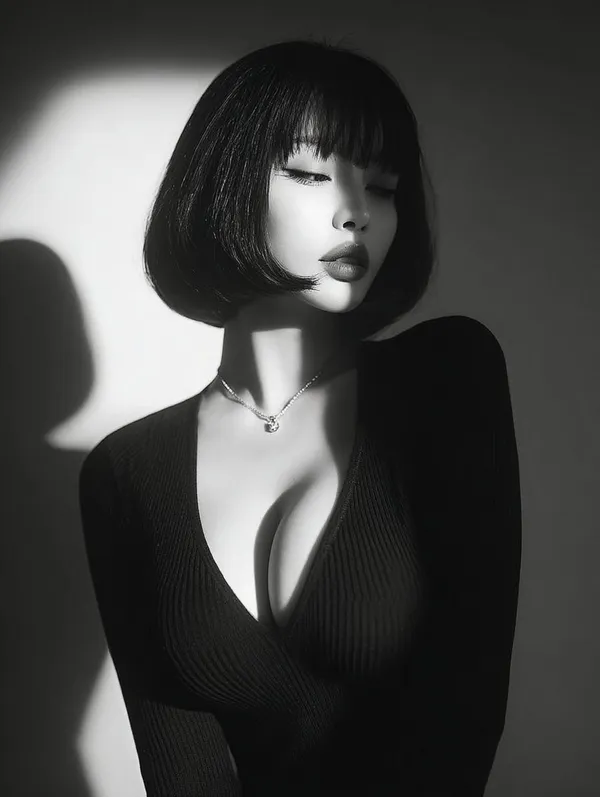
Verified prompt
ptivating black and white close-up portrait of a beautiful young Asian woman with flawless skin, short bob haircut featuring straight blunt bangs framing her forehead, eyes gently closed with long lashes, subtle pouty lips, serene and introspective expression, wearing a form-fitting deep V-neck black ribbed sweater that accentuates her, a delicate thin necklace with a small pendant, dramatic side lighting from the left creating strong shadows and highlights on her face, neck, and shoulders, high contrast chiaroscuro style, minimalist studio background with soft gradient from light to dark, photorealistic, vintage film grain effect, high detail, emotional and mysterious atmosphere.
ptivating black and white close-up portrait of a beautiful young Asian woman with flawless skin, short bob haircut featuring straight blunt bangs framing her forehead, eyes gently closed with long lashes, subtle pouty lips, serene and introspective expression, wearing a form-fitting deep V-neck black ribbed sweater that accentuates her, a delicate thin necklace with a small pendant, dramatic side lighting from the left creating strong shadows and highlights on her face, neck, and shoulders, high contrast chiaroscuro style, minimalist studio background with soft gradient from light to dark, photorealistic, vintage film grain effect, high detail, emotional and mysterious atmosphere.
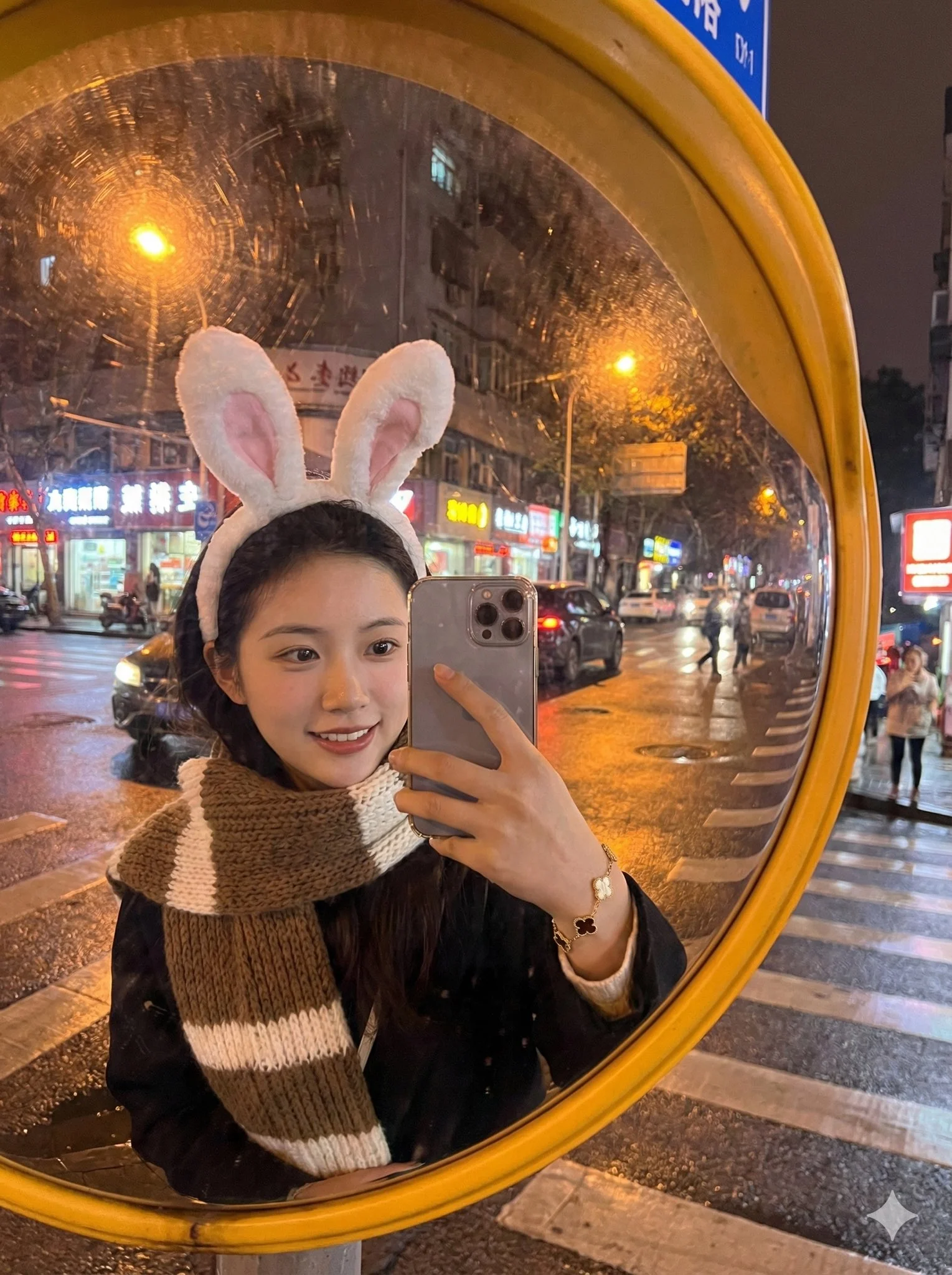
Verified prompt
Masterpiece, best quality, ultra detailed 8k resolution, sharp focus, cinematic lighting, depth of field, perfect composition, award-winning professional photography style, impeccable attention to detail, exquisite textures, close-up 1:1 scale macro shot. Beautiful Chinese female idol girl taking mirror selfie in large convex road safety traffic mirror at urban street intersection corner at night. Cute face with big sparkling eyes, delicate features, long silky black hair, white bunny ears headband, wearing cozy brown and white striped scarf around neck, sweet idol-like expression. Reflection in convex mirror shows wide-angle distorted panoramic view of intersection with her full cute figure, cars, pedestrians, buildings, street lights in dramatic fisheye distortion. Slender hand with elegant Van Cleef & Arpels Alhambra bracelet (gold clover motifs) visible reaching forward holding phone for selfie. Soft comfortable nighttime ambiance, warm golden glow from street lamps and neon reflections illuminating scene and mirror surface, golden hour tones mixed with gentle night blue. High dynamic range, realistic glass convex mirror texture, strong mirror reflections, photorealistic skin jewelry metal details, vibrant yet cozy colors. Aspect ratio 3:4.
Masterpiece, best quality, ultra detailed 8k resolution, sharp focus, cinematic lighting, depth of field, perfect composition, award-winning professional photography style, impeccable attention to detail, exquisite textures, close-up 1:1 scale macro shot. Beautiful Chinese female idol girl taking mirror selfie in large convex road safety traffic mirror at urban street intersection corner at night. Cute face with big sparkling eyes, delicate features, long silky black hair, white bunny ears headband, wearing cozy brown and white striped scarf around neck, sweet idol-like expression. Reflection in convex mirror shows wide-angle distorted panoramic view of intersection with her full cute figure, cars, pedestrians, buildings, street lights in dramatic fisheye distortion. Slender hand with elegant Van Cleef & Arpels Alhambra bracelet (gold clover motifs) visible reaching forward holding phone for selfie. Soft comfortable nighttime ambiance, warm golden glow from street lamps and neon reflections illuminating scene and mirror surface, golden hour tones mixed with gentle night blue. High dynamic range, realistic glass convex mirror texture, strong mirror reflections, photorealistic skin jewelry metal details, vibrant yet cozy colors. Aspect ratio 3:4.
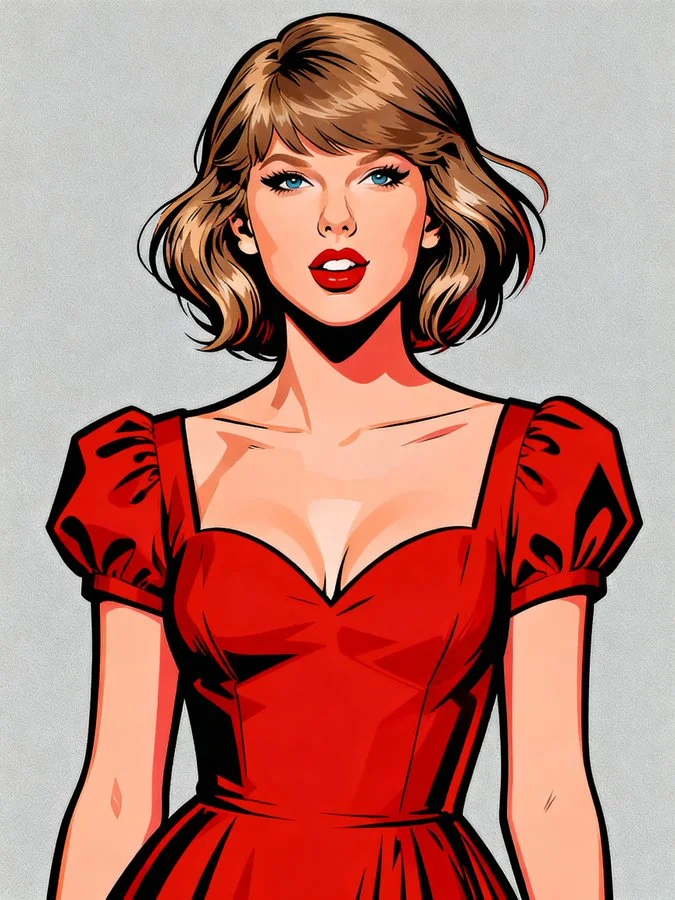
Verified prompt
A vibrant, stylized pop art portrait of a [Subject]. The subject is rendered with bold, clean lines and a strong outline, reminiscent of graphic novels or character design. The [Subject] is wearing a [Color] top/jacket and [accessories]. Their hair is dynamically styled and well-groomed. The background is a solid, clean [Background Colour], ensuring the subject pops. The overall style is modern, charismatic, and slightly exaggerated for artistic effect, with crisp digital rendering and vibrant color saturation.
A vibrant, stylized pop art portrait of a [Subject]. The subject is rendered with bold, clean lines and a strong outline, reminiscent of graphic novels or character design. The [Subject] is wearing a [Color] top/jacket and [accessories]. Their hair is dynamically styled and well-groomed. The background is a solid, clean [Background Colour], ensuring the subject pops. The overall style is modern, charismatic, and slightly exaggerated for artistic effect, with crisp digital rendering and vibrant color saturation.
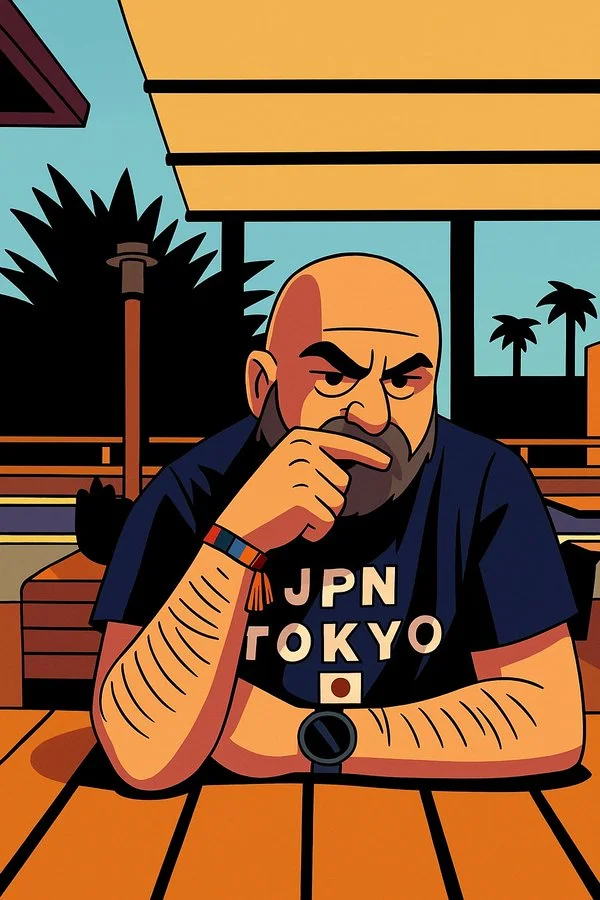
Verified prompt
Transform this image into a 90s American cartoon cel-style illustration. Use thick black outlines, flat bold colors, and sharp cel shading with hard shadows. Emphasize exaggerated facial expressions and stylized, geometric character shapes. The background should be flat or minimal to keep the focus on the character. The whole image should feel like a frame from a Saturday morning cartoon.
Transform this image into a 90s American cartoon cel-style illustration. Use thick black outlines, flat bold colors, and sharp cel shading with hard shadows. Emphasize exaggerated facial expressions and stylized, geometric character shapes. The background should be flat or minimal to keep the focus on the character. The whole image should feel like a frame from a Saturday morning cartoon.
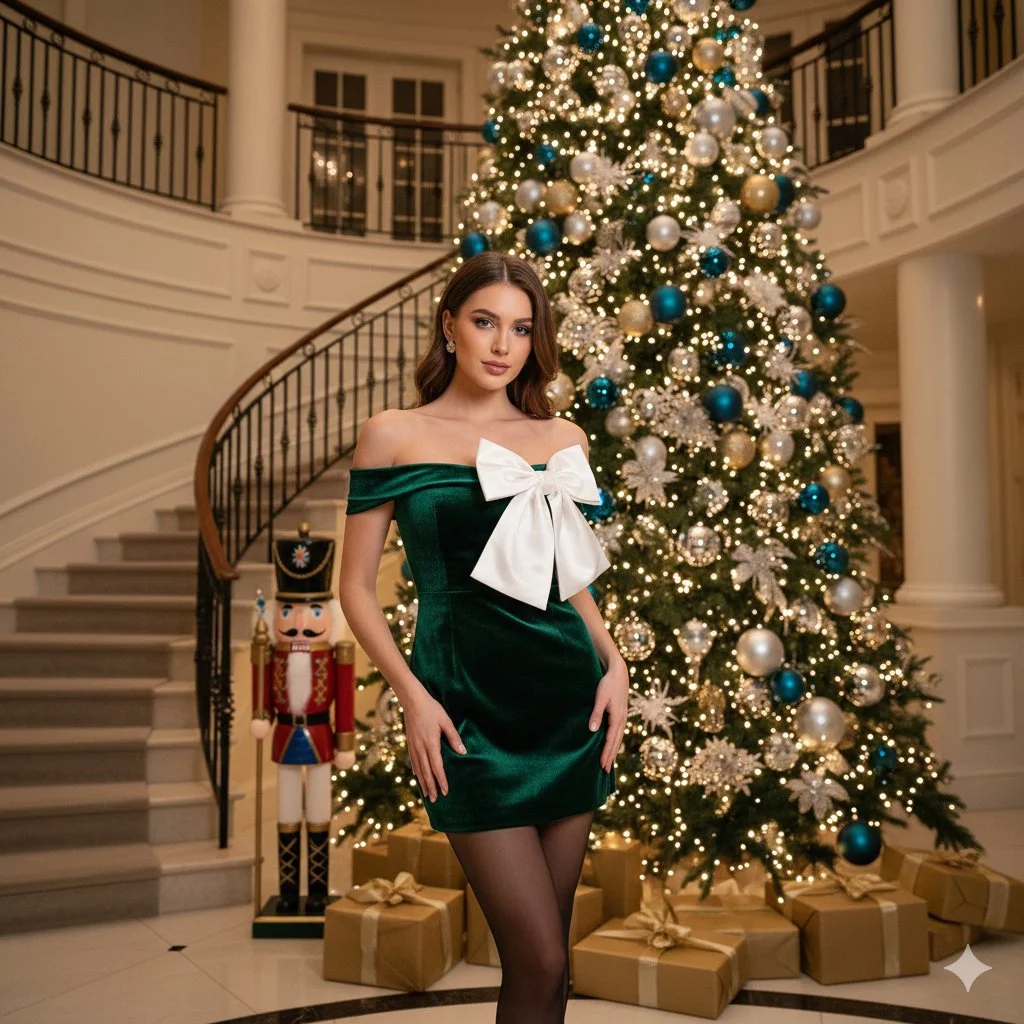
Verified prompt
Beautiful young woman with long wavy brunette hair and warm smile. Wearing off-the-shoulder emerald green velvet mini dress with giant oversized white structural silk bow across bust, sheer black tights, diamond stud earrings. Standing centered facing camera. Setting: Grand luxury foyer with classic winding staircase and ornate wrought-iron railings. Large towering Christmas tree with warm golden lights and gold ornaments. Life-sized traditional Nutcracker soldier. Gold-wrapped gift boxes. Medium full shot, eye-level angle. Warm cinematic indoor lighting with soft bokeh. 8k photorealistic.
Beautiful young woman with long wavy brunette hair and warm smile. Wearing off-the-shoulder emerald green velvet mini dress with giant oversized white structural silk bow across bust, sheer black tights, diamond stud earrings. Standing centered facing camera. Setting: Grand luxury foyer with classic winding staircase and ornate wrought-iron railings. Large towering Christmas tree with warm golden lights and gold ornaments. Life-sized traditional Nutcracker soldier. Gold-wrapped gift boxes. Medium full shot, eye-level angle. Warm cinematic indoor lighting with soft bokeh. 8k photorealistic.
Verified prompt
Create a South Park style paper-cut cartoon character with short blond hair and a white shirt beside a vineyard. Use flat colors, round expressive eyes and a clear silhouette.
Create a South Park style paper-cut cartoon character with short blond hair and a white shirt beside a vineyard. Use flat colors, round expressive eyes and a clear silhouette.
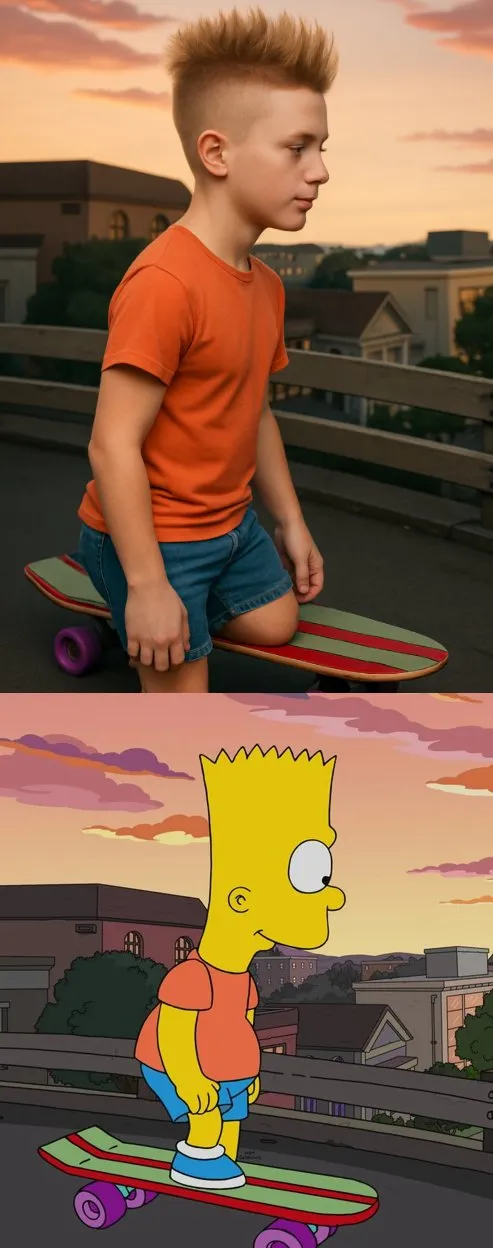
Verified prompt
sform the cartoon character from the reference image into a hyper-realistic human while maintaining their core attributes (clothing, hairstyle, facial expression, accessories, and proportions, age and so on). Create a photorealistic portrait
sform the cartoon character from the reference image into a hyper-realistic human while maintaining their core attributes (clothing, hairstyle, facial expression, accessories, and proportions, age and so on). Create a photorealistic portrait
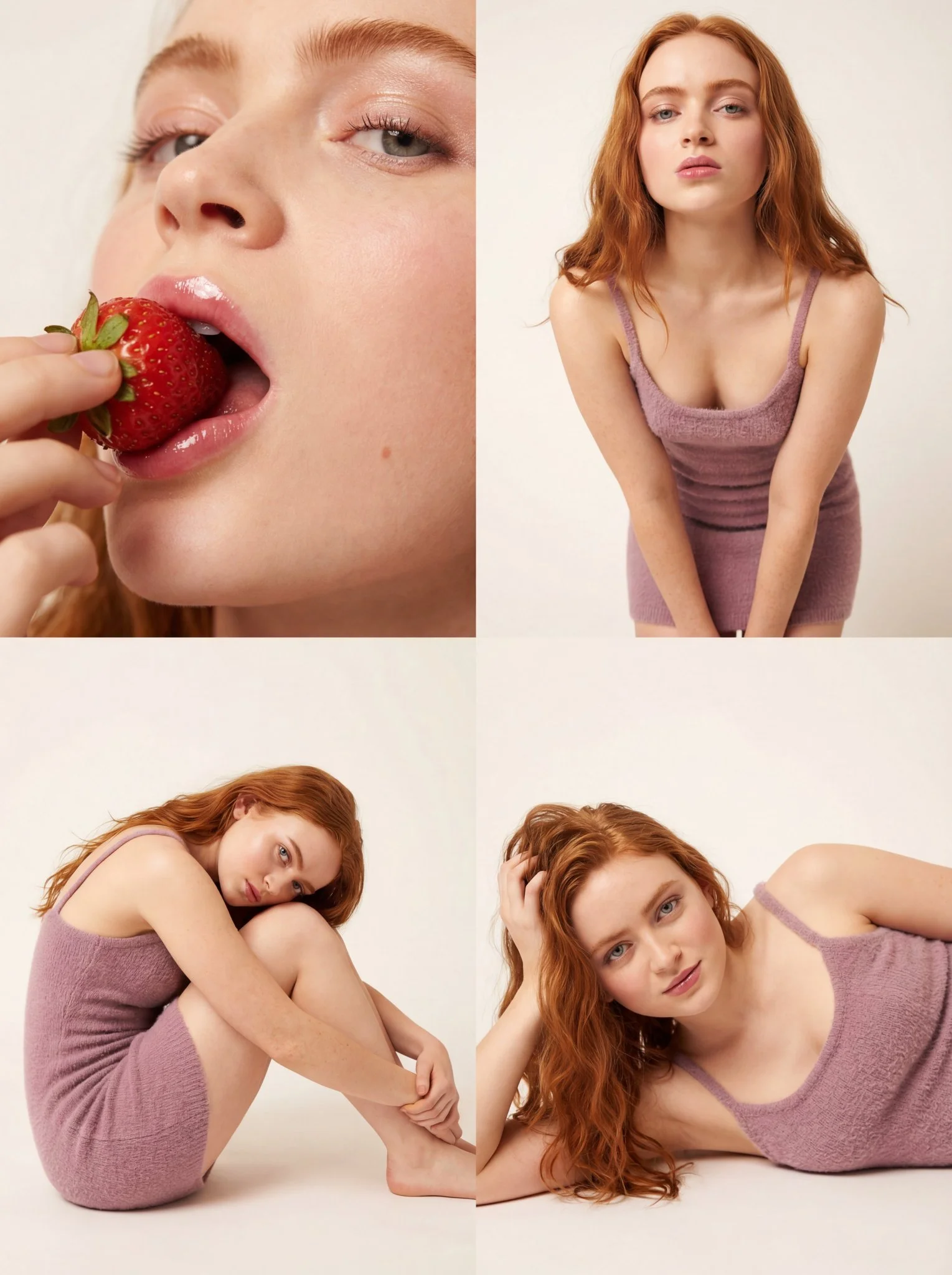
Verified prompt
Ultra-photorealistic 8k texture quality with ray-traced studio lighting. Long loosely wavy voluminous hair with natural individual strands. Hyper-realistic porous skin with dewy glass-skin effect, heavy blush on cheeks, high-gloss plump natural pink lips, clean defined lashes. Mini dress bodycon/tight fit in soft textured knit/boucle fabric, soft mauve or neutral taupe color with spaghetti straps. Seamless paper soft off-white/beige studio background. Large diffuse softbox front-left key light with reflector fill right. 4-panel collage: Top-Left extreme close-up eating strawberry with moisture on surface and gloss reflection on lips; Top-Right medium shot thigh-up leaning forward with direct gaze; Bottom-Left full body seated side profile knees to chest; Bottom-Right close-up candid relaxed expression. 1:1 aspect ratio.
Ultra-photorealistic 8k texture quality with ray-traced studio lighting. Long loosely wavy voluminous hair with natural individual strands. Hyper-realistic porous skin with dewy glass-skin effect, heavy blush on cheeks, high-gloss plump natural pink lips, clean defined lashes. Mini dress bodycon/tight fit in soft textured knit/boucle fabric, soft mauve or neutral taupe color with spaghetti straps. Seamless paper soft off-white/beige studio background. Large diffuse softbox front-left key light with reflector fill right. 4-panel collage: Top-Left extreme close-up eating strawberry with moisture on surface and gloss reflection on lips; Top-Right medium shot thigh-up leaning forward with direct gaze; Bottom-Left full body seated side profile knees to chest; Bottom-Right close-up candid relaxed expression. 1:1 aspect ratio.
Explore Image Workflows
Explore the Grok workflow and compare it with the related image pages. The generator is the source of truth for current model access and settings. Use the prompt library to study published results and the model that created them.
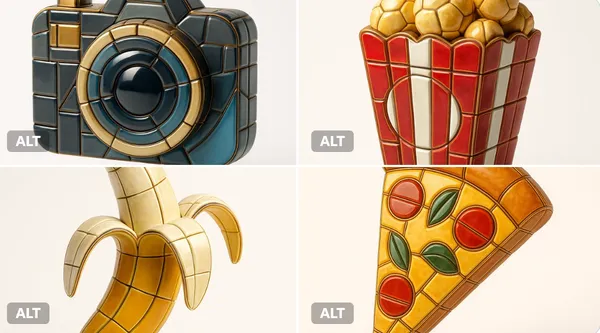

Unleash Creativity with the Grok
Explore the Grok workflow and compare it with the related image pages. The generator is the source of truth for current model access and settings. Use the prompt library to study published results and the model that created them.
Allow time to inspect each image result and refine your brief. Processing time varies by model, request and service load. Change one direction at a time so that you can judge which edit improves the result.
Explore Grok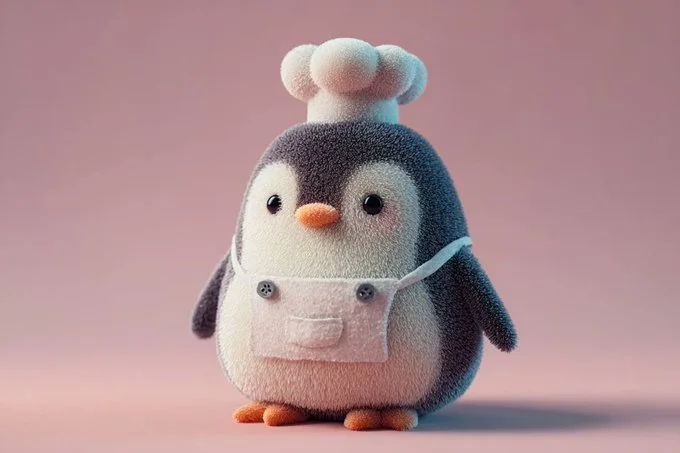
From a Brief to a Reviewed Image: The Grok Workflow
Start your Grok image brief with a source image you have permission to use. Name the area to change and the colors, proportions or objects to preserve. Reference count and editing support depend on the selected model.
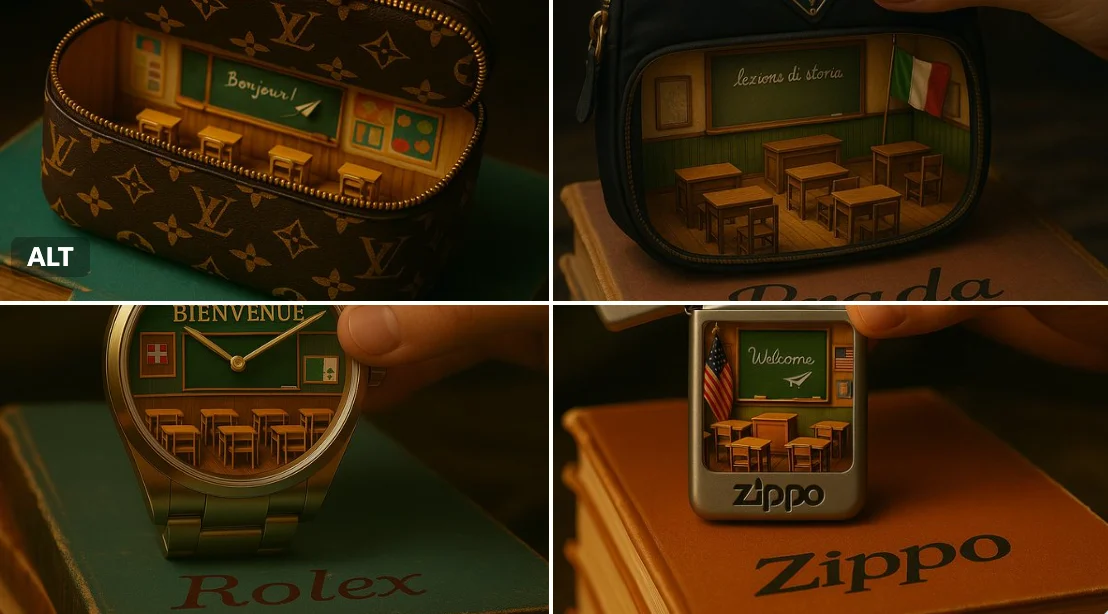
Enter prompt or upload reference
Start your Grok image brief with a source image you have permission to use. Name the area to change and the colors, proportions or objects to preserve. Reference count and editing support depend on the selected model.
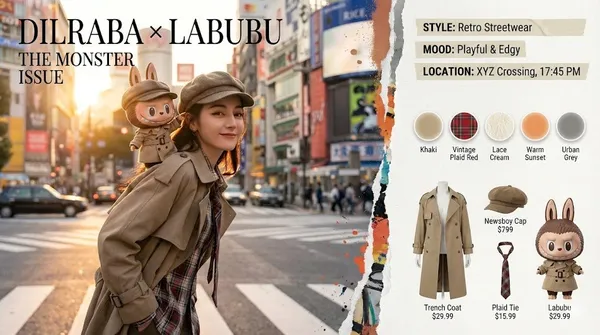
Review Availability, Settings and Credits
Allow time to inspect each image result and refine your brief. Processing time varies by model, request and service load. Change one direction at a time so that you can judge which edit improves the result.
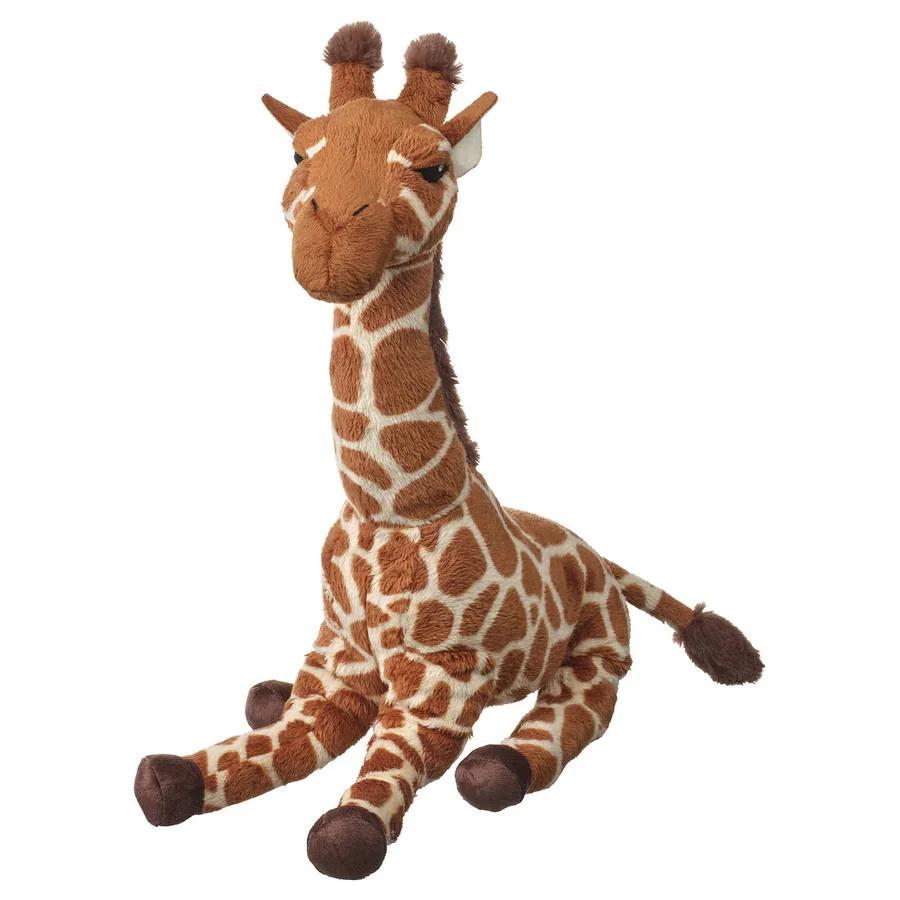
Review and Download Completed Results
When a request completes, inspect the image in History and download the result you want to keep. Review the composition and any unintended details before sharing it with your team or publishing it.
Build Your Grok Image Brief
Write your Grok image brief around a subject, composition, lighting and intended style. Add a material or texture when it matters. For edits, state one precise change and explain which parts of the source should remain intact.
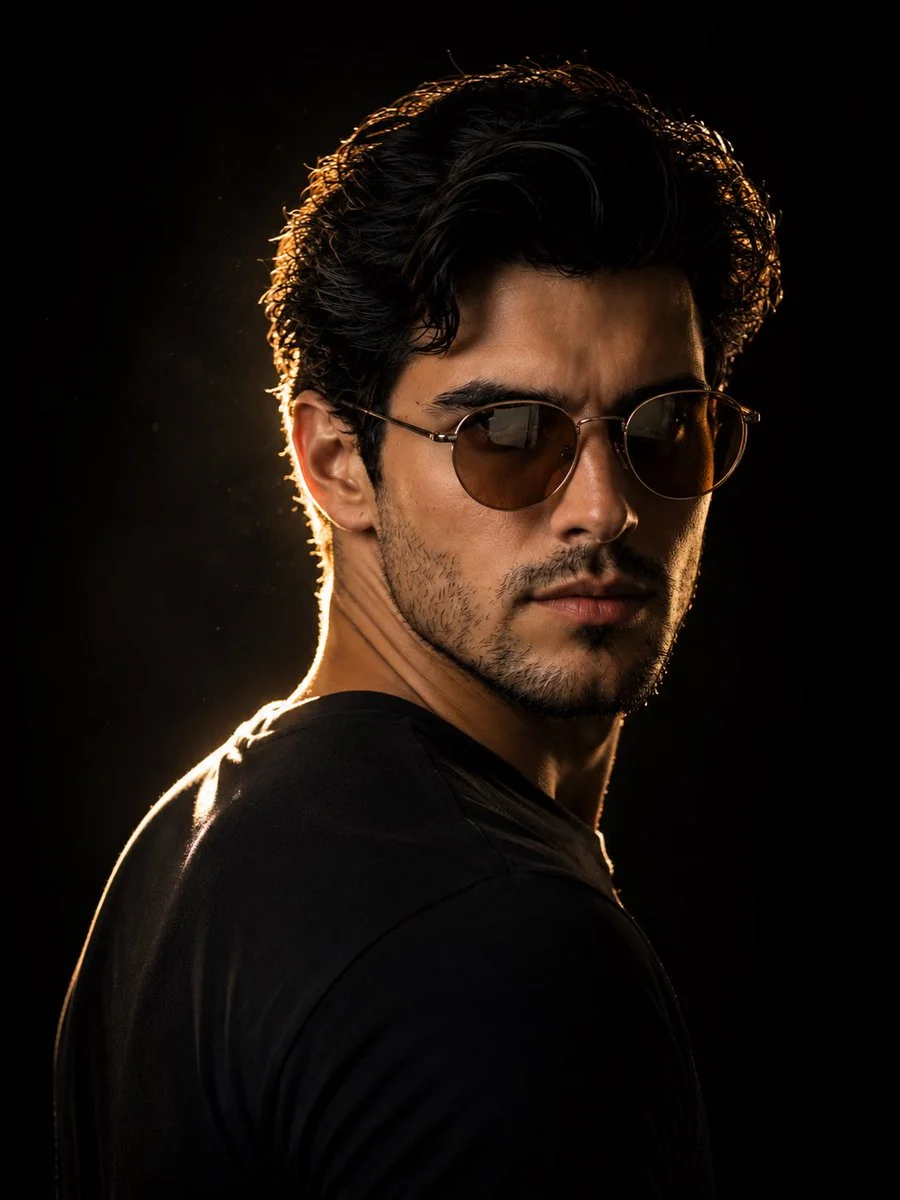
Text-to-image creation
Write your Grok image brief around a subject, composition, lighting and intended style. Add a material or texture when it matters. For edits, state one precise change and explain which parts of the source should remain intact.
- Use the grok ai image generatorWrite your Grok image brief around a subject, composition, lighting and intended style. Add a material or texture when it matters. For edits, state one precise change and explain which parts of the source should remain intact.
- The grok imagineWrite your Grok image brief around a subject, composition, lighting and intended style. Add a material or texture when it matters. For edits, state one precise change and explain which parts of the source should remain intact.grok text to image generator.
- Choose only the resolution and aspect ratio shown for the selected model. Check framing, fine details and any text in the completed image. A larger output size does not guarantee a more accurate result.grok ai photo generator.
- Rely on this grok image prompt generatorExplore the Grok workflow and compare it with the related image pages. The generator is the source of truth for current model access and settings. Use the prompt library to study published results and the model that created them.
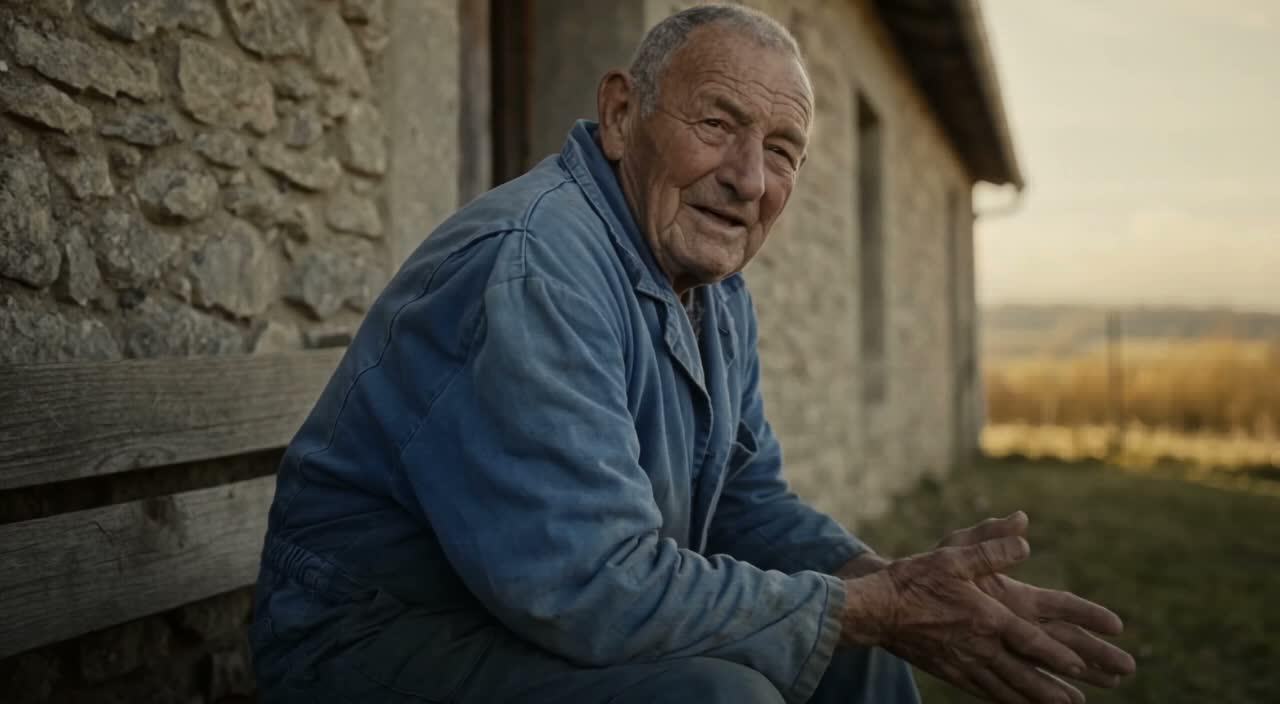
Write Precise Editing and Style Directions
Explore the Grok workflow and compare it with the related image pages. The generator is the source of truth for current model access and settings. Use the prompt library to study published results and the model that created them.
- Start your Grok image brief with a source image you have permission to use. Name the area to change and the colors, proportions or objects to preserve. Reference count and editing support depend on the selected model.grok ai image generatorDevelop your Grok image brief around the result you need. Keep the main direction specific, check supported settings in the generator, and review the completed work before using it in your project.
- The grok imagine platform acts as a sophisticated grok ai image editorFor a Grok product concept, specify the product shape, material, key detail and setting. Keep logos and claims accurate, allow room for your own typography, and review the result before using it in an advertisement.
- Use the grok image editing aiList the details that matter in your Grok image brief: identity, shape, colors, clothing and background. Use supported references where appropriate and compare every result; exact consistency is not guaranteed.
- This grok ai photo generatorDevelop your Grok image brief around the result you need. Keep the main direction specific, check supported settings in the generator, and review the completed work before using it in your project.
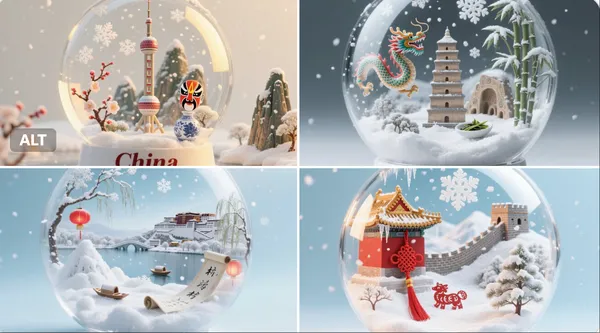
Use References to Explain the Intended Result
Start your Grok image brief with a source image you have permission to use. Name the area to change and the colors, proportions or objects to preserve. Reference count and editing support depend on the selected model.
- The grok ai image generatorList the details that matter in your Grok image brief: identity, shape, colors, clothing and background. Use supported references where appropriate and compare every result; exact consistency is not guaranteed.
- With grok imagine, you are not leaving things to chance; the grok reference image generator minimizes randomness.
- Ensure your brand consistency by letting the grok ai photo generator match the exact aesthetic of your provided references.
- creative for maintaining a cohesive look when using the Grok for marketing visuals.
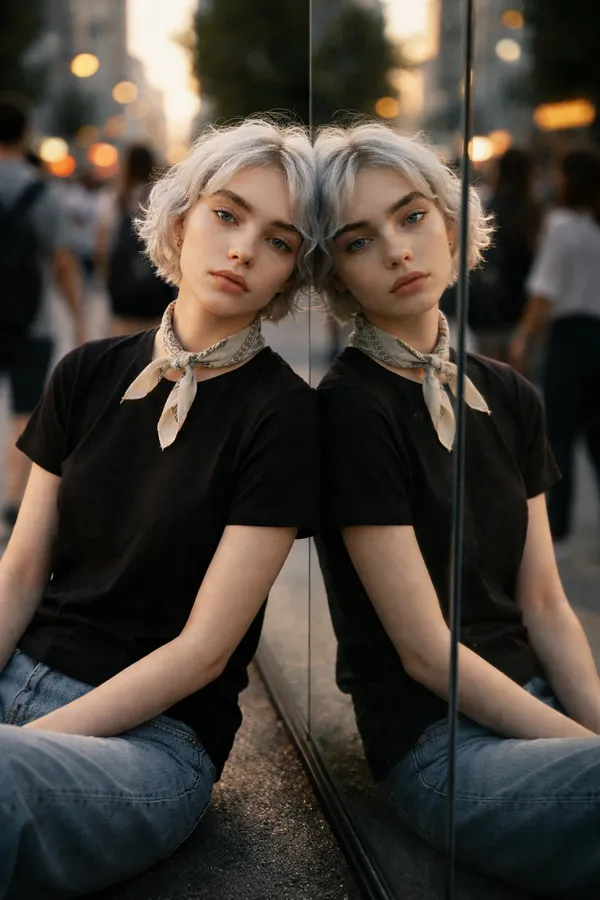
Explain Your Subject, Changes and References
Explore the Grok workflow and compare it with the related image pages. The generator is the source of truth for current model access and settings. Use the prompt library to study published results and the model that created them.
- The grok ai image generatorAllow time to inspect each image result and refine your brief. Processing time varies by model, request and service load. Change one direction at a time so that you can judge which edit improves the result.
- Use grok imagineFor a Grok product concept, specify the product shape, material, key detail and setting. Keep logos and claims accurate, allow room for your own typography, and review the result before using it in an advertisement.
- The grok ai photo generator provides you with a variety of options, making it the ideal Grok for social media.
- Develop your Grok image brief around the result you need. Keep the main direction specific, check supported settings in the generator, and review the completed work before using it in your project.grok imagine ai image generator.
A Clearer Creative Brief for Grok
Allow time to inspect each image result and refine your brief. Processing time varies by model, request and service load. Change one direction at a time so that you can judge which edit improves the result.
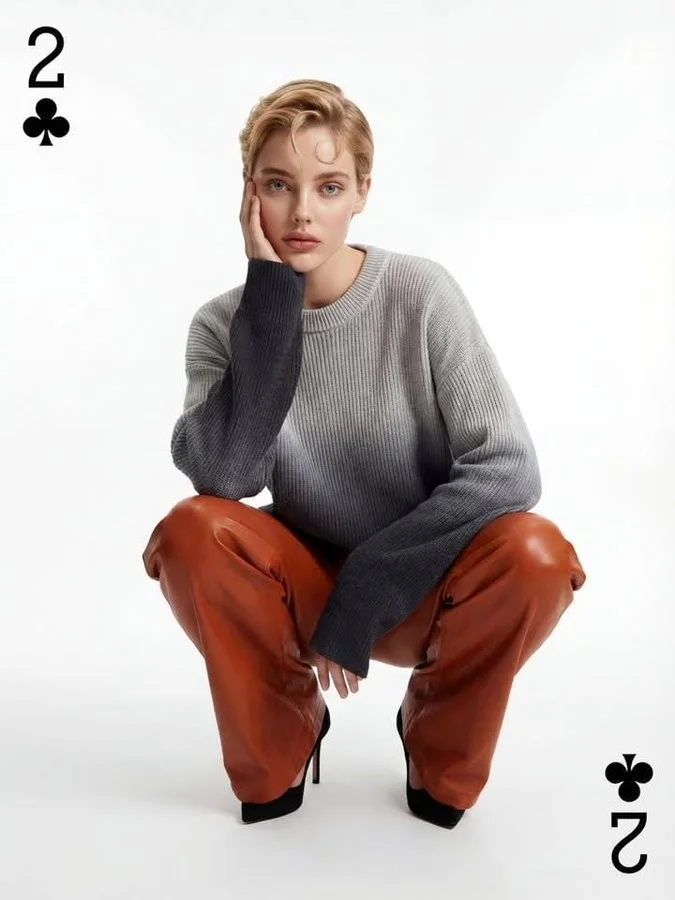
Skip Complex Software
Allow time to inspect each image result and refine your brief. Processing time varies by model, request and service load. Change one direction at a time so that you can judge which edit improves the result.
Turn Ideas into Visuals
Choose only the resolution and aspect ratio shown for the selected model. Check framing, fine details and any text in the completed image. A larger output size does not guarantee a more accurate result.
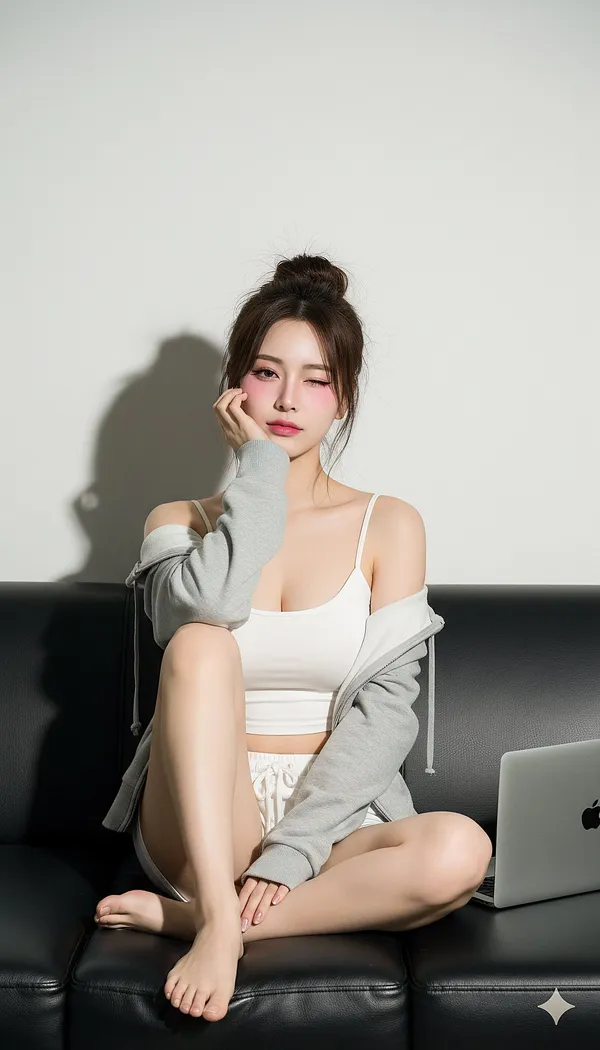
Check Details Across Every Result
Start your Grok image brief with a source image you have permission to use. Name the area to change and the colors, proportions or objects to preserve. Reference count and editing support depend on the selected model.
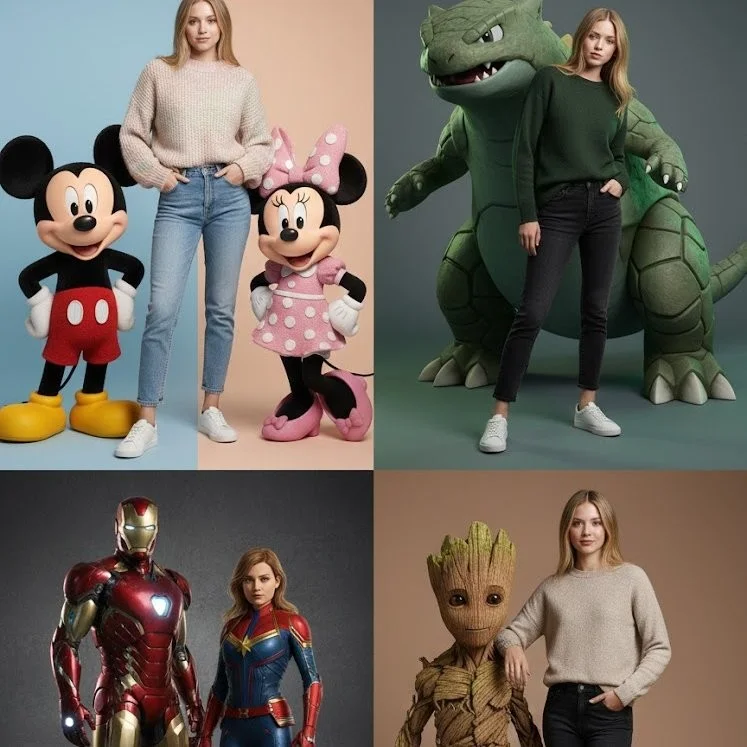
Built for Marketing & Social
For a Grok product concept, specify the product shape, material, key detail and setting. Keep logos and claims accurate, allow room for your own typography, and review the result before using it in an advertisement.
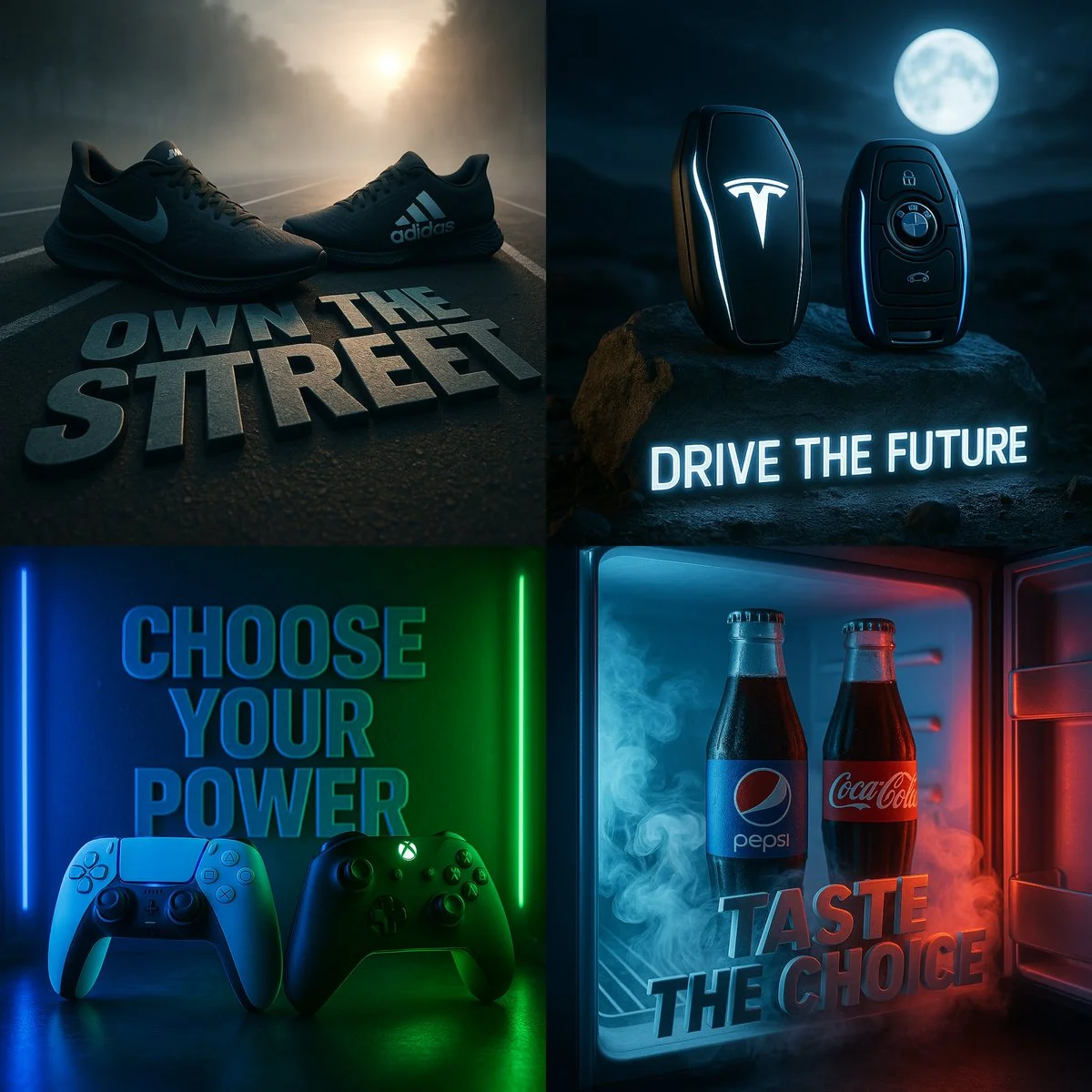
Easy Natural-Language Editing
Allow time to inspect each image result and refine your brief. Processing time varies by model, request and service load. Change one direction at a time so that you can judge which edit improves the result.
Rapid Visual Iteration
Allow time to inspect each image result and refine your brief. Processing time varies by model, request and service load. Change one direction at a time so that you can judge which edit improves the result.
Creative Notes for Your Grok Image Brief
Give the main subject one clear action. For a Grok concept, a precise brief is easier to assess than a list of competing effects.
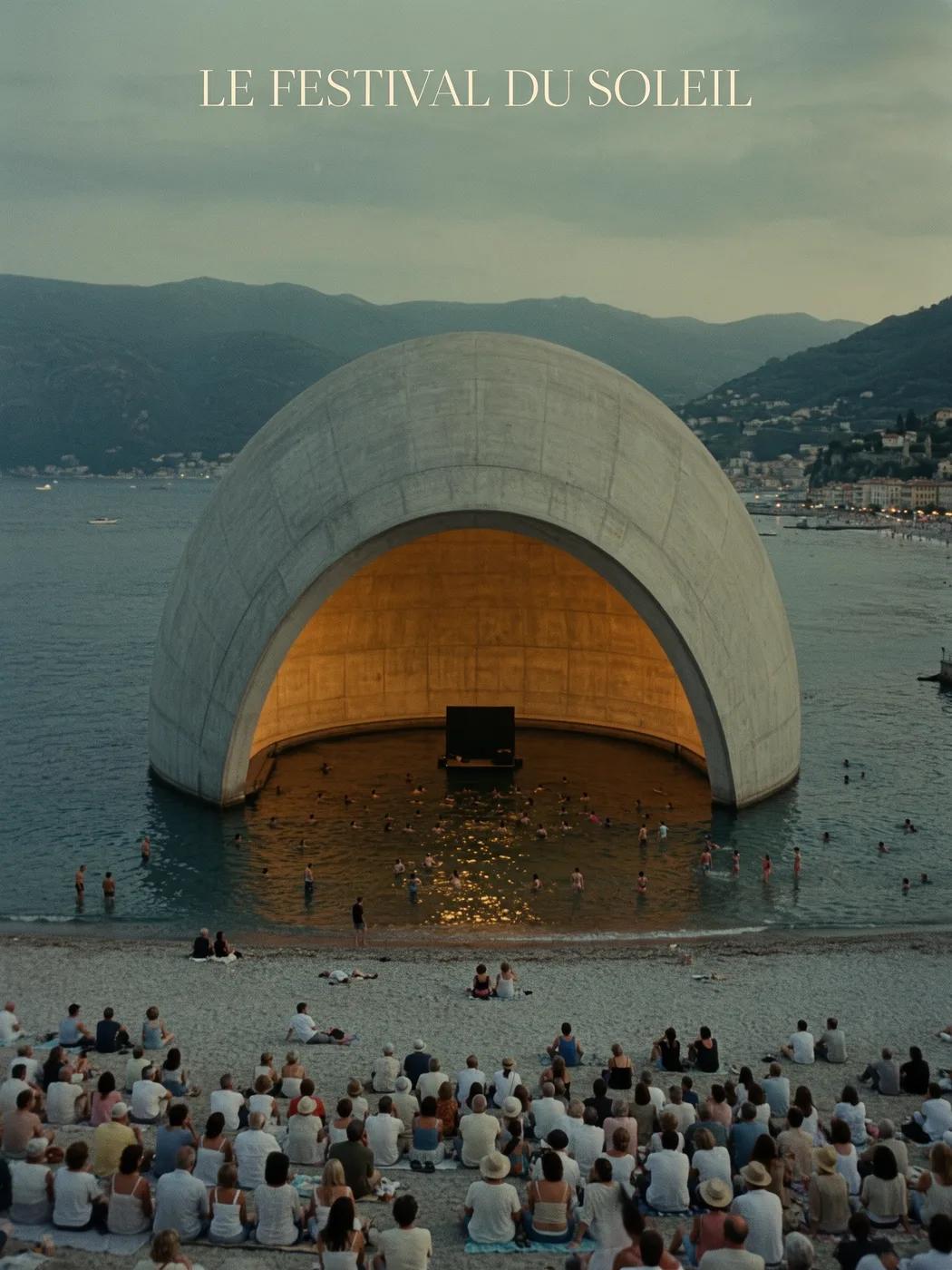
Grok Image Workflow: Questions & Answers
Develop your Grok image brief around the result you need. Keep the main direction specific, check supported settings in the generator, and review the completed work before using it in your project.
This youdot page explains the Grok image workflow. It helps you write a focused brief and review the available inputs. Current access is shown in the generator; a model name on a guide does not mean it currently accepts requests.
Develop your Grok image brief around the result you need. Keep the main direction specific, check supported settings in the generator, and review the completed work before using it in your project.
Write your Grok image brief around a subject, composition, lighting and intended style. Add a material or texture when it matters. For edits, state one precise change and explain which parts of the source should remain intact.
Use only the input modes and controls offered by the selected model. Describe the intended image clearly and add supported references when useful. This page does not promise separate motion-brush, audio-upload, restoration or editing tools.
For a Grok product concept, specify the product shape, material, key detail and setting. Keep logos and claims accurate, allow room for your own typography, and review the result before using it in an advertisement.
Choose only the resolution and aspect ratio shown for the selected model. Check framing, fine details and any text in the completed image. A larger output size does not guarantee a more accurate result.
You can request a refund within 10 days of purchase if you have unused credits from that purchase and provide a clear reason, subject to our Refund Policy. If eligible, an unused purchase can be fully refunded; a partly used purchase is refunded in proportion to its remaining unused credits. Fully used purchases and free or promotional credits are not refundable.
Credit validity depends on the pack, subscription or promotion that issued them. Review the purchase terms and expiration dates in Settings > Credits. A renewal or new purchase does not extend older credits. Use credits before their stated expiration; do not assume unused subscription credits roll over indefinitely.
Credits charged for a task that is confirmed as failed due to a system error are returned automatically. A task that is still processing has not yet been confirmed as failed. Check its status and your credit history before submitting again. If a confirmed failure still shows an unresolved charge, email support@youdot.app with the task ID.
AI results can vary, so a completed result that differs from your expectations is not automatically treated as a technical failure. Eligible completed image tasks can be submitted for credit refund review using the refund option where available; approval is required. For a video or another issue, contact support@youdot.app with the task ID and details. A credit refund returns credits, not money to your payment method.
Email support@youdot.app. For billing, include your account email and order ID; for generation, include the task ID, issue description and relevant screenshots. If you purchased as a guest, keep the original browser data and payment receipt so we can help locate the purchase.
Explore Your Next Grok Image Idea
Allow time to inspect each image result and refine your brief. Processing time varies by model, request and service load. Change one direction at a time so that you can judge which edit improves the result.
youdot.app · Updated
What's new on this page
- — Corrected the default model selection for the Grok image generator. Added editable example prompts and separate drafts for text and reference modes, with an action to restore the example.
- — Updated page copy and content.
- — Page content published.