
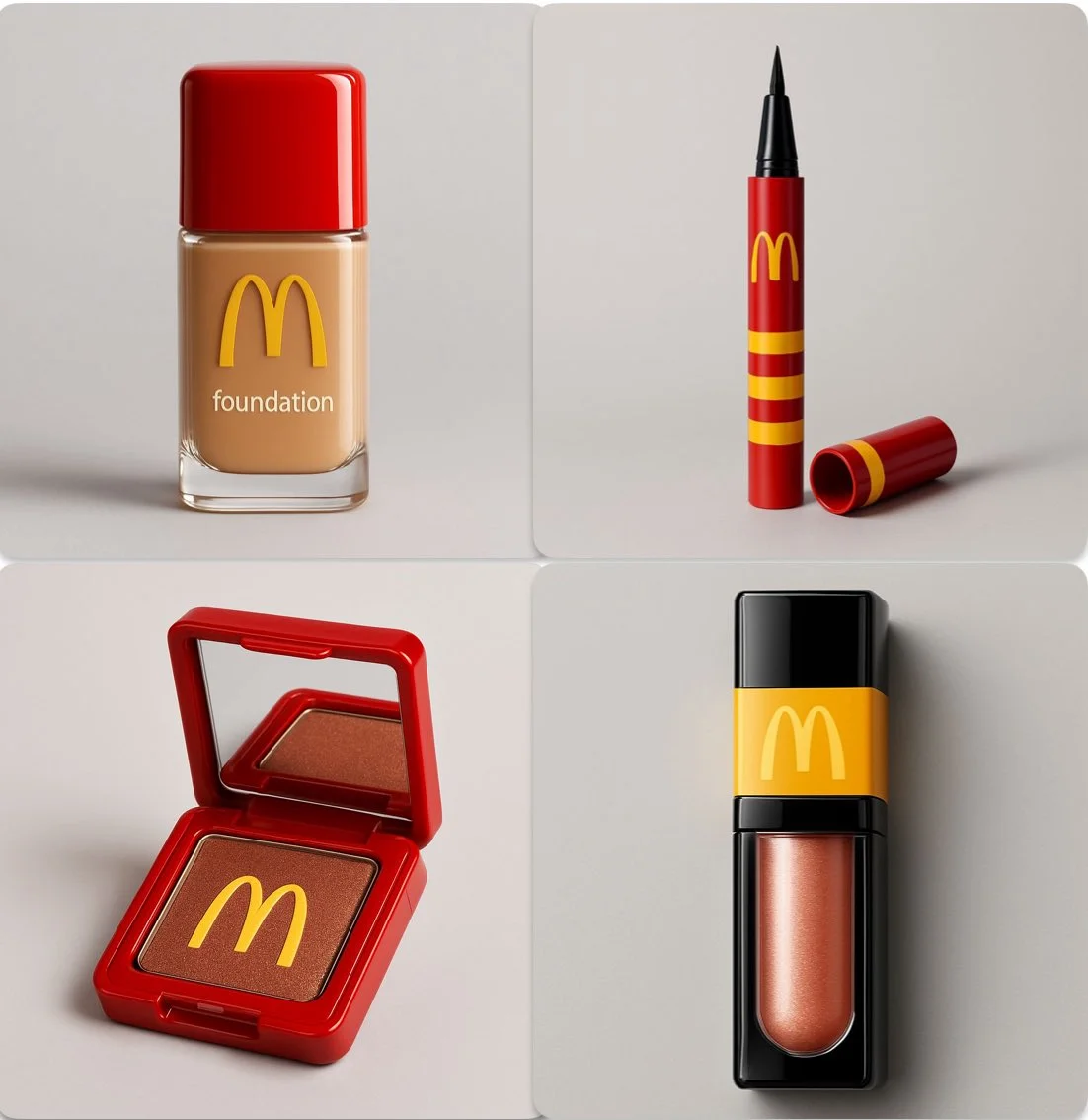
Verified prompt
A product photography shot of a [PRODUCT] inspired by [FOOD BRAND], placed against a soft light gray background. The product is sharply focused with soft studio lighting. The packaging design includes the official [FOOD BRAND] logo and reflects the brand’s colors and style. The product is sleek, glossy, and realistic, with high detail and elegant presentation. No food items, just the makeup product. Include only the makeup item in the shot. Modern aesthetic, luxury cosmetic branding
A product photography shot of a [PRODUCT] inspired by [FOOD BRAND], placed against a soft light gray background. The product is sharply focused with soft studio lighting. The packaging design includes the official [FOOD BRAND] logo and reflects the brand’s colors and style. The product is sleek, glossy, and realistic, with high detail and elegant presentation. No food items, just the makeup product. Include only the makeup item in the shot. Modern aesthetic, luxury cosmetic branding
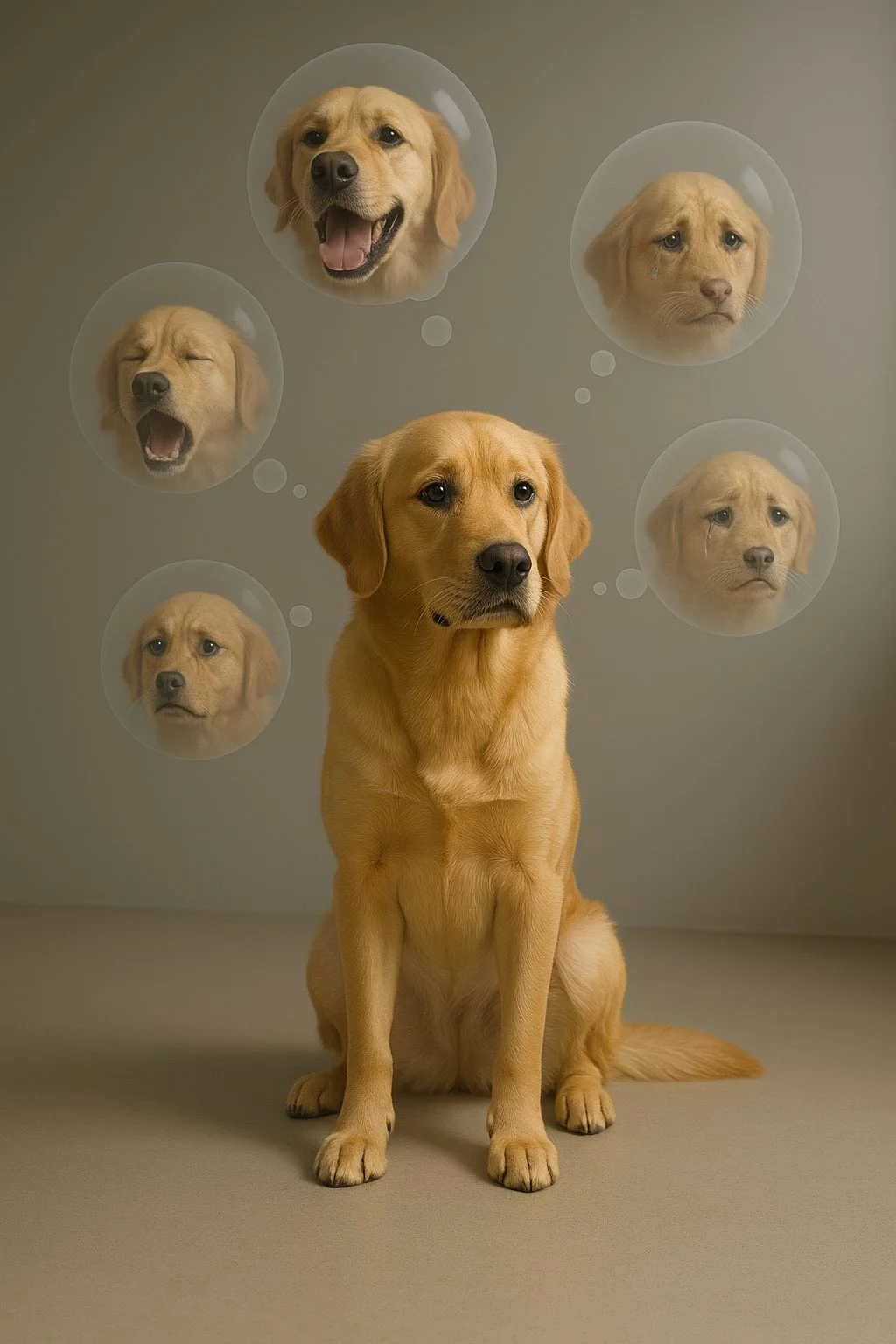
Verified prompt
A [SUBJECT] sits alone in a minimalistic room filled with floating, semi-transparent thought bubbles. Each bubble contains a fragment of their face from different emotional states — smiling, crying, screaming — forming a psychological self-portrait suspended in mid-air.
A [SUBJECT] sits alone in a minimalistic room filled with floating, semi-transparent thought bubbles. Each bubble contains a fragment of their face from different emotional states — smiling, crying, screaming — forming a psychological self-portrait suspended in mid-air.
Verified prompt
Verified prompt
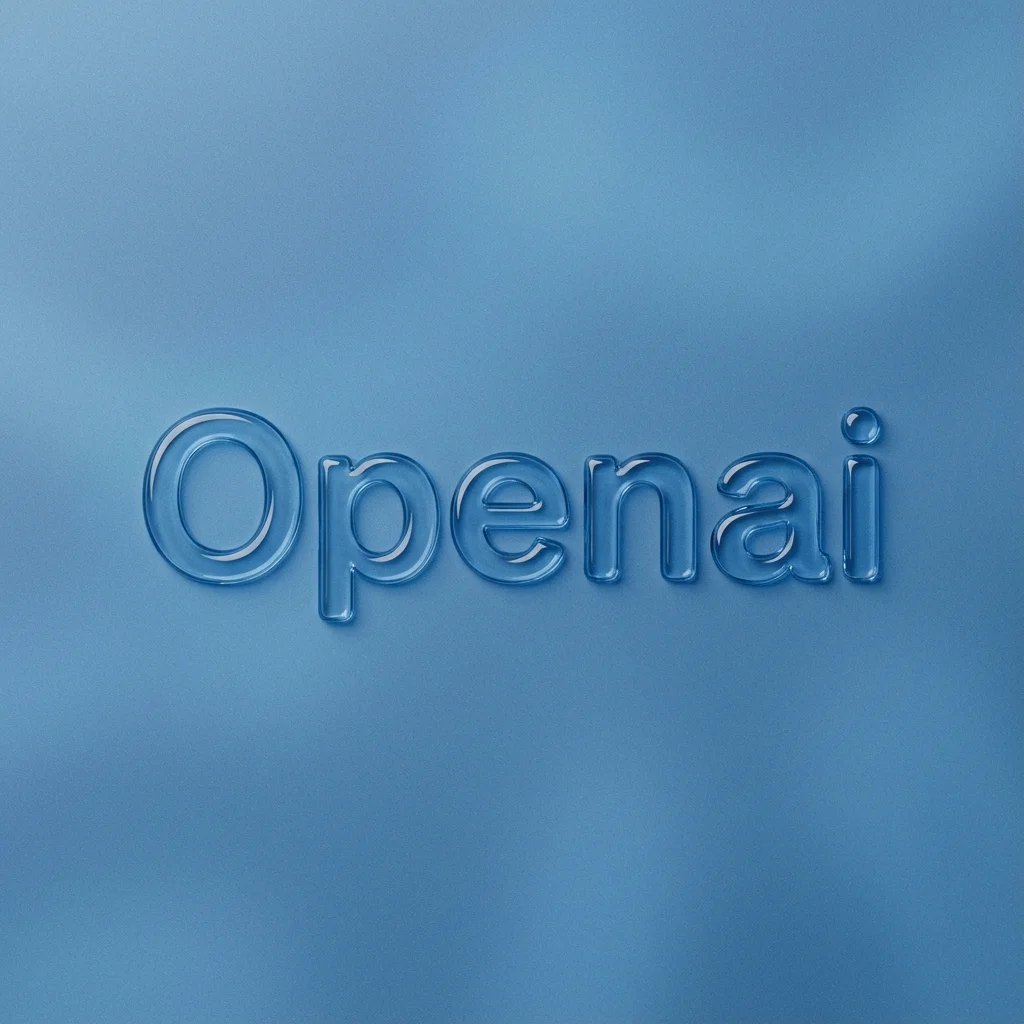
Verified prompt
mbossed glossy contour render of center-aligned [BRAND] on a flat surface, perfectly centered composition with ample negative space surrounding the object for a premium minimalist aesthetic. Monochromatic [COLOR] palette with soft tonal gradients. The object is defined by a raised, smooth, liquid-like glass bezel or chrome rim, creating a blind emboss effect where the interior matches the background. Matte surface finish with fine film grain or noise texture overlay. Soft diffuse lighting, strong specular highlights on the rounded edges, top-down view.
mbossed glossy contour render of center-aligned [BRAND] on a flat surface, perfectly centered composition with ample negative space surrounding the object for a premium minimalist aesthetic. Monochromatic [COLOR] palette with soft tonal gradients. The object is defined by a raised, smooth, liquid-like glass bezel or chrome rim, creating a blind emboss effect where the interior matches the background. Matte surface finish with fine film grain or noise texture overlay. Soft diffuse lighting, strong specular highlights on the rounded edges, top-down view.
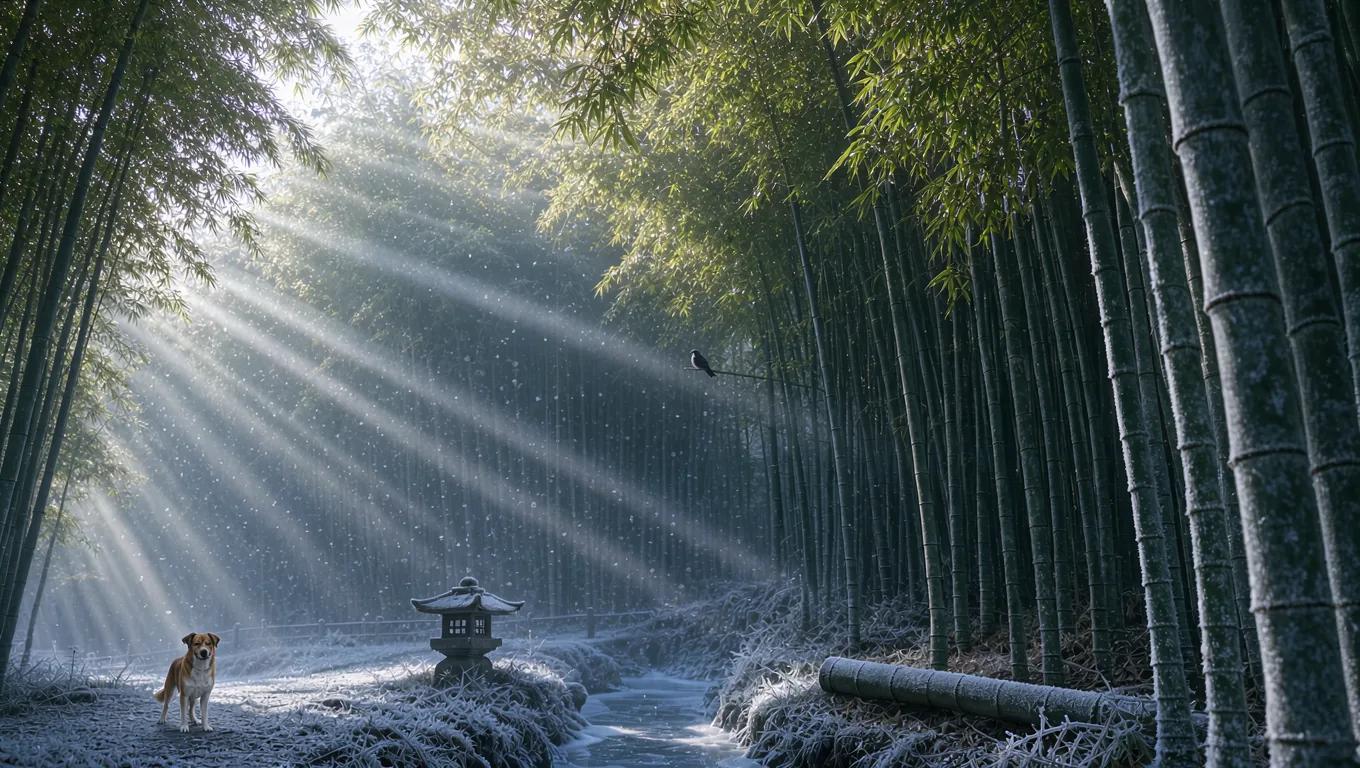
Verified prompt
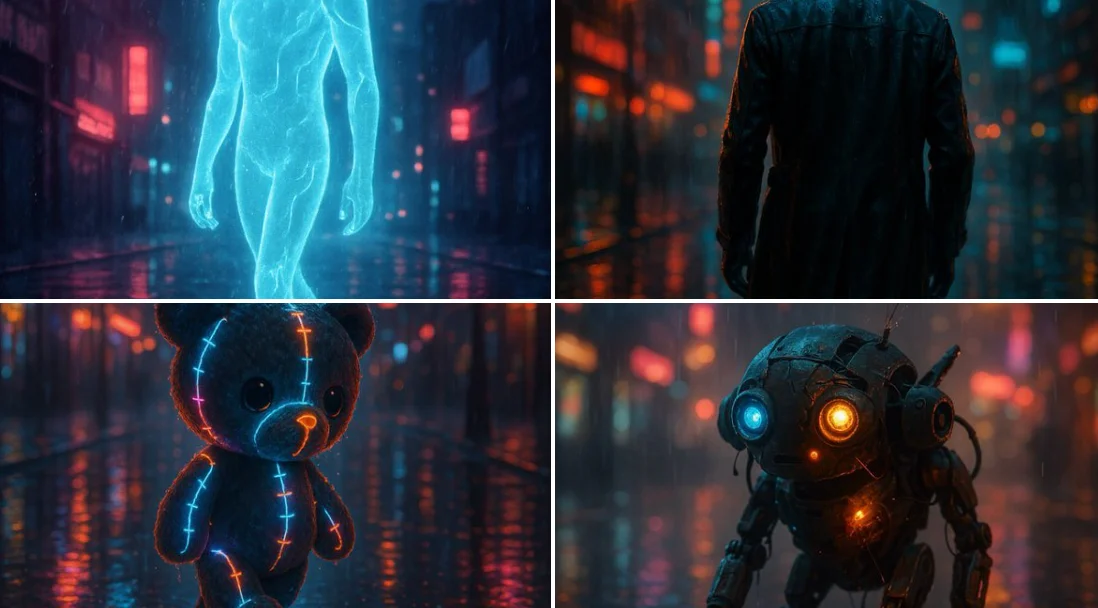
Verified prompt
A cinematic rendering of [subject] walking through a rain-soaked street at night, illuminated by moody neon lights, reflections dancing on wet pavement, and a hazy urban skyline in the background. The subject feels alive, caught between solitude and electricity.
A cinematic rendering of [subject] walking through a rain-soaked street at night, illuminated by moody neon lights, reflections dancing on wet pavement, and a hazy urban skyline in the background. The subject feels alive, caught between solitude and electricity.
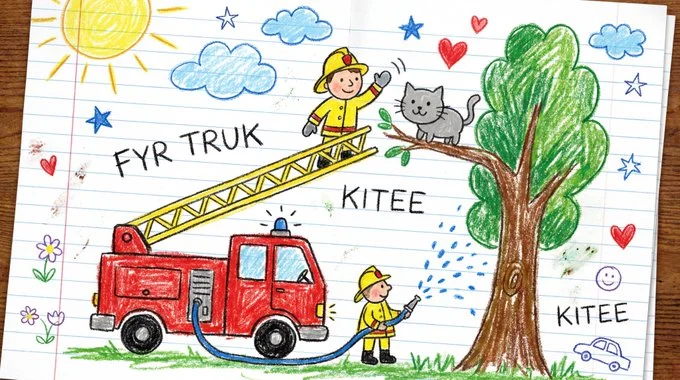
Verified prompt
Draw [VISUAL] as if created by a cheerful 6-year-old on white notebook paper. Use chunky wax-crayon strokes, wobbly outlines, and simple flat shapes. Colors should be bright, bold, and slightly outside the lines, with visible pressure marks and small smudges. Perspective is innocent: objects can float, and size is based on importance, not realism. Faces are dots with curved smiles; hands are mitten blobs; animals are round and friendly. Add playful extras like a sun in a corner, puffy clouds, stars, and hearts. Include uneven scribble shading, a few tiny doodles in the margins, and one or two hand-written labels in childlike spelling.
Draw [VISUAL] as if created by a cheerful 6-year-old on white notebook paper. Use chunky wax-crayon strokes, wobbly outlines, and simple flat shapes. Colors should be bright, bold, and slightly outside the lines, with visible pressure marks and small smudges. Perspective is innocent: objects can float, and size is based on importance, not realism. Faces are dots with curved smiles; hands are mitten blobs; animals are round and friendly. Add playful extras like a sun in a corner, puffy clouds, stars, and hearts. Include uneven scribble shading, a few tiny doodles in the margins, and one or two hand-written labels in childlike spelling.
Verified prompt
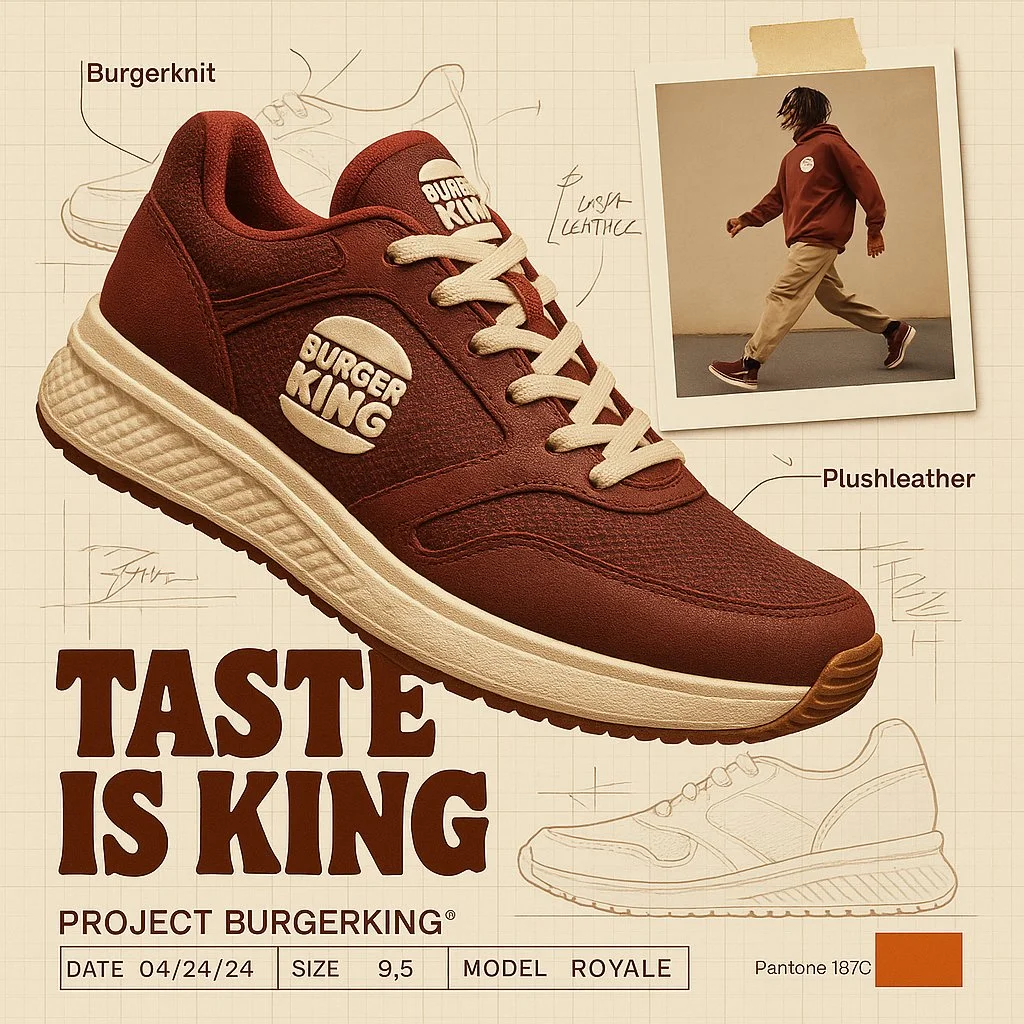
create image with 1:1 ratio A branded footwear ad for [Brand], showcasing the high-end Brand shoe using brand technology and texture.(fiction a technology and texture based on brand DNA). The shoe is shown in dynamic floating perspective over a graph paper background layout with technical sketches and handwritten notes. A random lifestyle authentic photo featuring brand clothing in motion is taped in the corner, styled with street wear fashion. Emphasize the product's slogan with bold typography. Layout features include product spec labels like Project a fiction brand title, Date, Size, and fiction model name in engineering style. The background reference with brand pantone color palettes with code number
create image with 1:1 ratio A branded footwear ad for [Brand], showcasing the high-end Brand shoe using brand technology and texture.(fiction a technology and texture based on brand DNA). The shoe is shown in dynamic floating perspective over a graph paper background layout with technical sketches and handwritten notes. A random lifestyle authentic photo featuring brand clothing in motion is taped in the corner, styled with street wear fashion. Emphasize the product's slogan with bold typography. Layout features include product spec labels like Project a fiction brand title, Date, Size, and fiction model name in engineering style. The background reference with brand pantone color palettes with code number
Verified prompt
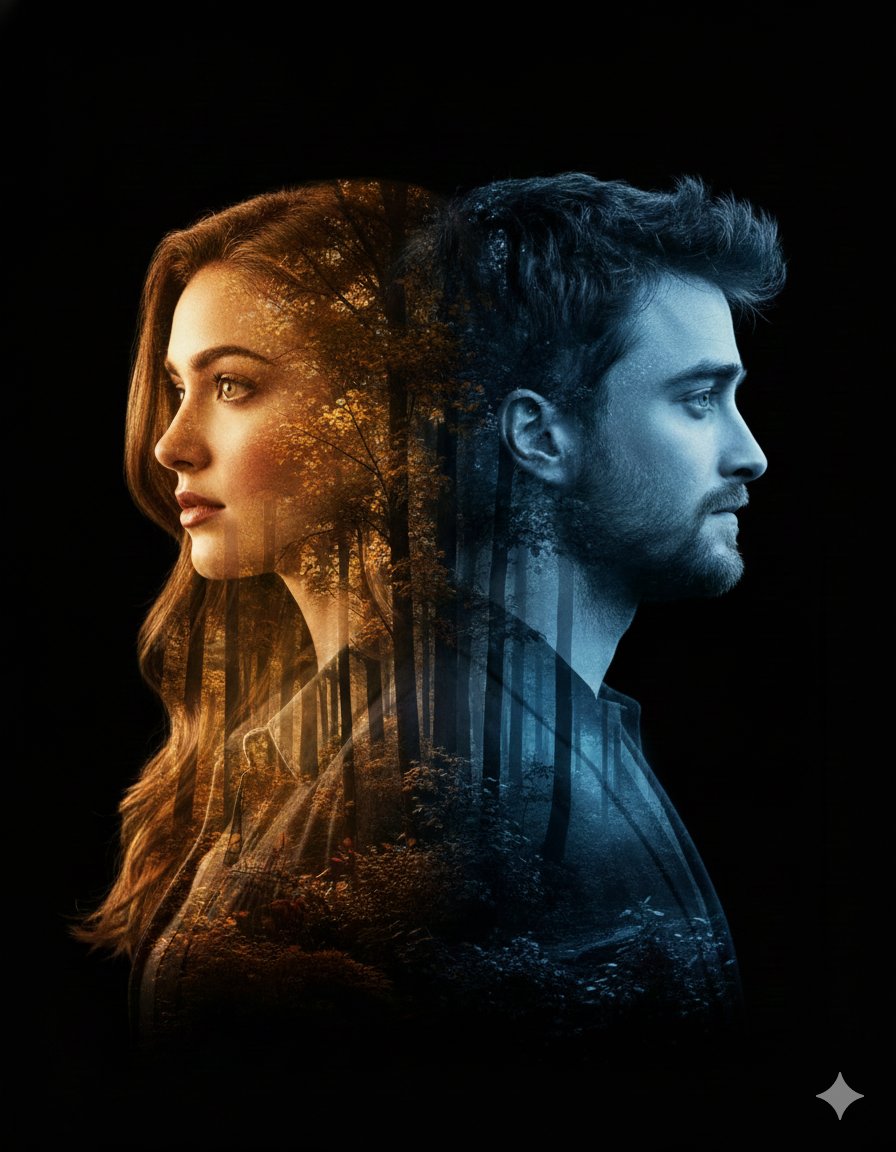
nematic double-exposure portrait featuring a woman in profile on the left and a man in profile on the right, both turned away from each other. Their silhouettes, including detailed facial features and hair outlines, blend seamlessly into a dense forest landscape with an artistic, modern pattern. The woman's side glows with warm golden autumn hues, while the man's side is illuminated by cool, serene blue tones. Soft rays of sunlight filter through the trees, adding depth, contrast, and emotional atmosphere. Smooth, natural lighting transitions and a clean black backdrop. Modern, artistic, emotionally expressive poster aesthetic. Bold title text at the bottom: 'Ai Queen is Here…'. cinematic. double exposure. high-detail. artistic poster. emotional. clean black backdrop. soft sun rays, warm vs cool contrast. woman profile left, man profile right, both facing outward. smooth transitions between silhouettes and forest landscape. high contrast artistic glow. poster-quality finish. Ai Queen is Here…. 3:4
nematic double-exposure portrait featuring a woman in profile on the left and a man in profile on the right, both turned away from each other. Their silhouettes, including detailed facial features and hair outlines, blend seamlessly into a dense forest landscape with an artistic, modern pattern. The woman's side glows with warm golden autumn hues, while the man's side is illuminated by cool, serene blue tones. Soft rays of sunlight filter through the trees, adding depth, contrast, and emotional atmosphere. Smooth, natural lighting transitions and a clean black backdrop. Modern, artistic, emotionally expressive poster aesthetic. Bold title text at the bottom: 'Ai Queen is Here…'. cinematic. double exposure. high-detail. artistic poster. emotional. clean black backdrop. soft sun rays, warm vs cool contrast. woman profile left, man profile right, both facing outward. smooth transitions between silhouettes and forest landscape. high contrast artistic glow. poster-quality finish. Ai Queen is Here…. 3:4
Verified prompt
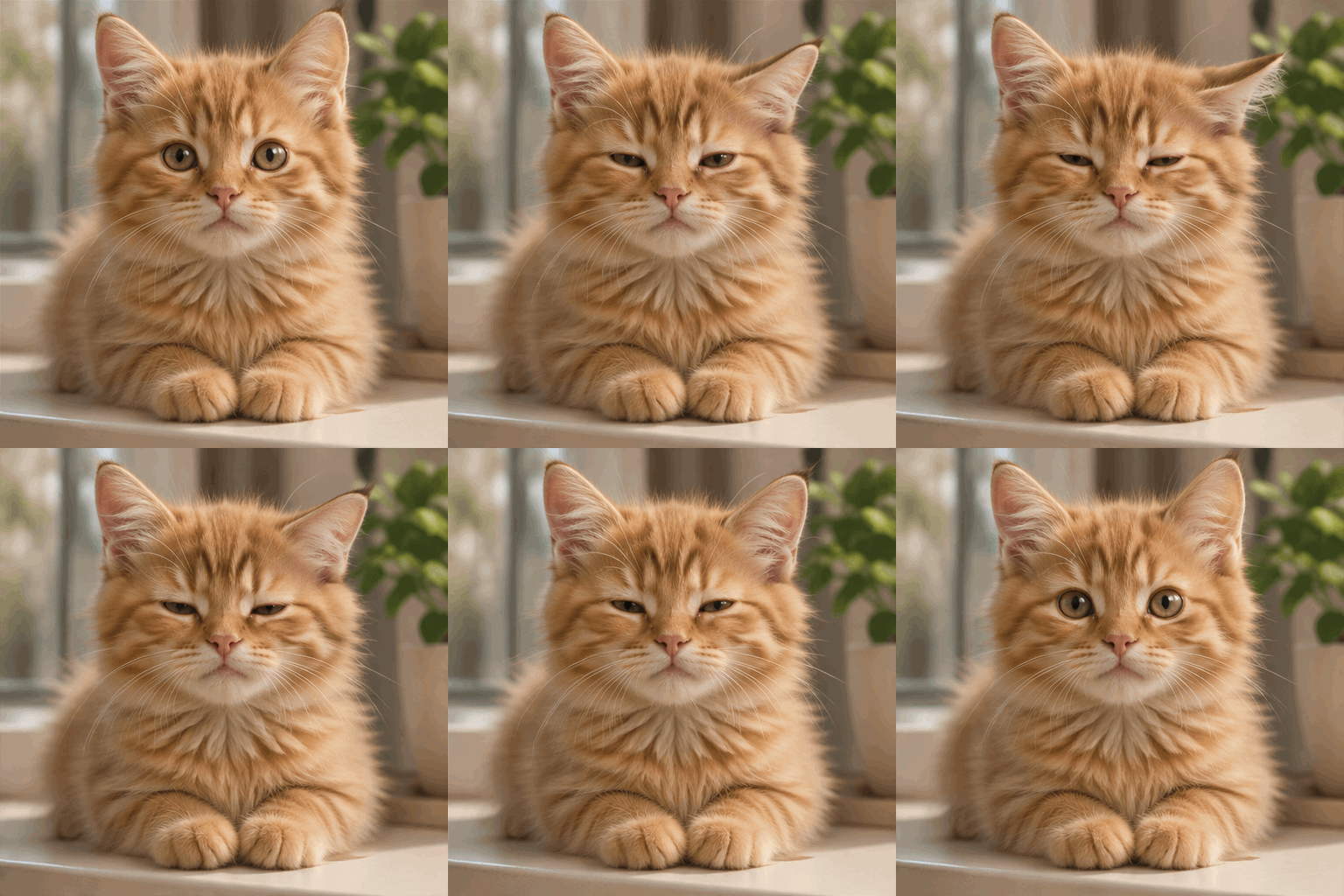
Create an animated GIF with a seamless 1.8-second loop, exactly nine frames. A photorealistic fluffy ginger kitten sitting on a cream windowsill in soft morning light, a small green plant softly out of focus behind it. The kitten slowly blinks and gently tilts one ear, then returns to its initial expression. Keep the camera locked, the body and background still, the face and fur consistent across frames. One kitten only, natural anatomy, no text, no logo, no watermark. Centered square close-up with refined editorial photography.
Create an animated GIF with a seamless 1.8-second loop, exactly nine frames. A photorealistic fluffy ginger kitten sitting on a cream windowsill in soft morning light, a small green plant softly out of focus behind it. The kitten slowly blinks and gently tilts one ear, then returns to its initial expression. Keep the camera locked, the body and background still, the face and fur consistent across frames. One kitten only, natural anatomy, no text, no logo, no watermark. Centered square close-up with refined editorial photography.
Verified prompt
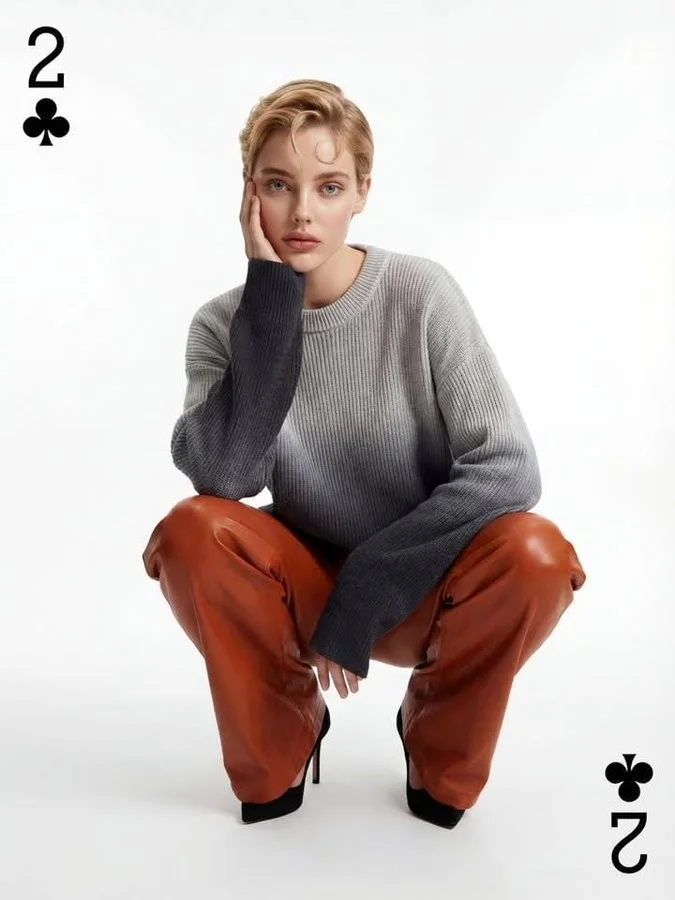
Ultra-realistic fashion editorial studio photograph of a young woman with short blonde pixie haircut and soft natural makeup, crouching low with knees bent, one hand resting on her cheek, calm neutral expression, direct eye contact with camera. She is wearing an oversized ribbed knit sweater with a grey-to-charcoal gradient, long sleeves covering part of the hands, paired with high-waisted brown leather pants and black pointed high-heel pumps. Clean white seamless background, soft diffused studio lighting, high fashion magazine style, minimal shadows, sharp focus, natural skin texture, editorial composition, modern aesthetic, 85mm lens look, shallow depth of field, ultra high resolution, professional color grading, luxury fashion campaign.
Ultra-realistic fashion editorial studio photograph of a young woman with short blonde pixie haircut and soft natural makeup, crouching low with knees bent, one hand resting on her cheek, calm neutral expression, direct eye contact with camera. She is wearing an oversized ribbed knit sweater with a grey-to-charcoal gradient, long sleeves covering part of the hands, paired with high-waisted brown leather pants and black pointed high-heel pumps. Clean white seamless background, soft diffused studio lighting, high fashion magazine style, minimal shadows, sharp focus, natural skin texture, editorial composition, modern aesthetic, 85mm lens look, shallow depth of field, ultra high resolution, professional color grading, luxury fashion campaign.
Explore Image Workflows
Explore the Nano Banana 2 workflow and compare it with the related image pages. The generator is the source of truth for current model access and settings. Use the prompt library to study published results and the model that created them.
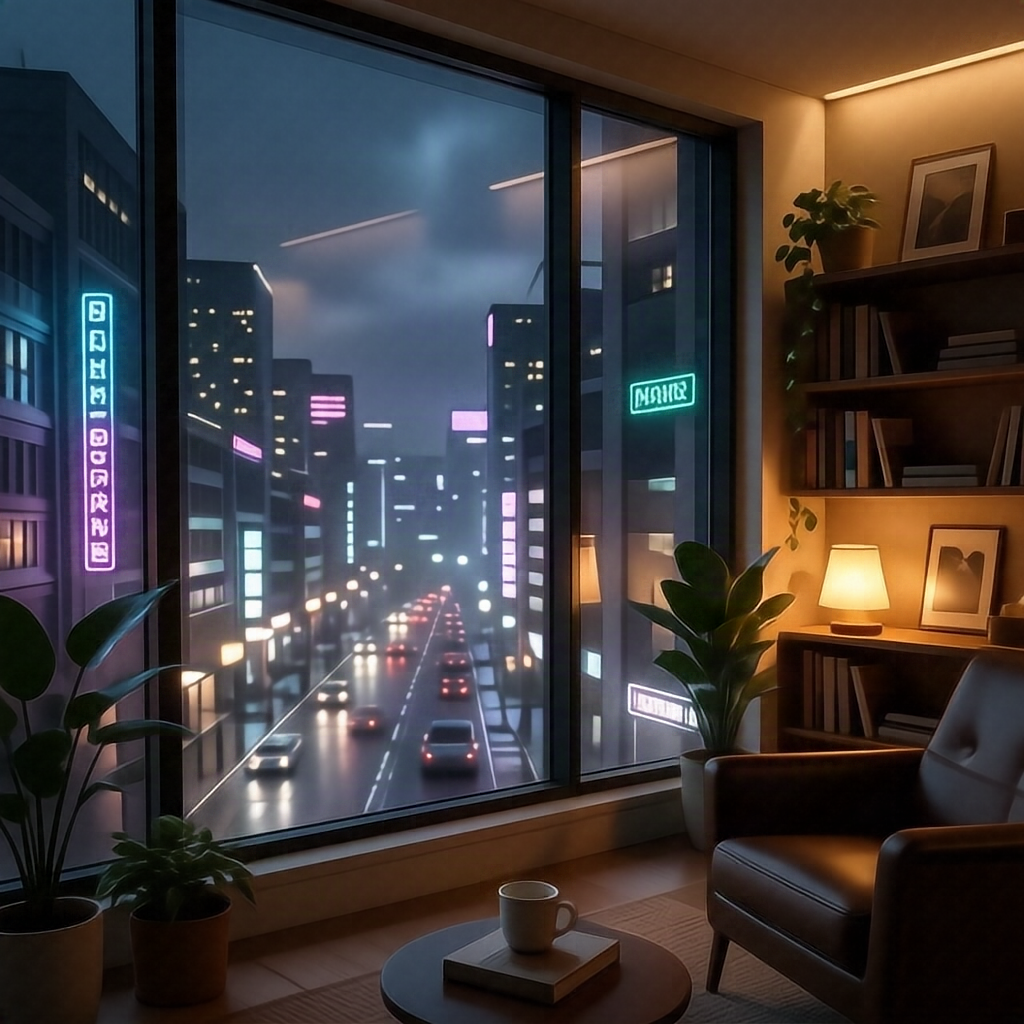
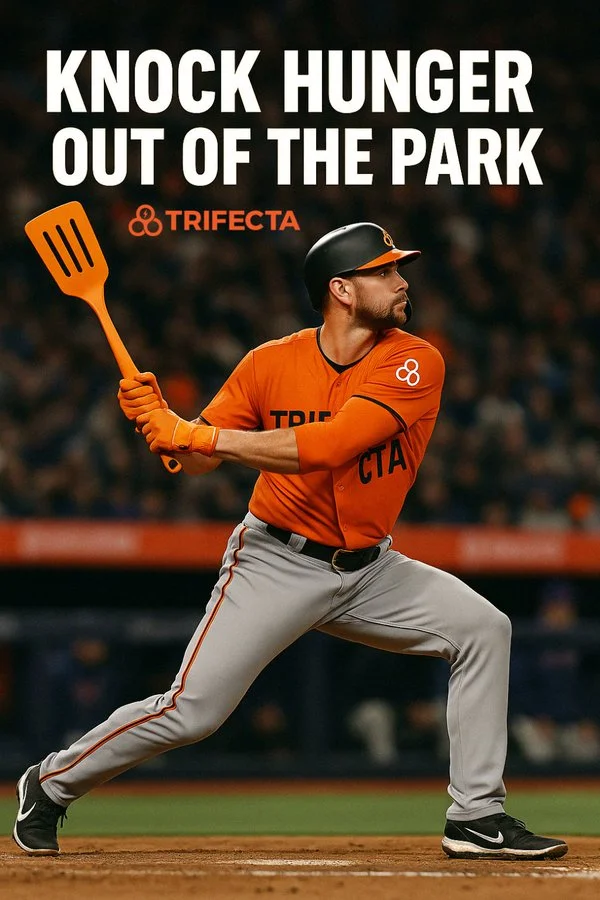
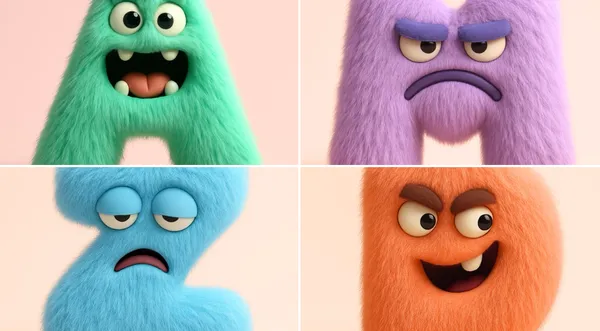
Nano Banana 2 AI Image Generator
Write your Nano Banana 2 image brief around a subject, composition, lighting and intended style. Add a material or texture when it matters. For edits, state one precise change and explain which parts of the source should remain intact.
Write your Nano Banana 2 image brief around a subject, composition, lighting and intended style. Add a material or texture when it matters. For edits, state one precise change and explain which parts of the source should remain intact.
Explore Nano Banana 2Build Your Nano Banana 2 Image Brief
Choose only the resolution and aspect ratio shown for the selected model. Check framing, fine details and any text in the completed image. A larger output size does not guarantee a more accurate result.
Advanced AI Image Generation & Customization
Choose only the resolution and aspect ratio shown for the selected model. Check framing, fine details and any text in the completed image. A larger output size does not guarantee a more accurate result.
Write Precise Editing and Style Directions
Choose only the resolution and aspect ratio shown for the selected model. Check framing, fine details and any text in the completed image. A larger output size does not guarantee a more accurate result.
Describe the Changes and Details to Preserve
Explore the Nano Banana 2 workflow and compare it with the related image pages. The generator is the source of truth for current model access and settings. Use the prompt library to study published results and the model that created them.
Describe the Changes and Details to Preserve
Choose only the resolution and aspect ratio shown for the selected model. Check framing, fine details and any text in the completed image. A larger output size does not guarantee a more accurate result.
Review Usage Terms Before Sharing
Check the applicable model and platform terms before using a result commercially. You are responsible for the rights to uploaded images, identifiable people, logos and any other source material in your Nano Banana 2 image brief.
Keep Your Workflow Simple
Develop your Nano Banana 2 image brief around the result you need. Keep the main direction specific, check supported settings in the generator, and review the completed work before using it in your project.
A Clearer Creative Brief for Nano Banana 2
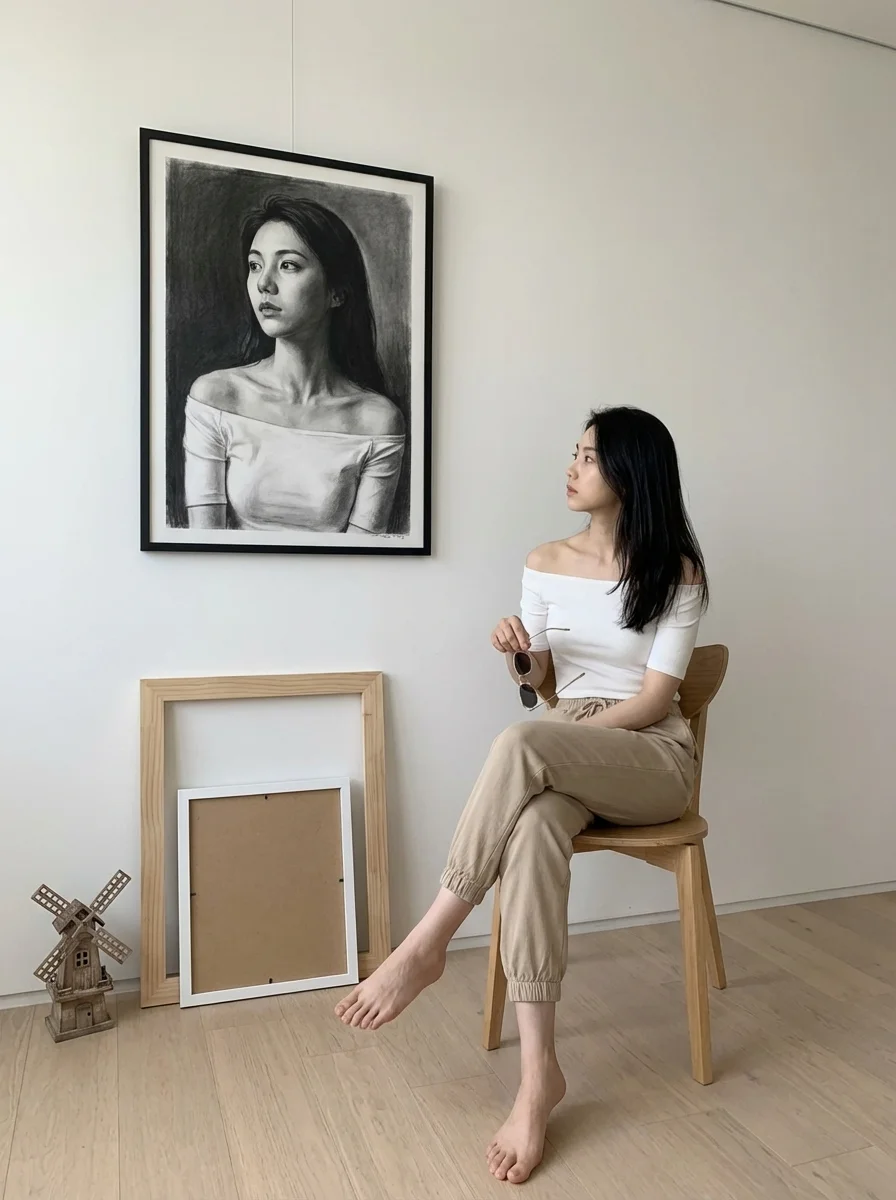
Diverse Styles & Effects for Every Vision
Develop your Nano Banana 2 image brief around the result you need. Keep the main direction specific, check supported settings in the generator, and review the completed work before using it in your project.
Write your Nano Banana 2 image brief around a subject, composition, lighting and intended style. Add a material or texture when it matters. For edits, state one precise change and explain which parts of the source should remain intact.
Versatile Nano Banana 2 AI Image Generator for Every Creator's Vision
Start your Nano Banana 2 image brief with a source image you have permission to use. Name the area to change and the colors, proportions or objects to preserve. Reference count and editing support depend on the selected model.
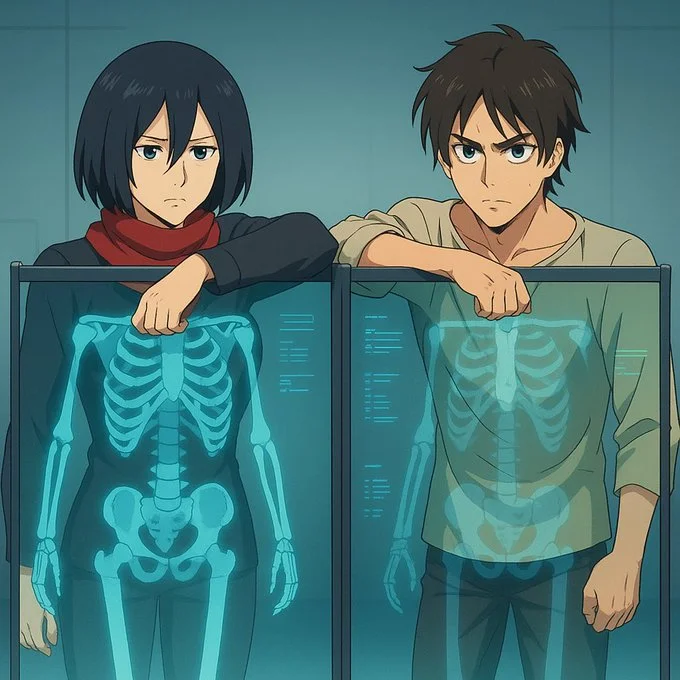
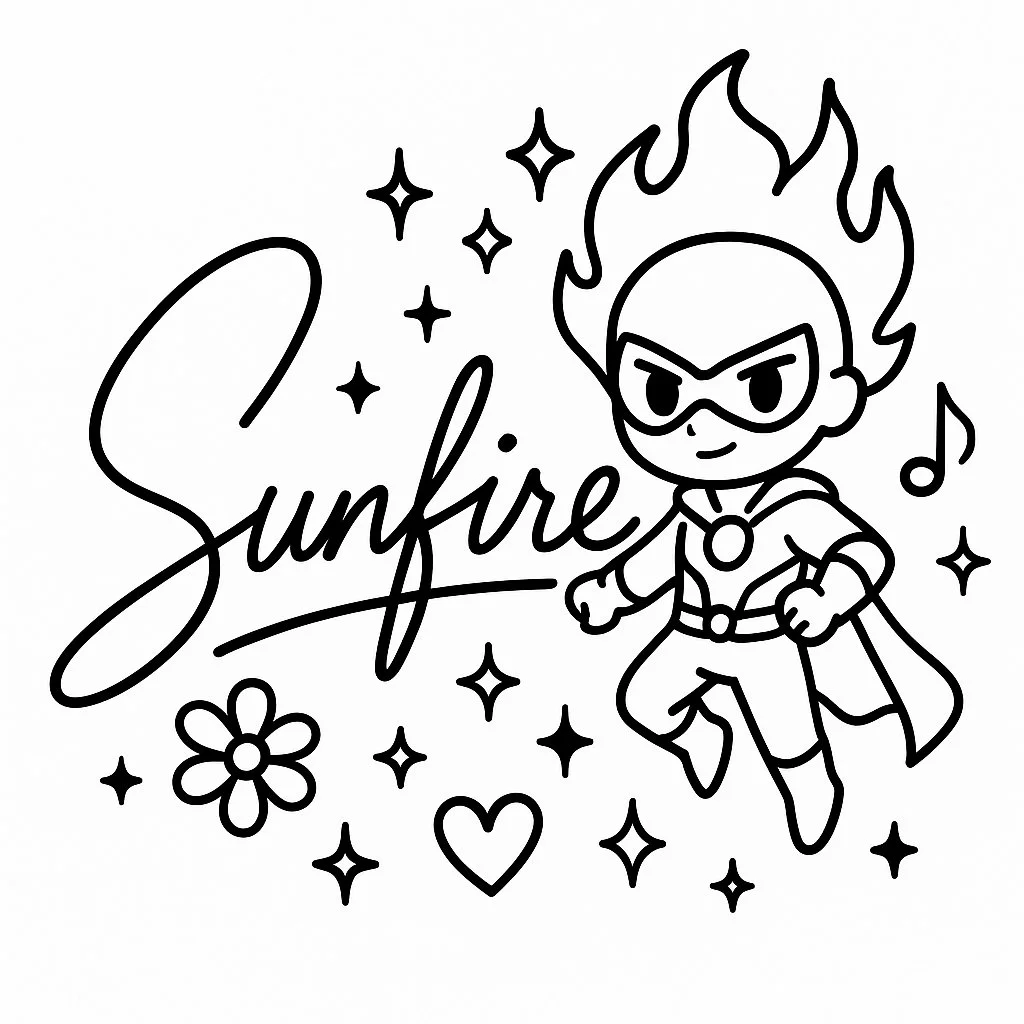
For Architects and Designers
Write your Nano Banana 2 image brief around a subject, composition, lighting and intended style. Add a material or texture when it matters. For edits, state one precise change and explain which parts of the source should remain intact.
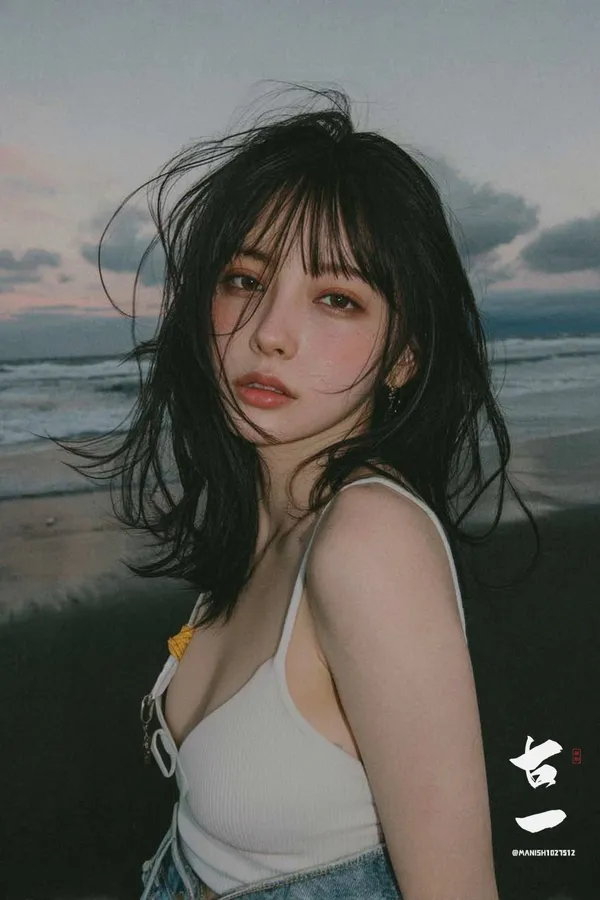
For E-Commerce Professionals
List the details that matter in your Nano Banana 2 image brief: identity, shape, colors, clothing and background. Use supported references where appropriate and compare every result; exact consistency is not guaranteed.
For Content Publishers
Choose only the resolution and aspect ratio shown for the selected model. Check framing, fine details and any text in the completed image. A larger output size does not guarantee a more accurate result.
For Event Planners
Write your Nano Banana 2 image brief around a subject, composition, lighting and intended style. Add a material or texture when it matters. For edits, state one precise change and explain which parts of the source should remain intact.
From a Brief to a Reviewed Image: The Nano Banana 2 Workflow
Add Your Input
Start your Nano Banana 2 image brief with a source image you have permission to use. Name the area to change and the colors, proportions or objects to preserve. Reference count and editing support depend on the selected model.
Customize Your Options
The generator shows current model availability. When a model accepts requests, choose its supported settings and review the required credits before submitting. Review your selection and credit balance before generating.
Generate and Refine
Write your Nano Banana 2 image brief around a subject, composition, lighting and intended style. Add a material or texture when it matters. For edits, state one precise change and explain which parts of the source should remain intact.
Review and Download Completed Results
Start your Nano Banana 2 image brief with a source image you have permission to use. Name the area to change and the colors, proportions or objects to preserve. Reference count and editing support depend on the selected model.
Nano Banana 2 Image Ideas for Your Projects
Choose only the resolution and aspect ratio shown for the selected model. Check framing, fine details and any text in the completed image. A larger output size does not guarantee a more accurate result.
Digital Art & Illustration
Choose only the resolution and aspect ratio shown for the selected model. Check framing, fine details and any text in the completed image. A larger output size does not guarantee a more accurate result.
Marketing & E-Commerce Visuals
For a Nano Banana 2 product concept, specify the product shape, material, key detail and setting. Keep logos and claims accurate, allow room for your own typography, and review the result before using it in an advertisement.
Educational Content & Presentations
Use a Nano Banana 2 visual concept to support one teaching or presentation point. Check facts and labels yourself, and add final captions in your editing workflow rather than relying on generated text.
Game Development
List the details that matter in your Nano Banana 2 image brief: identity, shape, colors, clothing and background. Use supported references where appropriate and compare every result; exact consistency is not guaranteed.
Creative Notes for Your Nano Banana 2 Image Brief
Give the main subject one clear action. For a Nano Banana 2 concept, a precise brief is easier to assess than a list of competing effects.
Nano Banana 2 Image Workflow: Questions & Answers
This youdot page explains the Nano Banana 2 image workflow. It helps you write a focused brief and review the available inputs. Current access is shown in the generator; a model name on a guide does not mean it currently accepts requests.
Write your Nano Banana 2 image brief around a subject, composition, lighting and intended style. Add a material or texture when it matters. For edits, state one precise change and explain which parts of the source should remain intact.
Use only the input modes and controls offered by the selected model. Describe the intended image clearly and add supported references when useful. This page does not promise separate motion-brush, audio-upload, restoration or editing tools.
Check the applicable model and platform terms before using a result commercially. You are responsible for the rights to uploaded images, identifiable people, logos and any other source material in your Nano Banana 2 image brief.
The generator shows current model availability. When a model accepts requests, choose its supported settings and review the required credits before submitting. Review your selection and credit balance before generating.
Develop your Nano Banana 2 image brief around the result you need. Keep the main direction specific, check supported settings in the generator, and review the completed work before using it in your project.
You can request a refund within 10 days of purchase if you have unused credits from that purchase and provide a clear reason, subject to our Refund Policy. If eligible, an unused purchase can be fully refunded; a partly used purchase is refunded in proportion to its remaining unused credits. Fully used purchases and free or promotional credits are not refundable.
Credit validity depends on the pack, subscription or promotion that issued them. Review the purchase terms and expiration dates in Settings > Credits. A renewal or new purchase does not extend older credits. Use credits before their stated expiration; do not assume unused subscription credits roll over indefinitely.
Credits charged for a task that is confirmed as failed due to a system error are returned automatically. A task that is still processing has not yet been confirmed as failed. Check its status and your credit history before submitting again. If a confirmed failure still shows an unresolved charge, email support@youdot.app with the task ID.
AI results can vary, so a completed result that differs from your expectations is not automatically treated as a technical failure. Eligible completed image tasks can be submitted for credit refund review using the refund option where available; approval is required. For a video or another issue, contact support@youdot.app with the task ID and details. A credit refund returns credits, not money to your payment method.
Email support@youdot.app. For billing, include your account email and order ID; for generation, include the task ID, issue description and relevant screenshots. If you purchased as a guest, keep the original browser data and payment receipt so we can help locate the purchase.
Explore Your Next Nano Banana 2 Image Idea
Explore the Nano Banana 2 workflow and compare it with the related image pages. The generator is the source of truth for current model access and settings. Use the prompt library to study published results and the model that created them.
youdot.app · Updated
What's new on this page
- — Added editable example prompts and separate drafts for text and reference modes, with an action to restore the example.
- — Updated page copy and content.
- — Page content published.