
Plan Focused Image Edits with Nano Banana 2
Explain Your Subject, Changes and References
List the details that matter in your Nano Banana 2 image brief: identity, shape, colors, clothing and background. Use supported references where appropriate and compare every result; exact consistency is not guaranteed.
Verified prompt
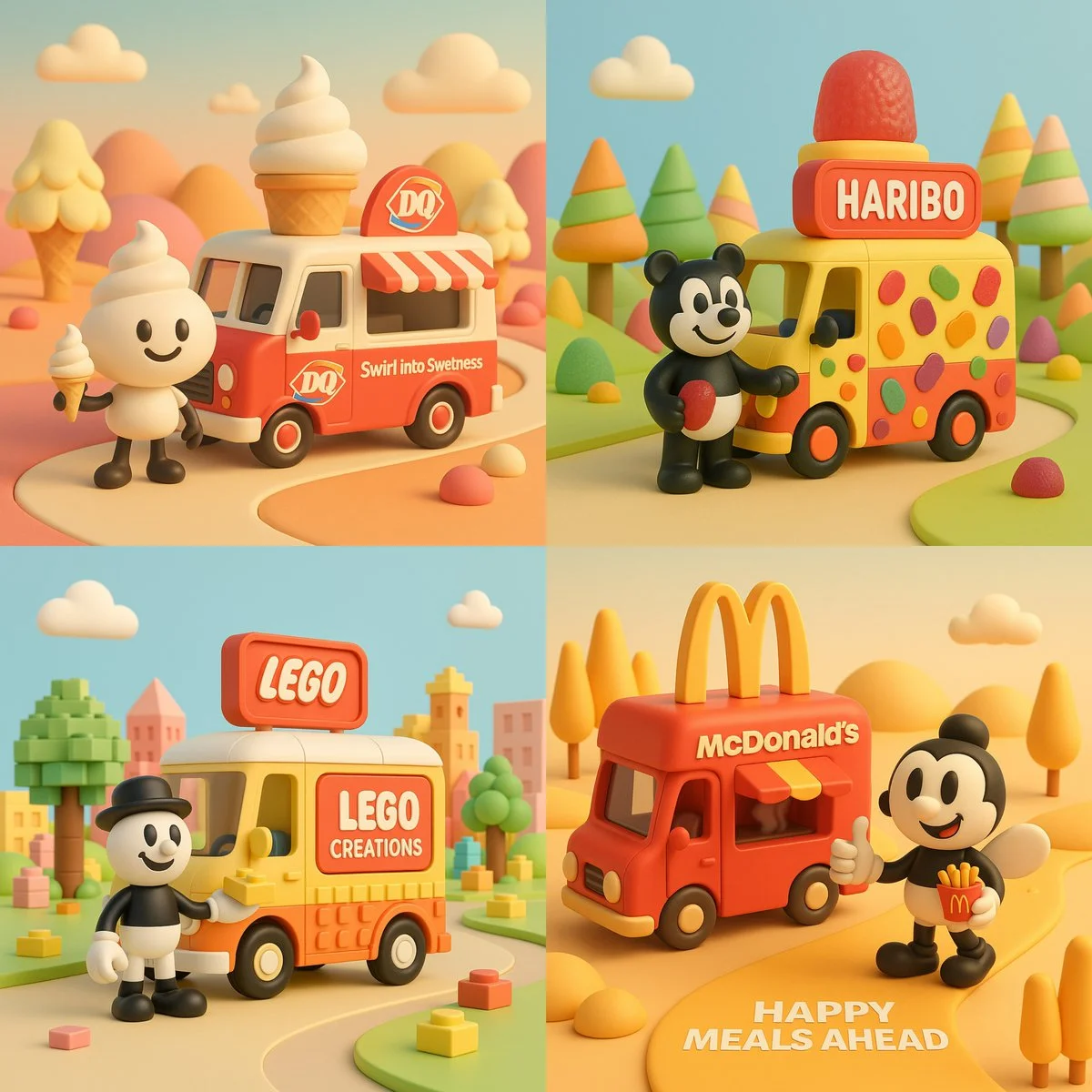
A 3D-rendered digital illustration featuring a retro-style food truck inspired by the brand [INSERT BRAND NAME], designed with smooth pastel colors and soft textures. A black-and-white cartoon character stands beside the truck, holding a product that visually represents the brand. The environment reflects the brand’s world—playful hills, trees, and skies stylized with its color palette and product shapes. The brand’s logo is clearly displayed on the truck, and a short slogan appears naturally within the scene. Format: 1:1, isometric view, cinematic lighting, clean and joyful composition.
A 3D-rendered digital illustration featuring a retro-style food truck inspired by the brand [INSERT BRAND NAME], designed with smooth pastel colors and soft textures. A black-and-white cartoon character stands beside the truck, holding a product that visually represents the brand. The environment reflects the brand’s world—playful hills, trees, and skies stylized with its color palette and product shapes. The brand’s logo is clearly displayed on the truck, and a short slogan appears naturally within the scene. Format: 1:1, isometric view, cinematic lighting, clean and joyful composition.
Verified prompt
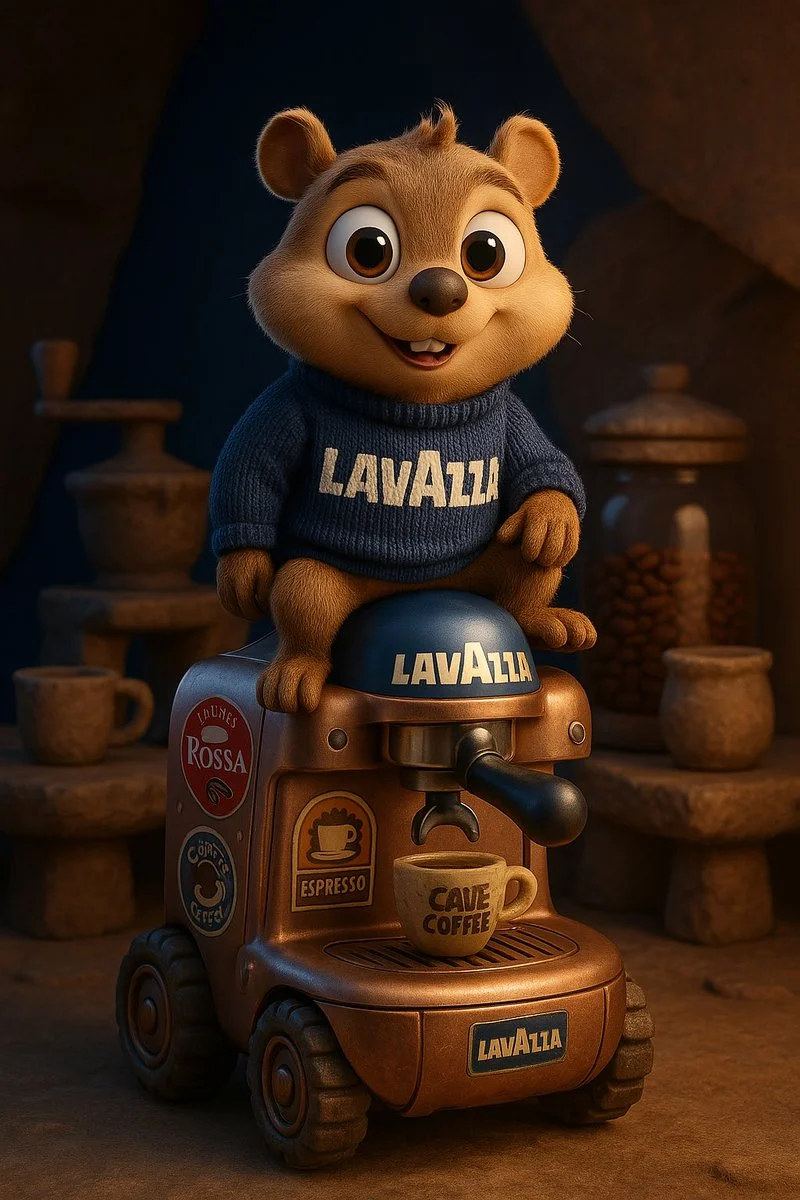
A high-quality 3D cartoon animal character inspired by [Brand Name], with large round eyes and an innocent, friendly expression. The character wears a knitted sweater featuring the brand name in bold letters. It sits confidently atop a futuristic vehicle shaped like a product from the brand, fully inspired by the brand’s design language and covered in racing stickers and symbolic brand logos. The scene is set inside a maintenance workshop that showcases Stone Age-era versions of the brand's products. The background blends the brand’s visual identity colors. The design must be highly detailed, with Pixar-style lighting and realistic textures for the character, fabric, and vehicle. Format: full-body, in a dynamic pose, rendered in 4K CGI.
A high-quality 3D cartoon animal character inspired by [Brand Name], with large round eyes and an innocent, friendly expression. The character wears a knitted sweater featuring the brand name in bold letters. It sits confidently atop a futuristic vehicle shaped like a product from the brand, fully inspired by the brand’s design language and covered in racing stickers and symbolic brand logos. The scene is set inside a maintenance workshop that showcases Stone Age-era versions of the brand's products. The background blends the brand’s visual identity colors. The design must be highly detailed, with Pixar-style lighting and realistic textures for the character, fabric, and vehicle. Format: full-body, in a dynamic pose, rendered in 4K CGI.
Verified prompt
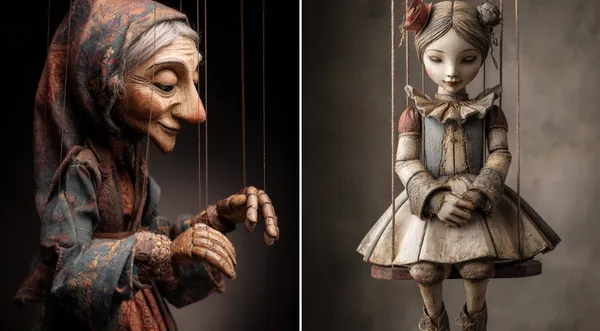
-Carved Wooden Puppet (Czech Marionette Style) A hand-carved wooden marionette interpretation of [SUBJECT], with jointed limbs, painted details, and a slightly eerie antique finish. Showcase theatrical posture, stage lighting, and cultural craftsmanship in the styling.
-Carved Wooden Puppet (Czech Marionette Style) A hand-carved wooden marionette interpretation of [SUBJECT], with jointed limbs, painted details, and a slightly eerie antique finish. Showcase theatrical posture, stage lighting, and cultural craftsmanship in the styling.
Verified prompt
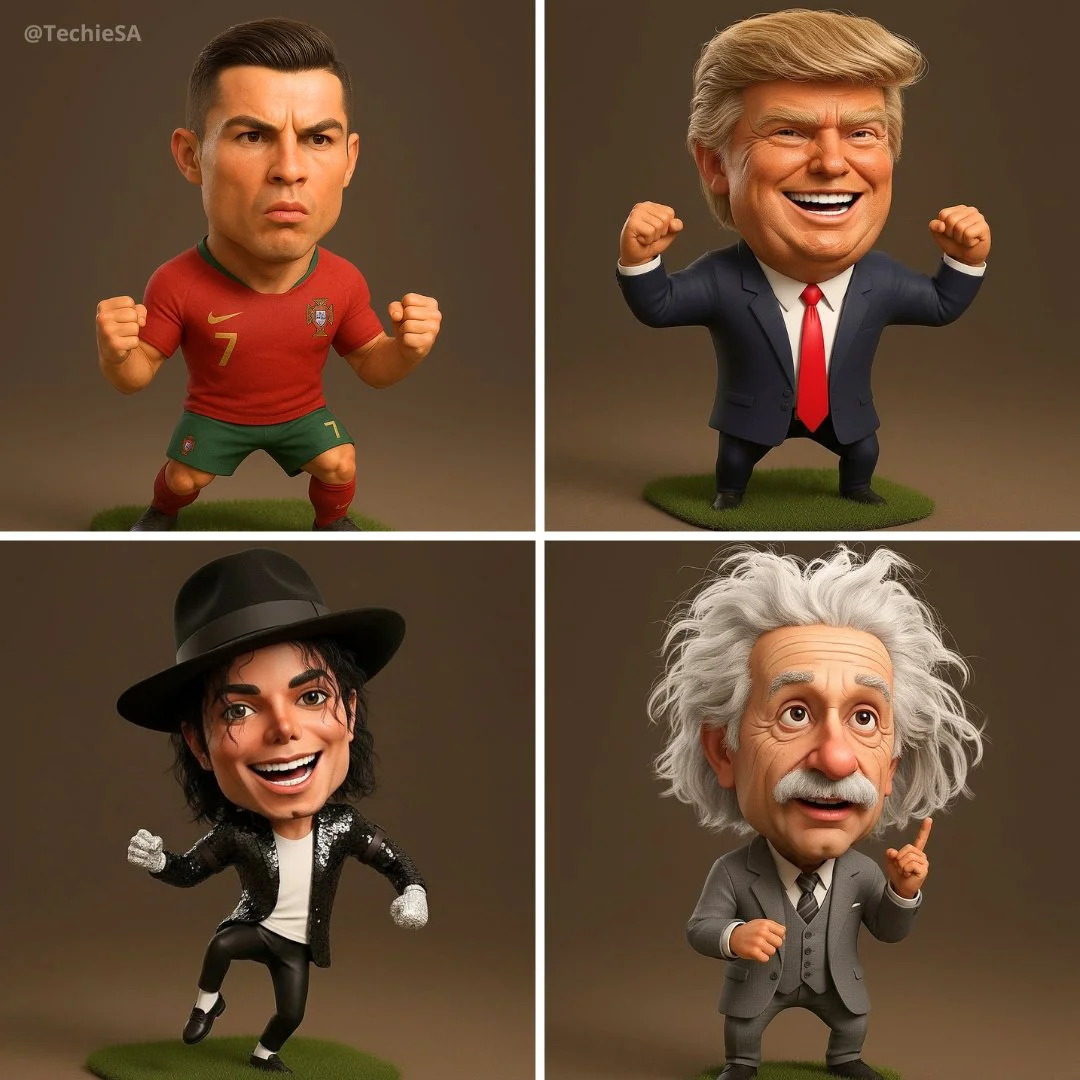
Hyper-realistic 3D caricature of [NAME], featuring an expressive, oversized head, a short body, and a detailed, energetic facial expression. Wearing [OUTFIT / SIGNATURE LOOK], striking a [POSE / ACTION]. Studio lighting, cartoonish proportions, Pixar-style 3D rendering, ultra-detailed fabric and skin textures. The body is slightly smaller than the head. 1080x1080 square format.
Hyper-realistic 3D caricature of [NAME], featuring an expressive, oversized head, a short body, and a detailed, energetic facial expression. Wearing [OUTFIT / SIGNATURE LOOK], striking a [POSE / ACTION]. Studio lighting, cartoonish proportions, Pixar-style 3D rendering, ultra-detailed fabric and skin textures. The body is slightly smaller than the head. 1080x1080 square format.
Verified prompt
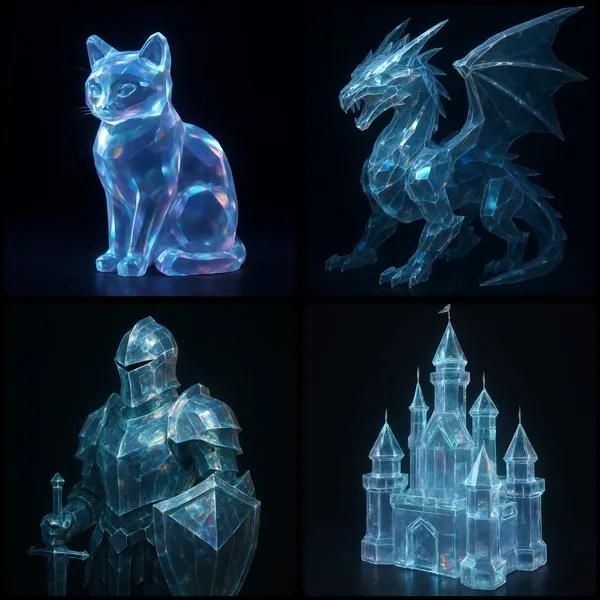
UBJECT] rendered as a translucent crystalline form with beveled edges, subtly glowing from within. Surfaces catch and reflect ambient light, revealing faint iridescent hues across its contours in dark background
UBJECT] rendered as a translucent crystalline form with beveled edges, subtly glowing from within. Surfaces catch and reflect ambient light, revealing faint iridescent hues across its contours in dark background
Verified prompt
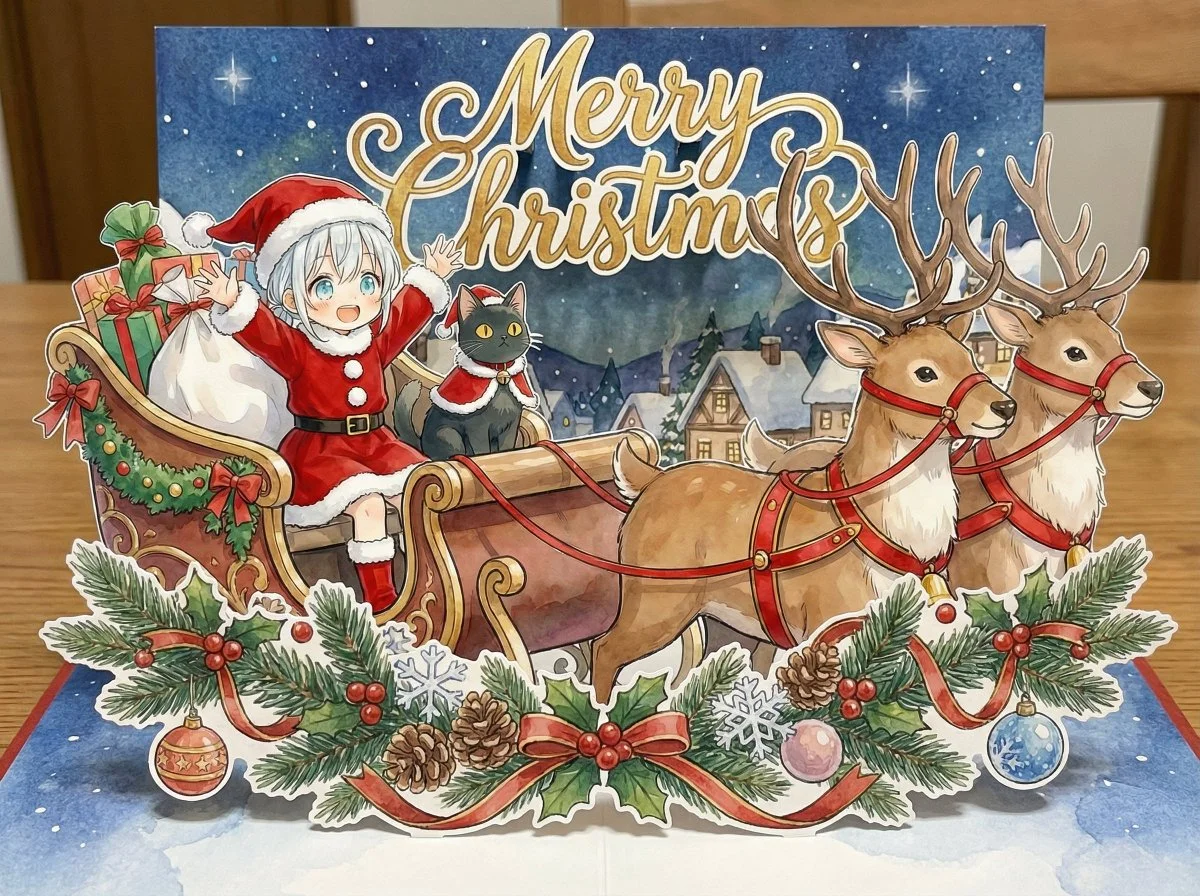
Merry Christmas themed AI image with festive deer makeup and Christmas elements
Merry Christmas themed AI image with festive deer makeup and Christmas elements
Verified prompt
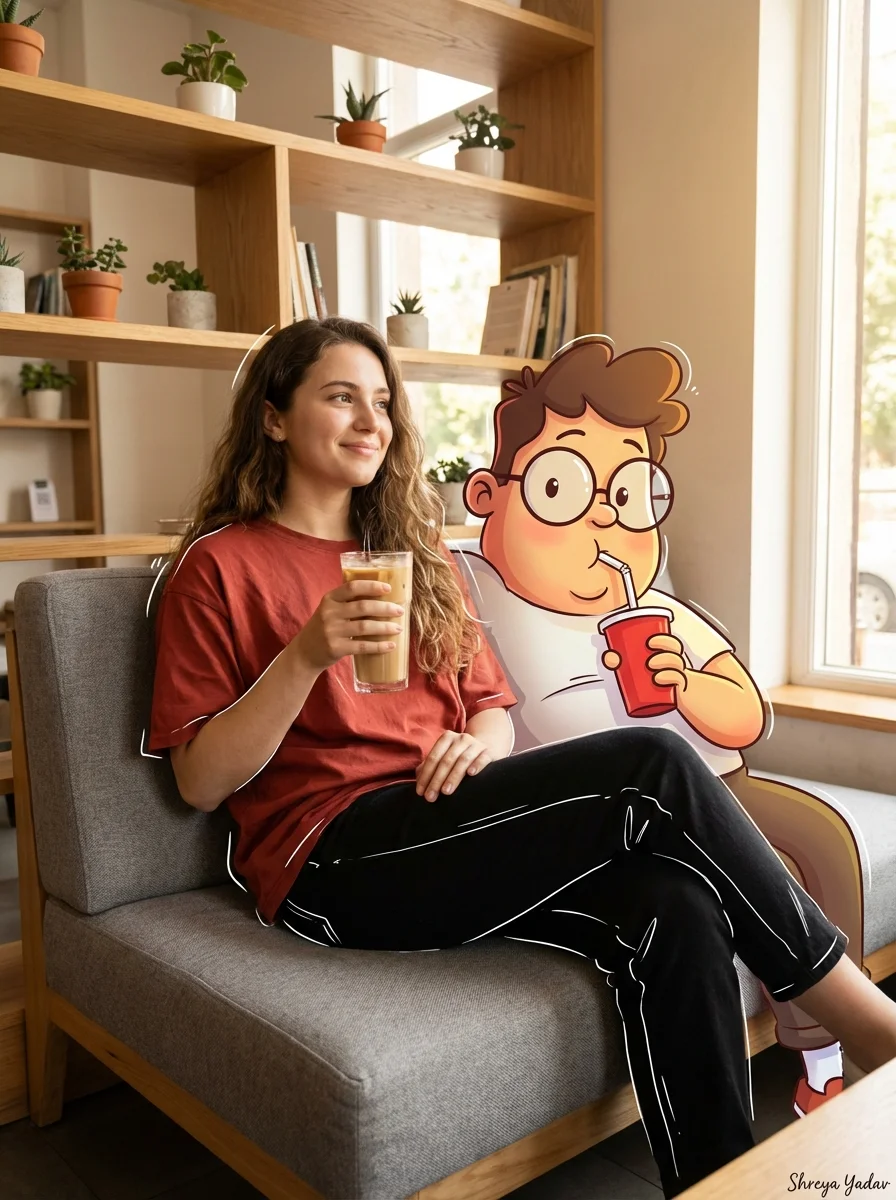
mpt Type] Cinematic Mixed Media Portrait. [Subject Details] Main Subject: Young woman with long wavy brown hair. Clothing: Loose rust-red t-shirt, high-waisted black pants with white sketch-style outlines, chunky beige sneakers. Pose: Relaxing on a modern grey sofa, holding a tall iced coffee, smiling softly and looking to the left. Companion Character: Large cartoon character Oggie with glasses, bright colors, exaggerated expressions, holding a red cup with a straw. [Environment] Setting: Cozy coffee shop interior. Furniture: Modern grey sofa, warm wooden shelves with small decorative items. Atmosphere: Minimalist, modern, warm. [Lighting And Composition] Lighting: Soft natural lighting streaming in from the right. Blending: Cartoon character seamlessly blended with soft shadows. Effects: Subtle doodle-style white line highlights around the woman and cartoon character. [Technical Specs] Resolution: High-resolution, vibrant, clean composition. Aspect Ratio: 3:4. [Signature] Shreya Yadav.
mpt Type] Cinematic Mixed Media Portrait. [Subject Details] Main Subject: Young woman with long wavy brown hair. Clothing: Loose rust-red t-shirt, high-waisted black pants with white sketch-style outlines, chunky beige sneakers. Pose: Relaxing on a modern grey sofa, holding a tall iced coffee, smiling softly and looking to the left. Companion Character: Large cartoon character Oggie with glasses, bright colors, exaggerated expressions, holding a red cup with a straw. [Environment] Setting: Cozy coffee shop interior. Furniture: Modern grey sofa, warm wooden shelves with small decorative items. Atmosphere: Minimalist, modern, warm. [Lighting And Composition] Lighting: Soft natural lighting streaming in from the right. Blending: Cartoon character seamlessly blended with soft shadows. Effects: Subtle doodle-style white line highlights around the woman and cartoon character. [Technical Specs] Resolution: High-resolution, vibrant, clean composition. Aspect Ratio: 3:4. [Signature] Shreya Yadav.
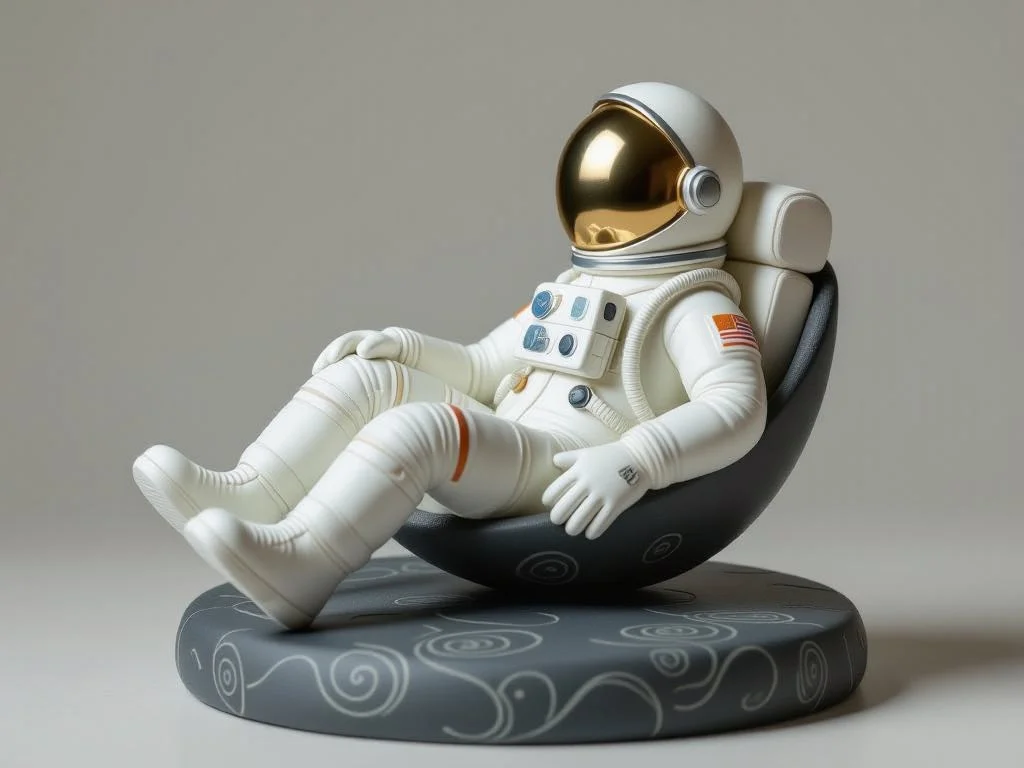
Verified prompt
A digital clay sculpture of a [subject], captured in a [pose/action], resting on a minimalist [color] plinth etched with organic swirl patterns. The sculpt features smooth, flowing curves and a tactile finish, rendered in a refined [color palette] that evokes a soft, contemporary aesthetic.
A digital clay sculpture of a [subject], captured in a [pose/action], resting on a minimalist [color] plinth etched with organic swirl patterns. The sculpt features smooth, flowing curves and a tactile finish, rendered in a refined [color palette] that evokes a soft, contemporary aesthetic.
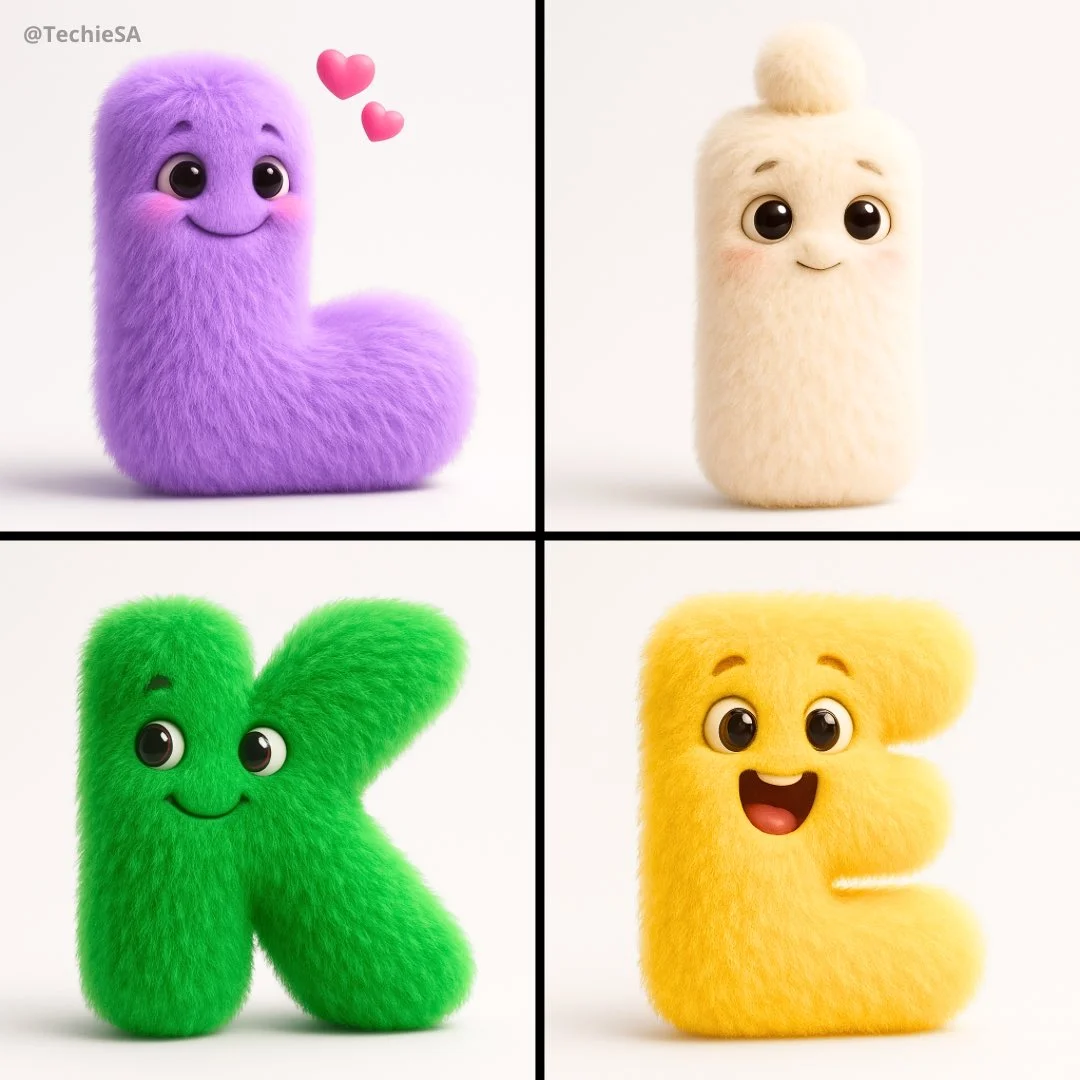
Verified prompt
Render a delightful alphabet character ‘[LETTER]’ as a lovable fuzzy being in square 1080x1080 dimensions. Transform the typography into a living creature where the letterform itself becomes the main structure. Position expressive googly eyes and a cheerful mouth as integrated features of the alphabetic design. Texture the surface with luxurious [COLOR] fuzz that mimics high-quality stuffed animal material with photorealistic fiber details. Frame against a stark white void to maximize contrast and draw attention to the subject. Infuse the creation with [EMOTION] through strategic facial positioning and expression. Maintain elegant simplicity - avoid anatomical complications or additional appendages. Illuminate using cinematic techniques: primary key lighting to accentuate surface textures, secondary edge illumination for three-dimensional form, plus ambient fill to soften shadow contrasts. Target premium animation studio aesthetics.
Render a delightful alphabet character ‘[LETTER]’ as a lovable fuzzy being in square 1080x1080 dimensions. Transform the typography into a living creature where the letterform itself becomes the main structure. Position expressive googly eyes and a cheerful mouth as integrated features of the alphabetic design. Texture the surface with luxurious [COLOR] fuzz that mimics high-quality stuffed animal material with photorealistic fiber details. Frame against a stark white void to maximize contrast and draw attention to the subject. Infuse the creation with [EMOTION] through strategic facial positioning and expression. Maintain elegant simplicity - avoid anatomical complications or additional appendages. Illuminate using cinematic techniques: primary key lighting to accentuate surface textures, secondary edge illumination for three-dimensional form, plus ambient fill to soften shadow contrasts. Target premium animation studio aesthetics.
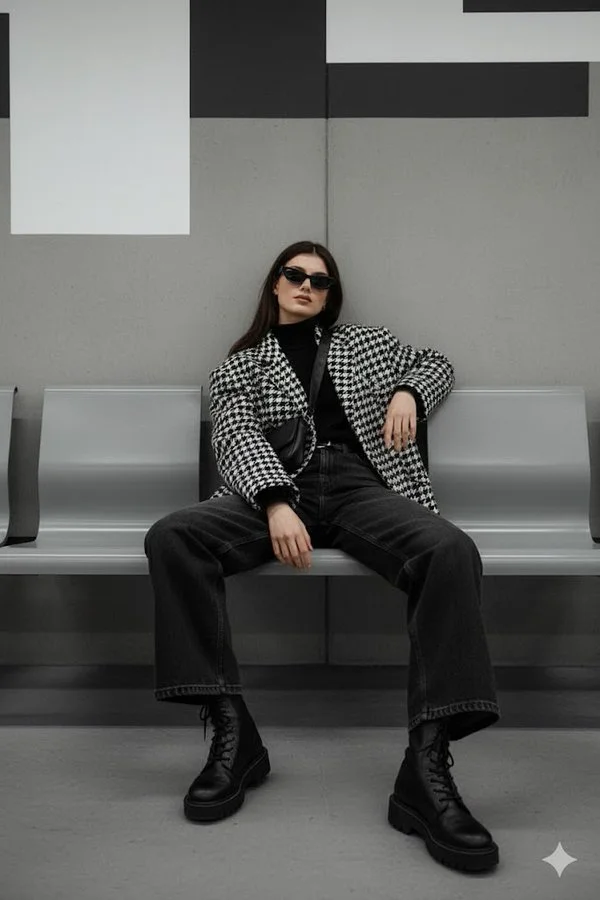
Verified prompt
Reference image: uploaded photo Face: keep the same face from the reference photo, calm and composed expression, eyes slightly hidden behind dark sunglasses. Preserve realistic proportions and lighting. Pose: seated pose on a modern subway bench, one arm resting on the leg, the other hanging down loosely. The body leans slightly forward with casual confidence, one shoulder lowered. Clothes: oversized houndstooth-patterned jacket over black turtleneck, wide dark jeans, chunky lace-up boots. Accessories: narrow black sunglasses, subtle rings, crossbody strap barely visible. Background: minimalistic urban metro interior with grey concrete walls, metallic accents, and modern geometric design. Lighting: diffused artificial indoor light, soft shadows, neutral color balance emphasizing grayscale tones. Atmosphere: moody street editorial — quiet confidence, understated power, cinematic stillness. Format: 2:3 Do not replace face; keep the same person with realistic proportions and lighting accuracy.
Reference image: uploaded photo Face: keep the same face from the reference photo, calm and composed expression, eyes slightly hidden behind dark sunglasses. Preserve realistic proportions and lighting. Pose: seated pose on a modern subway bench, one arm resting on the leg, the other hanging down loosely. The body leans slightly forward with casual confidence, one shoulder lowered. Clothes: oversized houndstooth-patterned jacket over black turtleneck, wide dark jeans, chunky lace-up boots. Accessories: narrow black sunglasses, subtle rings, crossbody strap barely visible. Background: minimalistic urban metro interior with grey concrete walls, metallic accents, and modern geometric design. Lighting: diffused artificial indoor light, soft shadows, neutral color balance emphasizing grayscale tones. Atmosphere: moody street editorial — quiet confidence, understated power, cinematic stillness. Format: 2:3 Do not replace face; keep the same person with realistic proportions and lighting accuracy.
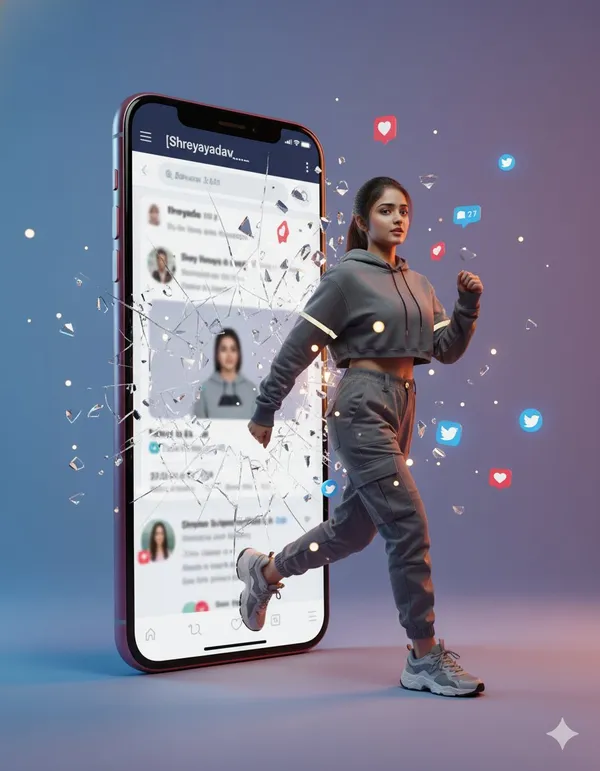
Verified prompt
perrealistic cinematic photo of a woman stepping out of a smartphone screen showing the Twitter profile [Shreyayadav___]. She’s captured mid-step, confidently emerging from the digital world into reality as the phone glass shatters with glowing fragments. Floating social media icons (hearts, comments, follows) surround her. She wears trendy streetwear with lifelike fabric and lighting reflections. The minimalist gradient studio background adds 3D depth.
perrealistic cinematic photo of a woman stepping out of a smartphone screen showing the Twitter profile [Shreyayadav___]. She’s captured mid-step, confidently emerging from the digital world into reality as the phone glass shatters with glowing fragments. Floating social media icons (hearts, comments, follows) surround her. She wears trendy streetwear with lifelike fabric and lighting reflections. The minimalist gradient studio background adds 3D depth.
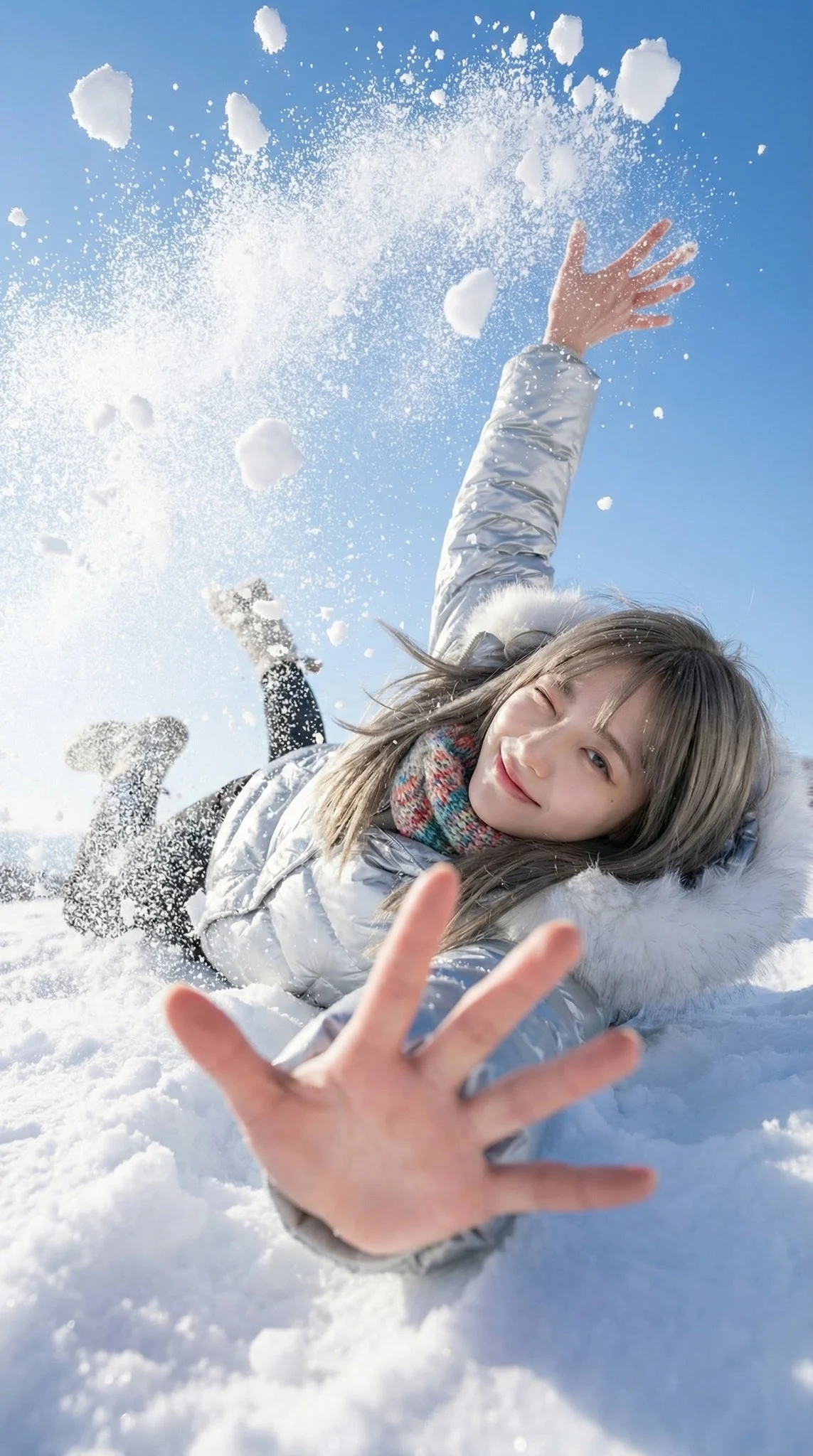
Verified prompt
A trendy young woman in the middle of a playful, natural fall backwards into deep snow. She is looking up at the camera with a cheeky, natural wink and a bright smile. The pose is dynamic and candid. As she lands/falls, her body displaces a massive burst of snow. One hand reaches eagerly towards the camera lens (creating extreme perspective foreshortening), while the other arm or elbows hit the snow, sending chunks of white powder flying upwards. A sunlit snowfield with a deep blue sky backdrop. The perspective makes the sky feel expansive. Explosive and airy atmosphere. The air is filled with flying snow clumps and fine powder mist caused by the impact of the fall, creating a frozen in time effect. 18mm Wide-Angle Prime lens. f/2.8 aperture. First-Person POV perspective. 1/4000s shutter speed to freeze the individual snow clumps and hair motion sharpness. High-Key Sunlight. Crystal clear and transparent quality. The sunlight hits the flying snow particles, turning them into sparkling bokeh. Fujifilm Classic Negative color grading. Clean White, Deep Sky Blue, Vibrant Fashion Colors, Rosy Skin Tones. Bright, open shadows, slightly blown-out highlights in the snow.
A trendy young woman in the middle of a playful, natural fall backwards into deep snow. She is looking up at the camera with a cheeky, natural wink and a bright smile. The pose is dynamic and candid. As she lands/falls, her body displaces a massive burst of snow. One hand reaches eagerly towards the camera lens (creating extreme perspective foreshortening), while the other arm or elbows hit the snow, sending chunks of white powder flying upwards. A sunlit snowfield with a deep blue sky backdrop. The perspective makes the sky feel expansive. Explosive and airy atmosphere. The air is filled with flying snow clumps and fine powder mist caused by the impact of the fall, creating a frozen in time effect. 18mm Wide-Angle Prime lens. f/2.8 aperture. First-Person POV perspective. 1/4000s shutter speed to freeze the individual snow clumps and hair motion sharpness. High-Key Sunlight. Crystal clear and transparent quality. The sunlight hits the flying snow particles, turning them into sparkling bokeh. Fujifilm Classic Negative color grading. Clean White, Deep Sky Blue, Vibrant Fashion Colors, Rosy Skin Tones. Bright, open shadows, slightly blown-out highlights in the snow.
Nano Banana 2: Create and Edit with Natural Language
Develop your Nano Banana 2 image brief around the result you need. Keep the main direction specific, check supported settings in the generator, and review the completed work before using it in your project.
Choose only the resolution and aspect ratio shown for the selected model. Check framing, fine details and any text in the completed image. A larger output size does not guarantee a more accurate result.
Explore Nano Banana 2
From a Brief to a Reviewed Image: The Nano Banana 2 Workflow
Allow time to inspect each image result and refine your brief. Processing time varies by model, request and service load. Change one direction at a time so that you can judge which edit improves the result.
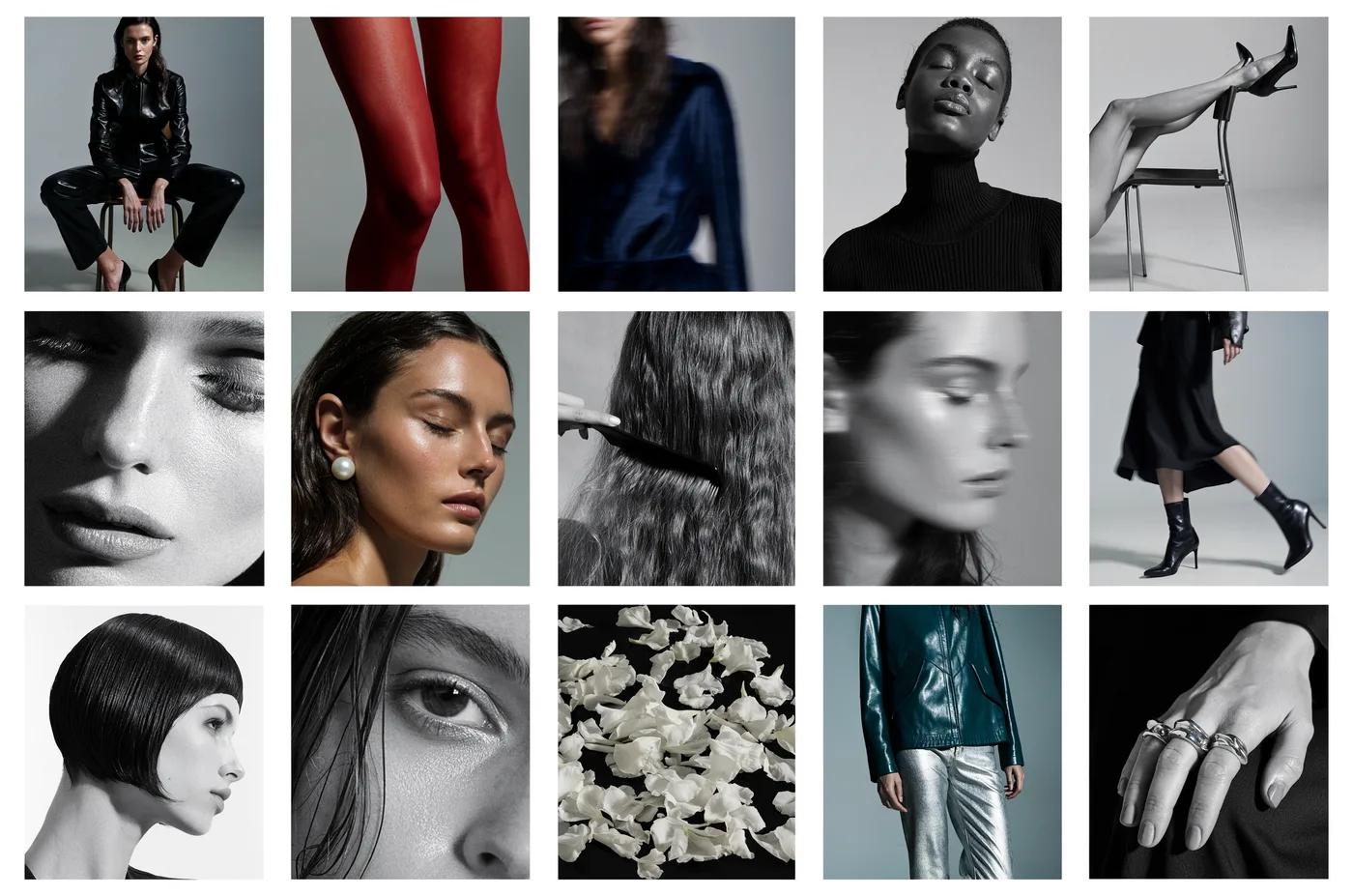
Enter prompt or upload image
Start your Nano Banana 2 image brief with a source image you have permission to use. Name the area to change and the colors, proportions or objects to preserve. Reference count and editing support depend on the selected model.
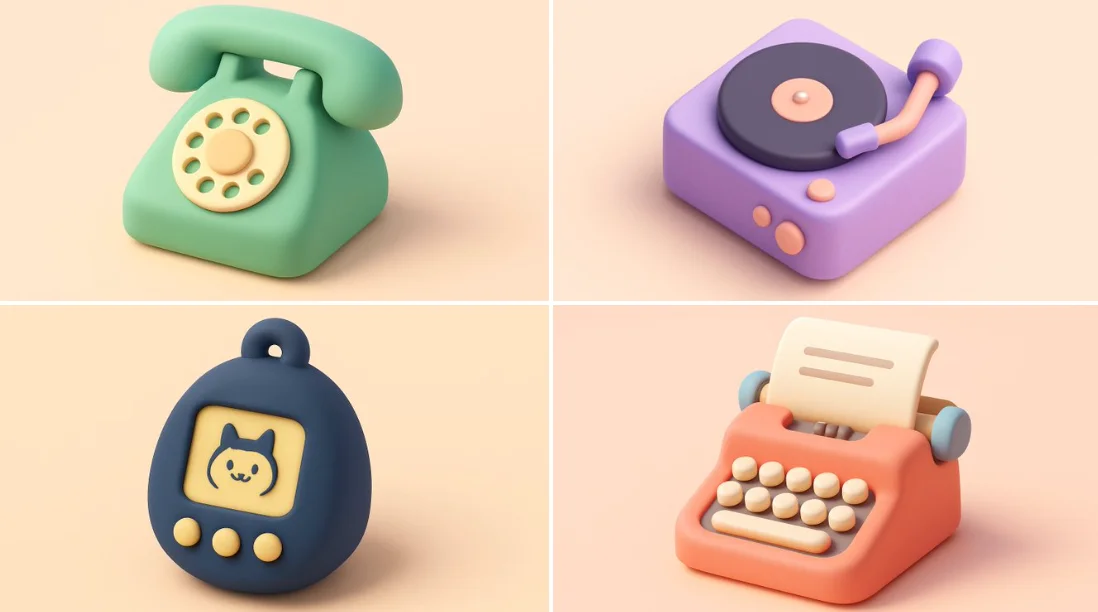
Review Availability, Settings and Credits
Allow time to inspect each image result and refine your brief. Processing time varies by model, request and service load. Change one direction at a time so that you can judge which edit improves the result.

Review and Download Completed Results
When a request completes, inspect the image in History and download the result you want to keep. Review the composition and any unintended details before sharing it with your team or publishing it.
Build Your Nano Banana 2 Image Brief
For a Nano Banana 2 product concept, specify the product shape, material, key detail and setting. Keep logos and claims accurate, allow room for your own typography, and review the result before using it in an advertisement.
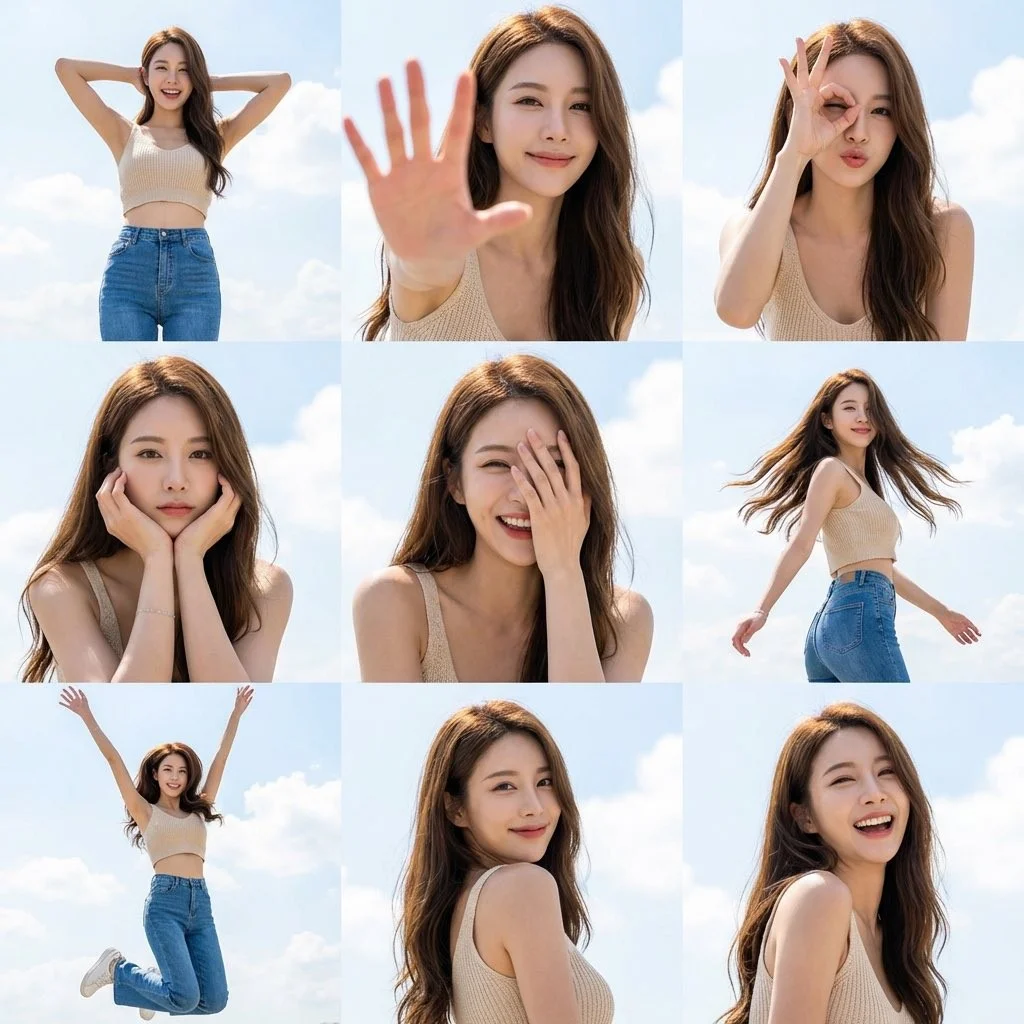
Explain Your Subject, Changes and References
Start your Nano Banana 2 image brief with a source image you have permission to use. Name the area to change and the colors, proportions or objects to preserve. Reference count and editing support depend on the selected model.
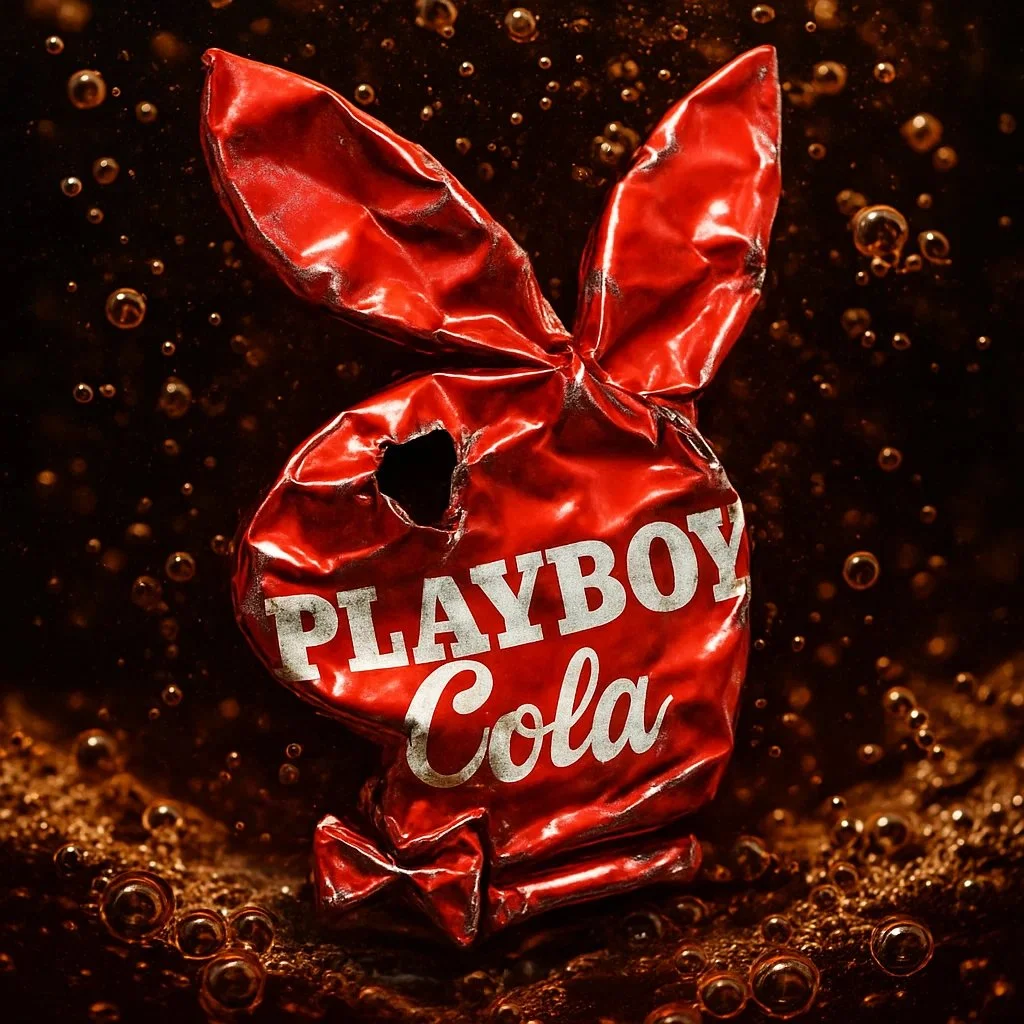
Describe the Changes and Details to Preserve
Write your Nano Banana 2 image brief around a subject, composition, lighting and intended style. Add a material or texture when it matters. For edits, state one precise change and explain which parts of the source should remain intact.
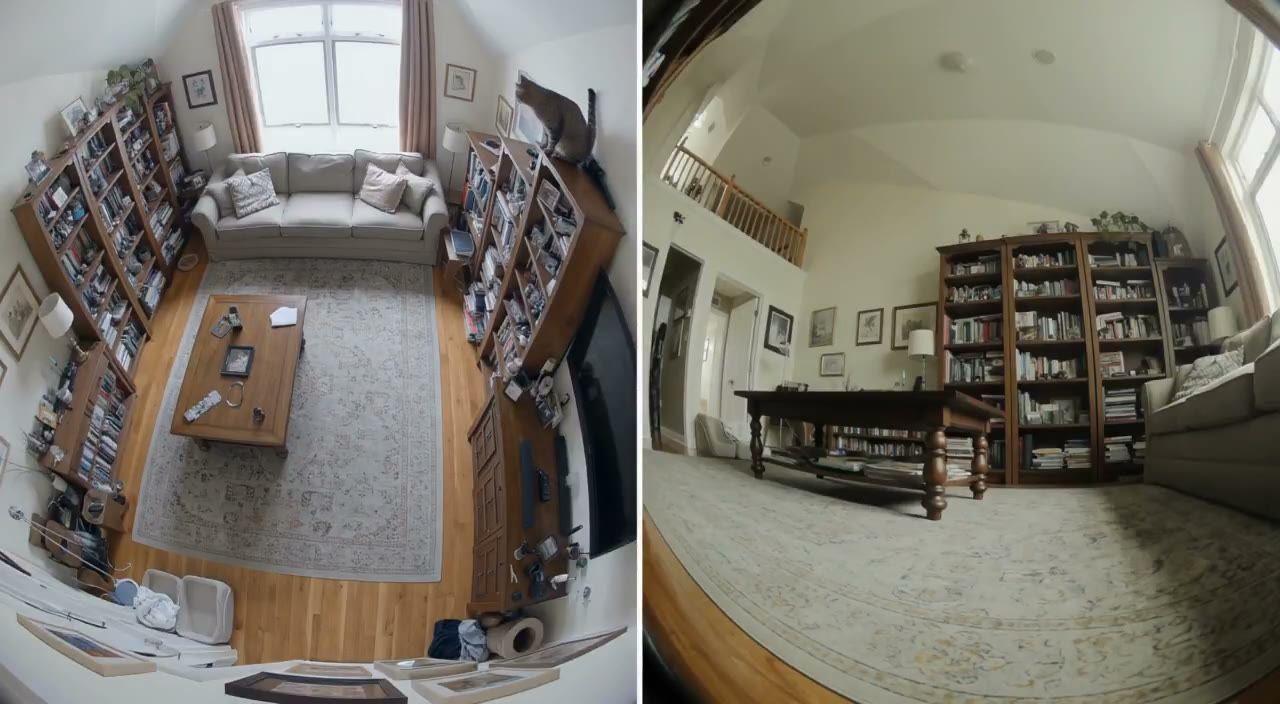
Check Details Across Every Result
Allow time to inspect each image result and refine your brief. Processing time varies by model, request and service load. Change one direction at a time so that you can judge which edit improves the result.
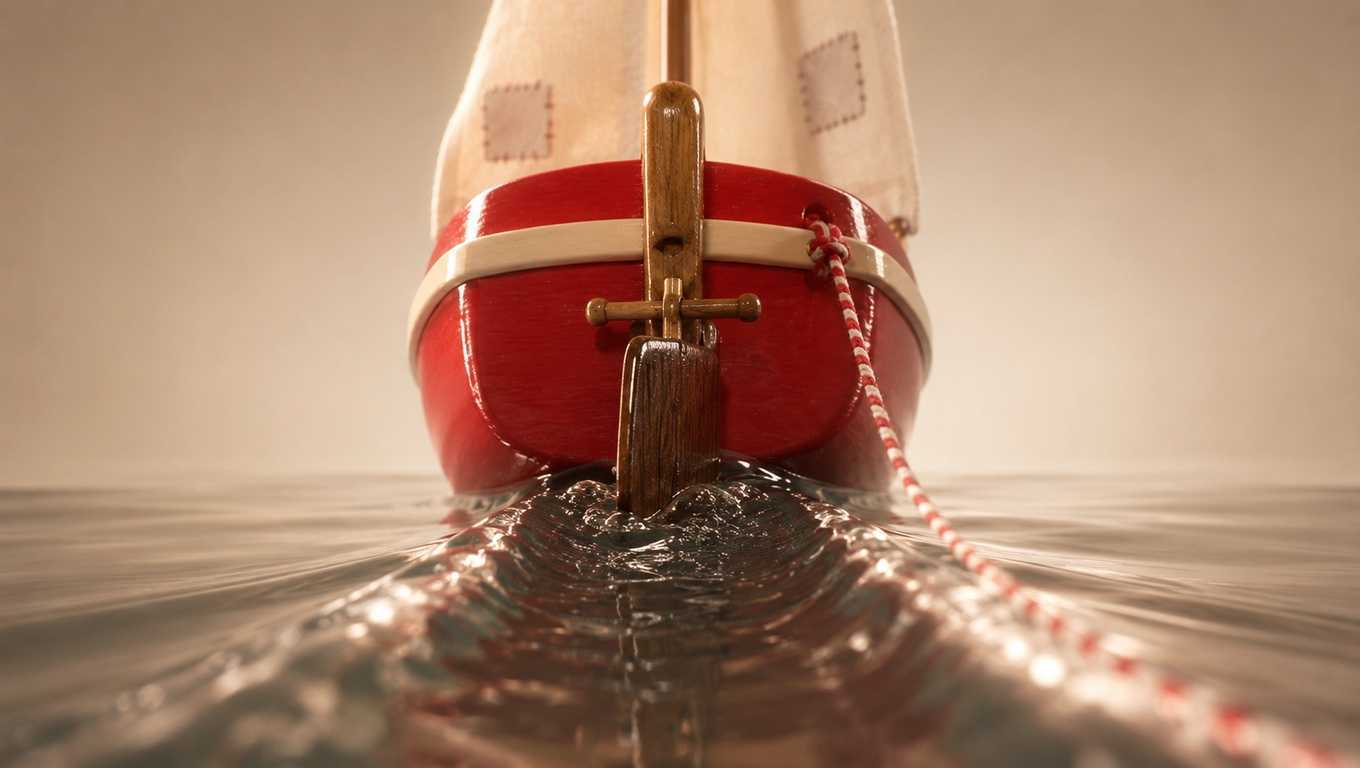
Explain Your Subject, Changes and References
List the details that matter in your Nano Banana 2 image brief: identity, shape, colors, clothing and background. Use supported references where appropriate and compare every result; exact consistency is not guaranteed.
A Clearer Creative Brief for Nano Banana 2
Allow time to inspect each image result and refine your brief. Processing time varies by model, request and service load. Change one direction at a time so that you can judge which edit improves the result.
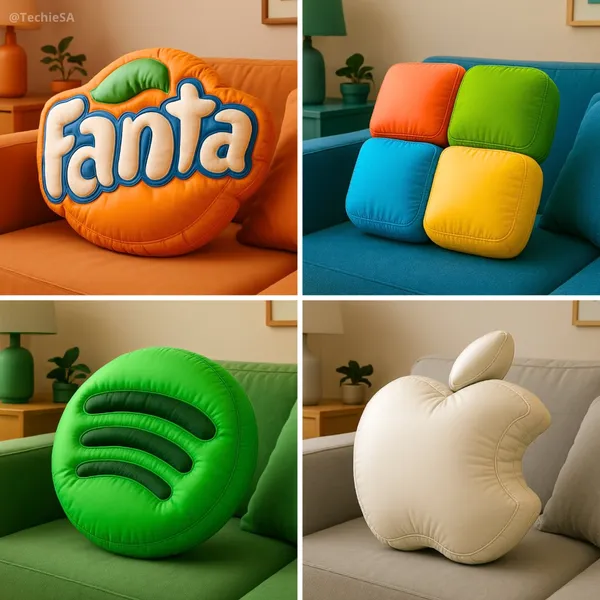
Explain Your Subject, Changes and References
Allow time to inspect each image result and refine your brief. Processing time varies by model, request and service load. Change one direction at a time so that you can judge which edit improves the result.
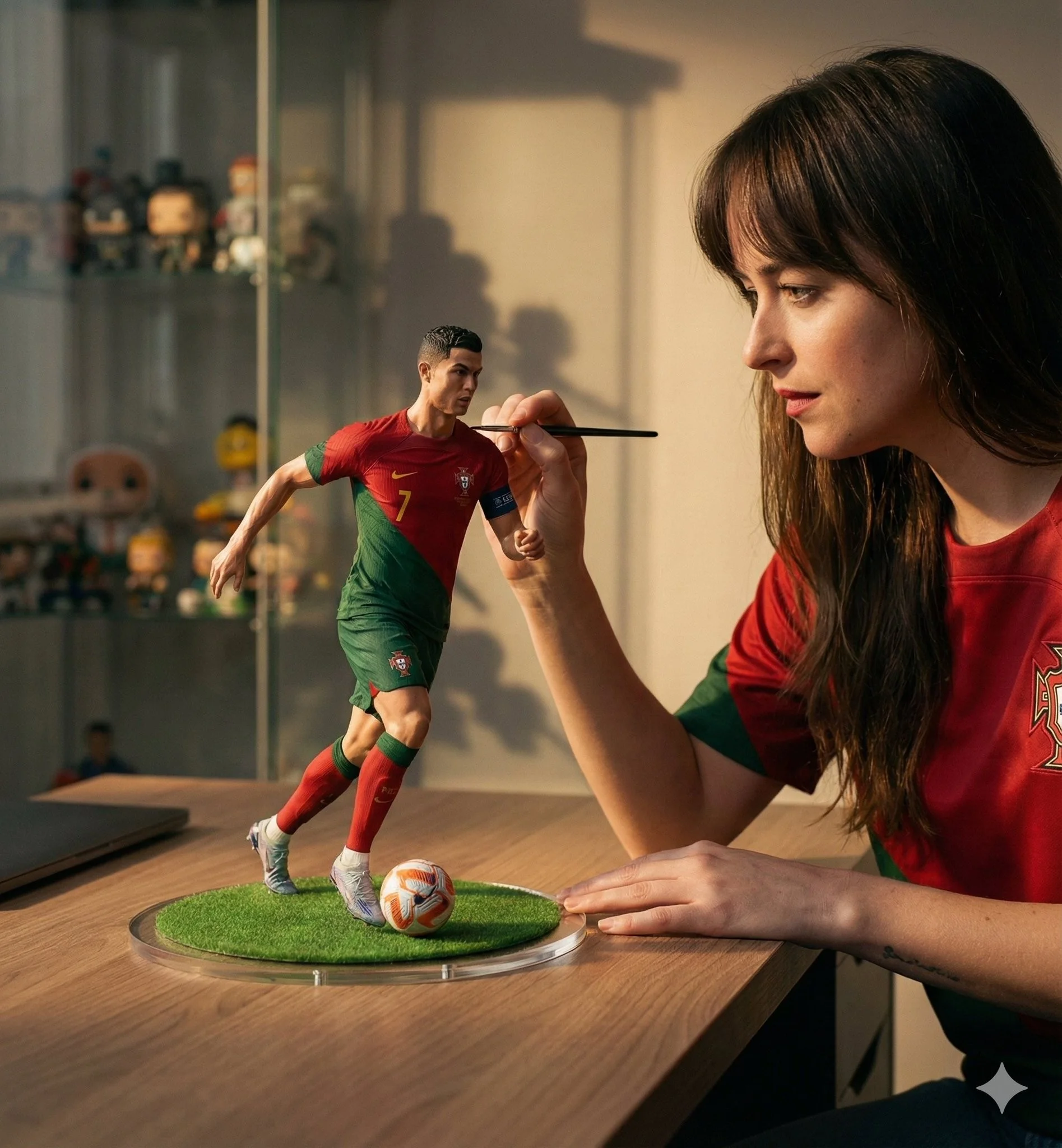
Social Media & Advertising
For a Nano Banana 2 product concept, specify the product shape, material, key detail and setting. Keep logos and claims accurate, allow room for your own typography, and review the result before using it in an advertisement.
Check Details Across Every Result
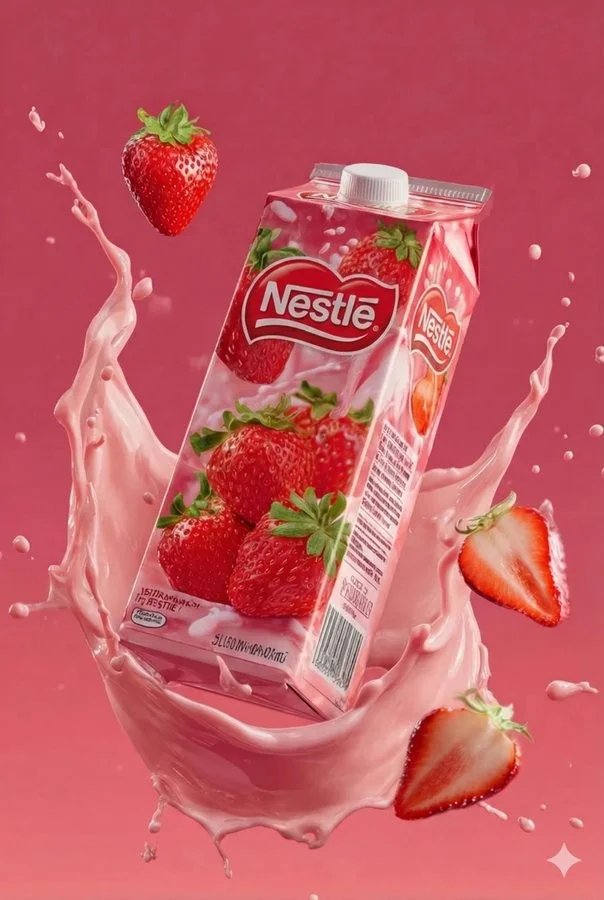
List the details that matter in your Nano Banana 2 image brief: identity, shape, colors, clothing and background. Use supported references where appropriate and compare every result; exact consistency is not guaranteed.
Efficient Production Workflow
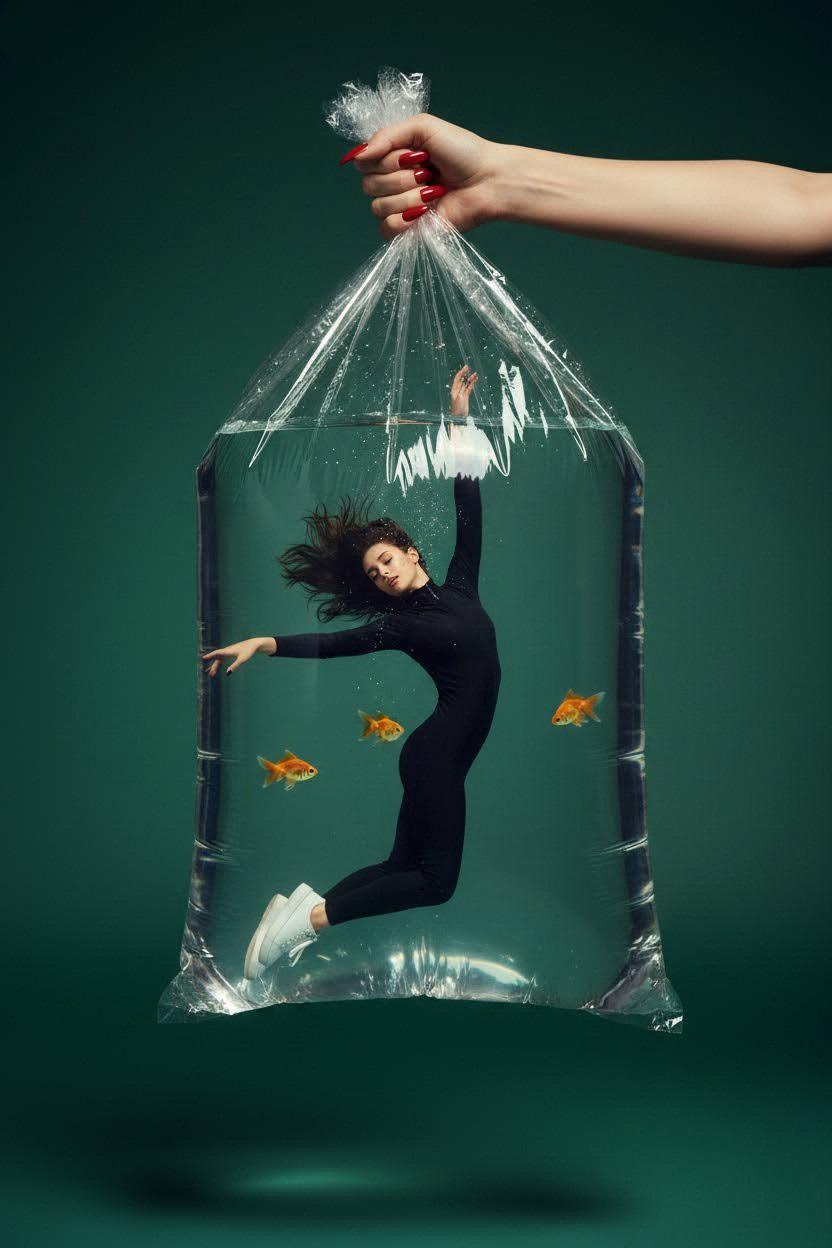
For a Nano Banana 2 product concept, specify the product shape, material, key detail and setting. Keep logos and claims accurate, allow room for your own typography, and review the result before using it in an advertisement.
Creative Notes for Your Nano Banana 2 Image Brief
Give the main subject one clear action. For a Nano Banana 2 concept, a precise brief is easier to assess than a list of competing effects.

Nano Banana 2 Image Workflow: Questions & Answers
For a Nano Banana 2 product concept, specify the product shape, material, key detail and setting. Keep logos and claims accurate, allow room for your own typography, and review the result before using it in an advertisement.
This youdot page explains the Nano Banana 2 image workflow. It helps you write a focused brief and review the available inputs. Current access is shown in the generator; a model name on a guide does not mean it currently accepts requests.
Write your Nano Banana 2 image brief around a subject, composition, lighting and intended style. Add a material or texture when it matters. For edits, state one precise change and explain which parts of the source should remain intact.
Start your Nano Banana 2 image brief with a source image you have permission to use. Name the area to change and the colors, proportions or objects to preserve. Reference count and editing support depend on the selected model.
Develop your Nano Banana 2 image brief around the result you need. Keep the main direction specific, check supported settings in the generator, and review the completed work before using it in your project.
Use only the input modes and controls offered by the selected model. Describe the intended image clearly and add supported references when useful. This page does not promise separate motion-brush, audio-upload, restoration or editing tools.
List the details that matter in your Nano Banana 2 image brief: identity, shape, colors, clothing and background. Use supported references where appropriate and compare every result; exact consistency is not guaranteed.
For a Nano Banana 2 product concept, specify the product shape, material, key detail and setting. Keep logos and claims accurate, allow room for your own typography, and review the result before using it in an advertisement.
Choose only the resolution and aspect ratio shown for the selected model. Check framing, fine details and any text in the completed image. A larger output size does not guarantee a more accurate result.
You can request a refund within 10 days of purchase if you have unused credits from that purchase and provide a clear reason, subject to our Refund Policy. If eligible, an unused purchase can be fully refunded; a partly used purchase is refunded in proportion to its remaining unused credits. Fully used purchases and free or promotional credits are not refundable.
Credit validity depends on the pack, subscription or promotion that issued them. Review the purchase terms and expiration dates in Settings > Credits. A renewal or new purchase does not extend older credits. Use credits before their stated expiration; do not assume unused subscription credits roll over indefinitely.
Credits charged for a task that is confirmed as failed due to a system error are returned automatically. A task that is still processing has not yet been confirmed as failed. Check its status and your credit history before submitting again. If a confirmed failure still shows an unresolved charge, email support@youdot.app with the task ID.
AI results can vary, so a completed result that differs from your expectations is not automatically treated as a technical failure. Eligible completed image tasks can be submitted for credit refund review using the refund option where available; approval is required. For a video or another issue, contact support@youdot.app with the task ID and details. A credit refund returns credits, not money to your payment method.
Email support@youdot.app. For billing, include your account email and order ID; for generation, include the task ID, issue description and relevant screenshots. If you purchased as a guest, keep the original browser data and payment receipt so we can help locate the purchase.
Explore Your Next Nano Banana 2 Image Idea
Choose only the resolution and aspect ratio shown for the selected model. Check framing, fine details and any text in the completed image. A larger output size does not guarantee a more accurate result.
youdot.app · Updated
What's new on this page
- — Added editable example prompts and separate drafts for text and reference modes, with an action to restore the example.
- — Updated page copy and content.
- — Page content published.