
Verified prompt
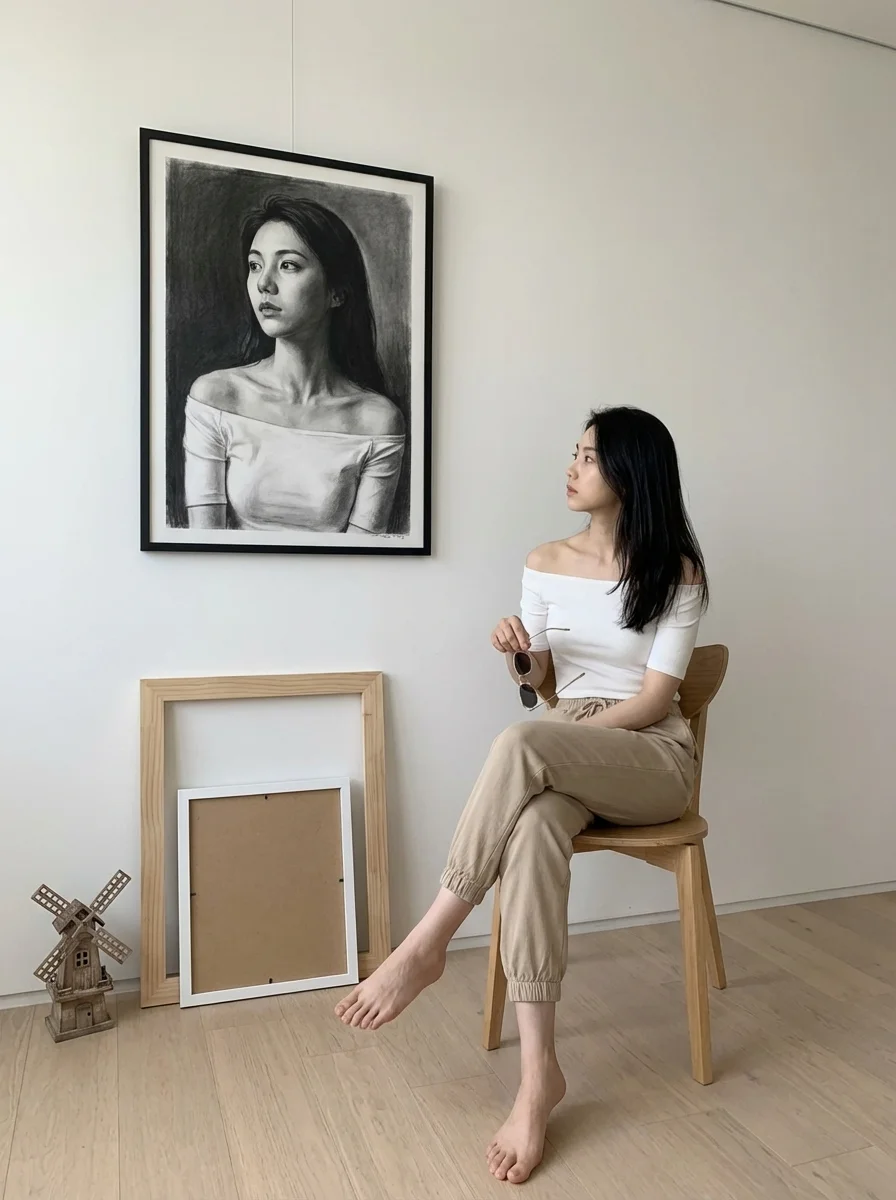
mpt] Main_Subject = A woman with long dark hair sits on a simple wooden chair, legs crossed, bare feet. She wears an off-the-shoulder white top and beige/sand-colored jogger pants. Her posture is relaxed as she looks to the left, gazing intently at the artwork. She holds a pair of sunglasses/reading glasses in her right hand. Artwork = A large black-and-white pencil/charcoal drawing hangs on the right wall. It is a dramatic, high-contrast portrait of the same woman wearing the same outfit. Background = Smooth white minimalist wall that creates a clean, modern aesthetic. Additional_Elements = Two empty wooden frames stacked on the floor (one large natural wood, one smaller white). A small decorative object resembling a rustic windmill or tiny house is placed near the frames. Atmosphere = Artistic, contemplative, neutral-toned. Strong visual dialogue between the woman and her own portrait. Calm, modern, gallery-like mood. Signature = Shreya Yadav Image_Ratio = 3:4 [Style] Rendering = Ultra realistic, soft natural lighting, gentle shadows, high clarity. Color_Palette = White, beige, wood tones, black-and-white artwork contrast. Composition = Balanced; woman on left, artwork on right, décor elements below. [Output] Format = Photographic image Quality = High detail, professional art-scene aesthetic
mpt] Main_Subject = A woman with long dark hair sits on a simple wooden chair, legs crossed, bare feet. She wears an off-the-shoulder white top and beige/sand-colored jogger pants. Her posture is relaxed as she looks to the left, gazing intently at the artwork. She holds a pair of sunglasses/reading glasses in her right hand. Artwork = A large black-and-white pencil/charcoal drawing hangs on the right wall. It is a dramatic, high-contrast portrait of the same woman wearing the same outfit. Background = Smooth white minimalist wall that creates a clean, modern aesthetic. Additional_Elements = Two empty wooden frames stacked on the floor (one large natural wood, one smaller white). A small decorative object resembling a rustic windmill or tiny house is placed near the frames. Atmosphere = Artistic, contemplative, neutral-toned. Strong visual dialogue between the woman and her own portrait. Calm, modern, gallery-like mood. Signature = Shreya Yadav Image_Ratio = 3:4 [Style] Rendering = Ultra realistic, soft natural lighting, gentle shadows, high clarity. Color_Palette = White, beige, wood tones, black-and-white artwork contrast. Composition = Balanced; woman on left, artwork on right, décor elements below. [Output] Format = Photographic image Quality = High detail, professional art-scene aesthetic
Verified prompt
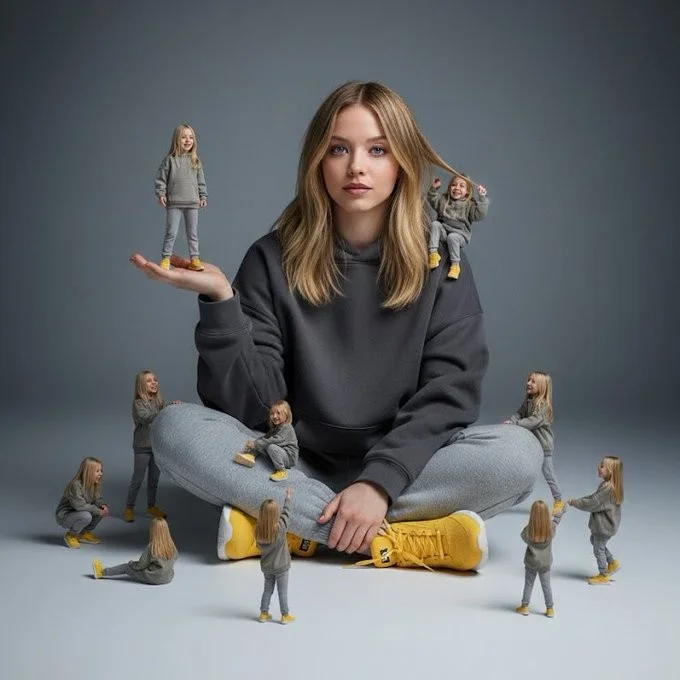
A creative surreal image of a woman sitting on the ground, wearing a dark yellow hoodie, gray pants, and yellow shoes, surrounded by several miniature versions of himself. Multiple smaller versions stand on his hands, shoulders, and around him on the ground, interacting playfully with the larger version. The background is a clean, simple light gray to dark gray tone. The lighting is soft and cinematic, with realistic shadows and depth of field.
A creative surreal image of a woman sitting on the ground, wearing a dark yellow hoodie, gray pants, and yellow shoes, surrounded by several miniature versions of himself. Multiple smaller versions stand on his hands, shoulders, and around him on the ground, interacting playfully with the larger version. The background is a clean, simple light gray to dark gray tone. The lighting is soft and cinematic, with realistic shadows and depth of field.
Verified prompt
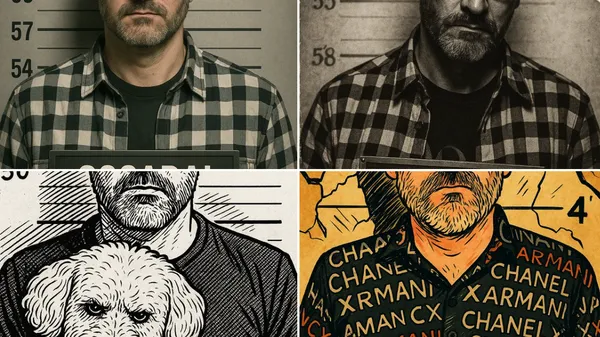
sform this image into a realistic police mugshot. Add a gray background with height markings, harsh frontal lighting, and a nameplate with the person's name and a case number. The photo should look like an official FBI or police booking photo, vertical format (4:5), with a neutral expression and no accessories.
sform this image into a realistic police mugshot. Add a gray background with height markings, harsh frontal lighting, and a nameplate with the person's name and a case number. The photo should look like an official FBI or police booking photo, vertical format (4:5), with a neutral expression and no accessories.
Verified prompt
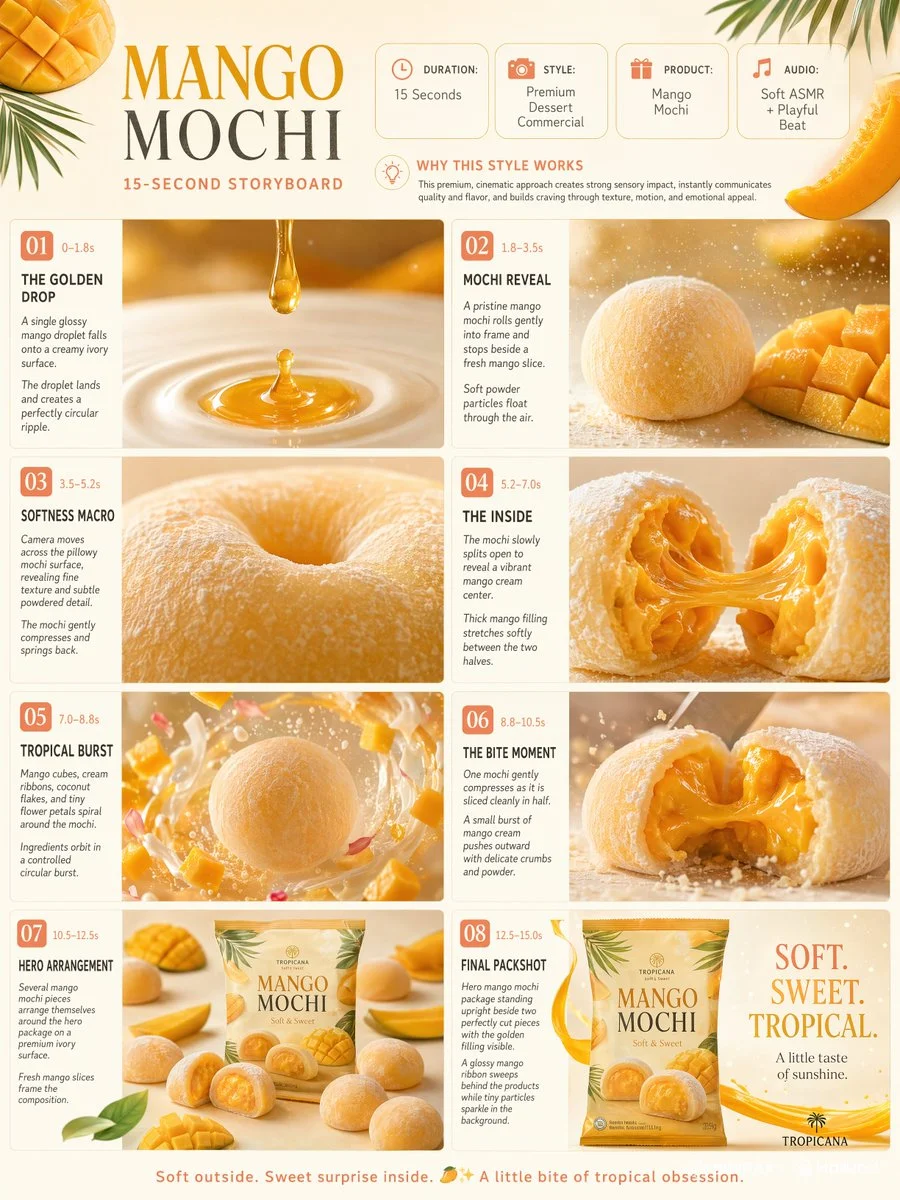
Premium 3:4 15s gourmet mango mochi dessert commercial storyboard. Header: duration, premium style, mochi product, soft ASMR, mango-yellow-ivory palette. Eight timed panels: golden mango droplet ripple, mochi reveal with powder, extreme macro softness compress, split showing stretching cream filling, tropical cubes orbit, slow-mo slice with cream push, overhead hero arrangement with slices, final packshot with ribbon. Extreme macro, rotations, slow-mo, shallow DOF. Ultra-realistic pillowy texture, creamy filling, fruit fibers, consistent packaging, warm studio light, 8K, product always hero.
Premium 3:4 15s gourmet mango mochi dessert commercial storyboard. Header: duration, premium style, mochi product, soft ASMR, mango-yellow-ivory palette. Eight timed panels: golden mango droplet ripple, mochi reveal with powder, extreme macro softness compress, split showing stretching cream filling, tropical cubes orbit, slow-mo slice with cream push, overhead hero arrangement with slices, final packshot with ribbon. Extreme macro, rotations, slow-mo, shallow DOF. Ultra-realistic pillowy texture, creamy filling, fruit fibers, consistent packaging, warm studio light, 8K, product always hero.
Verified prompt
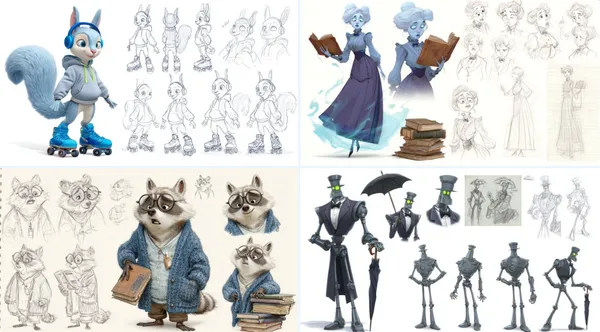
aracter sheet of [detailed description of thecharacter], in the style of Pixar, featuring multiple poses and expressions from different angles, including concept art, pencil sketches, a full-body reference sheet, and a white background. The sheet includes wide shots, low-angle views, 3D renders, and Octane renderings, highly detailed result.
aracter sheet of [detailed description of thecharacter], in the style of Pixar, featuring multiple poses and expressions from different angles, including concept art, pencil sketches, a full-body reference sheet, and a white background. The sheet includes wide shots, low-angle views, 3D renders, and Octane renderings, highly detailed result.
Verified prompt
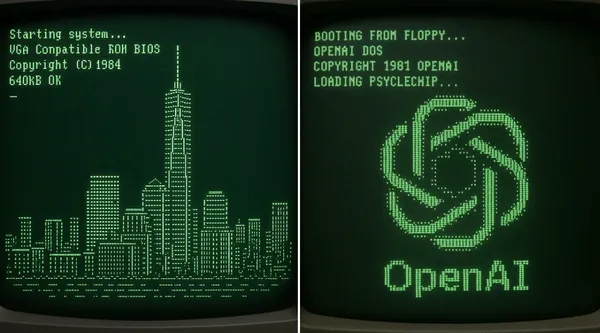
o CRT computer boot screen that resolves into ASCII-art of NYC's tallest building
o CRT computer boot screen that resolves into ASCII-art of NYC's tallest building
Verified prompt
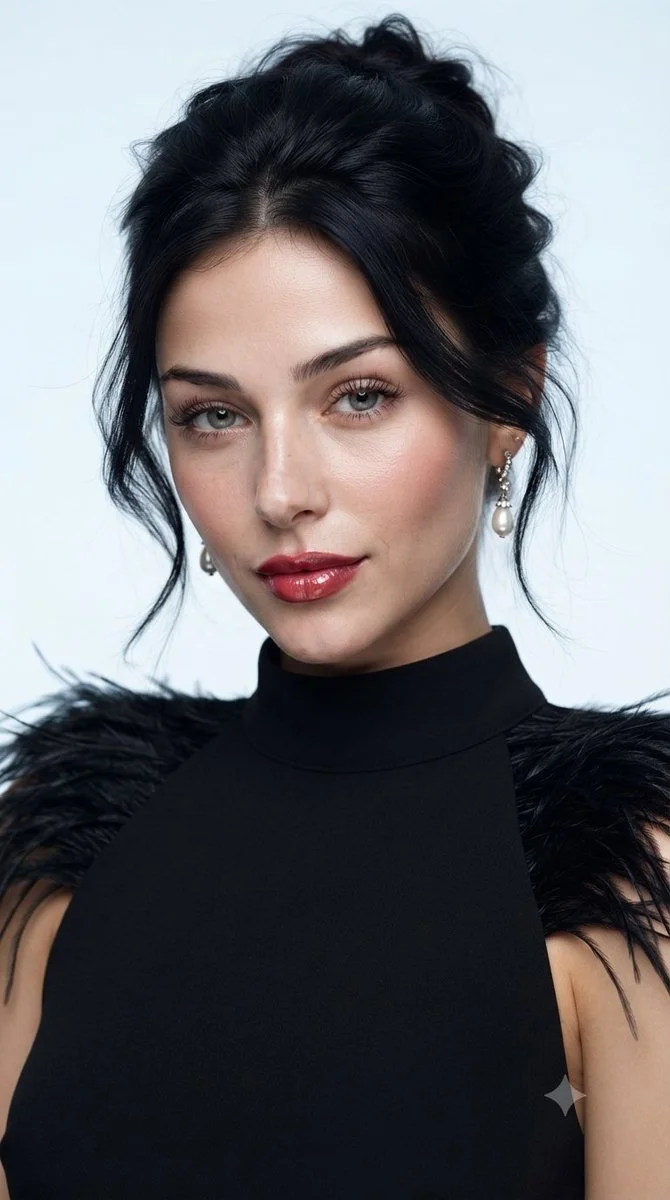
Create a polished studio beauty portrait of an adult woman wearing a sleeveless black high-neck dress with delicate feather trim at the shoulders. Frame her from the upper chest upward against a pale blue-gray background. Give her a relaxed dark updo with a few loose strands, subtle earrings, luminous skin, softly defined eyes and rich rose-colored lips. Use a broad, soft key light to keep facial transitions smooth while preserving fine skin texture. Emphasize poised expression, restrained styling and the contrast between the dark feathers and clean background. Aim for a realistic fashion-magazine photograph.
Create a polished studio beauty portrait of an adult woman wearing a sleeveless black high-neck dress with delicate feather trim at the shoulders. Frame her from the upper chest upward against a pale blue-gray background. Give her a relaxed dark updo with a few loose strands, subtle earrings, luminous skin, softly defined eyes and rich rose-colored lips. Use a broad, soft key light to keep facial transitions smooth while preserving fine skin texture. Emphasize poised expression, restrained styling and the contrast between the dark feathers and clean background. Aim for a realistic fashion-magazine photograph.
Verified prompt
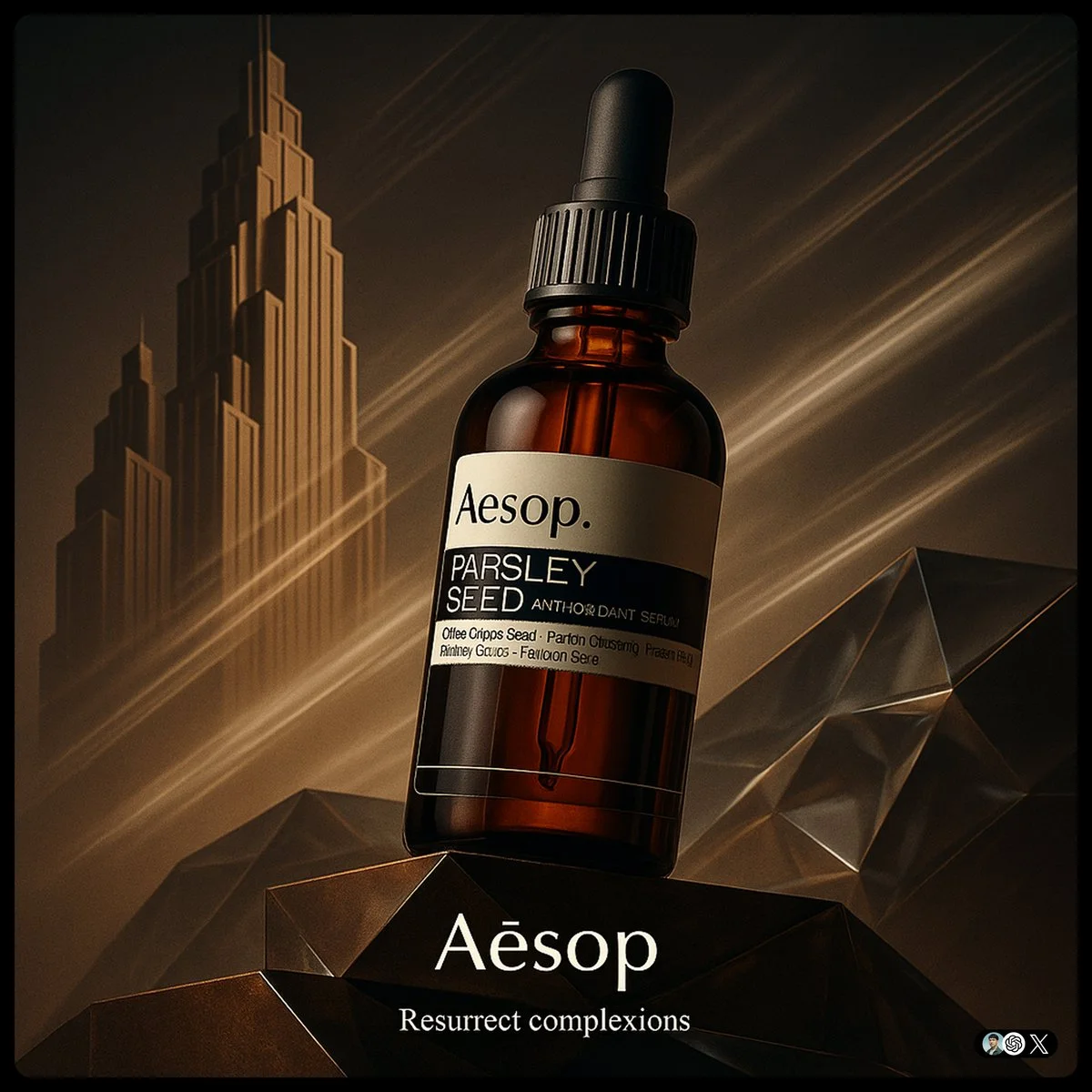
create image with 1:1 ratio [Brand] ad. Ultra-high-detail product photo in a fusion of Art Deco and Futurism. The product rest on platforms. Background features stylized Art Deco skyscraper silhouettes morphing into Futurist speed lines, forming a diagonal left-to-right composition. Surfaces use brand Core Material and faceted glass with ambient lighting in Brand Color theme. The product evoking motion and kinetic optimism. Dramatic low-angle lighting enhances reflections, with subtle vapor trails in the background. Small logo on the bottom, and a tiny slogan beneath
create image with 1:1 ratio [Brand] ad. Ultra-high-detail product photo in a fusion of Art Deco and Futurism. The product rest on platforms. Background features stylized Art Deco skyscraper silhouettes morphing into Futurist speed lines, forming a diagonal left-to-right composition. Surfaces use brand Core Material and faceted glass with ambient lighting in Brand Color theme. The product evoking motion and kinetic optimism. Dramatic low-angle lighting enhances reflections, with subtle vapor trails in the background. Small logo on the bottom, and a tiny slogan beneath
Verified prompt
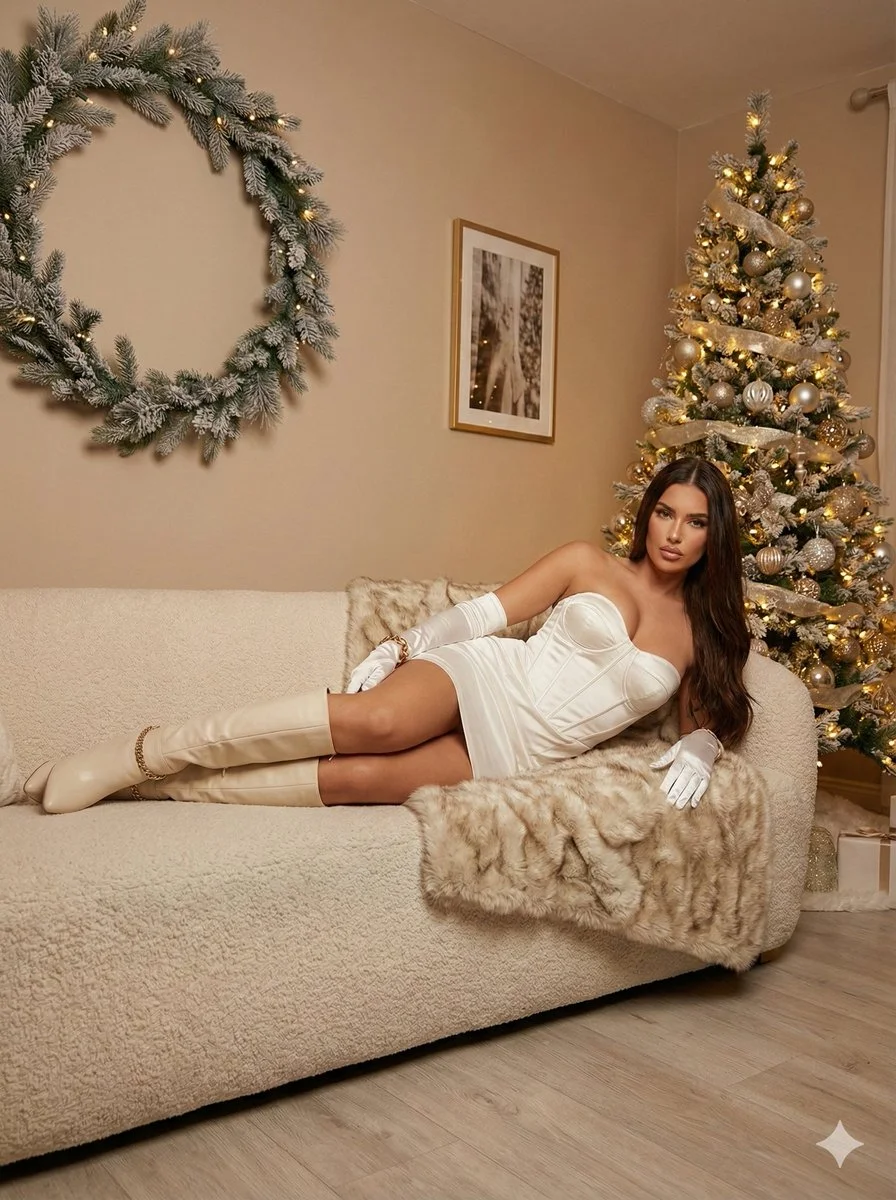
Ultra photorealistic 8K portrait, Leica Q2 camera, 28mm Summilux lens. Subject: female, early 20s, slim, glamorous waves honey brown hair, sparkling excited eyes, laughing. Holding lit sparkler up high and champagne flute. Wearing sequined silver/gold dress with spaghetti straps. Location: luxury rooftop bar, midnight New Year's Eve, fireworks reflecting on glass railings, festive confetti. Cinematic night portrait with mixed dramatic lighting, bokeh background.
Ultra photorealistic 8K portrait, Leica Q2 camera, 28mm Summilux lens. Subject: female, early 20s, slim, glamorous waves honey brown hair, sparkling excited eyes, laughing. Holding lit sparkler up high and champagne flute. Wearing sequined silver/gold dress with spaghetti straps. Location: luxury rooftop bar, midnight New Year's Eve, fireworks reflecting on glass railings, festive confetti. Cinematic night portrait with mixed dramatic lighting, bokeh background.
Verified prompt
Verified prompt
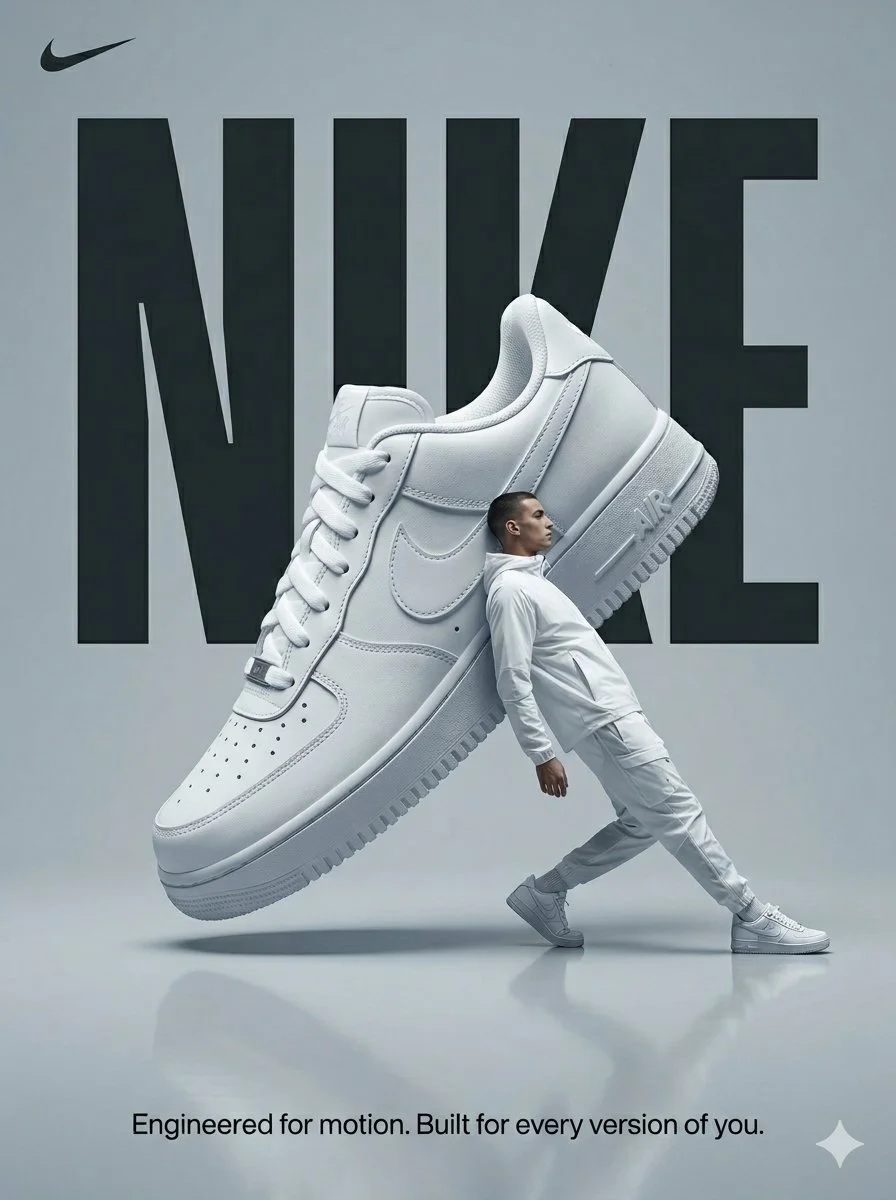
Design a surreal sportswear advertising poster in a cool gray studio. Suspend an oversized white Nike sneaker diagonally above a softly reflective floor. Place an adult male model in white athletic clothing beside it, leaning back in a stretching pose to create a playful contrast of scale. Set large condensed NIKE lettering behind the shoe, partially covered by the product and figure. Use soft directional light, crisp shoe texture and restrained shadows. Keep the vertical composition clean, energetic and almost monochrome, with a small line of supporting copy at the bottom.
Design a surreal sportswear advertising poster in a cool gray studio. Suspend an oversized white Nike sneaker diagonally above a softly reflective floor. Place an adult male model in white athletic clothing beside it, leaning back in a stretching pose to create a playful contrast of scale. Set large condensed NIKE lettering behind the shoe, partially covered by the product and figure. Use soft directional light, crisp shoe texture and restrained shadows. Keep the vertical composition clean, energetic and almost monochrome, with a small line of supporting copy at the bottom.
Verified prompt
Explore Image Workflows
Explore the Nano Banana 2 workflow and compare it with the related image pages. The generator is the source of truth for current model access and settings. Use the prompt library to study published results and the model that created them.
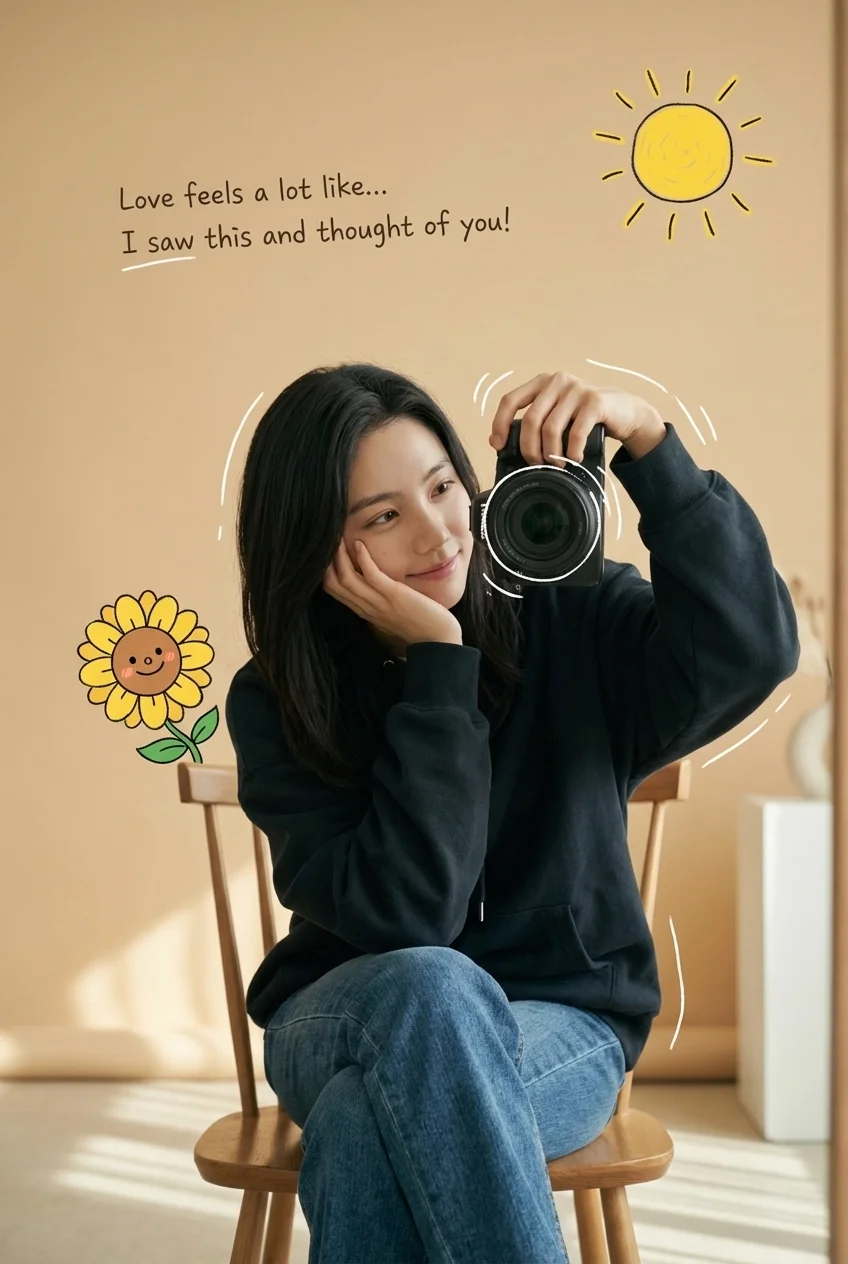
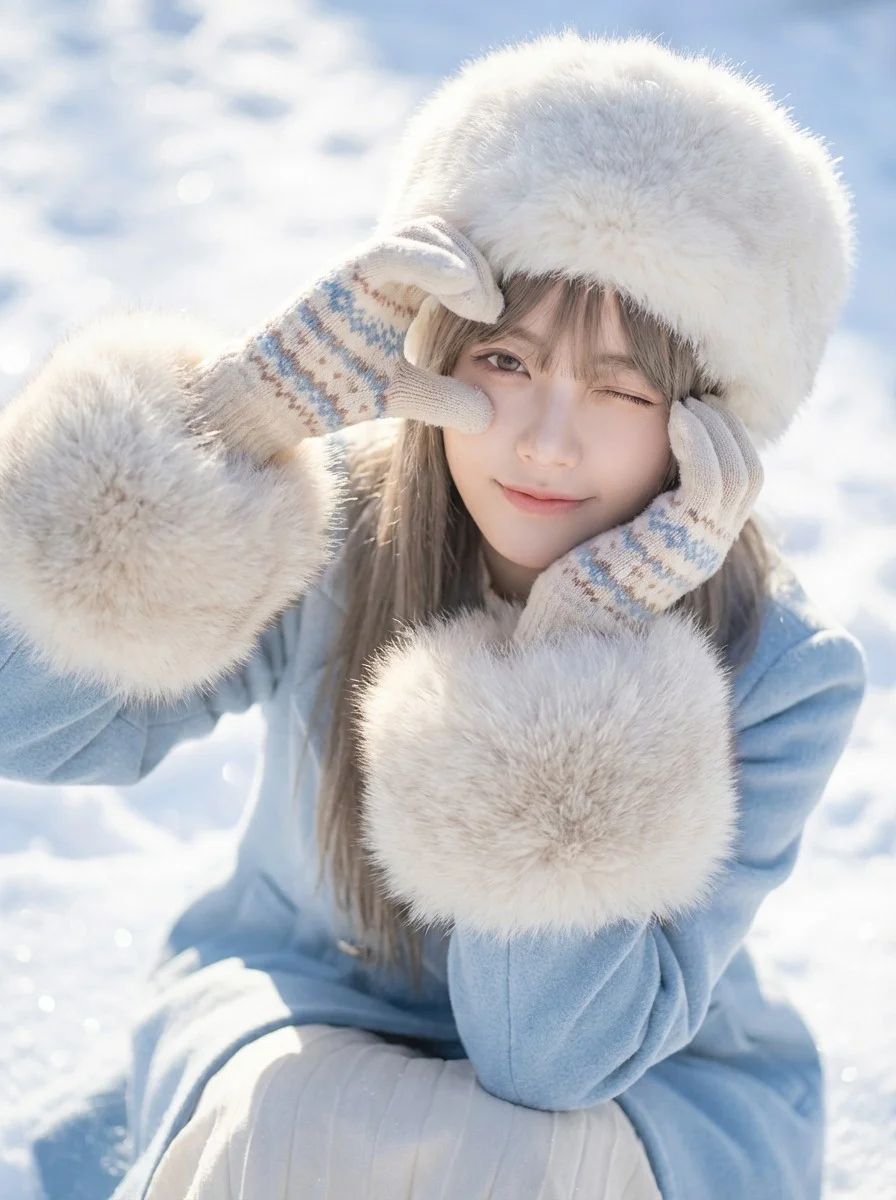
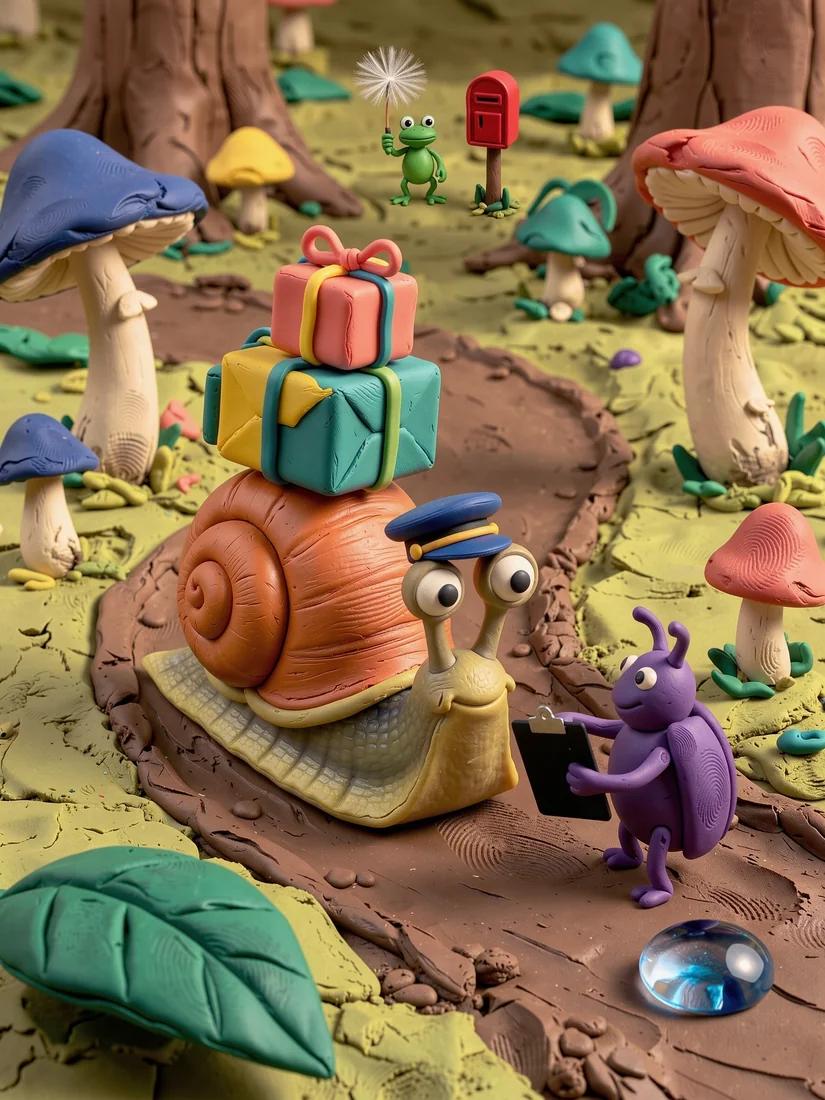
Nano Banana 2 AI Image Generator
Write your Nano Banana 2 image brief around a subject, composition, lighting and intended style. Add a material or texture when it matters. For edits, state one precise change and explain which parts of the source should remain intact.
Write your Nano Banana 2 image brief around a subject, composition, lighting and intended style. Add a material or texture when it matters. For edits, state one precise change and explain which parts of the source should remain intact.
Explore Nano Banana 2Build Your Nano Banana 2 Image Brief
Choose only the resolution and aspect ratio shown for the selected model. Check framing, fine details and any text in the completed image. A larger output size does not guarantee a more accurate result.
Advanced AI Image Generation & Customization
Choose only the resolution and aspect ratio shown for the selected model. Check framing, fine details and any text in the completed image. A larger output size does not guarantee a more accurate result.
Write Precise Editing and Style Directions
Choose only the resolution and aspect ratio shown for the selected model. Check framing, fine details and any text in the completed image. A larger output size does not guarantee a more accurate result.
Describe the Changes and Details to Preserve
Explore the Nano Banana 2 workflow and compare it with the related image pages. The generator is the source of truth for current model access and settings. Use the prompt library to study published results and the model that created them.
Describe the Changes and Details to Preserve
Choose only the resolution and aspect ratio shown for the selected model. Check framing, fine details and any text in the completed image. A larger output size does not guarantee a more accurate result.
Review Usage Terms Before Sharing
Check the applicable model and platform terms before using a result commercially. You are responsible for the rights to uploaded images, identifiable people, logos and any other source material in your Nano Banana 2 image brief.
Keep Your Workflow Simple
Develop your Nano Banana 2 image brief around the result you need. Keep the main direction specific, check supported settings in the generator, and review the completed work before using it in your project.
A Clearer Creative Brief for Nano Banana 2
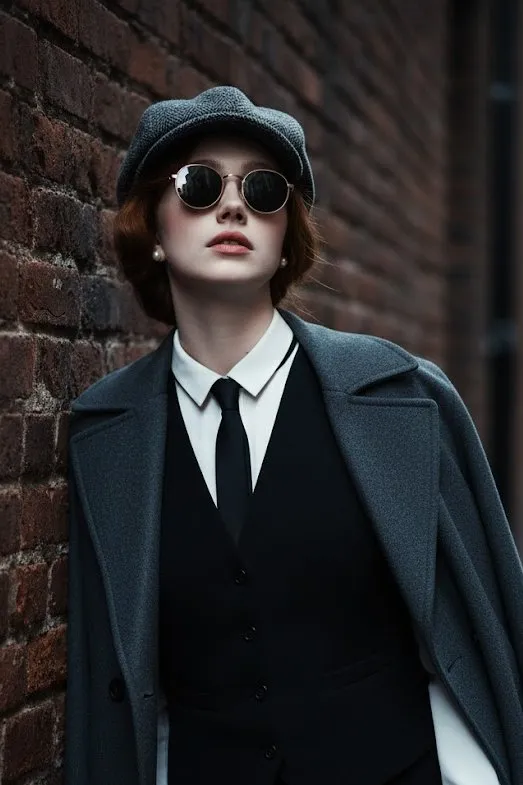
Diverse Styles & Effects for Every Vision
Develop your Nano Banana 2 image brief around the result you need. Keep the main direction specific, check supported settings in the generator, and review the completed work before using it in your project.
Write your Nano Banana 2 image brief around a subject, composition, lighting and intended style. Add a material or texture when it matters. For edits, state one precise change and explain which parts of the source should remain intact.
Versatile Nano Banana 2 AI Image Generator for Every Creator's Vision
Start your Nano Banana 2 image brief with a source image you have permission to use. Name the area to change and the colors, proportions or objects to preserve. Reference count and editing support depend on the selected model.
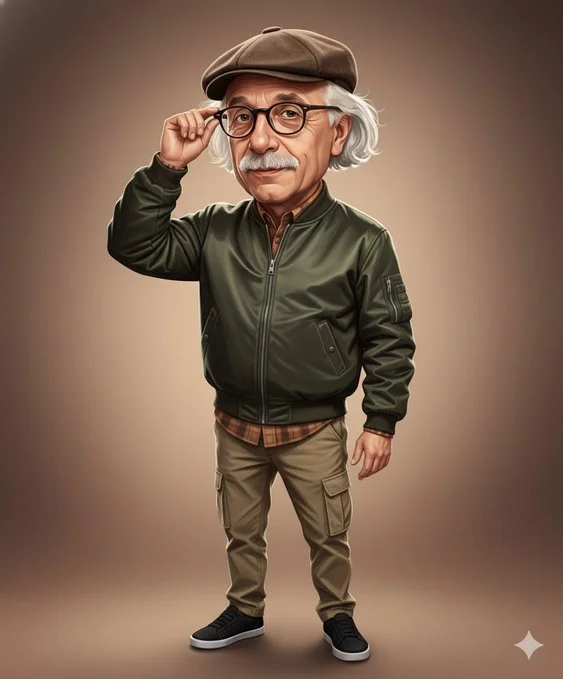
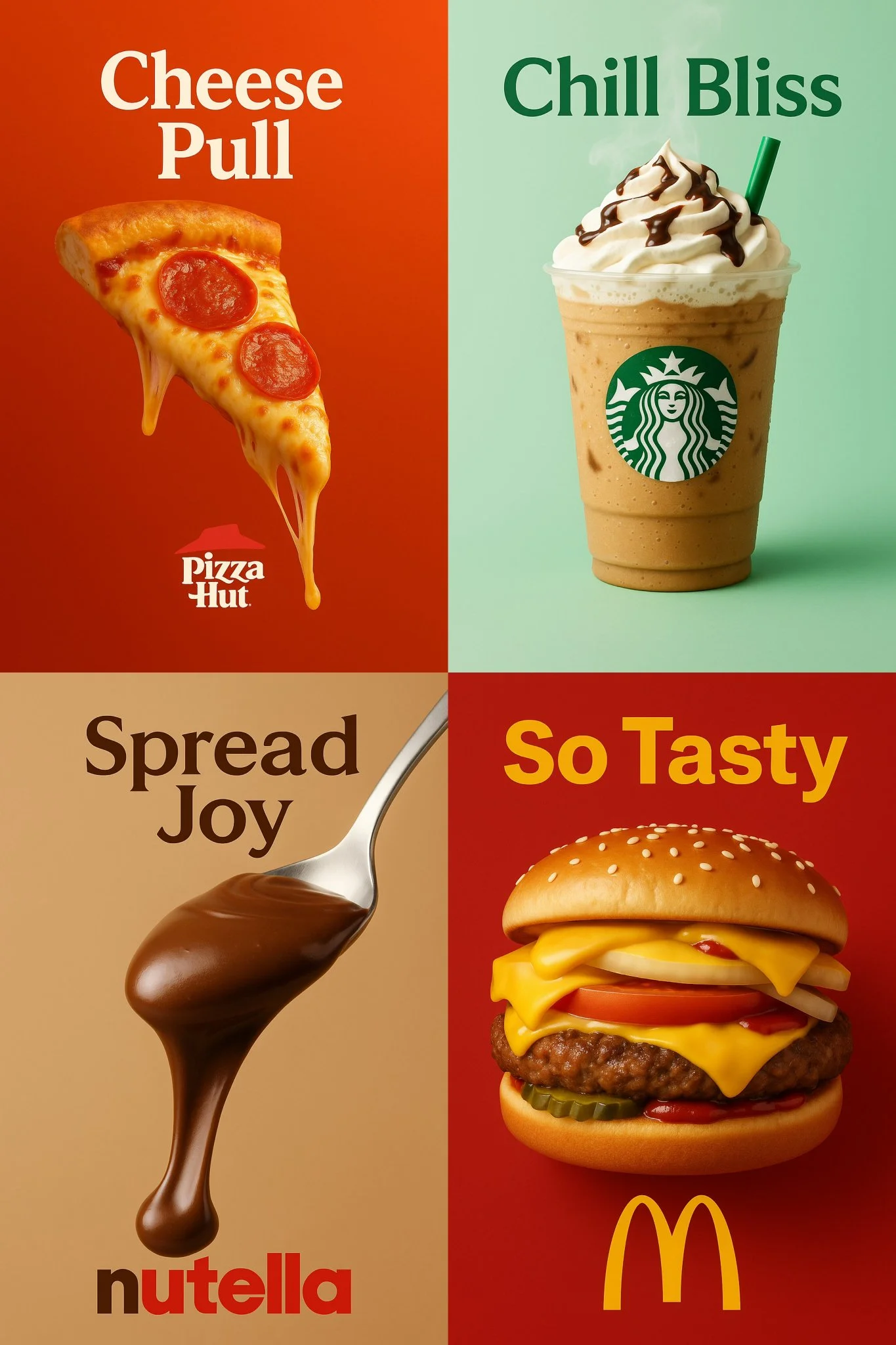
For Architects and Designers
Write your Nano Banana 2 image brief around a subject, composition, lighting and intended style. Add a material or texture when it matters. For edits, state one precise change and explain which parts of the source should remain intact.
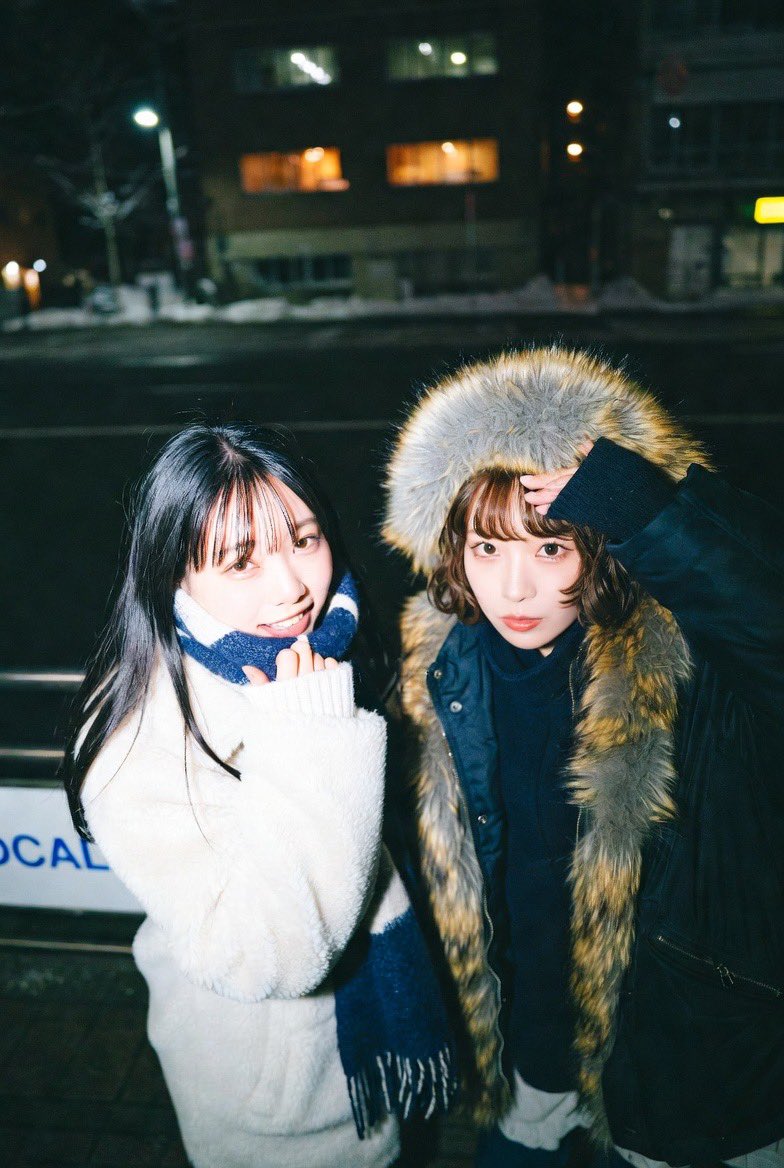
For E-Commerce Professionals
List the details that matter in your Nano Banana 2 image brief: identity, shape, colors, clothing and background. Use supported references where appropriate and compare every result; exact consistency is not guaranteed.
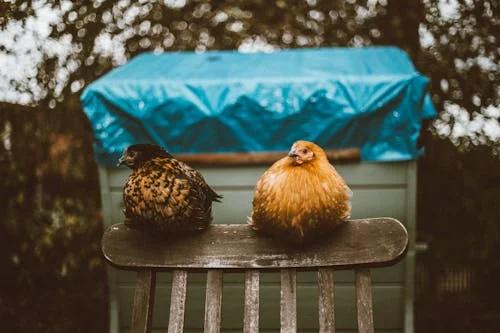
For Content Publishers
Choose only the resolution and aspect ratio shown for the selected model. Check framing, fine details and any text in the completed image. A larger output size does not guarantee a more accurate result.
For Event Planners
Write your Nano Banana 2 image brief around a subject, composition, lighting and intended style. Add a material or texture when it matters. For edits, state one precise change and explain which parts of the source should remain intact.
From a Brief to a Reviewed Image: The Nano Banana 2 Workflow
Add Your Input
Start your Nano Banana 2 image brief with a source image you have permission to use. Name the area to change and the colors, proportions or objects to preserve. Reference count and editing support depend on the selected model.
Customize Your Options
The generator shows current model availability. When a model accepts requests, choose its supported settings and review the required credits before submitting. Review your selection and credit balance before generating.
Generate and Refine
Write your Nano Banana 2 image brief around a subject, composition, lighting and intended style. Add a material or texture when it matters. For edits, state one precise change and explain which parts of the source should remain intact.
Review and Download Completed Results
Start your Nano Banana 2 image brief with a source image you have permission to use. Name the area to change and the colors, proportions or objects to preserve. Reference count and editing support depend on the selected model.
Nano Banana 2 Image Ideas for Your Projects
Choose only the resolution and aspect ratio shown for the selected model. Check framing, fine details and any text in the completed image. A larger output size does not guarantee a more accurate result.
Digital Art & Illustration
Choose only the resolution and aspect ratio shown for the selected model. Check framing, fine details and any text in the completed image. A larger output size does not guarantee a more accurate result.
Marketing & E-Commerce Visuals
For a Nano Banana 2 product concept, specify the product shape, material, key detail and setting. Keep logos and claims accurate, allow room for your own typography, and review the result before using it in an advertisement.
Educational Content & Presentations
Use a Nano Banana 2 visual concept to support one teaching or presentation point. Check facts and labels yourself, and add final captions in your editing workflow rather than relying on generated text.
Game Development
List the details that matter in your Nano Banana 2 image brief: identity, shape, colors, clothing and background. Use supported references where appropriate and compare every result; exact consistency is not guaranteed.
Creative Notes for Your Nano Banana 2 Image Brief
Give the main subject one clear action. For a Nano Banana 2 concept, a precise brief is easier to assess than a list of competing effects.
Nano Banana 2 Image Workflow: Questions & Answers
This youdot page explains the Nano Banana 2 image workflow. It helps you write a focused brief and review the available inputs. Current access is shown in the generator; a model name on a guide does not mean it currently accepts requests.
Write your Nano Banana 2 image brief around a subject, composition, lighting and intended style. Add a material or texture when it matters. For edits, state one precise change and explain which parts of the source should remain intact.
Use only the input modes and controls offered by the selected model. Describe the intended image clearly and add supported references when useful. This page does not promise separate motion-brush, audio-upload, restoration or editing tools.
Check the applicable model and platform terms before using a result commercially. You are responsible for the rights to uploaded images, identifiable people, logos and any other source material in your Nano Banana 2 image brief.
The generator shows current model availability. When a model accepts requests, choose its supported settings and review the required credits before submitting. Review your selection and credit balance before generating.
Develop your Nano Banana 2 image brief around the result you need. Keep the main direction specific, check supported settings in the generator, and review the completed work before using it in your project.
You can request a refund within 10 days of purchase if you have unused credits from that purchase and provide a clear reason, subject to our Refund Policy. If eligible, an unused purchase can be fully refunded; a partly used purchase is refunded in proportion to its remaining unused credits. Fully used purchases and free or promotional credits are not refundable.
Credit validity depends on the pack, subscription or promotion that issued them. Review the purchase terms and expiration dates in Settings > Credits. A renewal or new purchase does not extend older credits. Use credits before their stated expiration; do not assume unused subscription credits roll over indefinitely.
Credits charged for a task that is confirmed as failed due to a system error are returned automatically. A task that is still processing has not yet been confirmed as failed. Check its status and your credit history before submitting again. If a confirmed failure still shows an unresolved charge, email support@youdot.app with the task ID.
AI results can vary, so a completed result that differs from your expectations is not automatically treated as a technical failure. Eligible completed image tasks can be submitted for credit refund review using the refund option where available; approval is required. For a video or another issue, contact support@youdot.app with the task ID and details. A credit refund returns credits, not money to your payment method.
Email support@youdot.app. For billing, include your account email and order ID; for generation, include the task ID, issue description and relevant screenshots. If you purchased as a guest, keep the original browser data and payment receipt so we can help locate the purchase.
Explore Your Next Nano Banana 2 Image Idea
Explore the Nano Banana 2 workflow and compare it with the related image pages. The generator is the source of truth for current model access and settings. Use the prompt library to study published results and the model that created them.
youdot.app · Updated
What's new on this page
- — Added editable example prompts and separate drafts for text and reference modes, with an action to restore the example.
- — Updated page copy and content.
- — Page content published.