
Plan Focused Image Edits with Nano Banana 2
Explain Your Subject, Changes and References
List the details that matter in your Nano Banana 2 image brief: identity, shape, colors, clothing and background. Use supported references where appropriate and compare every result; exact consistency is not guaranteed.
Verified prompt
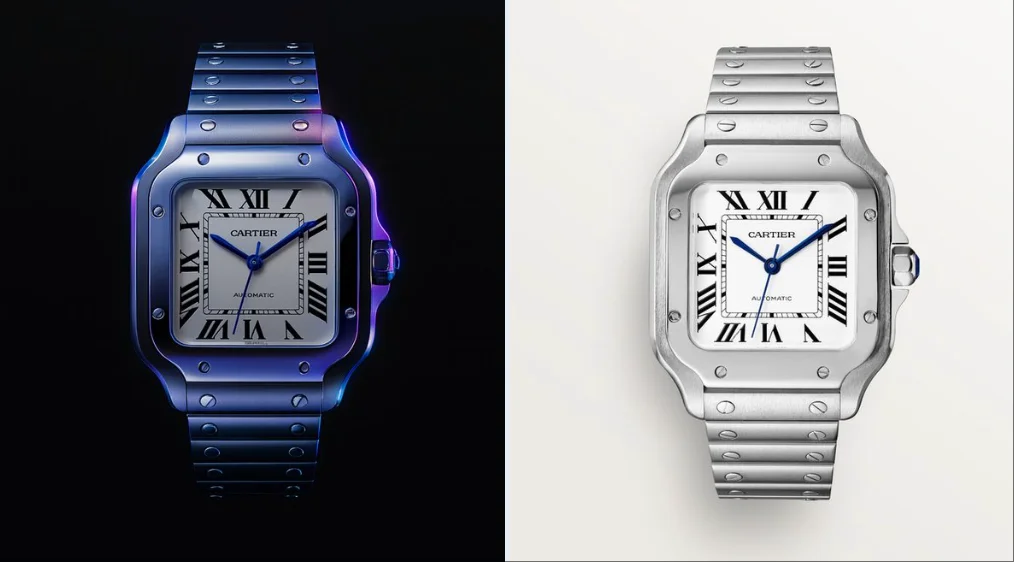
create image with 1:1 ratio retexture the photo I attached with the following json { "style_name": "hermes_subtle_specular_gradient", "background": { "type": "solid", "color": "#000000", "light_reflection": "none" }, "base_material": { "type": "polished_metal", "color": "#B0B0B0", "finish": "glossy", "reflectivity": 0.75, "surface_variation": { "micro_noise": 0.005, "brushed_direction": "none" } }, "highlight_strategy": { "mode": "localized_specular_enhancement", "trigger": "light-facing curved planes and direct lit faces", "color_gradient": ["#121A28", "#3D4C6B", "#8c71b7", "#4d21cd"], "gradient_type": "fluid_blend", "intensity_curve": "ease-out from highlight center", "falloff": 0.8, "blend_mode": "soft_light", "saturation_level": 0.4, "coverage_ratio": 0.2, "transition_smoothness": 0.95 }, "lighting": { "scene_type": "high-control studio", "key_light": { "intensity": 1.0, "color": "#FFFFFF", "angle": "35° above and side", "softness": 0.6 }, "fill_light": { "enabled": false }, "rim_light": { "enabled": false }, "reflection_behavior": { "mirrored_zones": "limited to high exposure zones", "glow_color": "applied from gradient with low saturation" } }, "specular_color_behavior": { "base_surface": "metallic neutral", "highlight_zones": "low-saturation chromatic reflection", "edge_bleed": "minimal", "inner_glow": 0.1 }, "detail_features": { "engraved_elements": { "type": "precise deboss", "lighting_response": "low bounce", "shadow_edge": "#222222", "rim_light_tint": "#888888" } }, "application_targets": [ "object product photography", "3D icons with selective lighting", "branding renders", "luxury UI component styling" ], "visual_effect_notes": { "mood": "understated luxury, technical precision, controlled emotion", "realism": "stylized physical logic", "focus": "refined colored specular only on light-facing curved surfaces with fluid-like gradient transitions" } }
create image with 1:1 ratio retexture the photo I attached with the following json { "style_name": "hermes_subtle_specular_gradient", "background": { "type": "solid", "color": "#000000", "light_reflection": "none" }, "base_material": { "type": "polished_metal", "color": "#B0B0B0", "finish": "glossy", "reflectivity": 0.75, "surface_variation": { "micro_noise": 0.005, "brushed_direction": "none" } }, "highlight_strategy": { "mode": "localized_specular_enhancement", "trigger": "light-facing curved planes and direct lit faces", "color_gradient": ["#121A28", "#3D4C6B", "#8c71b7", "#4d21cd"], "gradient_type": "fluid_blend", "intensity_curve": "ease-out from highlight center", "falloff": 0.8, "blend_mode": "soft_light", "saturation_level": 0.4, "coverage_ratio": 0.2, "transition_smoothness": 0.95 }, "lighting": { "scene_type": "high-control studio", "key_light": { "intensity": 1.0, "color": "#FFFFFF", "angle": "35° above and side", "softness": 0.6 }, "fill_light": { "enabled": false }, "rim_light": { "enabled": false }, "reflection_behavior": { "mirrored_zones": "limited to high exposure zones", "glow_color": "applied from gradient with low saturation" } }, "specular_color_behavior": { "base_surface": "metallic neutral", "highlight_zones": "low-saturation chromatic reflection", "edge_bleed": "minimal", "inner_glow": 0.1 }, "detail_features": { "engraved_elements": { "type": "precise deboss", "lighting_response": "low bounce", "shadow_edge": "#222222", "rim_light_tint": "#888888" } }, "application_targets": [ "object product photography", "3D icons with selective lighting", "branding renders", "luxury UI component styling" ], "visual_effect_notes": { "mood": "understated luxury, technical precision, controlled emotion", "realism": "stylized physical logic", "focus": "refined colored specular only on light-facing curved surfaces with fluid-like gradient transitions" } }
Verified prompt
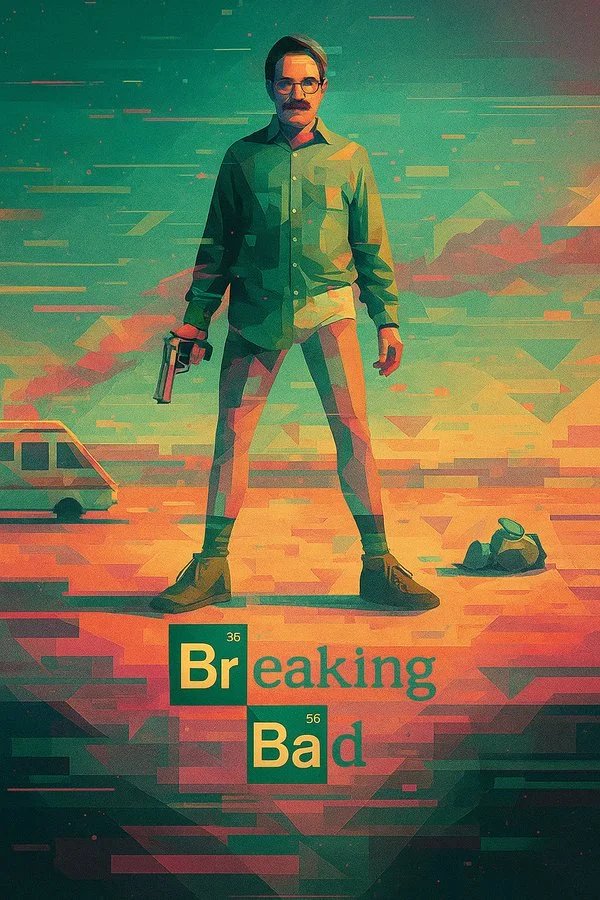
Transform this image into a digital illustration with a surreal, geometric art style. Apply glitch textures, abstract shapes, and cinematic composition. Use the original photo’s lighting and color palette to guide the atmosphere, while reimagining the scene in a stylized, dreamy, retro-futuristic way.
Transform this image into a digital illustration with a surreal, geometric art style. Apply glitch textures, abstract shapes, and cinematic composition. Use the original photo’s lighting and color palette to guide the atmosphere, while reimagining the scene in a stylized, dreamy, retro-futuristic way.
Verified prompt
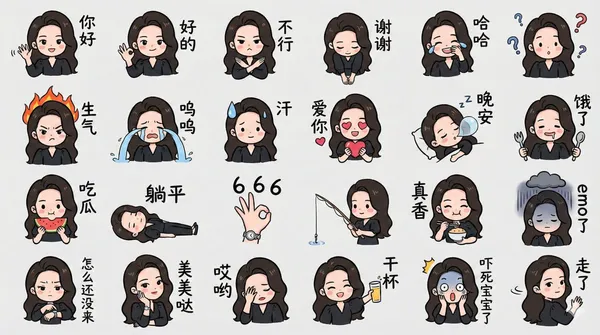
rate a chibi version of the character in the image as a LINE-style bust emoji, ensuring the headwear is accurate. Colored hand-drawn style, arranged in a 4x6 layout, featuring a variety of common chat phrases or related entertainment memes. Additional requirements: Do not replicate the original image. All text should be handwritten in simplified Chinese. The final image should be in 4K resolution with a 16:9 aspect ratio.
rate a chibi version of the character in the image as a LINE-style bust emoji, ensuring the headwear is accurate. Colored hand-drawn style, arranged in a 4x6 layout, featuring a variety of common chat phrases or related entertainment memes. Additional requirements: Do not replicate the original image. All text should be handwritten in simplified Chinese. The final image should be in 4K resolution with a 16:9 aspect ratio.
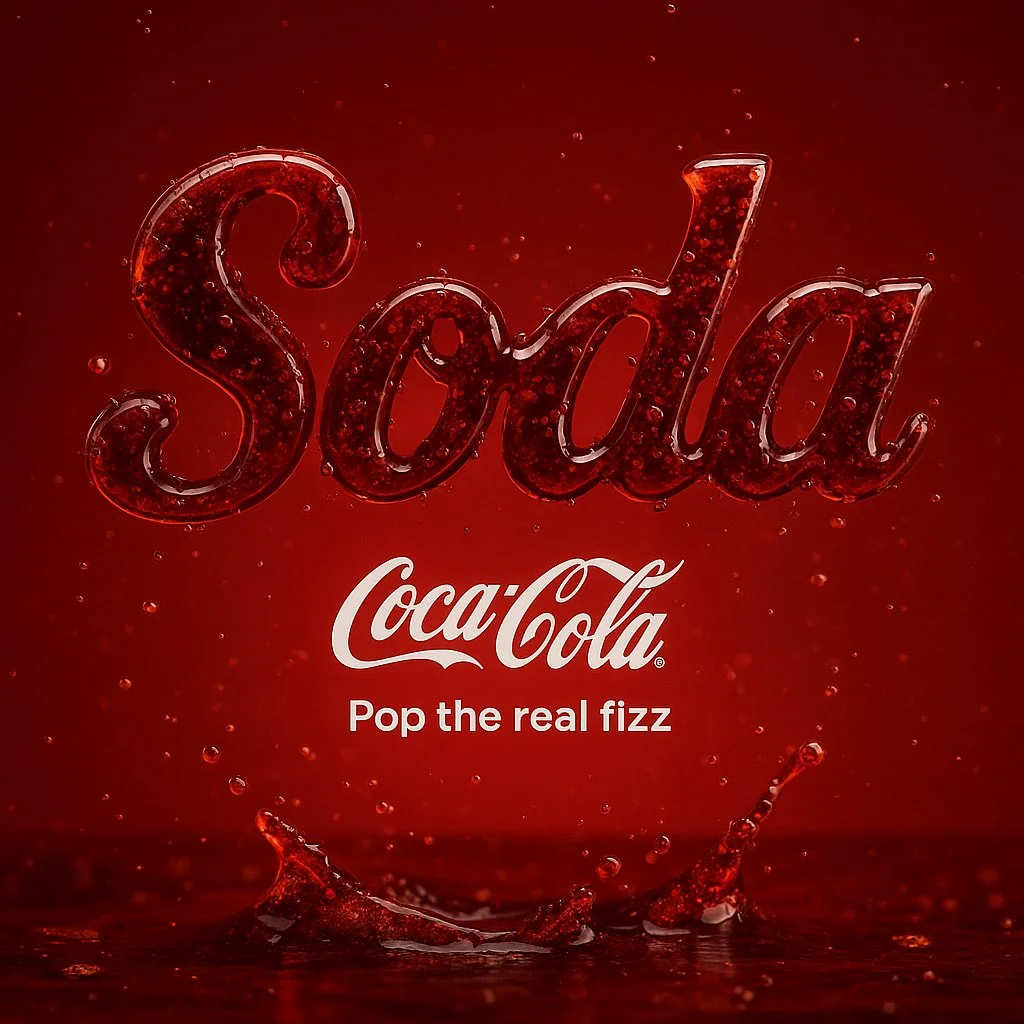
Verified prompt
Create the word “[WORD]” made entirely from its real texture and styled using the identity of the most iconic brand associated with it. The word should: • Visually reflect the material (e.g. honey, chocolate, soda, candy). • Use the brand’s signature colors and typography. • Include the brand logo beneath the word. • Add a short slogan (3–4 words) matching the product’s vibe. • Be centered in a minimal background inspired by the product (e.g. breakfast table, soda splash, cookie tray). • Dimensions: 1:1 • Style: clean, bold, product-focused • Render: ultra-HD, HDR, 8K
Create the word “[WORD]” made entirely from its real texture and styled using the identity of the most iconic brand associated with it. The word should: • Visually reflect the material (e.g. honey, chocolate, soda, candy). • Use the brand’s signature colors and typography. • Include the brand logo beneath the word. • Add a short slogan (3–4 words) matching the product’s vibe. • Be centered in a minimal background inspired by the product (e.g. breakfast table, soda splash, cookie tray). • Dimensions: 1:1 • Style: clean, bold, product-focused • Render: ultra-HD, HDR, 8K
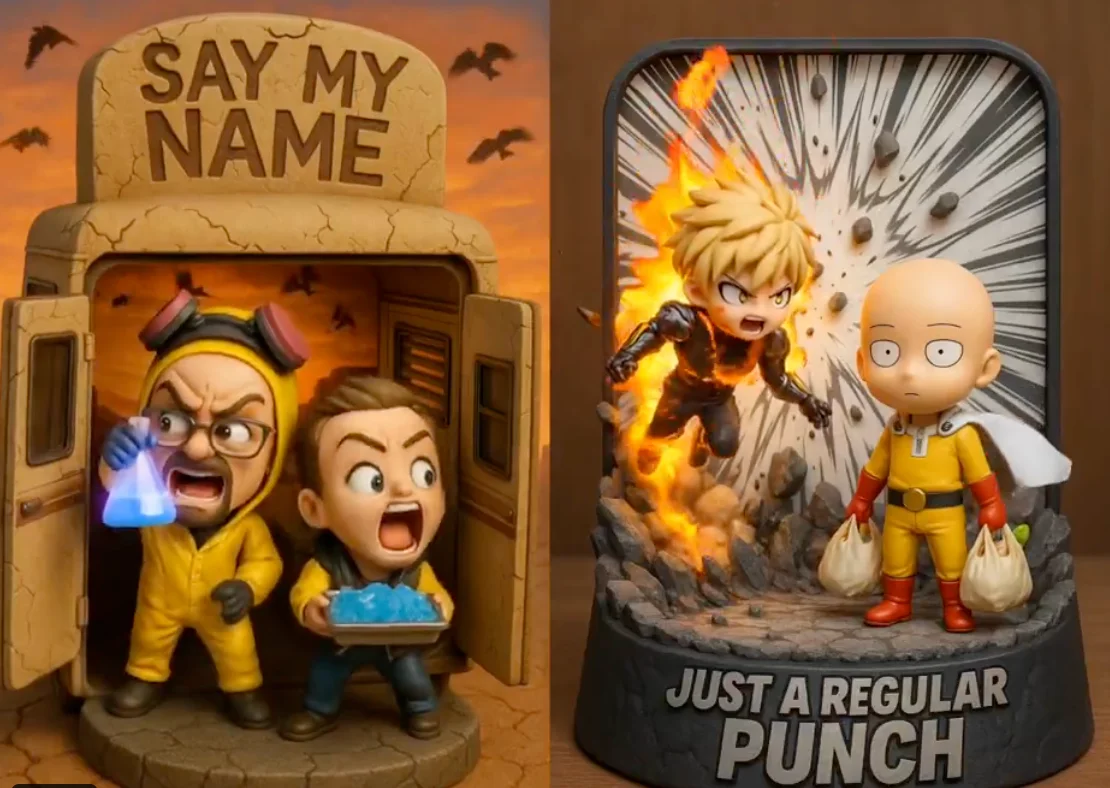
Verified prompt
Highly detailed 3D-rendered chibi figurine diorama of [Character A] and [Character B], captured in a [scene/action], inside a [thematic display case shape] with [material]. The background features [visual effects: debris, aura, lightning, scenery], dynamic pose. The title "[custom phrase]" is embossed at the top in [font/style], matching the tone. Lighting is [studio, cinematic, ambient], color palette of [main colors]. Designed in a collectible, stylized, viral-friendly aesthetic.
Highly detailed 3D-rendered chibi figurine diorama of [Character A] and [Character B], captured in a [scene/action], inside a [thematic display case shape] with [material]. The background features [visual effects: debris, aura, lightning, scenery], dynamic pose. The title "[custom phrase]" is embossed at the top in [font/style], matching the tone. Lighting is [studio, cinematic, ambient], color palette of [main colors]. Designed in a collectible, stylized, viral-friendly aesthetic.
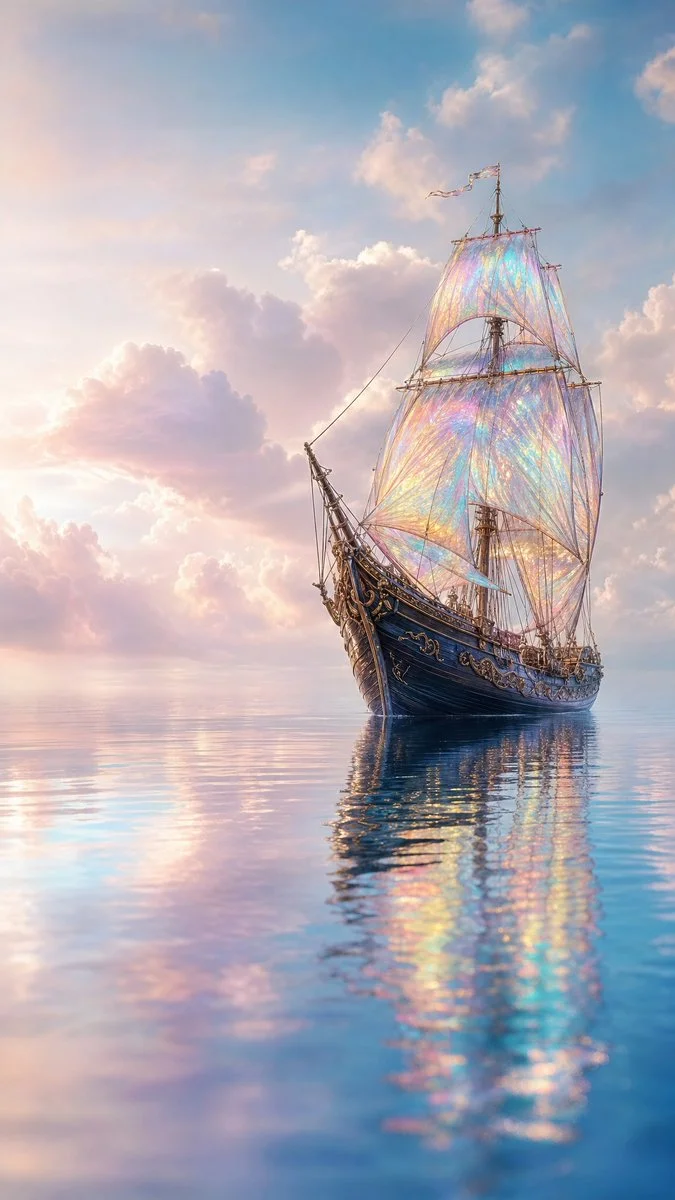
Verified prompt
Unique fantasy campaign scene of majestic sailing ship drifting calmly across glassy reflective sea beneath pastel sky. Iridescent glowing sails catch soft atmospheric light, vessel suspended between reality and dream. Vast open sea mirror reflections, gentle ripples, expansive cinematic horizon. Fluffy layered pastel clouds. Soft ethereal daylight, subtle rim light on silhouette, glow bloom. Pearlescent translucent sails, dark polished wood hull grain, smooth water scatter. Wide cinematic off-center framing, negative space in sky water, calm horizontal. Serene mystical quietly otherworldly magical realism. 85mm f/2.8 shallow DOF ultra-detailed 8K.
Unique fantasy campaign scene of majestic sailing ship drifting calmly across glassy reflective sea beneath pastel sky. Iridescent glowing sails catch soft atmospheric light, vessel suspended between reality and dream. Vast open sea mirror reflections, gentle ripples, expansive cinematic horizon. Fluffy layered pastel clouds. Soft ethereal daylight, subtle rim light on silhouette, glow bloom. Pearlescent translucent sails, dark polished wood hull grain, smooth water scatter. Wide cinematic off-center framing, negative space in sky water, calm horizontal. Serene mystical quietly otherworldly magical realism. 85mm f/2.8 shallow DOF ultra-detailed 8K.
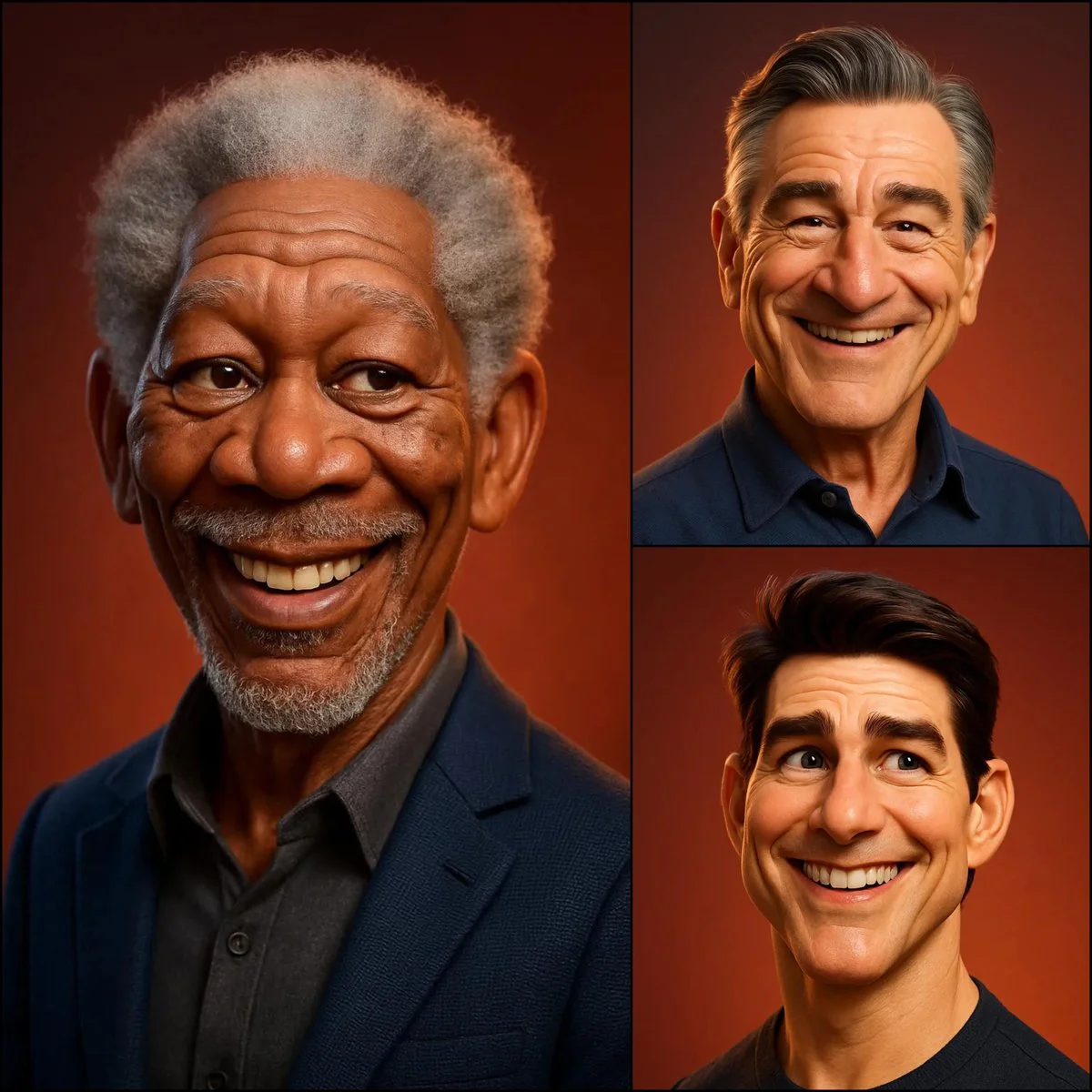
Verified prompt
3D caricature portrait of [SUBJECT], Pixar/DreamWorks style — expressive eyes, slightly oversized head, exaggerated ears & nose, realistic skin shading with soft subsurface scattering, detailed hair, gentle warm smile, smooth polished materials, subtle fabric texture, soft ambient lighting, warm reddish-orange gradient background — balanced realism and stylized charm.
3D caricature portrait of [SUBJECT], Pixar/DreamWorks style — expressive eyes, slightly oversized head, exaggerated ears & nose, realistic skin shading with soft subsurface scattering, detailed hair, gentle warm smile, smooth polished materials, subtle fabric texture, soft ambient lighting, warm reddish-orange gradient background — balanced realism and stylized charm.
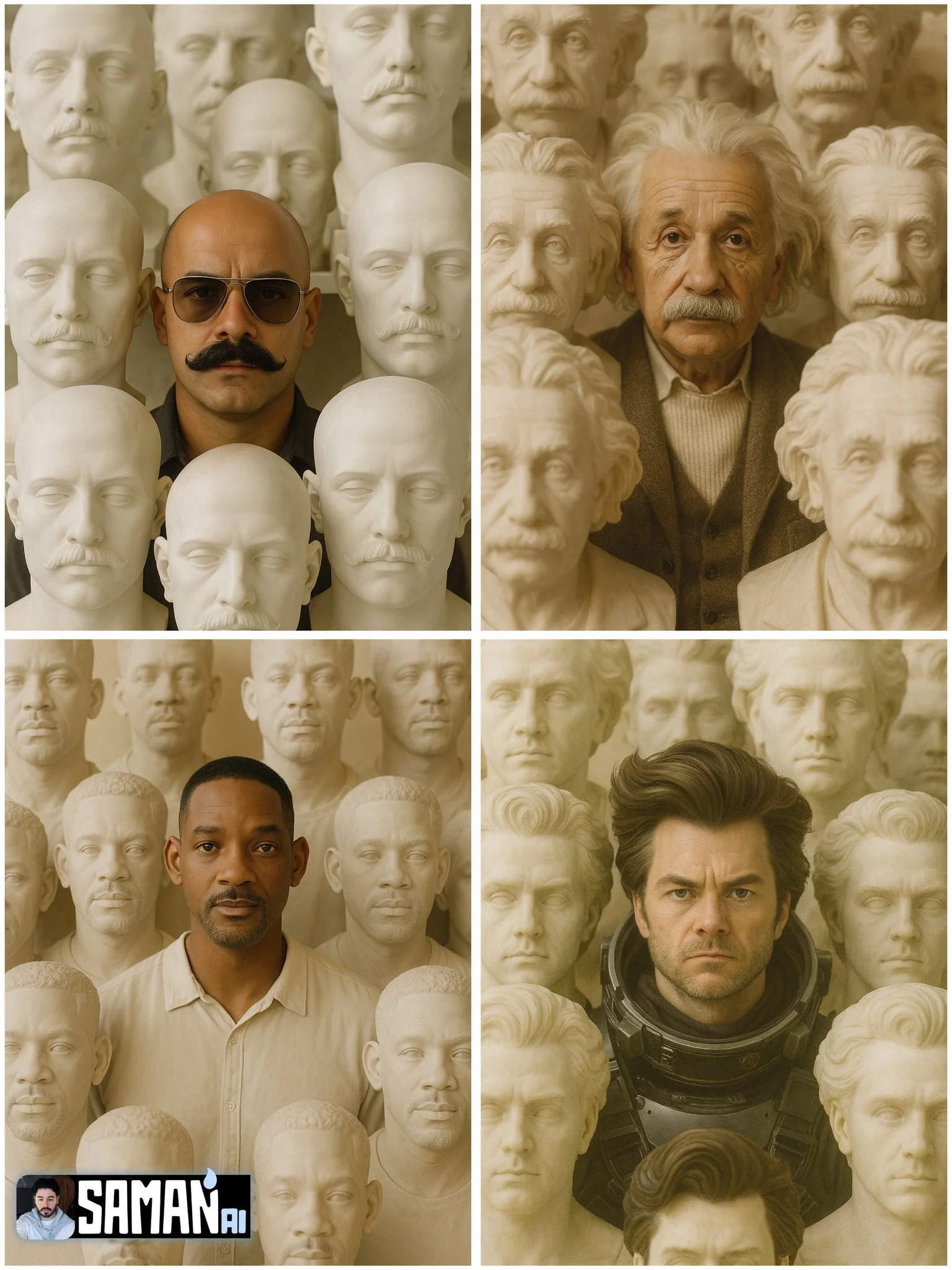
Verified prompt
Ultra-real portrait of [CHARACTER] centered, surrounded by dozens of life-size stone busts of [CHARACTER]; warm beige museum lighting, matte alabaster texture, symmetrical composition, shallow depth of field (85mm), subtle film grain, 3:4 vertical, no text or watermark.
Ultra-real portrait of [CHARACTER] centered, surrounded by dozens of life-size stone busts of [CHARACTER]; warm beige museum lighting, matte alabaster texture, symmetrical composition, shallow depth of field (85mm), subtle film grain, 3:4 vertical, no text or watermark.
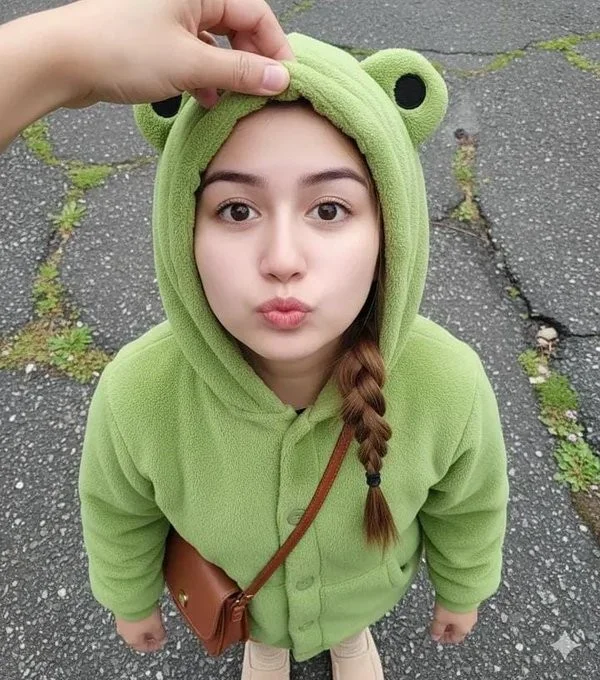
Verified prompt
Close-up shot. Using a reference photo, maintaining 100% facial similarity, create an ultra-high-resolution photorealistic portrait of a young woman with chibi proportions, shot from an extreme high/above angle, gazing intently upwards at the camera from above her head with a cute pouting expression and round, chubby cheeks. Her face is turned slightly to the side. Blend her facial features to look chibi yet realistic—a round, youthful face, soft, baby-like cheeks, a small, delicate nose, and large, sweet, warm brown eyes with a soft sparkle. Her expression is innocent, curious, and very kawaii. She wears a cute pastel green dinosaur onesie with a hoodie. Location: Inside a modern elevator, clean metal walls with symmetrical vertical lines. Lighting: Soft and diffused indoor light, flattering, even, and dreamy—no harsh shadows. DSLR-quality realism, shallow depth of field, ultra-sharp facial focus. Mood: Sweet, warm, innocent, super adorable, and heart-melting.
Close-up shot. Using a reference photo, maintaining 100% facial similarity, create an ultra-high-resolution photorealistic portrait of a young woman with chibi proportions, shot from an extreme high/above angle, gazing intently upwards at the camera from above her head with a cute pouting expression and round, chubby cheeks. Her face is turned slightly to the side. Blend her facial features to look chibi yet realistic—a round, youthful face, soft, baby-like cheeks, a small, delicate nose, and large, sweet, warm brown eyes with a soft sparkle. Her expression is innocent, curious, and very kawaii. She wears a cute pastel green dinosaur onesie with a hoodie. Location: Inside a modern elevator, clean metal walls with symmetrical vertical lines. Lighting: Soft and diffused indoor light, flattering, even, and dreamy—no harsh shadows. DSLR-quality realism, shallow depth of field, ultra-sharp facial focus. Mood: Sweet, warm, innocent, super adorable, and heart-melting.
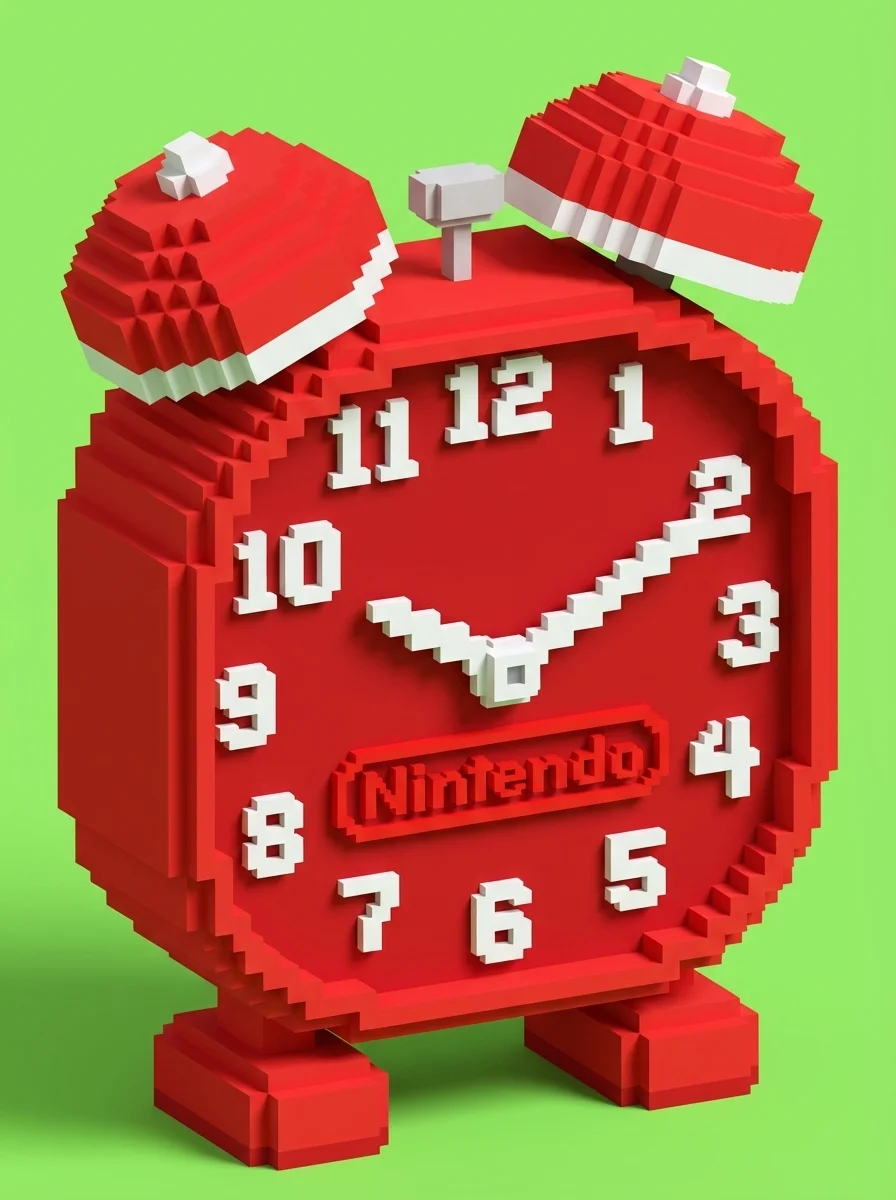
Verified prompt
inecraft-style voxel recreation of a [BRAND NAME] [OBJECT], built entirely from pixelated cubes — detailed voxel modeling, signature brand colors and logo, blocky textures, clean lighting, stylized yet recognizable, 3D render, high resolution, playful and creative interpretation
inecraft-style voxel recreation of a [BRAND NAME] [OBJECT], built entirely from pixelated cubes — detailed voxel modeling, signature brand colors and logo, blocky textures, clean lighting, stylized yet recognizable, 3D render, high resolution, playful and creative interpretation
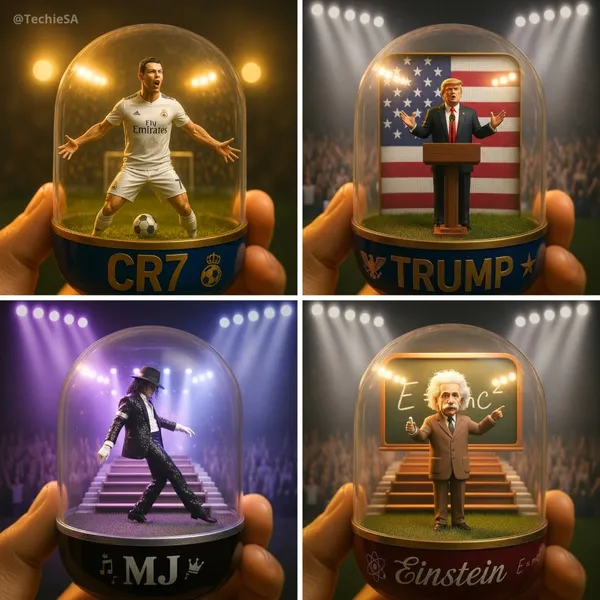
Verified prompt
tailed transparent gashapon capsule diorama, held between fingers, featuring [NAME] in their [ICONIC POSE / STYLE]. Inside: [short description of figure’s look, clothing, and accessories], with background elements such as [relevant setting: stadium, stage, lecture hall, etc.]. Lighting should be dramatic and cinematic, matching their theme (e.g., golden spotlight, concert glow, academic ambience). The capsule has a transparent top and a colored base (choose fitting color: e.g., royal blue, gold, black, red), decorated with [motifs related to the person]. The base is labeled with [NAME or NICKNAME] in a matching font style. The design should look like a miniature collectible, with photorealistic detail, soft bokeh, and a square 1080x1080 composition.
tailed transparent gashapon capsule diorama, held between fingers, featuring [NAME] in their [ICONIC POSE / STYLE]. Inside: [short description of figure’s look, clothing, and accessories], with background elements such as [relevant setting: stadium, stage, lecture hall, etc.]. Lighting should be dramatic and cinematic, matching their theme (e.g., golden spotlight, concert glow, academic ambience). The capsule has a transparent top and a colored base (choose fitting color: e.g., royal blue, gold, black, red), decorated with [motifs related to the person]. The base is labeled with [NAME or NICKNAME] in a matching font style. The design should look like a miniature collectible, with photorealistic detail, soft bokeh, and a square 1080x1080 composition.
Verified prompt
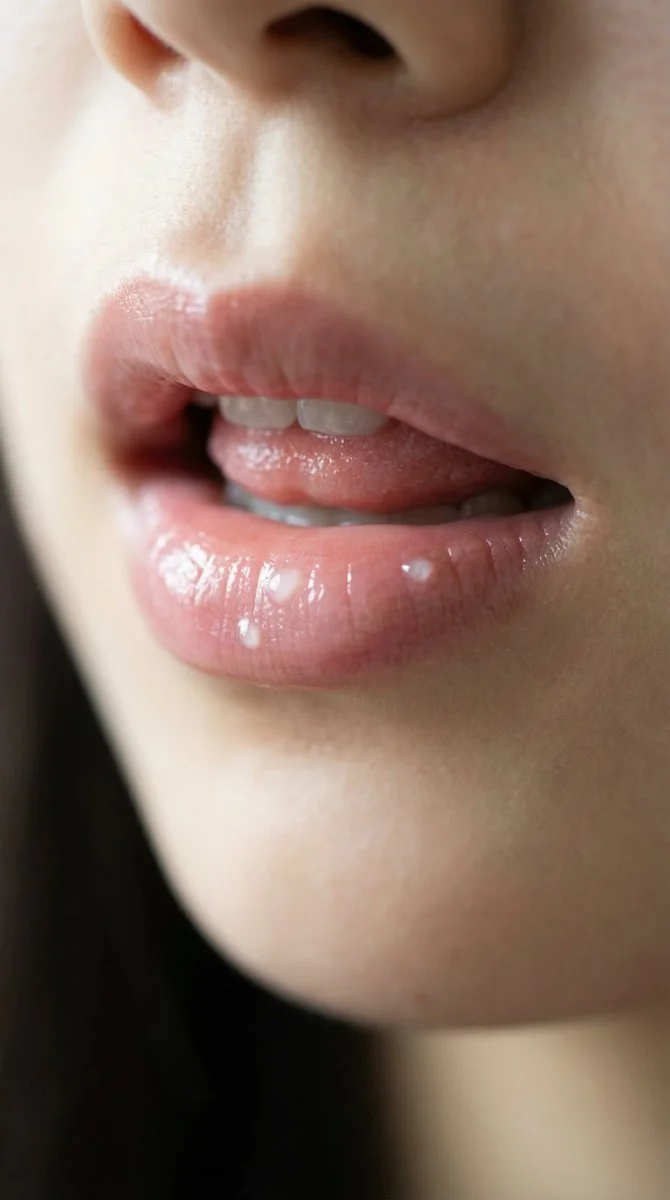
extreme close-up of natural East Asian lips, ultra sheer watery lip essence, zero visible product, just a whisper of soft pink hydration, dewy but not glossy, realistic skin texture with delicate vellus hair on lips, calm soft window light, no makeup appearance, hyper detailed, lifelike, 8k HDR, professional portrait photography, Canon RF 100mm macro lens.
extreme close-up of natural East Asian lips, ultra sheer watery lip essence, zero visible product, just a whisper of soft pink hydration, dewy but not glossy, realistic skin texture with delicate vellus hair on lips, calm soft window light, no makeup appearance, hyper detailed, lifelike, 8k HDR, professional portrait photography, Canon RF 100mm macro lens.
Nano Banana 2: Create and Edit with Natural Language
Develop your Nano Banana 2 image brief around the result you need. Keep the main direction specific, check supported settings in the generator, and review the completed work before using it in your project.
Choose only the resolution and aspect ratio shown for the selected model. Check framing, fine details and any text in the completed image. A larger output size does not guarantee a more accurate result.
Explore Nano Banana 2
From a Brief to a Reviewed Image: The Nano Banana 2 Workflow
Allow time to inspect each image result and refine your brief. Processing time varies by model, request and service load. Change one direction at a time so that you can judge which edit improves the result.
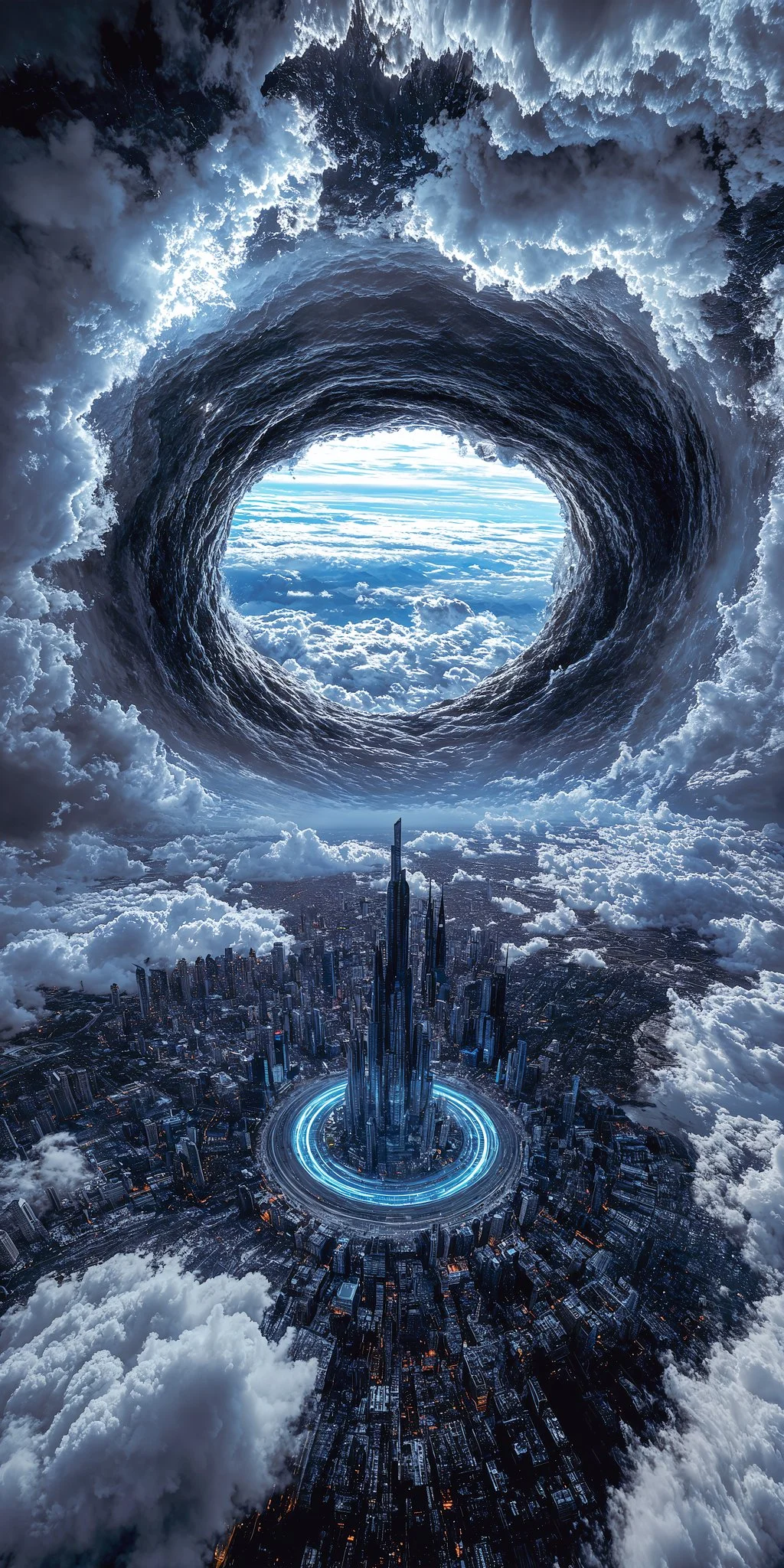
Enter prompt or upload image
Start your Nano Banana 2 image brief with a source image you have permission to use. Name the area to change and the colors, proportions or objects to preserve. Reference count and editing support depend on the selected model.
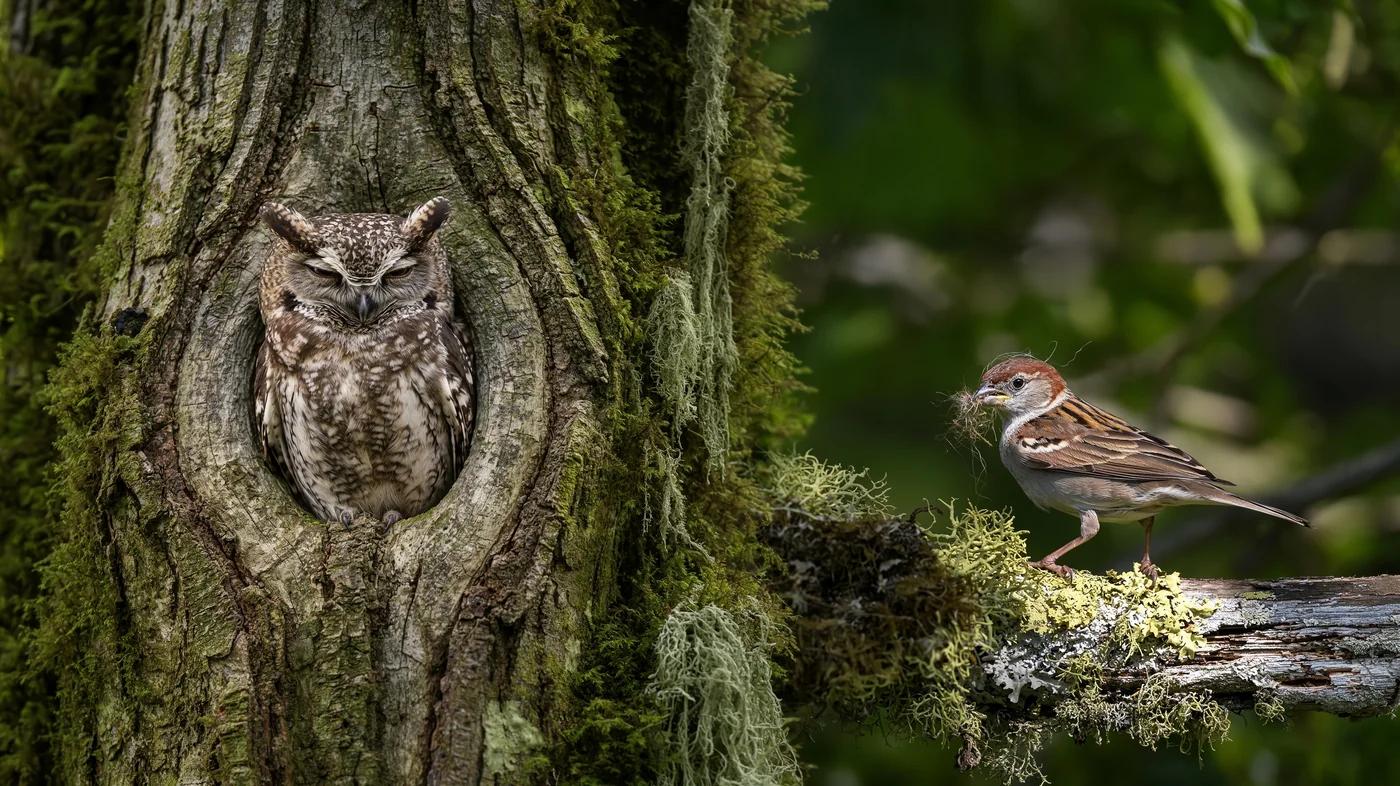
Review Availability, Settings and Credits
Allow time to inspect each image result and refine your brief. Processing time varies by model, request and service load. Change one direction at a time so that you can judge which edit improves the result.
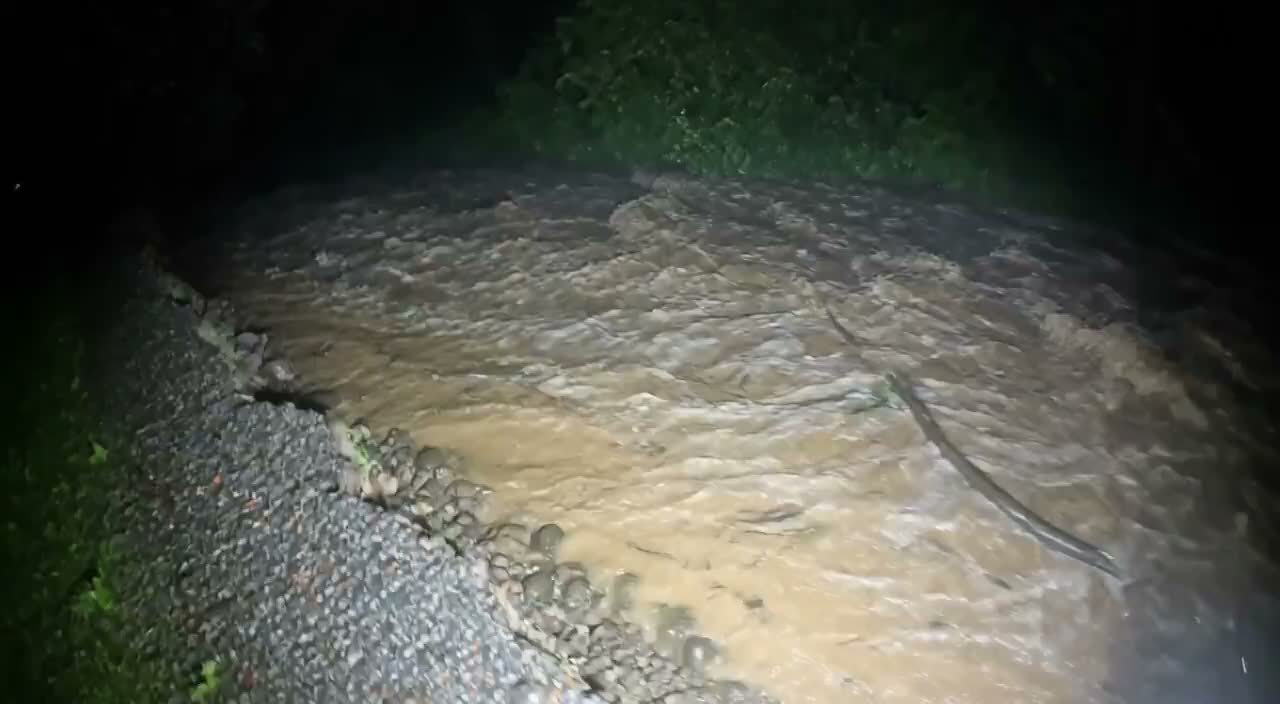
Review and Download Completed Results
When a request completes, inspect the image in History and download the result you want to keep. Review the composition and any unintended details before sharing it with your team or publishing it.
Build Your Nano Banana 2 Image Brief
For a Nano Banana 2 product concept, specify the product shape, material, key detail and setting. Keep logos and claims accurate, allow room for your own typography, and review the result before using it in an advertisement.
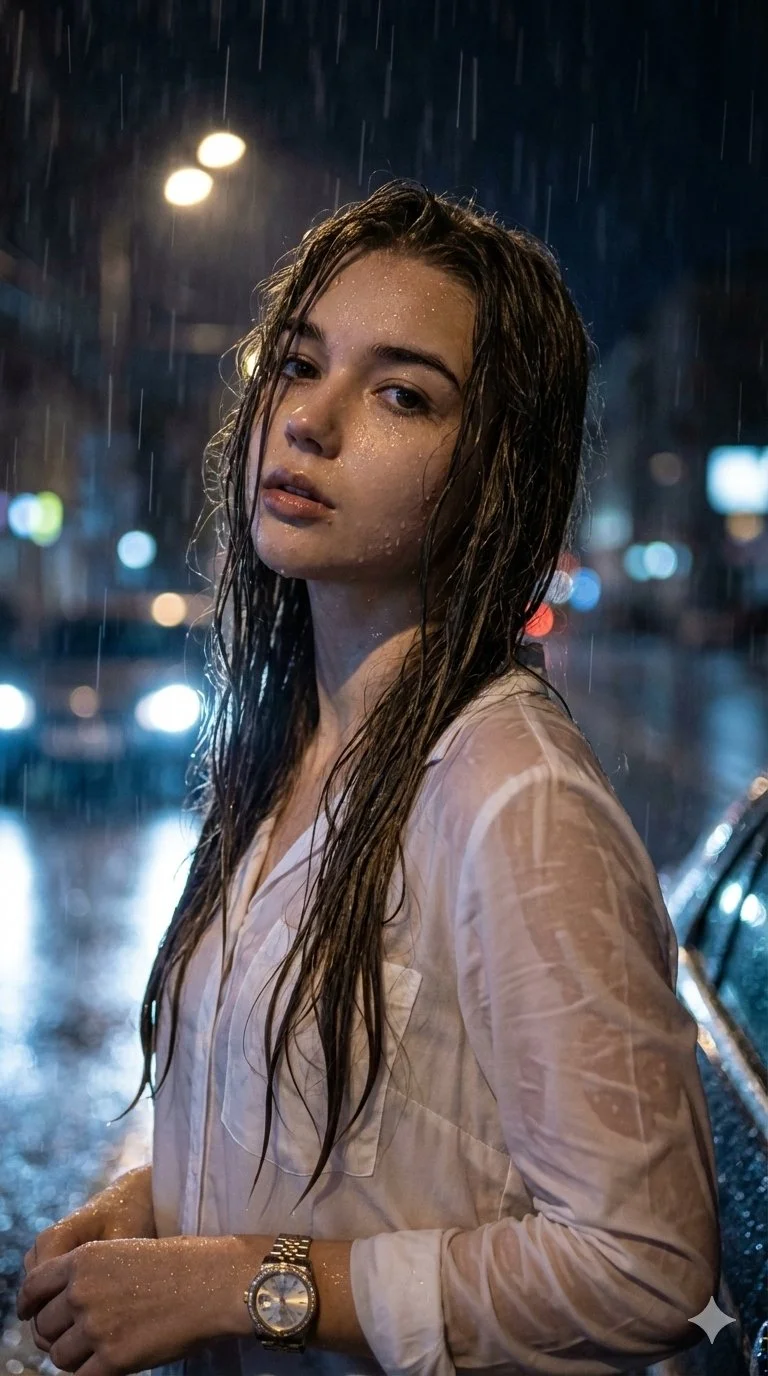
Explain Your Subject, Changes and References
Start your Nano Banana 2 image brief with a source image you have permission to use. Name the area to change and the colors, proportions or objects to preserve. Reference count and editing support depend on the selected model.
Describe the Changes and Details to Preserve
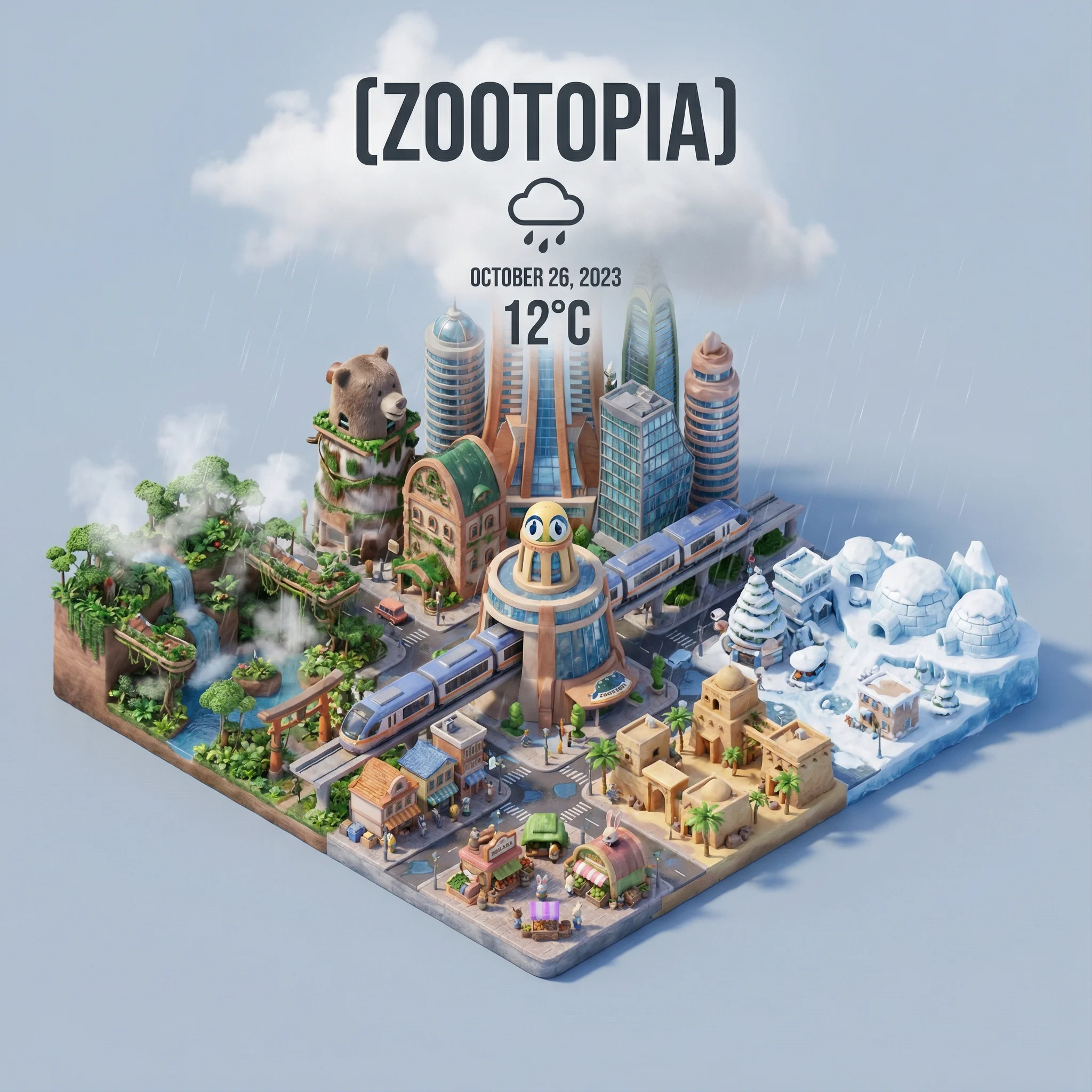
Write your Nano Banana 2 image brief around a subject, composition, lighting and intended style. Add a material or texture when it matters. For edits, state one precise change and explain which parts of the source should remain intact.
Check Details Across Every Result
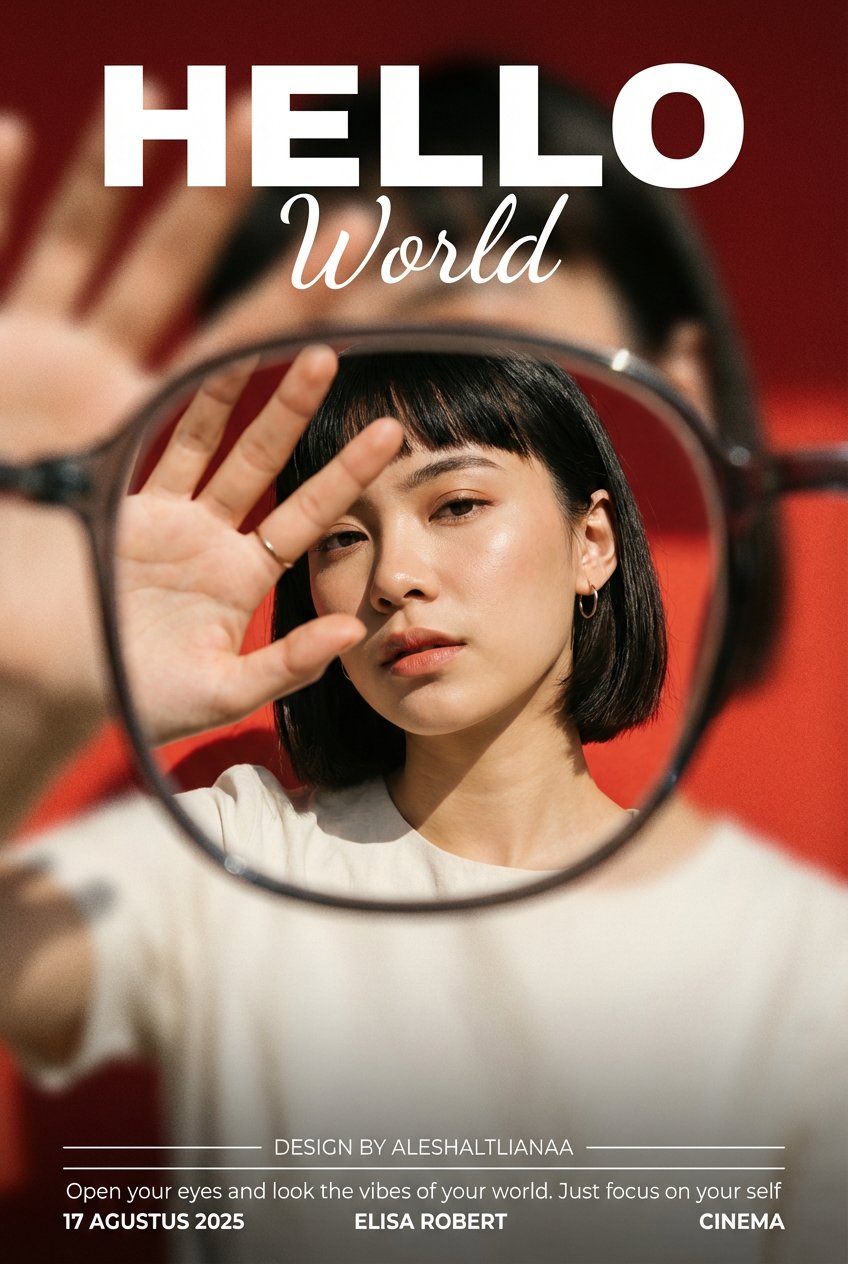
Allow time to inspect each image result and refine your brief. Processing time varies by model, request and service load. Change one direction at a time so that you can judge which edit improves the result.
Explain Your Subject, Changes and References
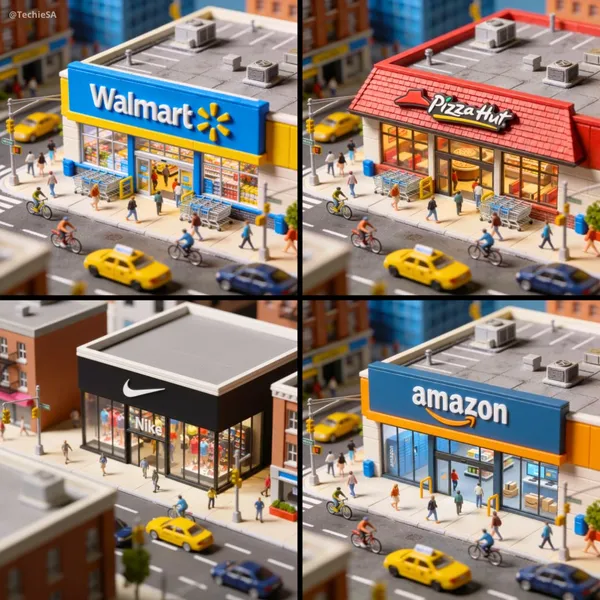
List the details that matter in your Nano Banana 2 image brief: identity, shape, colors, clothing and background. Use supported references where appropriate and compare every result; exact consistency is not guaranteed.
A Clearer Creative Brief for Nano Banana 2
Allow time to inspect each image result and refine your brief. Processing time varies by model, request and service load. Change one direction at a time so that you can judge which edit improves the result.
Explain Your Subject, Changes and References
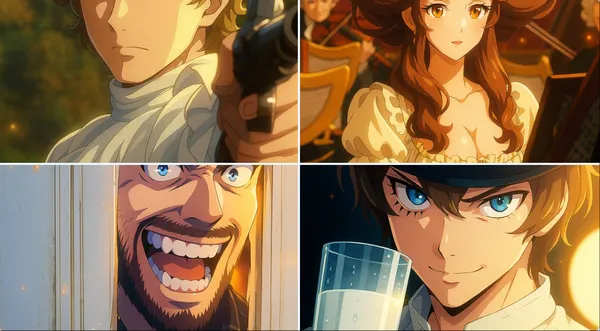
Allow time to inspect each image result and refine your brief. Processing time varies by model, request and service load. Change one direction at a time so that you can judge which edit improves the result.
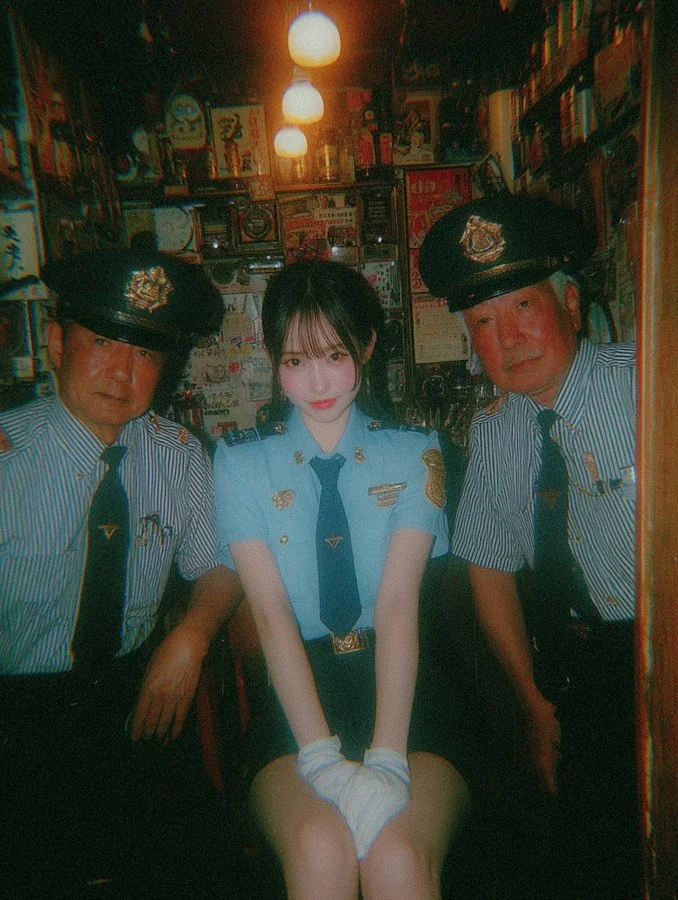
Social Media & Advertising
For a Nano Banana 2 product concept, specify the product shape, material, key detail and setting. Keep logos and claims accurate, allow room for your own typography, and review the result before using it in an advertisement.
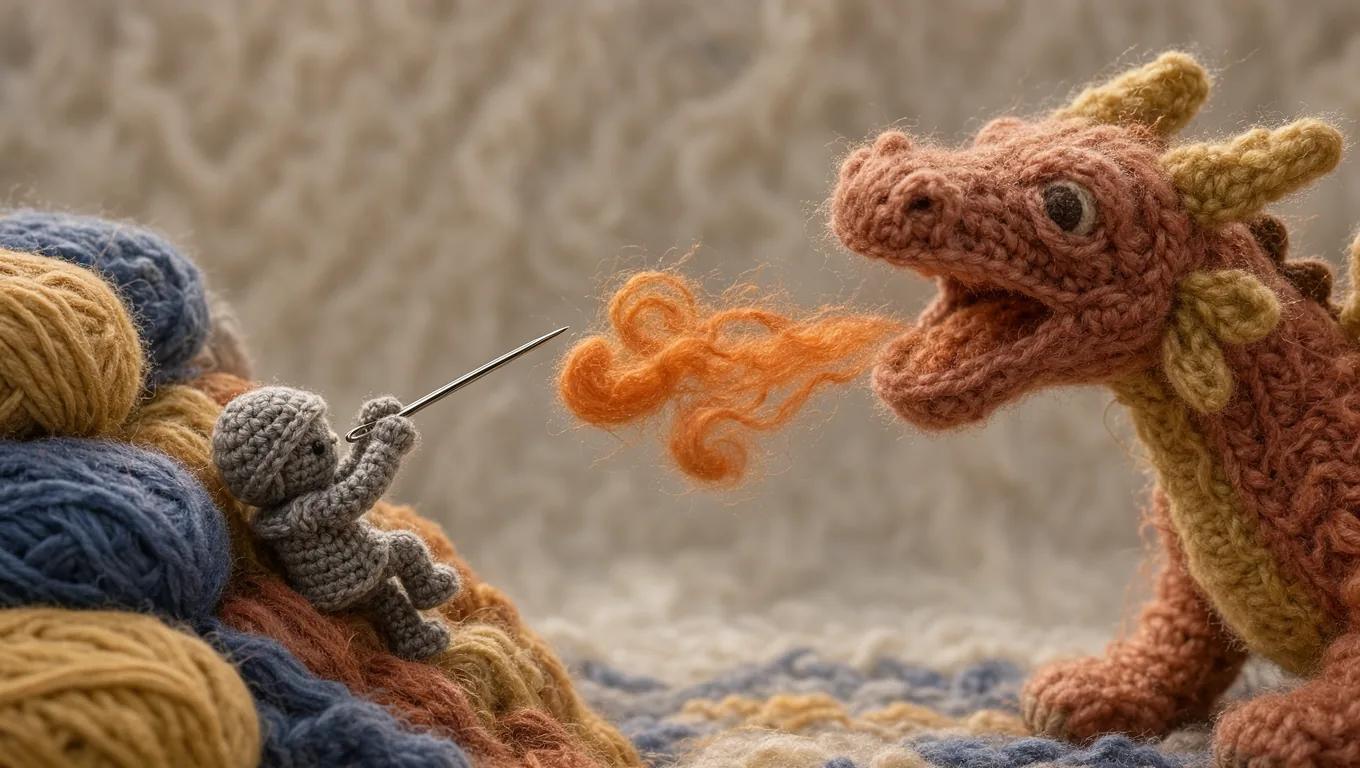
Check Details Across Every Result
List the details that matter in your Nano Banana 2 image brief: identity, shape, colors, clothing and background. Use supported references where appropriate and compare every result; exact consistency is not guaranteed.
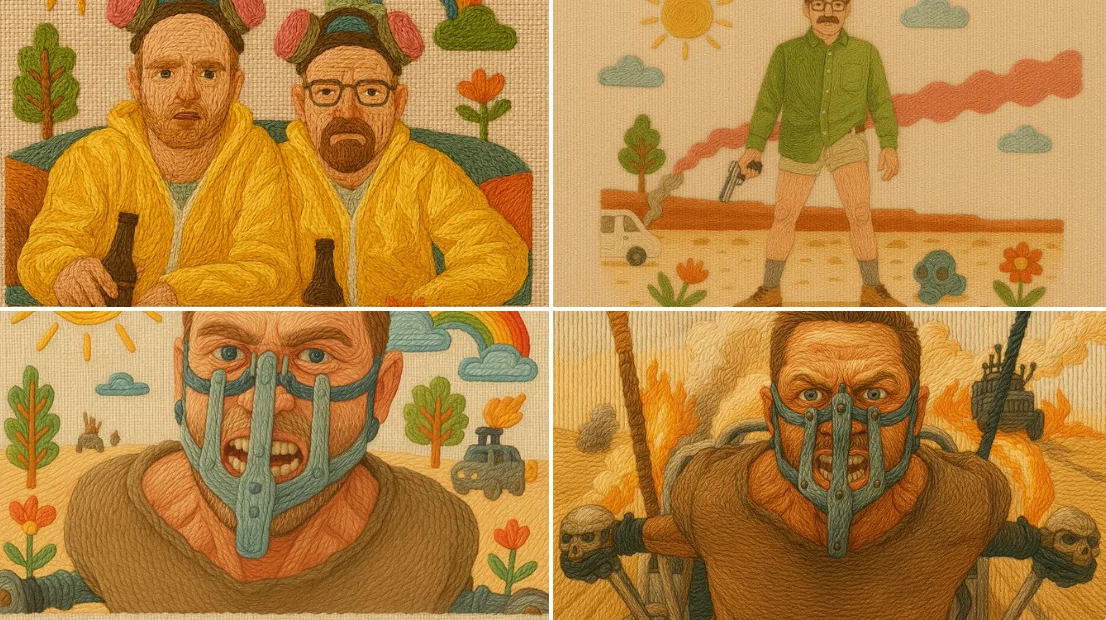
Efficient Production Workflow
For a Nano Banana 2 product concept, specify the product shape, material, key detail and setting. Keep logos and claims accurate, allow room for your own typography, and review the result before using it in an advertisement.
Creative Notes for Your Nano Banana 2 Image Brief
Give the main subject one clear action. For a Nano Banana 2 concept, a precise brief is easier to assess than a list of competing effects.
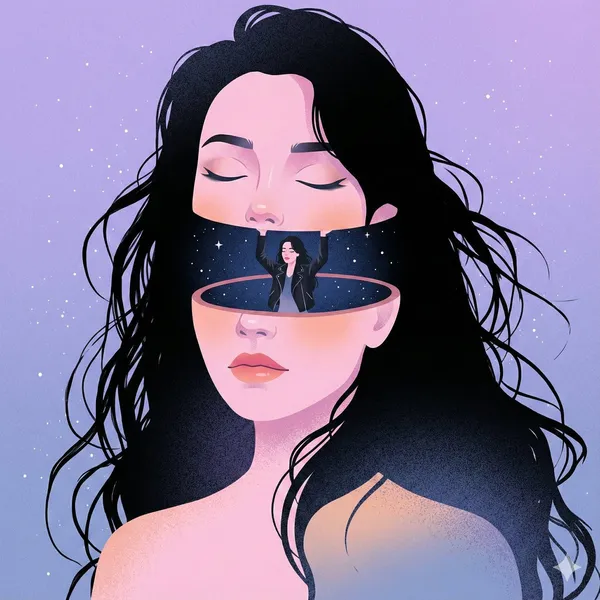
Nano Banana 2 Image Workflow: Questions & Answers
For a Nano Banana 2 product concept, specify the product shape, material, key detail and setting. Keep logos and claims accurate, allow room for your own typography, and review the result before using it in an advertisement.
This youdot page explains the Nano Banana 2 image workflow. It helps you write a focused brief and review the available inputs. Current access is shown in the generator; a model name on a guide does not mean it currently accepts requests.
Write your Nano Banana 2 image brief around a subject, composition, lighting and intended style. Add a material or texture when it matters. For edits, state one precise change and explain which parts of the source should remain intact.
Start your Nano Banana 2 image brief with a source image you have permission to use. Name the area to change and the colors, proportions or objects to preserve. Reference count and editing support depend on the selected model.
Develop your Nano Banana 2 image brief around the result you need. Keep the main direction specific, check supported settings in the generator, and review the completed work before using it in your project.
Use only the input modes and controls offered by the selected model. Describe the intended image clearly and add supported references when useful. This page does not promise separate motion-brush, audio-upload, restoration or editing tools.
List the details that matter in your Nano Banana 2 image brief: identity, shape, colors, clothing and background. Use supported references where appropriate and compare every result; exact consistency is not guaranteed.
For a Nano Banana 2 product concept, specify the product shape, material, key detail and setting. Keep logos and claims accurate, allow room for your own typography, and review the result before using it in an advertisement.
Choose only the resolution and aspect ratio shown for the selected model. Check framing, fine details and any text in the completed image. A larger output size does not guarantee a more accurate result.
You can request a refund within 10 days of purchase if you have unused credits from that purchase and provide a clear reason, subject to our Refund Policy. If eligible, an unused purchase can be fully refunded; a partly used purchase is refunded in proportion to its remaining unused credits. Fully used purchases and free or promotional credits are not refundable.
Credit validity depends on the pack, subscription or promotion that issued them. Review the purchase terms and expiration dates in Settings > Credits. A renewal or new purchase does not extend older credits. Use credits before their stated expiration; do not assume unused subscription credits roll over indefinitely.
Credits charged for a task that is confirmed as failed due to a system error are returned automatically. A task that is still processing has not yet been confirmed as failed. Check its status and your credit history before submitting again. If a confirmed failure still shows an unresolved charge, email support@youdot.app with the task ID.
AI results can vary, so a completed result that differs from your expectations is not automatically treated as a technical failure. Eligible completed image tasks can be submitted for credit refund review using the refund option where available; approval is required. For a video or another issue, contact support@youdot.app with the task ID and details. A credit refund returns credits, not money to your payment method.
Email support@youdot.app. For billing, include your account email and order ID; for generation, include the task ID, issue description and relevant screenshots. If you purchased as a guest, keep the original browser data and payment receipt so we can help locate the purchase.
Explore Your Next Nano Banana 2 Image Idea
Choose only the resolution and aspect ratio shown for the selected model. Check framing, fine details and any text in the completed image. A larger output size does not guarantee a more accurate result.
youdot.app · Updated
What's new on this page
- — Added editable example prompts and separate drafts for text and reference modes, with an action to restore the example.
- — Updated page copy and content.
- — Page content published.