
Verified prompt
Verified prompt
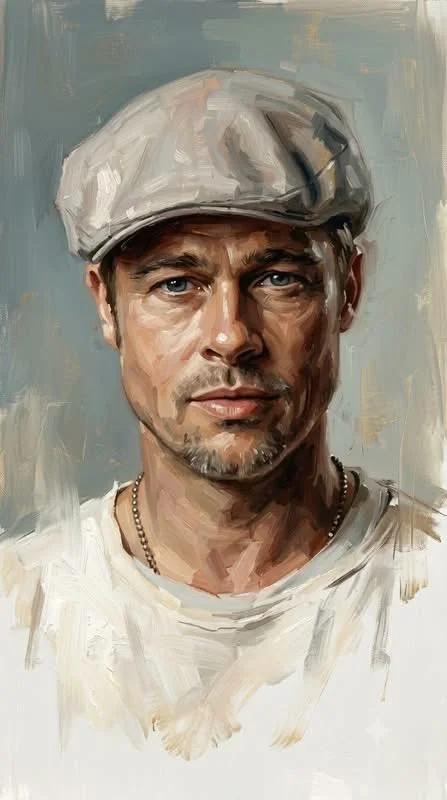
Using an uploaded portrait as the subject reference, create a sophisticated contemporary oil portrait with expressive loose brushwork blending semi-realistic portraiture, classical fine-art, and modern editorial aesthetics. Render the subject using controlled yet handcrafted oil strokes, layered pigments, soft impasto, dry-brush marks, and directional brushwork following facial anatomy. Detail luminous skin, expressive eyes, modeled features, and flowing hair strokes in warm browns, umbers, ochres, peaches, and muted golds. Background as unfinished canvas with broad strokes, translucent layers, and scraped textures in desaturated blues and ivories. Lower figure dissolves into loose white strokes without hard edges. Balance detailed facial realism with painterly abstraction, visible brushwork, canvas texture, and cinematic atmosphere. Avoid photorealism, CGI, vectors, or glossy finishes. Aspect 9:16.
Using an uploaded portrait as the subject reference, create a sophisticated contemporary oil portrait with expressive loose brushwork blending semi-realistic portraiture, classical fine-art, and modern editorial aesthetics. Render the subject using controlled yet handcrafted oil strokes, layered pigments, soft impasto, dry-brush marks, and directional brushwork following facial anatomy. Detail luminous skin, expressive eyes, modeled features, and flowing hair strokes in warm browns, umbers, ochres, peaches, and muted golds. Background as unfinished canvas with broad strokes, translucent layers, and scraped textures in desaturated blues and ivories. Lower figure dissolves into loose white strokes without hard edges. Balance detailed facial realism with painterly abstraction, visible brushwork, canvas texture, and cinematic atmosphere. Avoid photorealism, CGI, vectors, or glossy finishes. Aspect 9:16.
Verified prompt
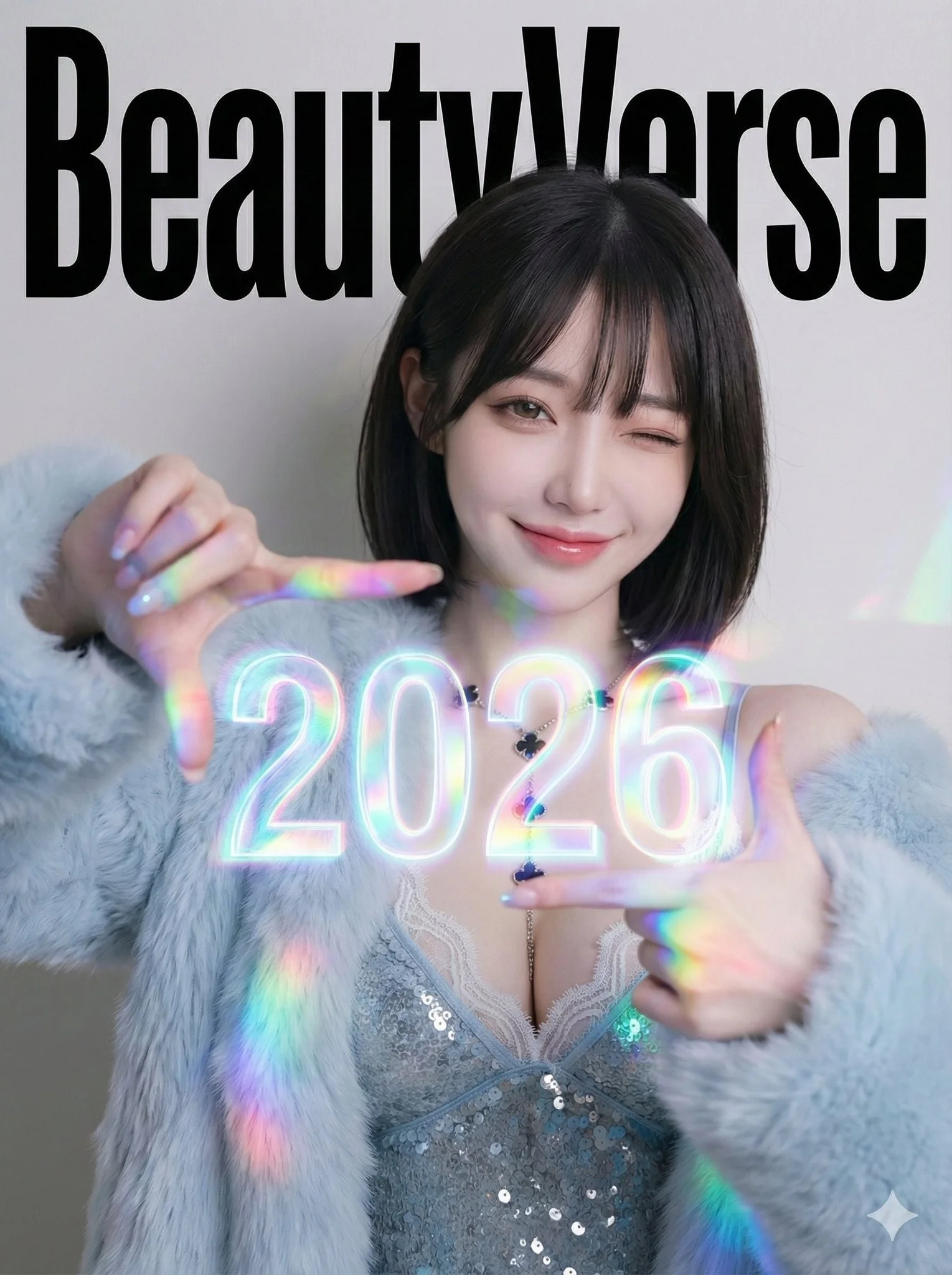
BeautyVerse Editorial - Chest-Level Holographic Viewfinder (Large 2026) and Winking Smile. Single full-frame composition. Professional studio photography. No borders or collage elements. 3:4 aspect ratio. High-fashion magazine cover aesthetic with a touch of playful futuristic glow. Confident, playful, energetic, sophisticated mood. Prism glow effect: A base of clean studio lighting mixed with the strong specific colored light cast by the large holographic element. Medium Portrait (Waist-Up). The subject is looking directly at the camera, giving a playful wink with one eye and a broad, warm smile. She holds both hands at chest level, with her thumbs and index fingers forming a rectangular camera viewfinder gesture. Floating directly inside this finger-frame, the numbers 2026 appear as a large, prominent, and intensely vibrant glowing holographic projection. Large Background Magazine Title: BeautyVerse in bold, high-impact, authoritative editorial magazine header typeface.
BeautyVerse Editorial - Chest-Level Holographic Viewfinder (Large 2026) and Winking Smile. Single full-frame composition. Professional studio photography. No borders or collage elements. 3:4 aspect ratio. High-fashion magazine cover aesthetic with a touch of playful futuristic glow. Confident, playful, energetic, sophisticated mood. Prism glow effect: A base of clean studio lighting mixed with the strong specific colored light cast by the large holographic element. Medium Portrait (Waist-Up). The subject is looking directly at the camera, giving a playful wink with one eye and a broad, warm smile. She holds both hands at chest level, with her thumbs and index fingers forming a rectangular camera viewfinder gesture. Floating directly inside this finger-frame, the numbers 2026 appear as a large, prominent, and intensely vibrant glowing holographic projection. Large Background Magazine Title: BeautyVerse in bold, high-impact, authoritative editorial magazine header typeface.
Verified prompt
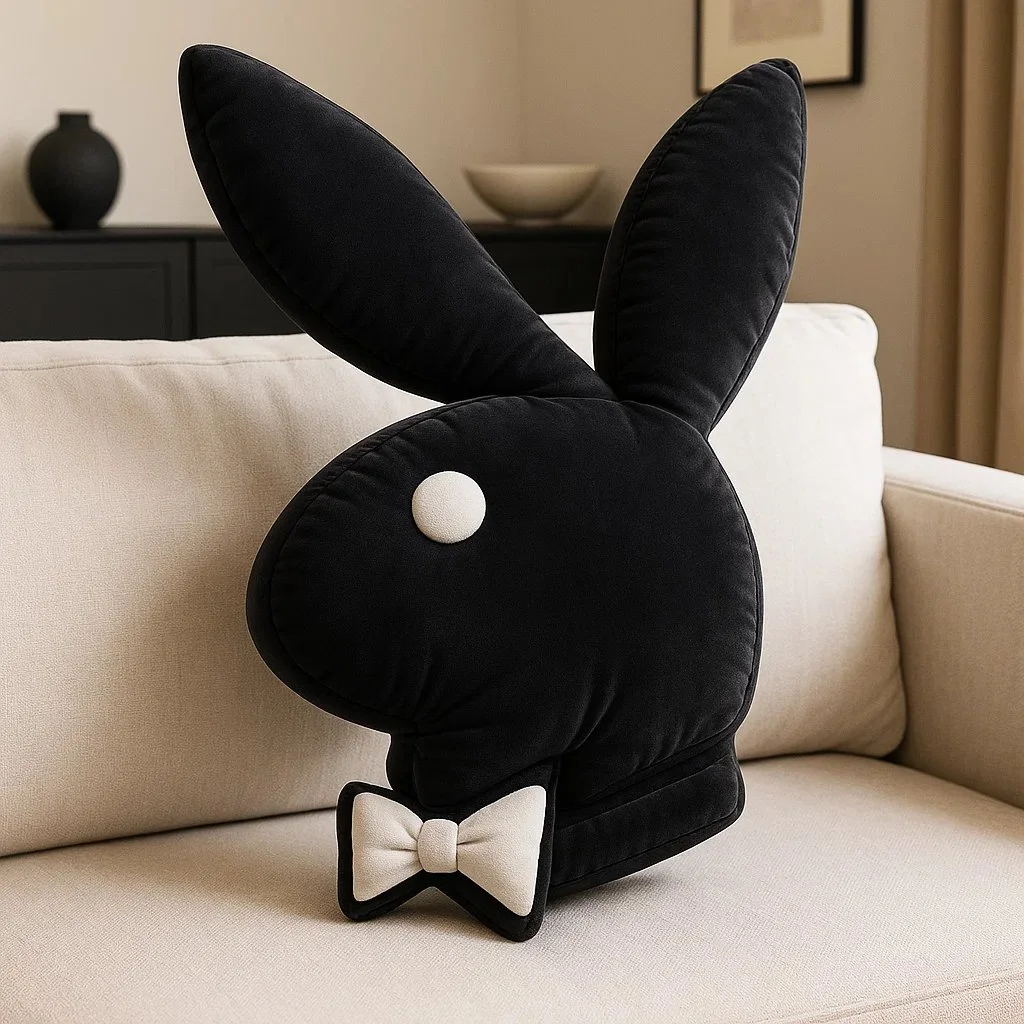
Create a high-resolution 3D render of the [BRAND] logo designed as an inflatable, puffy object. The logo should appear soft, rounded, and air-filled – like a plush balloon or blow-up toy. Use a smooth, matte texture with subtle fabric creases and stitching to emphasize the inflatable look. Position the logo at a 45-degree angle to highlight depth and realism. Place the final result on a couch in a stylish living room with furniture and decor that matches the iconic colors of the [BRAND] logo. Output dimension: 1080x1080.
Create a high-resolution 3D render of the [BRAND] logo designed as an inflatable, puffy object. The logo should appear soft, rounded, and air-filled – like a plush balloon or blow-up toy. Use a smooth, matte texture with subtle fabric creases and stitching to emphasize the inflatable look. Position the logo at a 45-degree angle to highlight depth and realism. Place the final result on a couch in a stylish living room with furniture and decor that matches the iconic colors of the [BRAND] logo. Output dimension: 1080x1080.
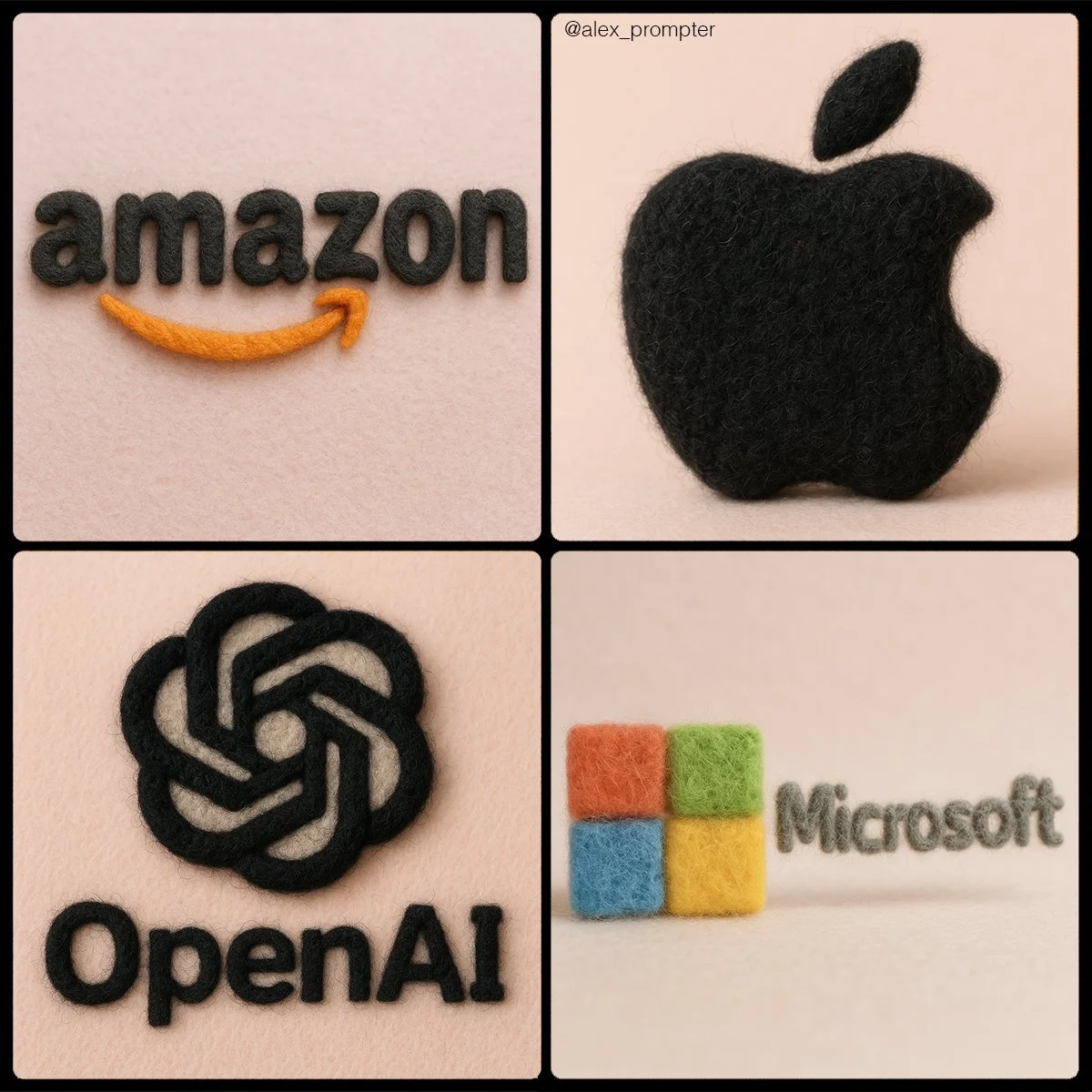
Verified prompt
Retexture [BRAND NAME] logo following my JSON aesthetic below: { "style": "realistic needle-felted wool sculpture", "subject_handling": { "adapt_to_uploaded_image": true, "preserve_original_shape_and_layout": true, "preserve_uploaded_color_values": true, "preserve_text_if_present": true, "preserve_text_case": true, "preserve_exact_letterforms": true, "use_uploaded_image_as_pixel_map": true, "prevent_color_estimation_or_stylization": true }, "needle_felting": { "material_type": "dyed wool fibers matched precisely to uploaded image pixels", "texture_description": "fluffy soft felt with clear fiber strands", "construction_style": "needle-felted, light irregularities allowed but no color bleeding", "color_application_method": "direct color transfer from uploaded image to wool sculpture", "prevent_auto_saturation_adjustment": true, "prevent_color_fading": true, "color_binding_mode": "pixel-level color fidelity per original image" }, "lighting": { "lighting_type": "neutral soft studio lighting", "shadow": "soft, gray-toned shadows under the object only", "highlight_behavior": "matte highlights only from felt surface — no bloom or color shift" }, "background": { "type": "plain matte studio", "background_color": "pastel tone that contrasts with logo color", "color_conflict_handling": "auto-adjust background brightness — do not alter logo colors" }, "camera": { "focus_style": "macro lens", "depth_of_field": "shallow — full subject in sharp detail, soft background", "angle": "frontal or slightly elevated, full subject visible" }, "post_processing": { "color_preservation_enforced": true, "disable_auto-enhancement_or_tinting": true, "no artistic reinterpretation": true, "no auto-correction, bloom, or white balance adjustments": true }, "image_constraints": { "transparent_background": false, "aspect_ratio_locked": true, "include_text_if_present": true, "preserve_text_case": true, "preserve_uploaded_color_values": true, "prevent_shape_or_color_change": true, "enforce_exact_pixel_color_match_to_uploaded_image": true }, "notes": "The uploaded image must be converted into a needle-felted wool sculpture using its exact colors and shape. Use pixel-level mapping to apply the uploaded color values to simulated dyed wool fibers. Do not change, brighten, dull, average, or blend colors. Text must remain intact and readable. Background should be soft pastel to contrast the logo — never adjust the logo to fit the scene." }
Retexture [BRAND NAME] logo following my JSON aesthetic below: { "style": "realistic needle-felted wool sculpture", "subject_handling": { "adapt_to_uploaded_image": true, "preserve_original_shape_and_layout": true, "preserve_uploaded_color_values": true, "preserve_text_if_present": true, "preserve_text_case": true, "preserve_exact_letterforms": true, "use_uploaded_image_as_pixel_map": true, "prevent_color_estimation_or_stylization": true }, "needle_felting": { "material_type": "dyed wool fibers matched precisely to uploaded image pixels", "texture_description": "fluffy soft felt with clear fiber strands", "construction_style": "needle-felted, light irregularities allowed but no color bleeding", "color_application_method": "direct color transfer from uploaded image to wool sculpture", "prevent_auto_saturation_adjustment": true, "prevent_color_fading": true, "color_binding_mode": "pixel-level color fidelity per original image" }, "lighting": { "lighting_type": "neutral soft studio lighting", "shadow": "soft, gray-toned shadows under the object only", "highlight_behavior": "matte highlights only from felt surface — no bloom or color shift" }, "background": { "type": "plain matte studio", "background_color": "pastel tone that contrasts with logo color", "color_conflict_handling": "auto-adjust background brightness — do not alter logo colors" }, "camera": { "focus_style": "macro lens", "depth_of_field": "shallow — full subject in sharp detail, soft background", "angle": "frontal or slightly elevated, full subject visible" }, "post_processing": { "color_preservation_enforced": true, "disable_auto-enhancement_or_tinting": true, "no artistic reinterpretation": true, "no auto-correction, bloom, or white balance adjustments": true }, "image_constraints": { "transparent_background": false, "aspect_ratio_locked": true, "include_text_if_present": true, "preserve_text_case": true, "preserve_uploaded_color_values": true, "prevent_shape_or_color_change": true, "enforce_exact_pixel_color_match_to_uploaded_image": true }, "notes": "The uploaded image must be converted into a needle-felted wool sculpture using its exact colors and shape. Use pixel-level mapping to apply the uploaded color values to simulated dyed wool fibers. Do not change, brighten, dull, average, or blend colors. Text must remain intact and readable. Background should be soft pastel to contrast the logo — never adjust the logo to fit the scene." }
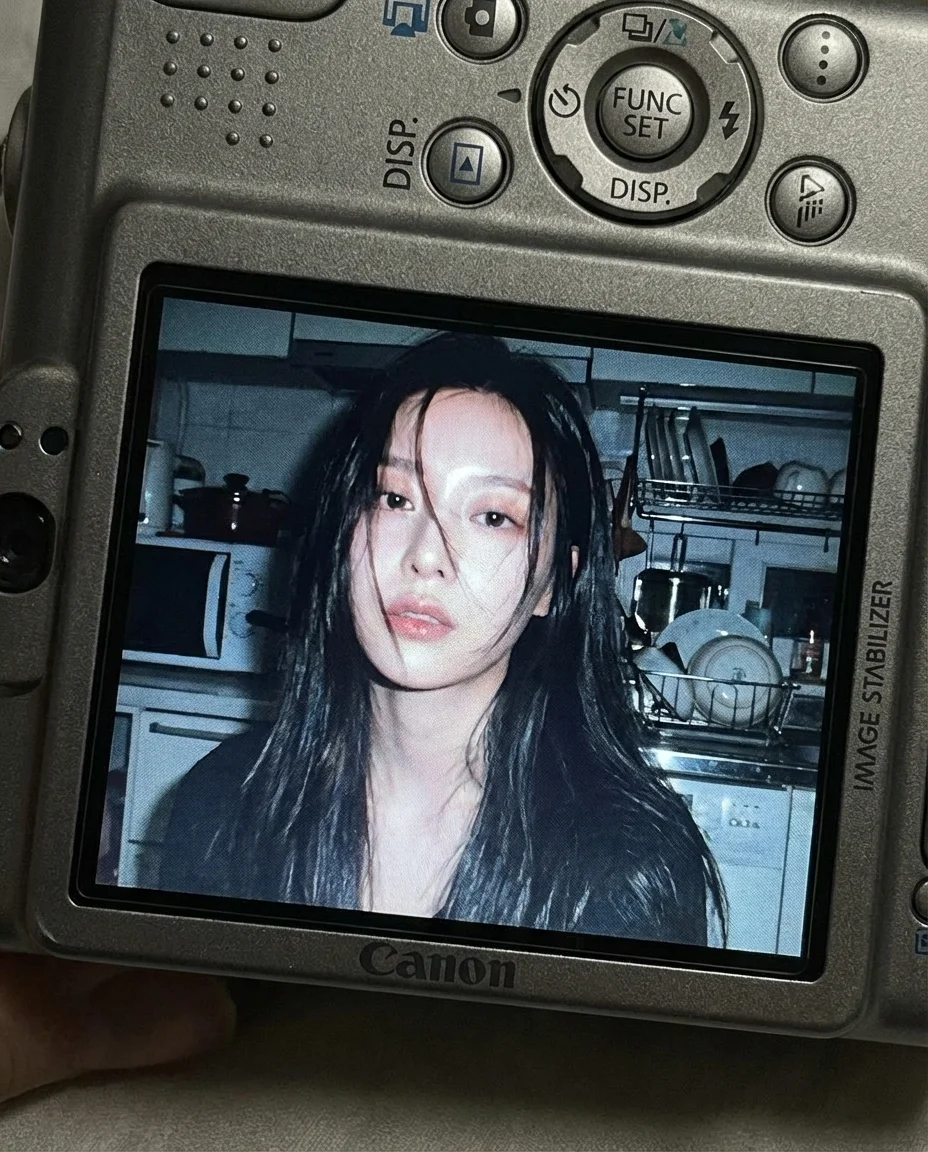
Verified prompt
facial feature of attached photo. A close-up shot of a young woman displayed on the screen of a compact Canon digital camera. The camera body surrounds the image with its buttons, dials, and textured surface visible, including the FUNC/SET wheel, DISP button, and the “IMAGE STABILIZER” label along the side. The photo on the screen shows the woman indoors at night, illuminated by a bright built-in flash that creates sharp highlights on her face and hair. She has long dark hair falling across part of her face in loose strands, with a soft, slightly open-lip expression. The flash accentuates her features against a dim, cluttered kitchen background with appliances, shelves, and metallic surfaces softly blurred. The mood is candid, raw, nostalgic, and reminiscent of early 2000s digital camera snapshots. Colors are slightly muted with cool undertones, strong flash contrast, and natural grain from the display. No text, no logos inside the photo preview itself. Scale ratio: 4:5 vertical Camera: compact digital camera simulation Lens: equivalent to 28–35mm Aperture: f/2.8 ISO: 400 Shutter speed: 1/60 with flash White balance: auto flash Lighting: harsh direct flash on subject, ambient low light in the background Color grading: nostalgic digital-camera tones, high contrast flash, subtle display grain, authentic screen glow.
facial feature of attached photo. A close-up shot of a young woman displayed on the screen of a compact Canon digital camera. The camera body surrounds the image with its buttons, dials, and textured surface visible, including the FUNC/SET wheel, DISP button, and the “IMAGE STABILIZER” label along the side. The photo on the screen shows the woman indoors at night, illuminated by a bright built-in flash that creates sharp highlights on her face and hair. She has long dark hair falling across part of her face in loose strands, with a soft, slightly open-lip expression. The flash accentuates her features against a dim, cluttered kitchen background with appliances, shelves, and metallic surfaces softly blurred. The mood is candid, raw, nostalgic, and reminiscent of early 2000s digital camera snapshots. Colors are slightly muted with cool undertones, strong flash contrast, and natural grain from the display. No text, no logos inside the photo preview itself. Scale ratio: 4:5 vertical Camera: compact digital camera simulation Lens: equivalent to 28–35mm Aperture: f/2.8 ISO: 400 Shutter speed: 1/60 with flash White balance: auto flash Lighting: harsh direct flash on subject, ambient low light in the background Color grading: nostalgic digital-camera tones, high contrast flash, subtle display grain, authentic screen glow.
Verified prompt
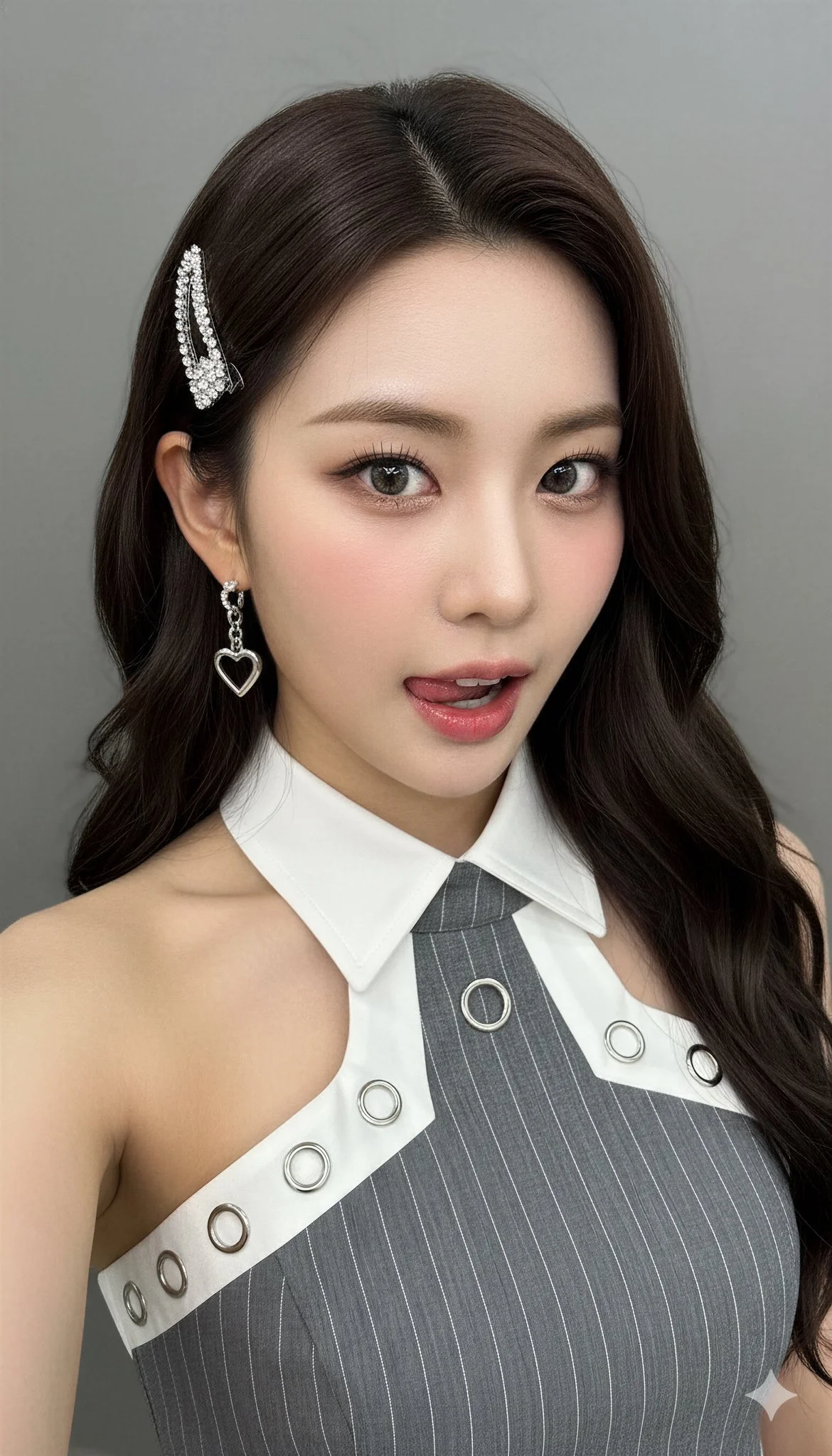
Verified prompt
{ "style_mode": "raw_photoreal_high_fidelity", "look": "K-Pop idol aesthetic, flawless complexion, high-resolution digital photography, trendy", "camera": { "vantage": "slightly high angle (selfie perspective), direct address", "framing": "extreme close-up (ECU), tight framing on the face and shoulders", "lens_behavior": "portrait lens (e.g., 85mm prime), extremely shallow depth of field (DoF), sharp focus on the eyes", "sensor_quality": "high fidelity, no digital noise" } }, "scene": { "environment": { "setting": "indoor studio or simple interior", "lighting": "soft, even beauty lighting (e.g., large softbox or beauty dish), minimizing shadows, creating clear catchlights in the eyes, emphasizing glossy highlights" }, "subject": { "description": "young East Asian female, K-Pop idol styling", "hair": "long, dark brown, wavy, glossy finish", "expression": { "mood": "playful, confident, slightly sultry", "action": "looking directly into the lens, mouth slightly open, tongue slightly sticking out over the lower lip" }, "makeup": { "style": "contemporary K-beauty trends", "complexion": "flawless, 'glass skin' effect, dewy/glossy finish, realistic micro-texture", "cheeks": "rosy blush, high application", "lips": "glossy, pink tint" }, "attire": { "top": "grey pinstriped halter top, structured design", "details": "white contrasting collar lapel with silver snap buttons and circular metal hardware" }, "accessories": { "hair_clip": "decorative silver/rhinestone clip on her left side", "earrings": "dangling silver earrings (heart motif)" } }, "background": { "description": "plain, neutral grey or white wall, blurred (bokeh)" } }, "aesthetic_controls": { "render_intent": "high-quality digital photograph suitable for promotional material or social media", "material_fidelity": [ "realistic skin micro-texture (pores, gloss, makeup interaction)", "individual hair strand detail", "fabric texture of the pinstripe material", "metallic shine of accessories" ], "color_grade": { "overall": "neutral, slightly warm, vibrant skin tones, high clarity", "contrast": "balanced" } }, "negative_prompt": { "forbidden_elements": ["skin imperfections", "blemishes", "wrinkles", "harsh shadows", "textured/matte skin", "dry lips", "outdoor setting", "distorted features", "motion blur", "digital artifacts"], "forbidden_style": ["anime", "painting", "illustration", "CGI render", "low resolution", "gritty realism", "vintage photography", "uncanny valley", "overly airbrushed/plastic skin"] } }
{ "style_mode": "raw_photoreal_high_fidelity", "look": "K-Pop idol aesthetic, flawless complexion, high-resolution digital photography, trendy", "camera": { "vantage": "slightly high angle (selfie perspective), direct address", "framing": "extreme close-up (ECU), tight framing on the face and shoulders", "lens_behavior": "portrait lens (e.g., 85mm prime), extremely shallow depth of field (DoF), sharp focus on the eyes", "sensor_quality": "high fidelity, no digital noise" } }, "scene": { "environment": { "setting": "indoor studio or simple interior", "lighting": "soft, even beauty lighting (e.g., large softbox or beauty dish), minimizing shadows, creating clear catchlights in the eyes, emphasizing glossy highlights" }, "subject": { "description": "young East Asian female, K-Pop idol styling", "hair": "long, dark brown, wavy, glossy finish", "expression": { "mood": "playful, confident, slightly sultry", "action": "looking directly into the lens, mouth slightly open, tongue slightly sticking out over the lower lip" }, "makeup": { "style": "contemporary K-beauty trends", "complexion": "flawless, 'glass skin' effect, dewy/glossy finish, realistic micro-texture", "cheeks": "rosy blush, high application", "lips": "glossy, pink tint" }, "attire": { "top": "grey pinstriped halter top, structured design", "details": "white contrasting collar lapel with silver snap buttons and circular metal hardware" }, "accessories": { "hair_clip": "decorative silver/rhinestone clip on her left side", "earrings": "dangling silver earrings (heart motif)" } }, "background": { "description": "plain, neutral grey or white wall, blurred (bokeh)" } }, "aesthetic_controls": { "render_intent": "high-quality digital photograph suitable for promotional material or social media", "material_fidelity": [ "realistic skin micro-texture (pores, gloss, makeup interaction)", "individual hair strand detail", "fabric texture of the pinstripe material", "metallic shine of accessories" ], "color_grade": { "overall": "neutral, slightly warm, vibrant skin tones, high clarity", "contrast": "balanced" } }, "negative_prompt": { "forbidden_elements": ["skin imperfections", "blemishes", "wrinkles", "harsh shadows", "textured/matte skin", "dry lips", "outdoor setting", "distorted features", "motion blur", "digital artifacts"], "forbidden_style": ["anime", "painting", "illustration", "CGI render", "low resolution", "gritty realism", "vintage photography", "uncanny valley", "overly airbrushed/plastic skin"] } }
Verified prompt
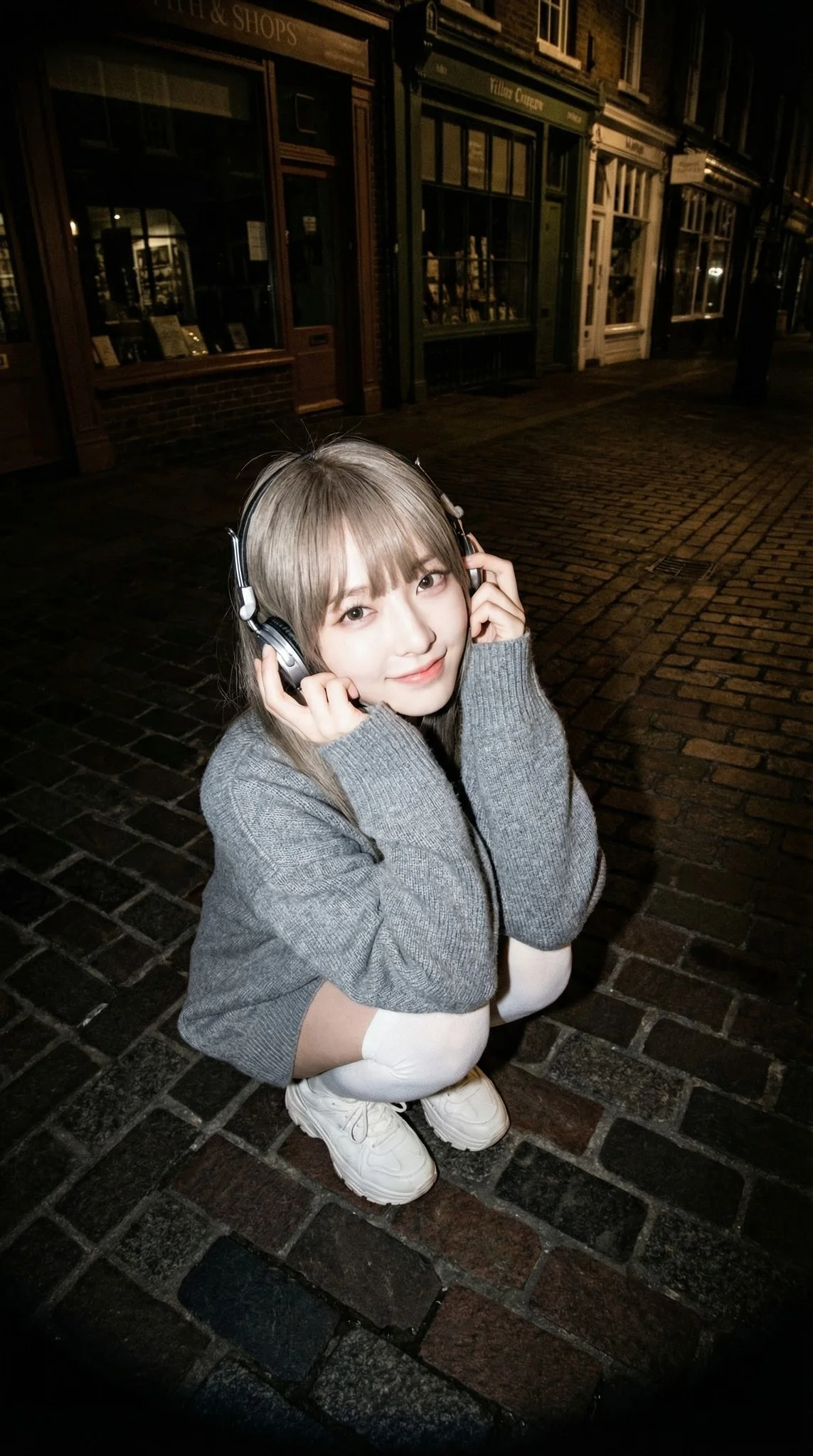
Young woman crouching low, looking up at the lens with a cute, sweet smiling expression, eyes curved in delight. She holds retro over-ear headphones near her ears. Her face and figure are vividly illuminated, popping out against the scene. Oversized grey knit sweater, white knee-high socks, chunky sneakers. A darkened European urban street at twilight or night. The background architecture (brick pavement, vintage shops) is visible but significantly underexposed and dim, creating a tunnel-like depth behind the subject. Fisheye Lens (8mm - 10mm). f/5.6 aperture. Sharp focus on eyes/face with distinct flash catchlights. Extreme High Angle (Bird's-eye view), close-up range. Central composition where the bright subject dominates the frame, surrounded by the dark, distorted periphery of the street. Hard Direct On-Camera Flash. The subject is bathed in bright, cool-white flash light creating strong highlights on the face and skin, while the background falls off into deep shadow (rapid fall-off). Candid flash photography, high-energy, street snap, paparazzi aesthetic, sharp and distinct. High Contrast Flash Look. Subject skin tones are bright and slightly desaturated or cool (porcelain look), contrasting sharply with the deep blues, blacks, and shadowed tones of the background. Heavy vignette effect.
Young woman crouching low, looking up at the lens with a cute, sweet smiling expression, eyes curved in delight. She holds retro over-ear headphones near her ears. Her face and figure are vividly illuminated, popping out against the scene. Oversized grey knit sweater, white knee-high socks, chunky sneakers. A darkened European urban street at twilight or night. The background architecture (brick pavement, vintage shops) is visible but significantly underexposed and dim, creating a tunnel-like depth behind the subject. Fisheye Lens (8mm - 10mm). f/5.6 aperture. Sharp focus on eyes/face with distinct flash catchlights. Extreme High Angle (Bird's-eye view), close-up range. Central composition where the bright subject dominates the frame, surrounded by the dark, distorted periphery of the street. Hard Direct On-Camera Flash. The subject is bathed in bright, cool-white flash light creating strong highlights on the face and skin, while the background falls off into deep shadow (rapid fall-off). Candid flash photography, high-energy, street snap, paparazzi aesthetic, sharp and distinct. High Contrast Flash Look. Subject skin tones are bright and slightly desaturated or cool (porcelain look), contrasting sharply with the deep blues, blacks, and shadowed tones of the background. Heavy vignette effect.
Verified prompt
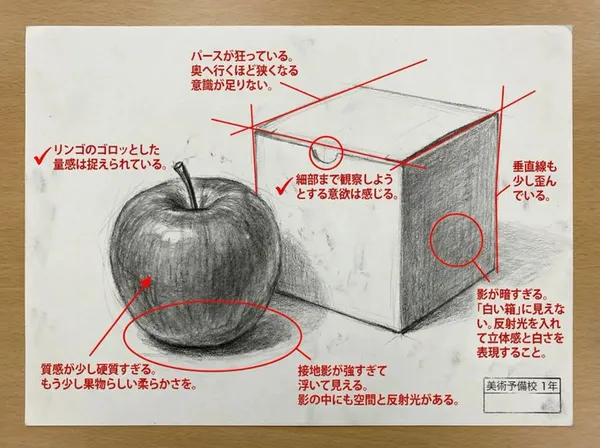
yze this work in depth and critique it. In the image, mark the points that need correction and the points that are well done in red. Critique with unreserved opinions like a top art university lecturer.
yze this work in depth and critique it. In the image, mark the points that need correction and the points that are well done in red. Critique with unreserved opinions like a top art university lecturer.

Verified prompt
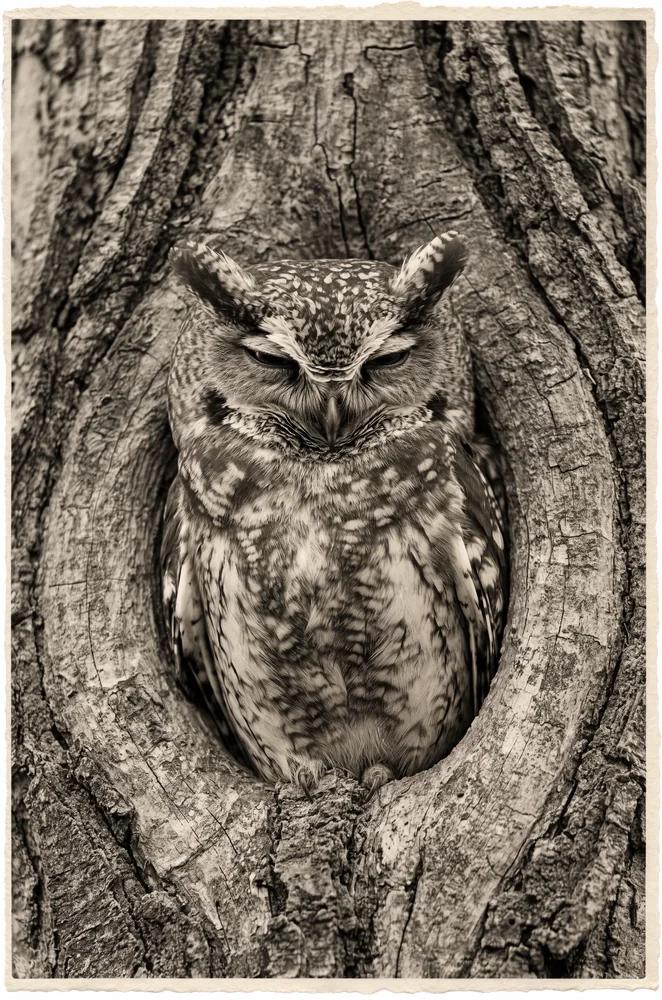
e Image] uploaded image. [Style Transfer] Visual Characteristics: [Head And Face] Material: translucent resin with embedded starlight and glowing neural circuits. Surface Effect: mirror-gloss with gold filament veins and galaxy-like reflections. Lighting: dynamic cinematic rim lights with volumetric glow. [Body Structure] Texture: high-polish white ceramic with embedded gold wiring. Design: futuristic like organic plating. Highlight Elements: subtle internal light flows mimicking synaptic energy. [Motion Effect] Visual Glitch: subtle horizontal motion blur on head edges. Energy Flow: faint pulsing particle lights across body. [Background] Type: neutral gradient or dark void. Focus: emphasize figure's luminous contrast.. Application Target: Replace surface and material style of uploaded image with the characteristics described above, while preserving the original pose, structure, and composition of the target image..
e Image] uploaded image. [Style Transfer] Visual Characteristics: [Head And Face] Material: translucent resin with embedded starlight and glowing neural circuits. Surface Effect: mirror-gloss with gold filament veins and galaxy-like reflections. Lighting: dynamic cinematic rim lights with volumetric glow. [Body Structure] Texture: high-polish white ceramic with embedded gold wiring. Design: futuristic like organic plating. Highlight Elements: subtle internal light flows mimicking synaptic energy. [Motion Effect] Visual Glitch: subtle horizontal motion blur on head edges. Energy Flow: faint pulsing particle lights across body. [Background] Type: neutral gradient or dark void. Focus: emphasize figure's luminous contrast.. Application Target: Replace surface and material style of uploaded image with the characteristics described above, while preserving the original pose, structure, and composition of the target image..
Verified prompt
Explore Image Workflows
Explore the Nano Banana 2 workflow and compare it with the related image pages. The generator is the source of truth for current model access and settings. Use the prompt library to study published results and the model that created them.
Nano Banana 2 AI Image Generator
Write your Nano Banana 2 image brief around a subject, composition, lighting and intended style. Add a material or texture when it matters. For edits, state one precise change and explain which parts of the source should remain intact.
Write your Nano Banana 2 image brief around a subject, composition, lighting and intended style. Add a material or texture when it matters. For edits, state one precise change and explain which parts of the source should remain intact.
Explore Nano Banana 2Build Your Nano Banana 2 Image Brief
Choose only the resolution and aspect ratio shown for the selected model. Check framing, fine details and any text in the completed image. A larger output size does not guarantee a more accurate result.
Advanced AI Image Generation & Customization
Choose only the resolution and aspect ratio shown for the selected model. Check framing, fine details and any text in the completed image. A larger output size does not guarantee a more accurate result.
Write Precise Editing and Style Directions
Choose only the resolution and aspect ratio shown for the selected model. Check framing, fine details and any text in the completed image. A larger output size does not guarantee a more accurate result.
Describe the Changes and Details to Preserve
Explore the Nano Banana 2 workflow and compare it with the related image pages. The generator is the source of truth for current model access and settings. Use the prompt library to study published results and the model that created them.
Describe the Changes and Details to Preserve
Choose only the resolution and aspect ratio shown for the selected model. Check framing, fine details and any text in the completed image. A larger output size does not guarantee a more accurate result.
Review Usage Terms Before Sharing
Check the applicable model and platform terms before using a result commercially. You are responsible for the rights to uploaded images, identifiable people, logos and any other source material in your Nano Banana 2 image brief.
Keep Your Workflow Simple
Develop your Nano Banana 2 image brief around the result you need. Keep the main direction specific, check supported settings in the generator, and review the completed work before using it in your project.
A Clearer Creative Brief for Nano Banana 2
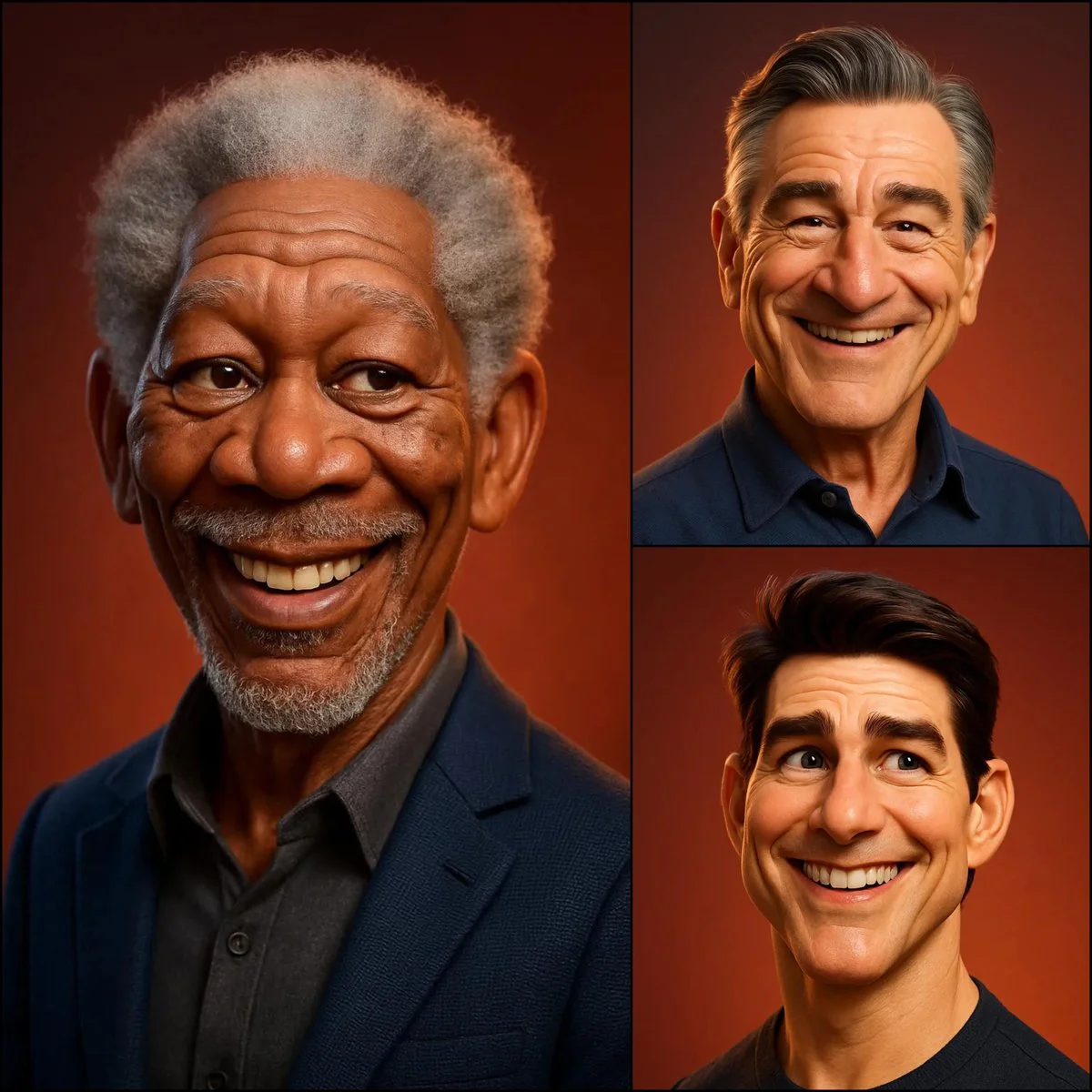
Diverse Styles & Effects for Every Vision
Develop your Nano Banana 2 image brief around the result you need. Keep the main direction specific, check supported settings in the generator, and review the completed work before using it in your project.
Write your Nano Banana 2 image brief around a subject, composition, lighting and intended style. Add a material or texture when it matters. For edits, state one precise change and explain which parts of the source should remain intact.
Versatile Nano Banana 2 AI Image Generator for Every Creator's Vision
Start your Nano Banana 2 image brief with a source image you have permission to use. Name the area to change and the colors, proportions or objects to preserve. Reference count and editing support depend on the selected model.
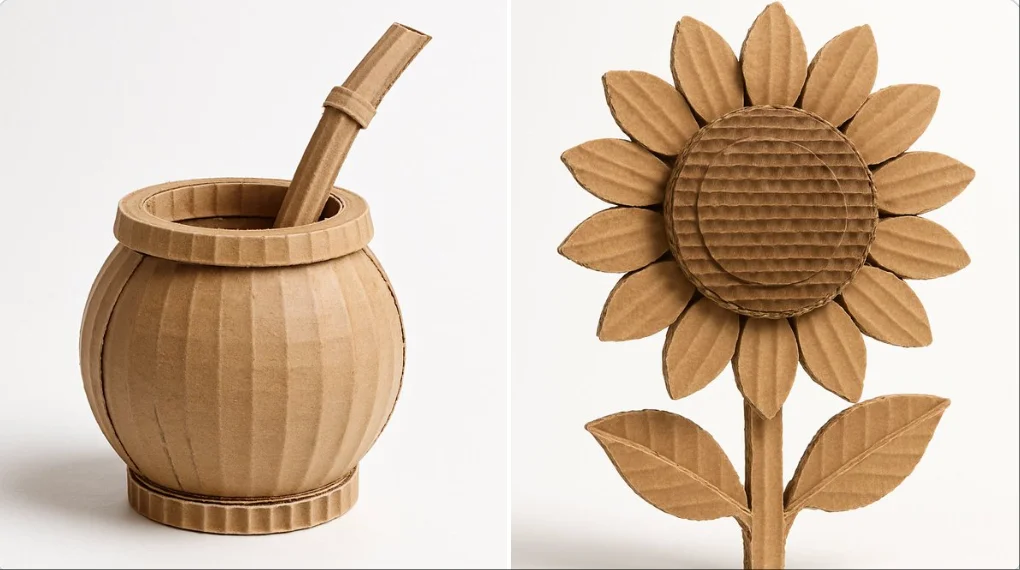
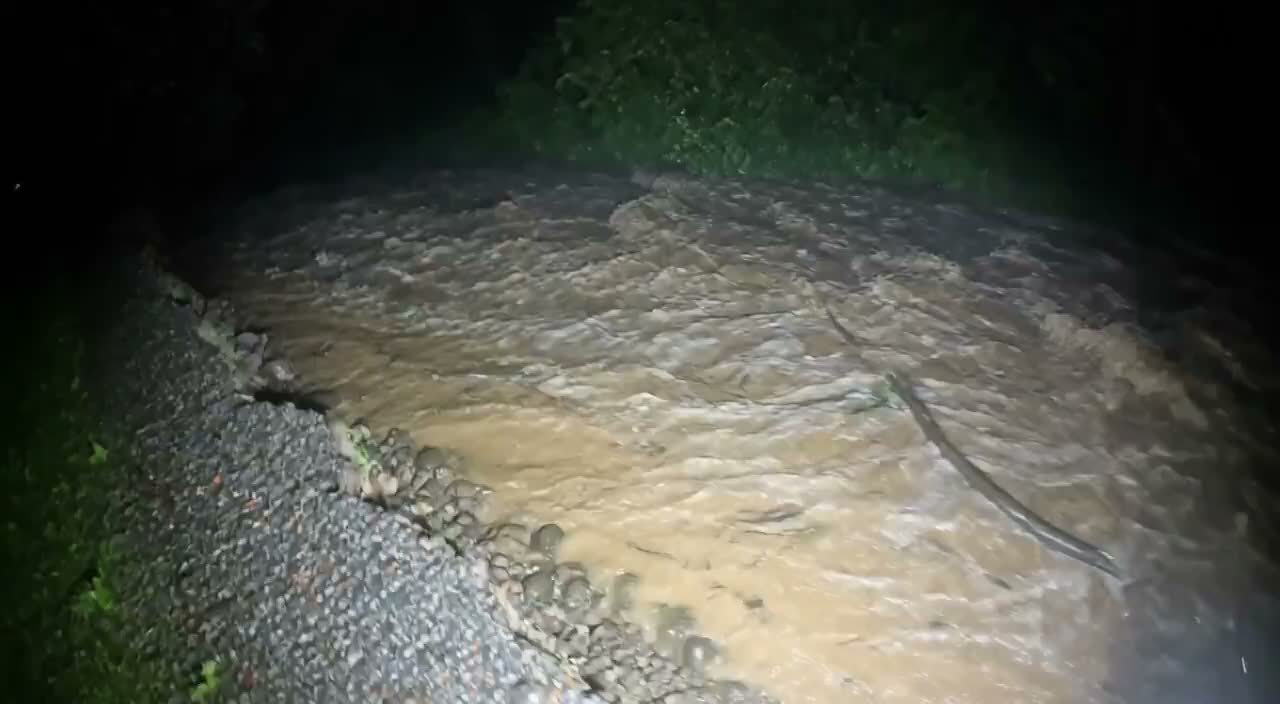
For Architects and Designers
Write your Nano Banana 2 image brief around a subject, composition, lighting and intended style. Add a material or texture when it matters. For edits, state one precise change and explain which parts of the source should remain intact.
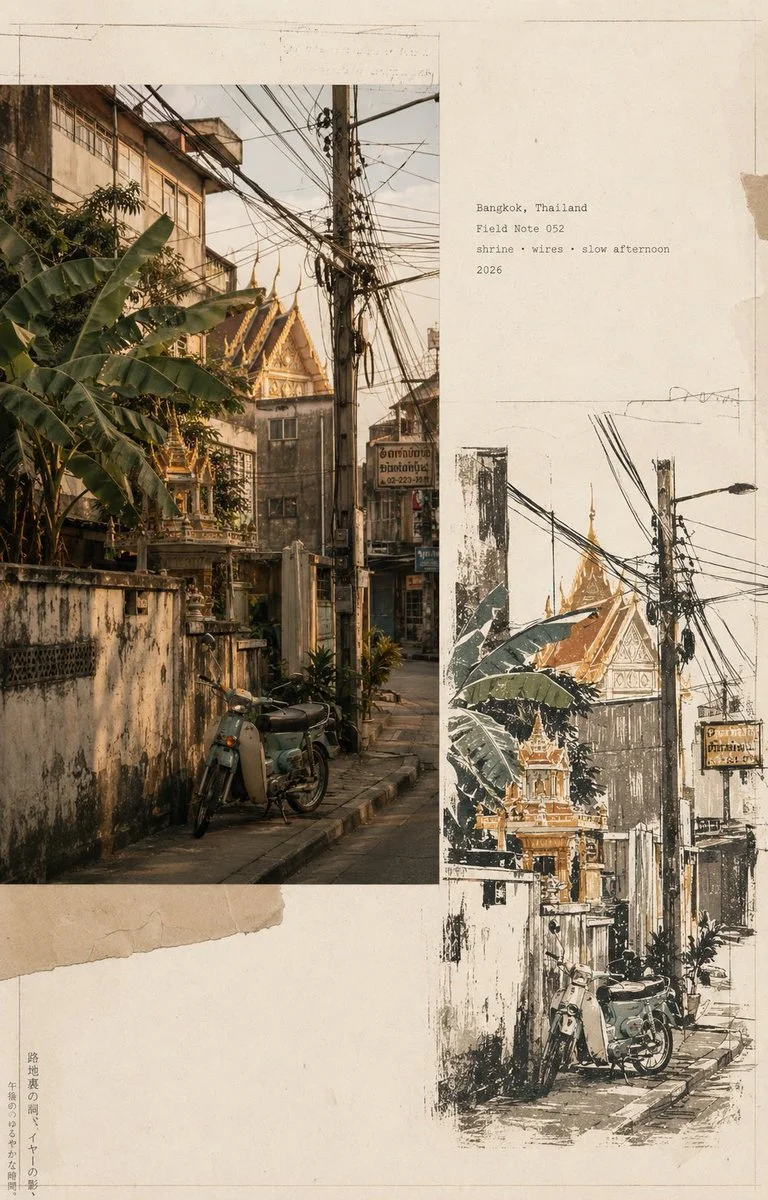
For E-Commerce Professionals
List the details that matter in your Nano Banana 2 image brief: identity, shape, colors, clothing and background. Use supported references where appropriate and compare every result; exact consistency is not guaranteed.
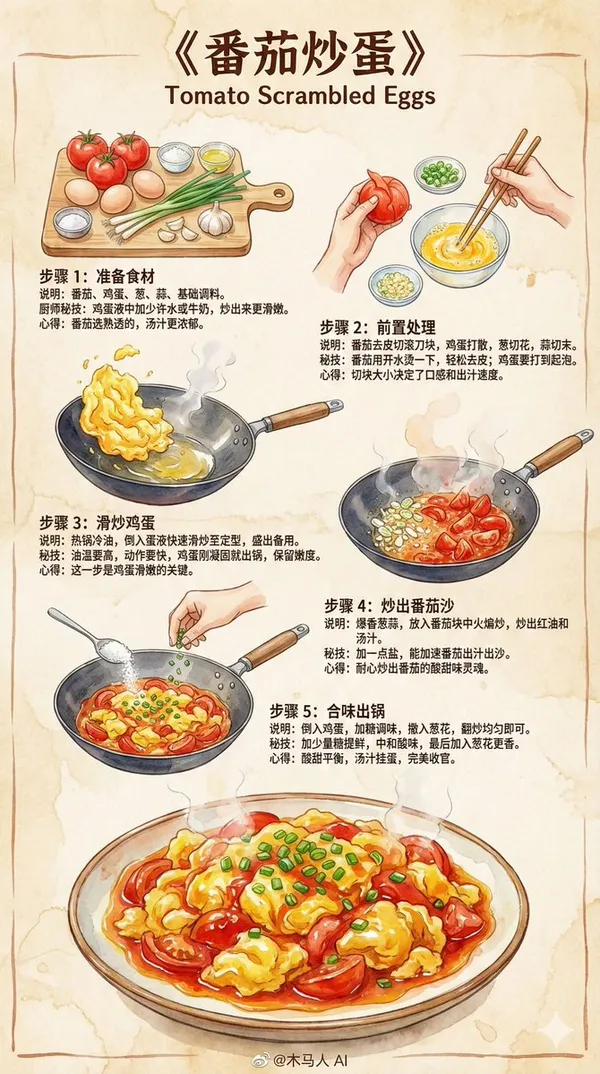
For Content Publishers
Choose only the resolution and aspect ratio shown for the selected model. Check framing, fine details and any text in the completed image. A larger output size does not guarantee a more accurate result.
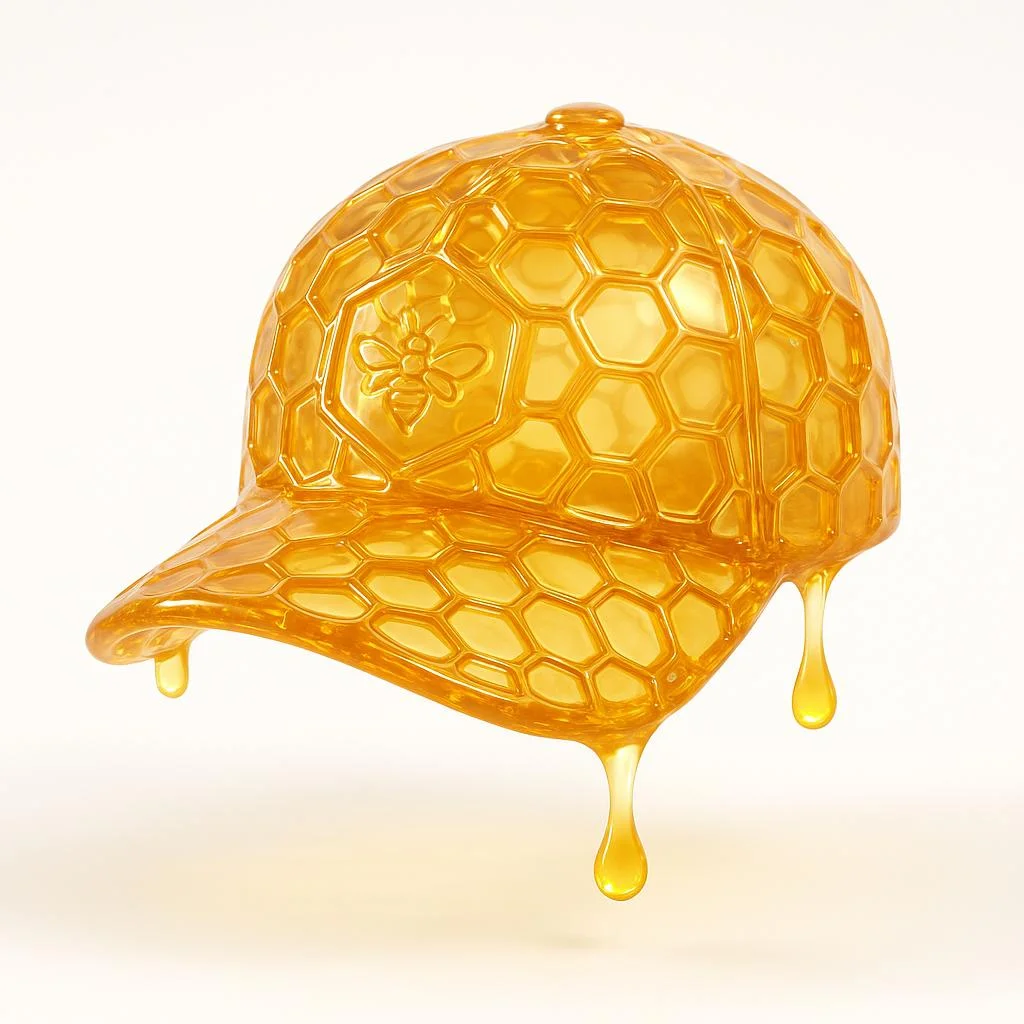
For Event Planners
Write your Nano Banana 2 image brief around a subject, composition, lighting and intended style. Add a material or texture when it matters. For edits, state one precise change and explain which parts of the source should remain intact.
From a Brief to a Reviewed Image: The Nano Banana 2 Workflow
Add Your Input
Start your Nano Banana 2 image brief with a source image you have permission to use. Name the area to change and the colors, proportions or objects to preserve. Reference count and editing support depend on the selected model.
Customize Your Options
The generator shows current model availability. When a model accepts requests, choose its supported settings and review the required credits before submitting. Review your selection and credit balance before generating.
Generate and Refine
Write your Nano Banana 2 image brief around a subject, composition, lighting and intended style. Add a material or texture when it matters. For edits, state one precise change and explain which parts of the source should remain intact.
Review and Download Completed Results
Start your Nano Banana 2 image brief with a source image you have permission to use. Name the area to change and the colors, proportions or objects to preserve. Reference count and editing support depend on the selected model.
Nano Banana 2 Image Ideas for Your Projects
Choose only the resolution and aspect ratio shown for the selected model. Check framing, fine details and any text in the completed image. A larger output size does not guarantee a more accurate result.
Digital Art & Illustration
Choose only the resolution and aspect ratio shown for the selected model. Check framing, fine details and any text in the completed image. A larger output size does not guarantee a more accurate result.
Marketing & E-Commerce Visuals
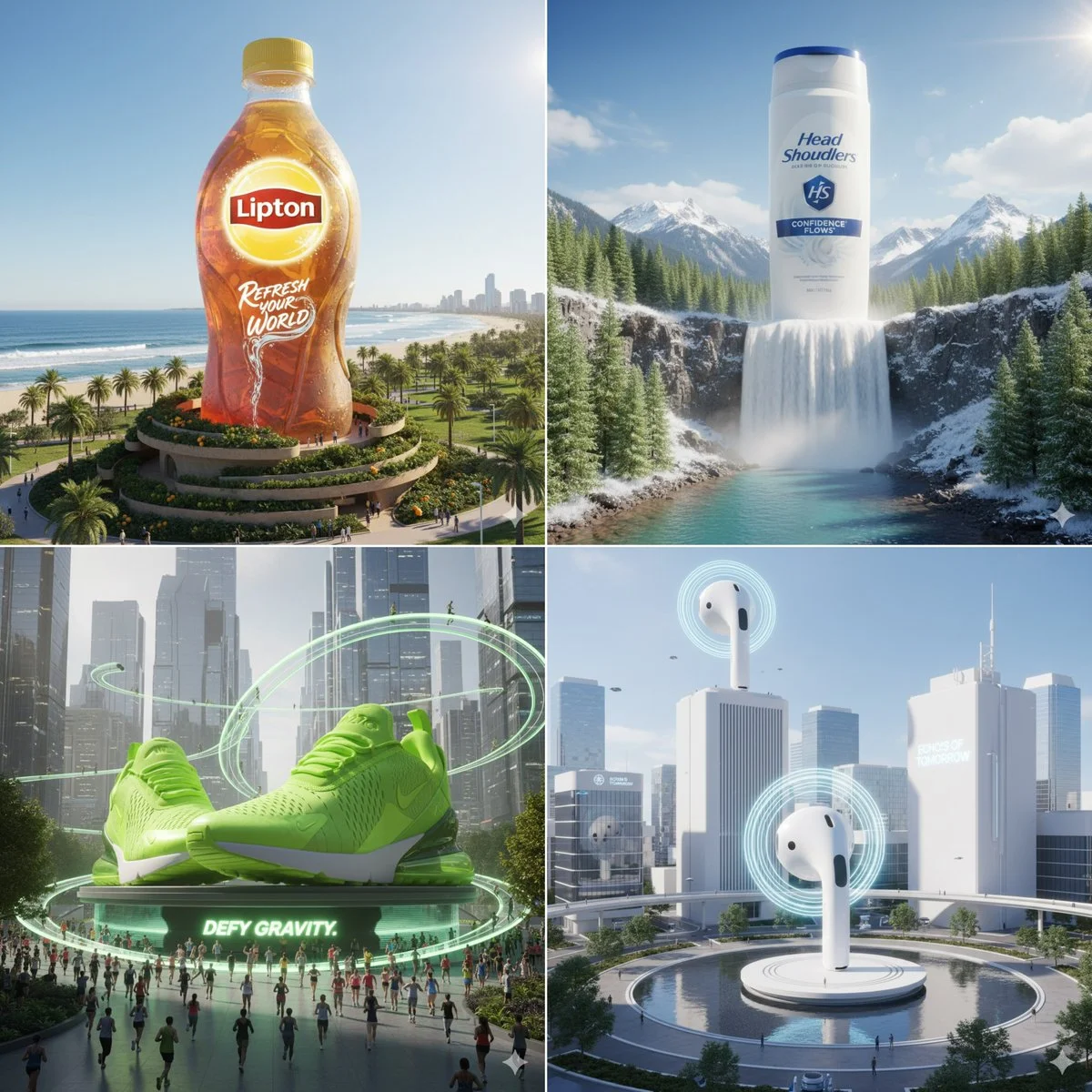
For a Nano Banana 2 product concept, specify the product shape, material, key detail and setting. Keep logos and claims accurate, allow room for your own typography, and review the result before using it in an advertisement.
Educational Content & Presentations
Use a Nano Banana 2 visual concept to support one teaching or presentation point. Check facts and labels yourself, and add final captions in your editing workflow rather than relying on generated text.
Game Development
List the details that matter in your Nano Banana 2 image brief: identity, shape, colors, clothing and background. Use supported references where appropriate and compare every result; exact consistency is not guaranteed.
Creative Notes for Your Nano Banana 2 Image Brief
Give the main subject one clear action. For a Nano Banana 2 concept, a precise brief is easier to assess than a list of competing effects.
Nano Banana 2 Image Workflow: Questions & Answers
This youdot page explains the Nano Banana 2 image workflow. It helps you write a focused brief and review the available inputs. Current access is shown in the generator; a model name on a guide does not mean it currently accepts requests.
Write your Nano Banana 2 image brief around a subject, composition, lighting and intended style. Add a material or texture when it matters. For edits, state one precise change and explain which parts of the source should remain intact.
Use only the input modes and controls offered by the selected model. Describe the intended image clearly and add supported references when useful. This page does not promise separate motion-brush, audio-upload, restoration or editing tools.
Check the applicable model and platform terms before using a result commercially. You are responsible for the rights to uploaded images, identifiable people, logos and any other source material in your Nano Banana 2 image brief.
The generator shows current model availability. When a model accepts requests, choose its supported settings and review the required credits before submitting. Review your selection and credit balance before generating.
Develop your Nano Banana 2 image brief around the result you need. Keep the main direction specific, check supported settings in the generator, and review the completed work before using it in your project.
You can request a refund within 10 days of purchase if you have unused credits from that purchase and provide a clear reason, subject to our Refund Policy. If eligible, an unused purchase can be fully refunded; a partly used purchase is refunded in proportion to its remaining unused credits. Fully used purchases and free or promotional credits are not refundable.
Credit validity depends on the pack, subscription or promotion that issued them. Review the purchase terms and expiration dates in Settings > Credits. A renewal or new purchase does not extend older credits. Use credits before their stated expiration; do not assume unused subscription credits roll over indefinitely.
Credits charged for a task that is confirmed as failed due to a system error are returned automatically. A task that is still processing has not yet been confirmed as failed. Check its status and your credit history before submitting again. If a confirmed failure still shows an unresolved charge, email support@youdot.app with the task ID.
AI results can vary, so a completed result that differs from your expectations is not automatically treated as a technical failure. Eligible completed image tasks can be submitted for credit refund review using the refund option where available; approval is required. For a video or another issue, contact support@youdot.app with the task ID and details. A credit refund returns credits, not money to your payment method.
Email support@youdot.app. For billing, include your account email and order ID; for generation, include the task ID, issue description and relevant screenshots. If you purchased as a guest, keep the original browser data and payment receipt so we can help locate the purchase.
Explore Your Next Nano Banana 2 Image Idea
Explore the Nano Banana 2 workflow and compare it with the related image pages. The generator is the source of truth for current model access and settings. Use the prompt library to study published results and the model that created them.
youdot.app · Updated
What's new on this page
- — Added editable example prompts and separate drafts for text and reference modes, with an action to restore the example.
- — Updated page copy and content.
- — Page content published.